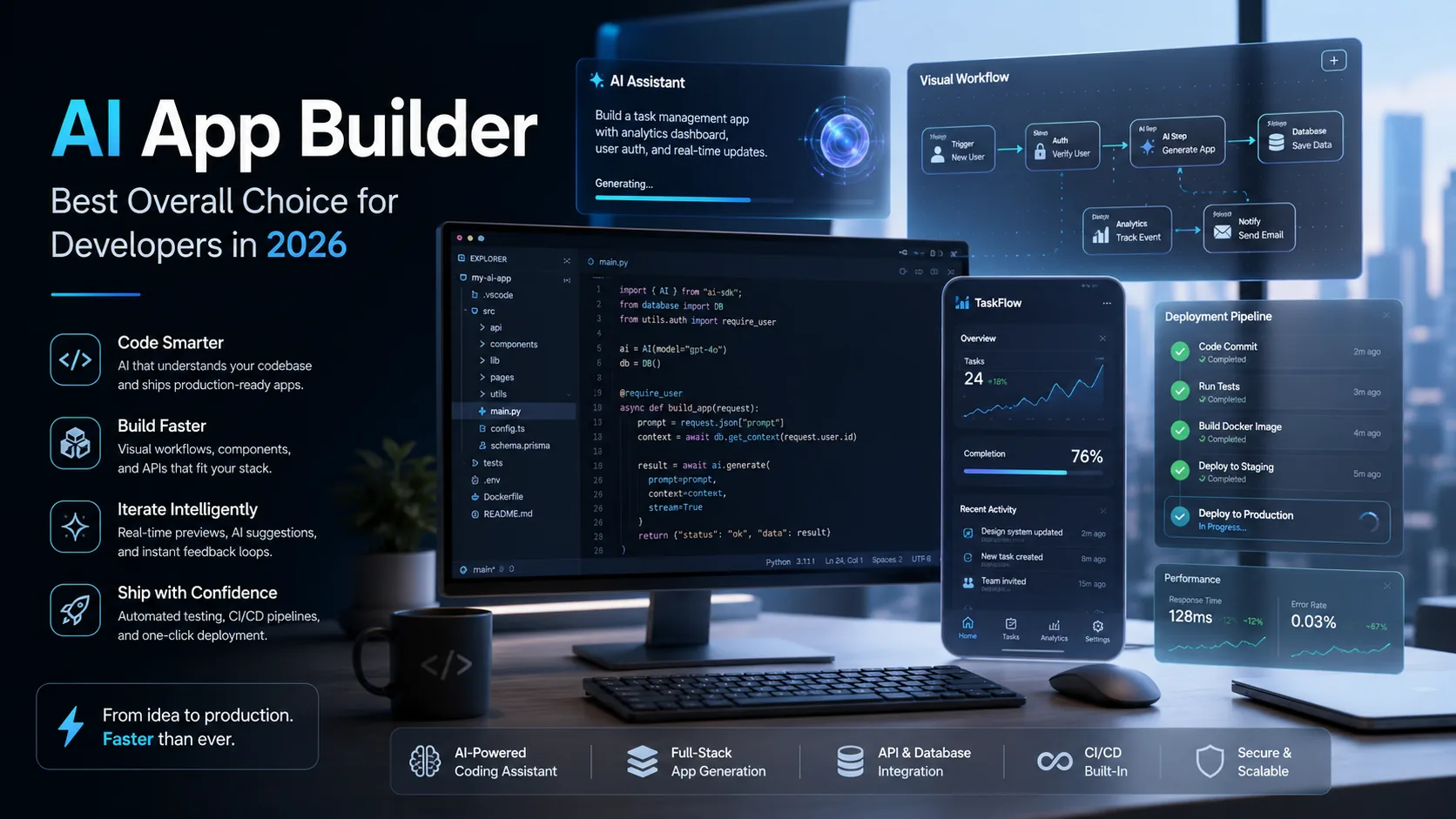
The best AI app builder for developers in 2026 is one that delivers production-ready code, integrates seamlessly with the OpenAI API and modern AI SDKs, and gives you full ownership of the output. Unlike generic no-code platforms targeting hobbyists, the ideal AI app builder for developers prioritizes code quality, scalability, and deployment readiness—allowing you to ship faster without sacrificing the technical standards your projects demand.
Choosing the right AI app builder comes down to understanding your specific use case, whether that's full-stack application development, rapid MVP prototyping, internal tooling, or RAG-powered workflows. This guide breaks down exactly how we tested the leading options, compares them head-to-head on the criteria that matter most to developers, and helps you identify which tool fits your workflow in 2026.
What Separates an AI App Builder from an AI Coding Assistant?
An AI app builder generates complete, functional applications from prompts or specifications, while an AI coding assistant helps you write code within an existing development environment. Understanding this distinction is critical before you invest time evaluating tools.
An AI coding assistant like GitHub Copilot or Cursor operates as an intelligent autocomplete layer inside your IDE. It suggests code snippets, completes functions, and helps you debug—but you're still responsible for architecture decisions, file structure, and wiring everything together. If you're curious about how these tools compare, our breakdown of Cursor vs Copilot covers the key differences.
An AI app builder takes a fundamentally different approach. You describe what you want to build—a customer dashboard, an internal inventory tracker, a SaaS MVP—and the builder generates the entire application structure. This includes frontend components, backend logic, database schemas, and often deployment configurations. The output is a working application, not just code fragments.
For developers, the practical difference is time-to-deployment. An AI coding assistant accelerates your existing workflow by 20-40%. An AI app builder can compress weeks of development into hours by handling the scaffolding, boilerplate, and integration work that typically consumes the majority of project time.
The tradeoff is control. AI coding assistants give you granular control over every line of code. AI app builders require you to trust—and verify—the generated output. The best AI app builders for developers in 2026 bridge this gap by producing clean, readable code you can modify, extend, and own completely.
How We Tested: Code Quality, OpenAI API Integration, and Deployment Readiness
We evaluated AI app builders based on three criteria that matter most to developers shipping real products: code quality, API integration capabilities, and how close the output gets you to production deployment.
Code quality assessment focused on readability, maintainability, and adherence to modern best practices. We examined whether generated code followed consistent naming conventions, included appropriate error handling, and avoided common anti-patterns. We also ran AI code review tools against the output to identify security vulnerabilities, performance issues, and technical debt.
OpenAI API integration testing measured how well each builder handles external AI services. We tested whether builders could generate applications that call the OpenAI API correctly, handle rate limits gracefully, and manage API keys securely. Builders that natively support AI SDK integration scored higher because they reduce the manual configuration developers typically handle.
Deployment readiness evaluated how much work remains after the builder generates your application. We assessed whether output included proper environment configuration, database migration scripts, and containerization support. The best AI for coding workflows doesn't just generate code—it generates code you can deploy.
Our testing methodology aligns with the broader ecosystem of vibe coding tools that prioritize developer experience alongside output quality. We also referenced our production guide for what comes after vibe coding to ensure we evaluated builders against real-world deployment requirements.
Each builder was tested with identical prompts across four project types: a full-stack web application with authentication, an MVP with payment integration, an internal admin dashboard, and a RAG-powered document search tool. This standardized approach revealed meaningful differences in how builders handle complexity.
Best AI App Builders by Use Case: Full-Stack, MVPs, Internal Tools, and RAG Workflows
The best AI app builder depends entirely on what you're building. Different tools excel at different project types, and matching your use case to the right builder saves significant time and frustration.
Full-Stack Application Development
For developers building complete web applications with frontend, backend, and database layers, the ideal AI builder generates cohesive code across the entire stack. Look for builders that produce consistent API contracts between frontend and backend, handle authentication flows correctly, and generate database schemas that support your data relationships.
Full-stack builders should output code in frameworks you're comfortable maintaining. If you're a React developer, a builder that generates Vue components creates friction. The best options let you specify your preferred tech stack upfront and generate idiomatic code for those frameworks.
MVP Prototyping
When speed matters more than perfection, MVP-focused builders prioritize getting something functional in front of users quickly. These tools often make opinionated choices about architecture to accelerate development—which is exactly what you want when validating an idea.
The key evaluation criterion for MVP builders is iteration speed. Can you describe a change and see it reflected in minutes? Builders that require extensive manual intervention between iterations defeat the purpose. Writing effective prompts dramatically improves output quality, and our guide to AI app builder prompts covers techniques that work across most platforms.
Internal Tools and Admin Dashboards
Internal tooling has different requirements than customer-facing applications. You need functional CRUD interfaces, data visualization, and integration with existing systems—but pixel-perfect design matters less. AI builders targeting this use case often include pre-built components for tables, forms, and charts that accelerate development.
For teams exploring commercial deployment of internal tools, white-label app builder options let you package and sell solutions under your own brand.
RAG Workflows and AI-Native Applications
Building applications that leverage retrieval-augmented generation requires specialized capabilities. The builder must understand how to structure vector database queries, manage embedding pipelines, and orchestrate calls to language models. Understanding what RAG is in AI contexts helps you evaluate whether a builder truly supports these workflows or just claims to.
RAG-capable builders should generate code that handles document chunking, embedding generation, similarity search, and context injection into prompts. They should also support the AI SDK integrations necessary to swap between embedding models and language models as your requirements evolve.
Head-to-Head Comparison: AI SDK Compatibility, Scalability, and Code Ownership
Comparing AI app builders requires evaluating factors that directly impact your development workflow and long-term project viability.
AI SDK Compatibility
Modern AI applications rarely use a single model or provider. Your application might use OpenAI for text generation, a specialized model for embeddings, and a different provider for image generation. Builders with strong AI SDK compatibility let you integrate multiple AI services without rewriting generated code.
Evaluate whether the builder generates code using abstraction layers that support provider switching. Hardcoded API calls to a single provider create vendor lock-in. The best AI model for coding tasks might change next month—your application architecture should accommodate that reality.
Scalability Considerations
Code that works for ten users often breaks at ten thousand. Scalability evaluation examines whether generated code includes appropriate caching strategies, database indexing, and connection pooling. Builders targeting enterprise teams typically produce more scalable output because their users demand it.
The distinction between no-code and traditional development becomes relevant here. Pure no-code platforms often hide scalability limitations behind abstractions. AI app builders that generate actual code give you visibility into—and control over—performance characteristics.
Code Ownership and Export
This is non-negotiable for serious developers. You must be able to export generated code, run it on your own infrastructure, and modify it without platform dependencies. Builders that lock your application into proprietary runtimes create unacceptable risk.
Evaluate the export process carefully. Can you download a complete, runnable codebase? Does it include all dependencies and configuration? Can you deploy it to any hosting provider? The best AI app builders treat generated code as yours completely.
| Evaluation Criteria | What to Look For | Red Flags |
|---|---|---|
| AI SDK Compatibility | Abstraction layers, multiple provider support, easy model switching | Hardcoded API calls, single-provider lock-in |
| Scalability | Caching, connection pooling, indexed queries, async processing | Synchronous-only code, missing database optimization |
| Code Ownership | Full export, no runtime dependencies, standard frameworks | Proprietary runtimes, incomplete exports, platform lock-in |
| AI Coding Tools Integration | Works with existing IDE tools, supports AI code review | Isolated environment, no external tool support |
Before committing to any builder, understand how to test an app before launch so you can validate generated output against your quality standards.
Common Questions Developers Ask About AI App Builders
Developers evaluating AI app builders consistently raise the same concerns. Addressing these questions directly helps you make faster, more confident decisions.
Concerns About Code Quality
The most common question is whether AI-generated code is actually good. The answer depends entirely on the builder. Some produce clean, well-structured code that passes senior developer review. Others generate functional but messy output that requires significant cleanup.
The best approach is testing. Generate a small project with your target builder and review the code critically. Run it through your standard linting and AI code review processes. If the output meets your standards for a test project, it will likely meet them for real work.
Integration with Existing Workflows
Developers want to know if AI app builders replace their existing AI coding tools or complement them. For most workflows, they complement each other. Use an AI app builder to generate your initial application structure, then use an AI coding assistant for ongoing development and refinement.
This hybrid approach gives you the speed benefits of application generation with the control benefits of assisted coding. The generated codebase becomes your starting point, not your final product.
Handling Complex Requirements
Simple CRUD applications are easy for any builder. Complex requirements—custom authentication flows, multi-tenant architectures, real-time features—separate capable builders from limited ones.
Test builders against your actual requirements, not simplified versions. If your application needs WebSocket support, test whether the builder generates working WebSocket code. If you need multi-tenant data isolation, verify the generated database schema supports it.
Start Building Faster with quantumbyte.ai
The right AI app builder accelerates your development workflow without forcing you to compromise on code quality or ownership. For developers in 2026, the evaluation criteria are clear: production-ready output, seamless OpenAI API and AI SDK integration, and complete code ownership.
quantumbyte.ai is built specifically for developers who want to ship faster while maintaining the technical standards their projects require. Our platform generates clean, scalable code you can deploy anywhere, modify freely, and own completely.
Explore our pricing options to find the plan that fits your development workflow. Whether you're building MVPs, internal tools, or production applications, quantumbyte.ai helps you move from idea to deployment faster than traditional development allows.
Frequently Asked Questions
What is an AI app builder?
An AI app builder is a platform that generates complete, functional applications from natural language descriptions or specifications. Unlike AI coding assistants that suggest code snippets within your IDE, AI app builders produce entire application structures including frontend components, backend logic, database schemas, and deployment configurations. The output is a working application you can run, modify, and deploy.
Do you need coding skills to use an AI app builder?
You can use many AI app builders without coding skills to create basic applications. However, developers with coding experience get significantly better results because they can write more precise prompts, evaluate output quality, and modify generated code to meet specific requirements. AI coding tools work best when users understand what good code looks like.
Can ChatGPT build an app, or do you need a dedicated AI app builder?
ChatGPT can generate code snippets and explain programming concepts, but it cannot build complete, deployable applications in a single workflow. A dedicated AI app builder handles the full application lifecycle—generating coordinated frontend and backend code, managing file structures, and producing deployment-ready output. For serious application development, a purpose-built AI app builder delivers far better results than general-purpose language models.
What is the best AI app builder for developers in 2026?
The best AI app builder for developers in 2026 prioritizes code quality, OpenAI API integration, AI SDK compatibility, and full code ownership. It should generate production-ready output in frameworks you're comfortable maintaining, support deployment to any infrastructure, and produce code that passes professional review standards. The ideal choice depends on your specific use case—full-stack development, MVP prototyping, internal tools, or RAG workflows.
How does an AI app builder use RAG and AI SDKs to generate code?
AI app builders use retrieval-augmented generation (RAG) to access relevant code patterns, documentation, and best practices when generating output. The builder retrieves contextually appropriate examples from its knowledge base and uses them to inform code generation. AI SDK integration allows the generated applications to connect with external AI services—handling embedding generation, language model calls, and provider switching through standardized interfaces.
Can an AI app builder generate production-ready code, or just prototypes?
The best AI app builders generate production-ready code that includes proper error handling, security considerations, and scalability patterns. However, quality varies significantly between platforms. Evaluate any builder by running generated code through your standard AI code review process and testing against real-world requirements. Builders targeting developers typically produce higher-quality output than those targeting no-code audiences.
Is there a free AI app builder available for developers?
Several AI app builders offer free tiers that let developers test capabilities before committing to paid plans. Free tiers typically limit project complexity, generation volume, or export capabilities. For serious development work, paid plans provide the features developers need—including full code export, advanced AI SDK integration, and priority generation. Evaluate free options to understand a platform's capabilities, then upgrade when you're ready to build production applications.