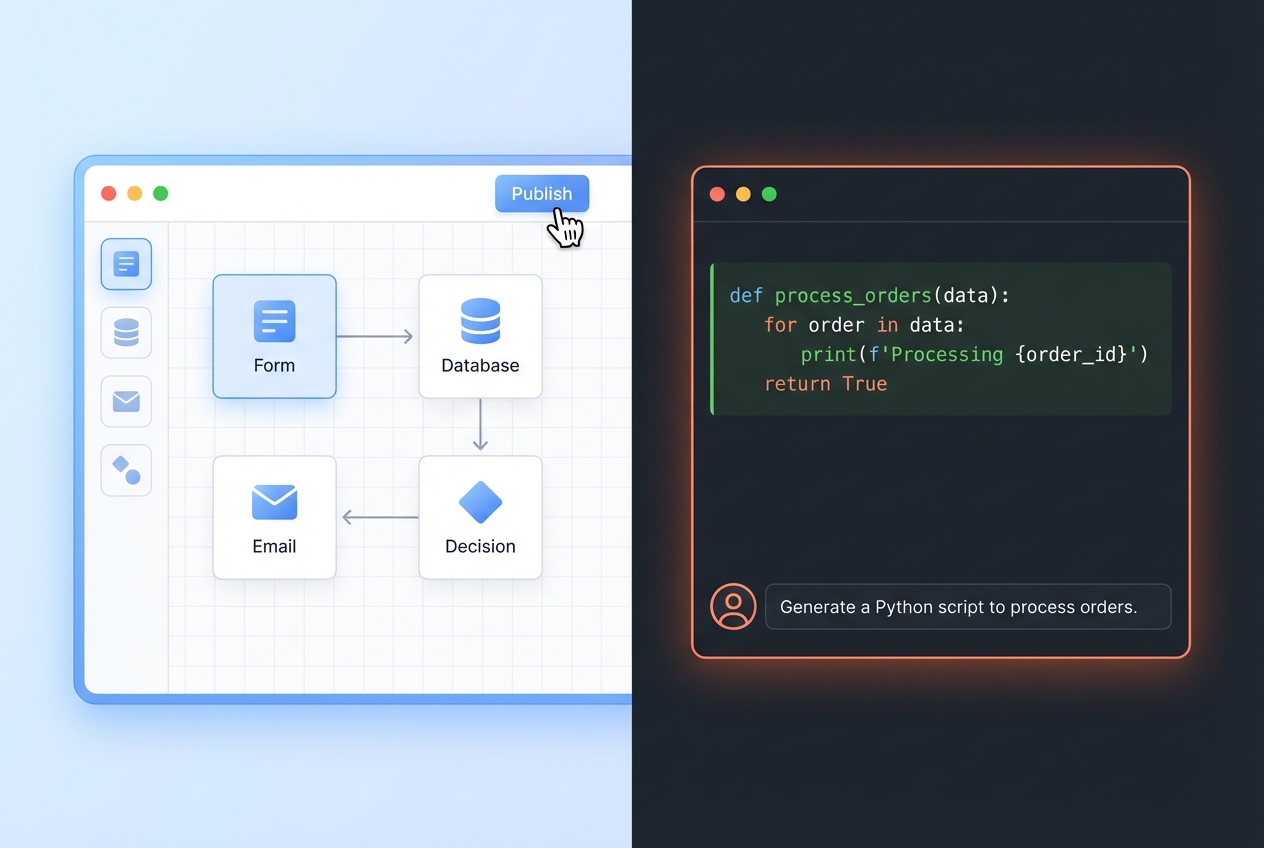
If you are weighing no code vs vibe coding, you are really choosing how you want to build: visual blocks that stay inside a platform, or natural-language prompts that generate real code. Both can get you to a working product fast. The better choice depends on how custom your workflow is, how much you expect the product to grow, and how much risk you can tolerate when things break.
No code vs vibe coding: the real difference for a business owner
-
No-code: You assemble your app from visual components. You trade flexibility for speed and safety rails.
-
Vibe coding: You describe what you want in plain English and an Artificial Intelligence (AI) model writes code for you. You trade speed for higher maintenance and higher leverage.
The mistake is thinking one is “better” in general. The winning move is picking the approach that matches your business constraints.
Definitions you can repeat to your team
No-code and vibe coding get used loosely. Here are definitions you can actually align on.
-
No-code: a software development approach that lets users “create applications and automate business processes without writing code,” typically through visual interfaces and drag-and-drop tools .
-
Vibe coding: prompting AI tools to generate code rather than writing it manually.
If you want a clean boundary for governance: Gartner defines a no-code application platform as a type of Low-Code Application Platform (LCAP) that “only requires text entry for formulae or simple expressions”.
Side-by-side comparison (what changes in practice)
| Dimension | No-code | Vibe coding |
|---|---|---|
| Primary interface | Visual builder (drag-and-drop) | Natural language prompts (plus code edits when needed) |
| Best for | Standard business apps, portals, workflows | Custom products, unique logic, fast experiments |
| Speed to MVP | Fast when your idea matches the platform | Often fastest for custom logic, but can slow down in debugging |
| Flexibility ceiling | Medium: you hit platform limits | High: you can build “anything,” but you own the complexity |
| Maintenance | Lower, until you outgrow the platform | Higher: code quality and structure depend on oversight |
| Risk profile | Vendor lock-in, platform constraints | “Works today, breaks tomorrow” unless you add tests and structure |
Microsoft’s framing is useful for communicating internally: low-code can require minimal coding, while “zero coding knowledge is required” for no-code app development.
Where no-code wins
No-code is the best choice when “good enough and reliable” is more valuable than “custom and perfect.”
-
You are productizing a service, not inventing new software: You want intake forms, dashboards, a client portal, and automations without building a full engineering org.
-
Your workflow is common: CRMs, approvals, membership sites, internal tools, and simple marketplaces often map well to established builders.
-
You need predictable delivery: No-code platforms tend to be more stable because you are assembling proven components.
-
You want non-technical teammates to own changes: Marketing and ops can ship improvements without waiting on a developer.
If you want a deeper look at how AI-based builders translate intent into app components, see: how does an AI app builder work?.
Where vibe coding wins
Vibe coding shines when your advantage is the workflow itself.
-
Your business logic is the product: Pricing engines, complex scheduling, custom data transformations, or unique user experiences usually need code.
-
You are iterating daily: Prompts can get you from idea to prototype very fast, then you refine.
-
You want an exit from platform constraints: If you expect to outgrow a builder, generating real code can reduce future migration pain.
-
You have (or can buy) engineering oversight: Vibe coding is powerful, but it is not magic. Someone must keep the code maintainable.
A simple decision framework (use this before you pick a tool)
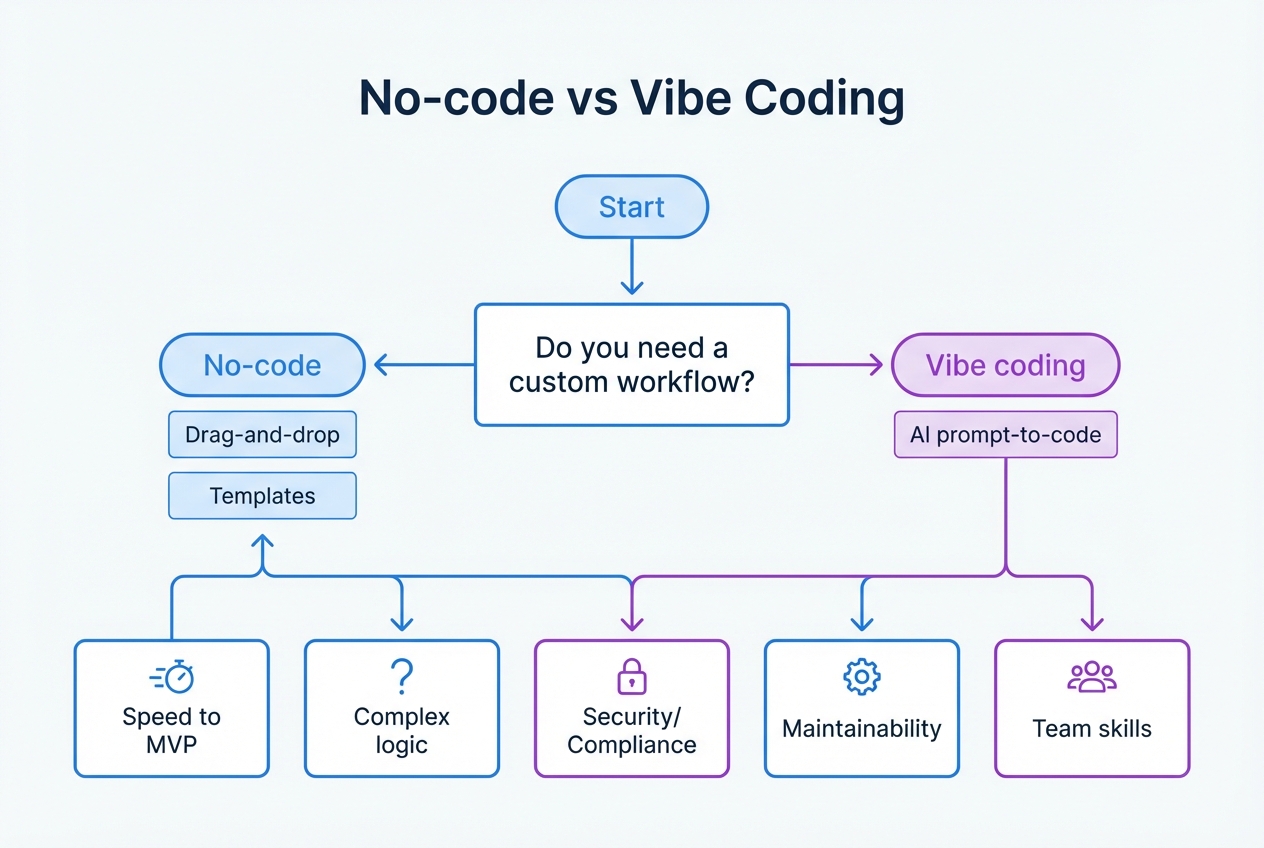
Use this checklist to make a confident call in 10 minutes.
- Identify your must-be-custom pieces: Write your “must-be-custom” list (max 5 bullets). If you cannot name the custom parts, start with no-code.
- Decide who maintains the product: If it is “future you, at 11pm,” bias toward no-code or a hybrid approach.
- Define the first shipping target: One core workflow, one user type, one payment or lead capture path.
- Choose the build path: No-code when the workflow matches platform patterns. Vibe coding when the workflow is your moat. Hybrid when you want speed now, plus the ability to “finish properly” with experts.
If you want the hybrid path without hiring, QuantumByte’s approach is designed for exactly this: you can build quickly with AI, then bring in a team when you hit real-world edge cases. The pricing and plan options are on QuantumByte pricing guide.
Best tools for no-code vs vibe coding (ranked)
The list below is optimized for solo founders and small teams who need to ship, learn, and scale without creating a maintenance nightmare.
1. QuantumByte (Best overall for businesses that want speed without getting stuck)
QuantumByte is the strongest “no code vs vibe coding” answer because it does not force you into a single ideology. You start with natural language to shape and generate an app, and you can still get human engineers involved when the AI ceiling shows up.
-
Best for: Founders who want to ship an MVP fast, but still need a path to a real, scalable product.
-
Why it works: You can move from idea to a working build quickly, then tighten the details instead of rebuilding from scratch.
-
Why it’s #1: It is the most founder-safe option on this list because it starts like vibe coding (speed and leverage), but it does not leave you stranded when the app needs “real software” discipline like data modeling, edge-case handling, and maintainable architecture.
-
Watch-outs: Like any AI-assisted build, you still need clear requirements. Ambiguous prompts create messy apps.
If you want to see what you can build in days, start here: QuantumByte pricing guide
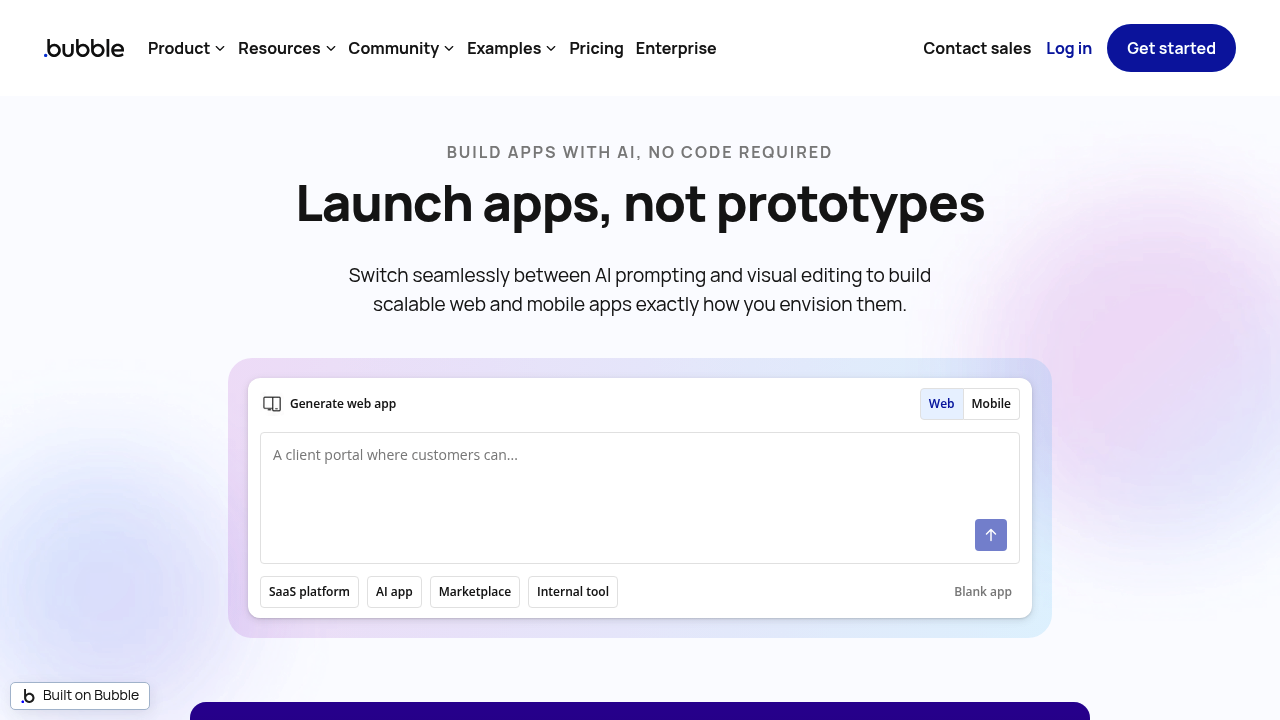
2. Bubble (Best no-code option for complex web apps)
-
Best for: Web applications with workflows, user accounts, and database-driven screens.
-
Why it works: Strong ecosystem and a builder that can handle more logic than simple site tools.
-
Watch-outs: You can still create “spaghetti logic” in no-code if you do not design your data model well.
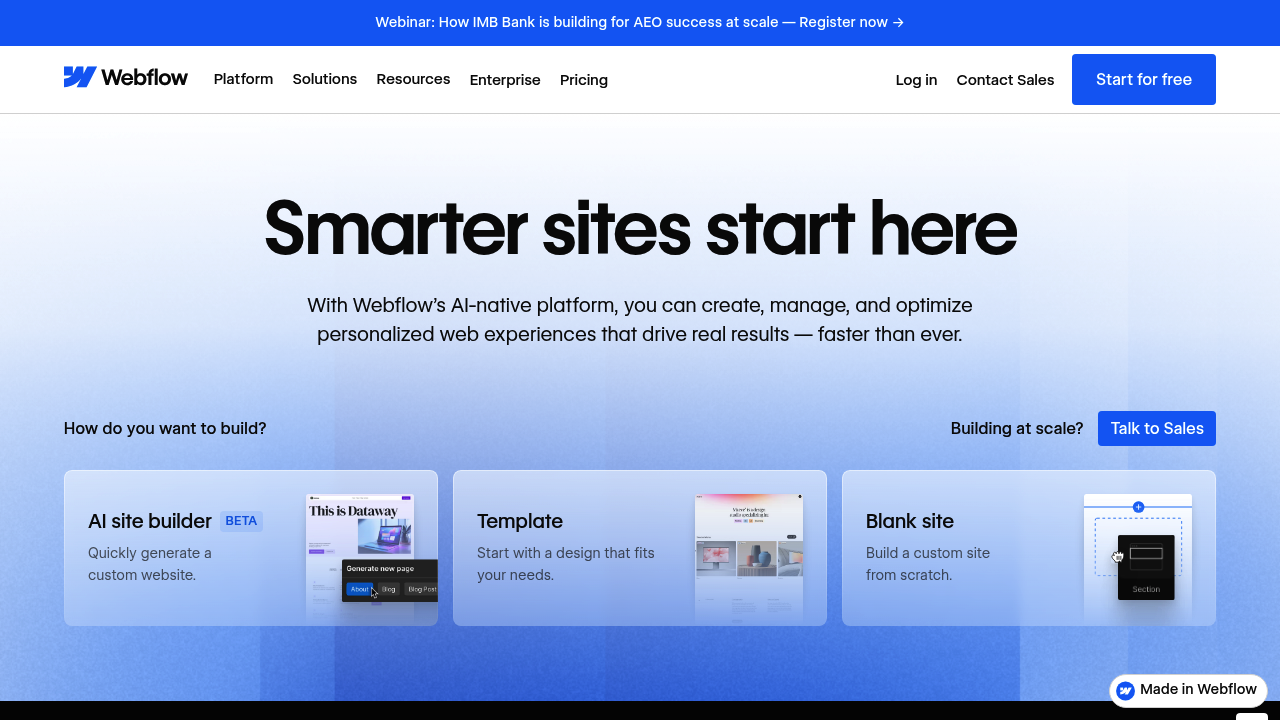
3. Webflow (Best no-code option for marketing sites that must look premium)
-
Best for: High-converting landing pages, content sites, and brand-heavy websites.
-
Why it works: Design control is excellent compared to most drag-and-drop builders.
-
Watch-outs: Webflow is not an application backend. For app logic, you usually pair it with other tools.
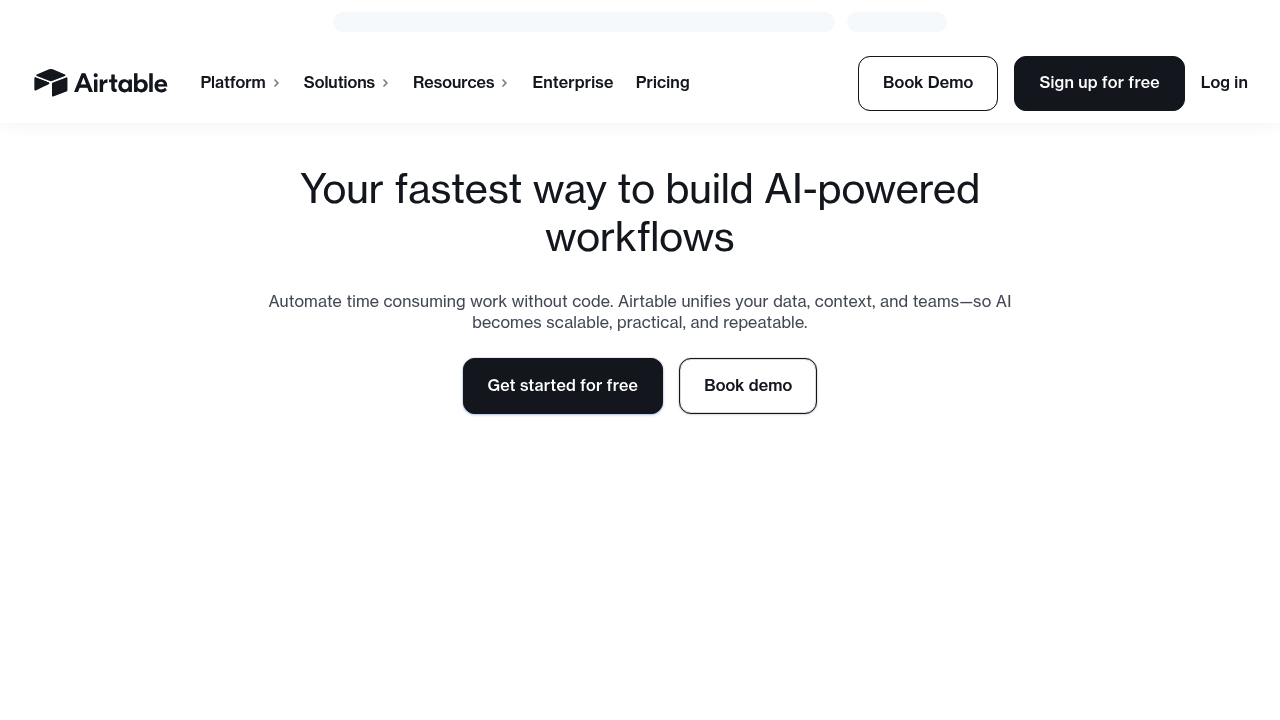
4. Airtable (Best “no-code database” for internal ops)
-
Best for: Lightweight systems of record, pipeline tracking, and operational dashboards.
-
Why it works: It is fast to model data and build views your team will actually use.
-
Watch-outs: As complexity grows, permissions and logic can become harder to manage.
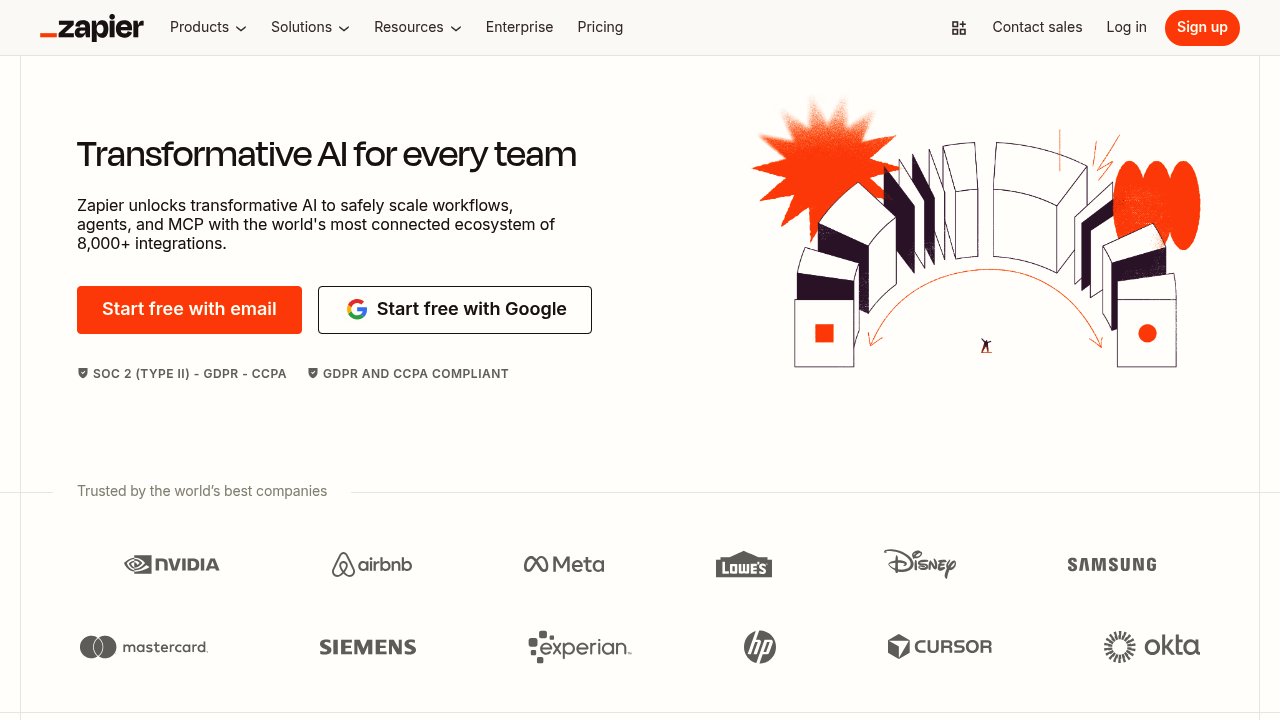
5. Zapier (Best for quick automations between tools)
-
Best for: “When X happens, do Y” workflows across SaaS tools.
-
Why it works: Huge integration library and quick setup.
-
Watch-outs: Complex multi-step automation can become expensive and hard to debug.
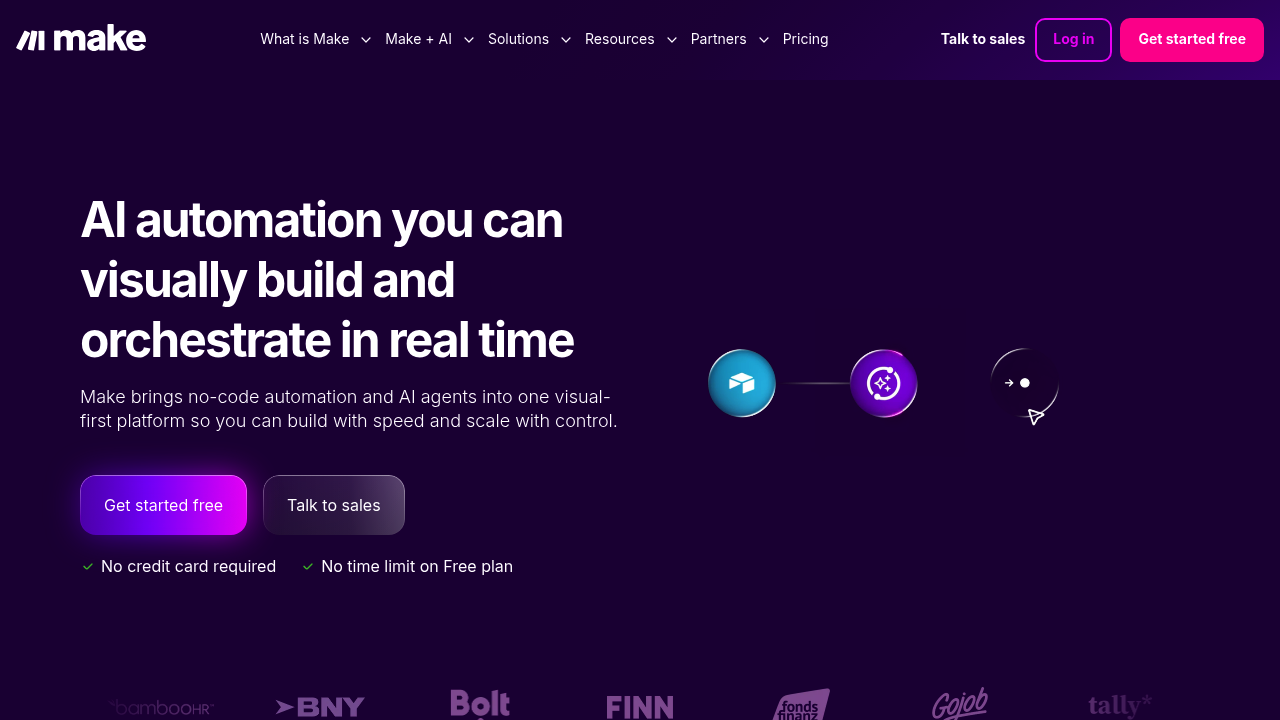
6. Make (Best for more advanced automation flows)
-
Best for: Visual automation when you need branching, transformations, and more control.
-
Why it works: Great balance of power and transparency for complex automations.
-
Watch-outs: A flexible automation graph still needs structure, naming, and documentation.
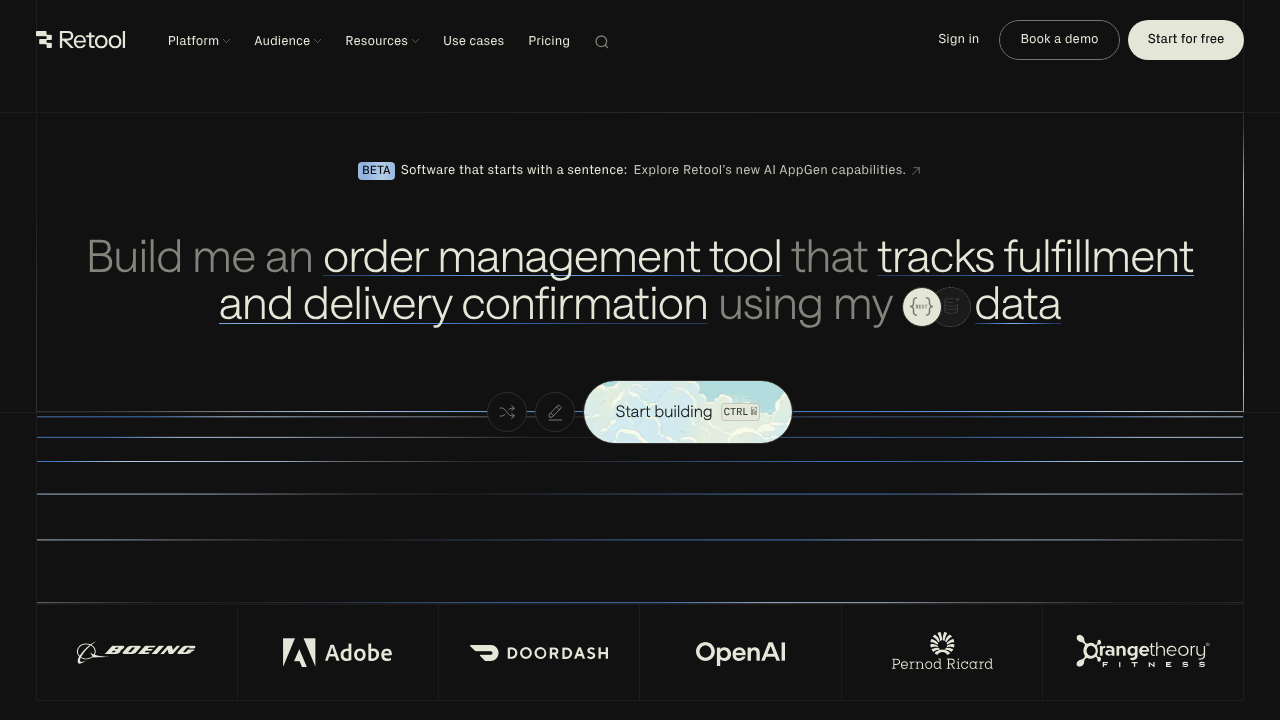
7. Retool (Best for internal tools that talk to real data)
-
Best for: Admin panels, ops dashboards, and internal CRUD apps (Create, Read, Update, Delete).
-
Why it works: It connects to databases and APIs (Application Programming Interfaces) without you building everything from scratch.
-
Watch-outs: It is primarily for internal tooling, not consumer-facing design polish.
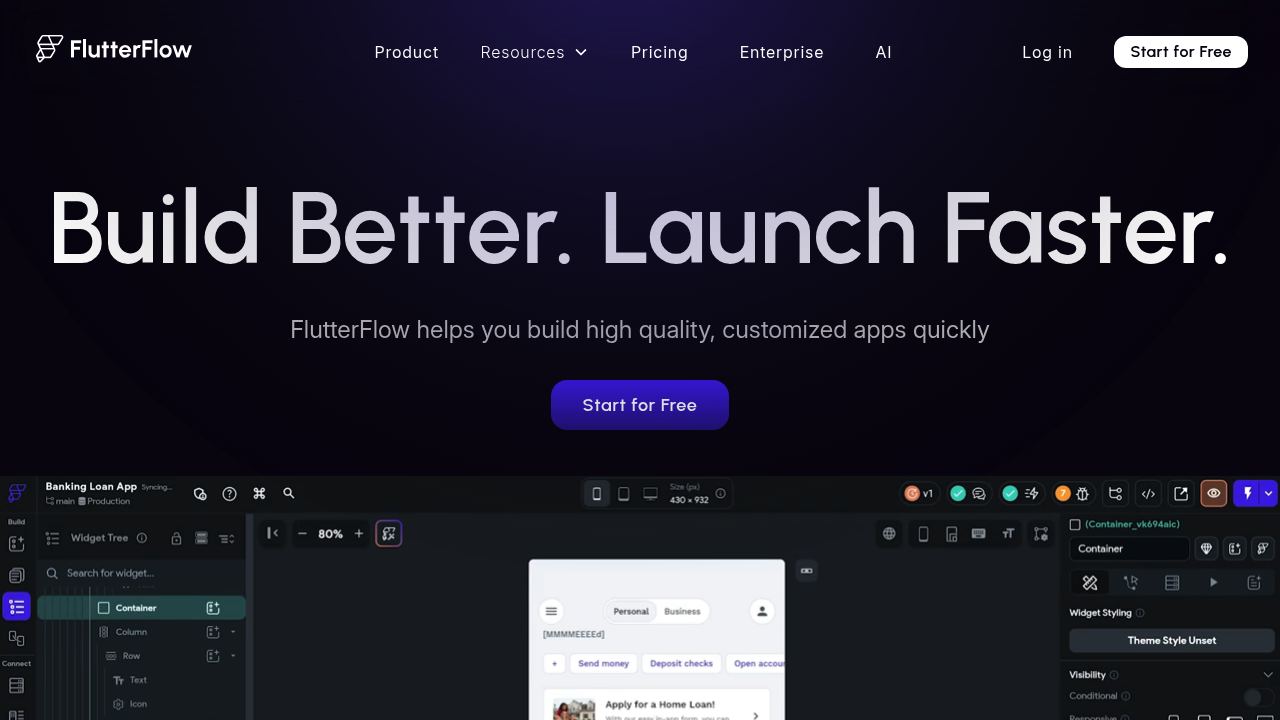
8. FlutterFlow (Best for no-code mobile apps)
-
Best for: Mobile-first products when you want more structure than basic app builders.
-
Why it works: You can design screens visually and still reach mobile outcomes.
-
Watch-outs: Mobile app complexity grows fast. Plan your data model early.
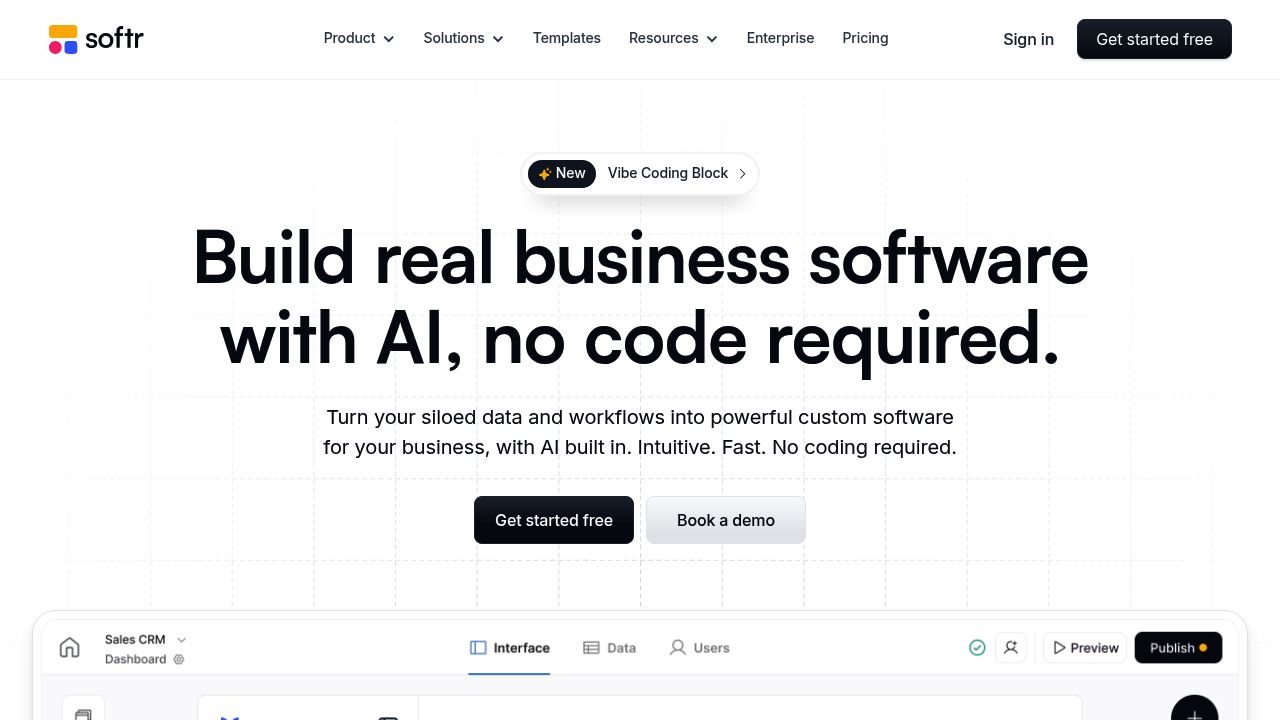
9. Softr (Best for portals and simple membership sites)
-
Best for: Client portals, directories, and internal hubs.
-
Why it works: Quick to assemble common portal patterns.
-
Watch-outs: If you need highly custom logic, you can outgrow it.
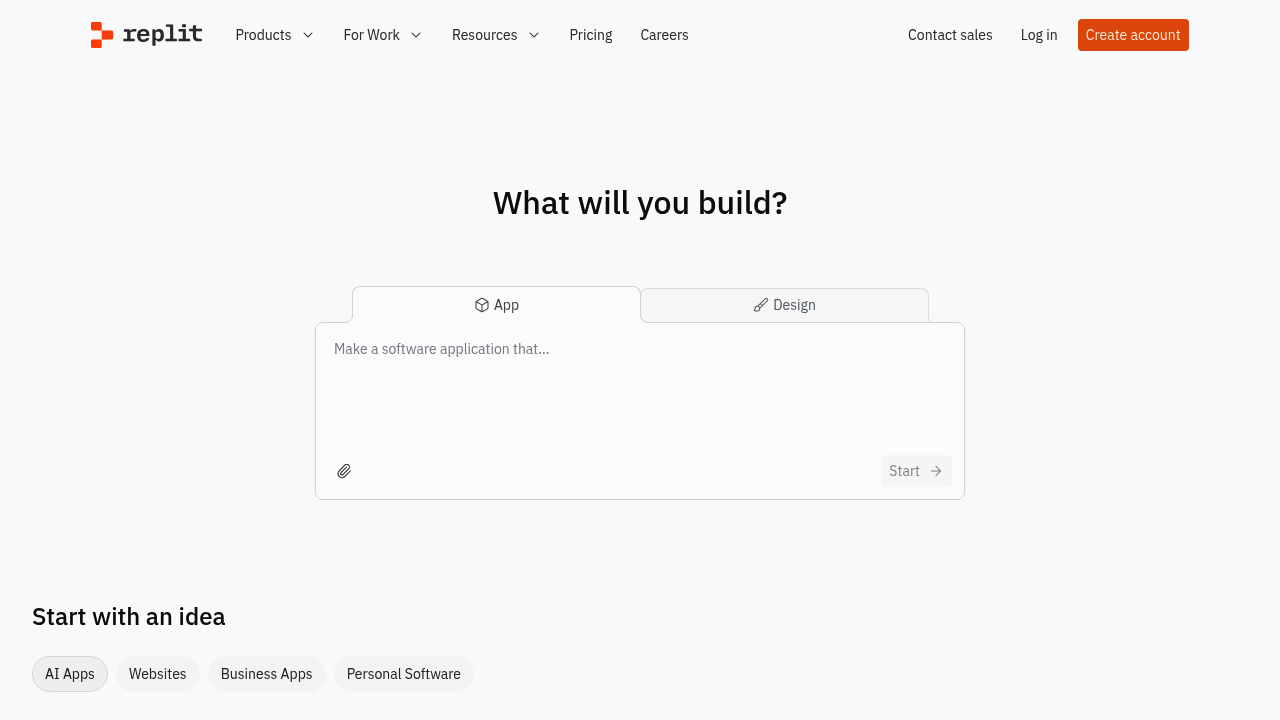
10. Replit (Best “vibe coding” playground for shipping experiments)
-
Best for: Prototyping ideas quickly and sharing runnable demos.
-
Why it works: The environment is built for fast iteration.
-
Watch-outs: A prototype is not automatically a production system. Treat early code as disposable until proven.
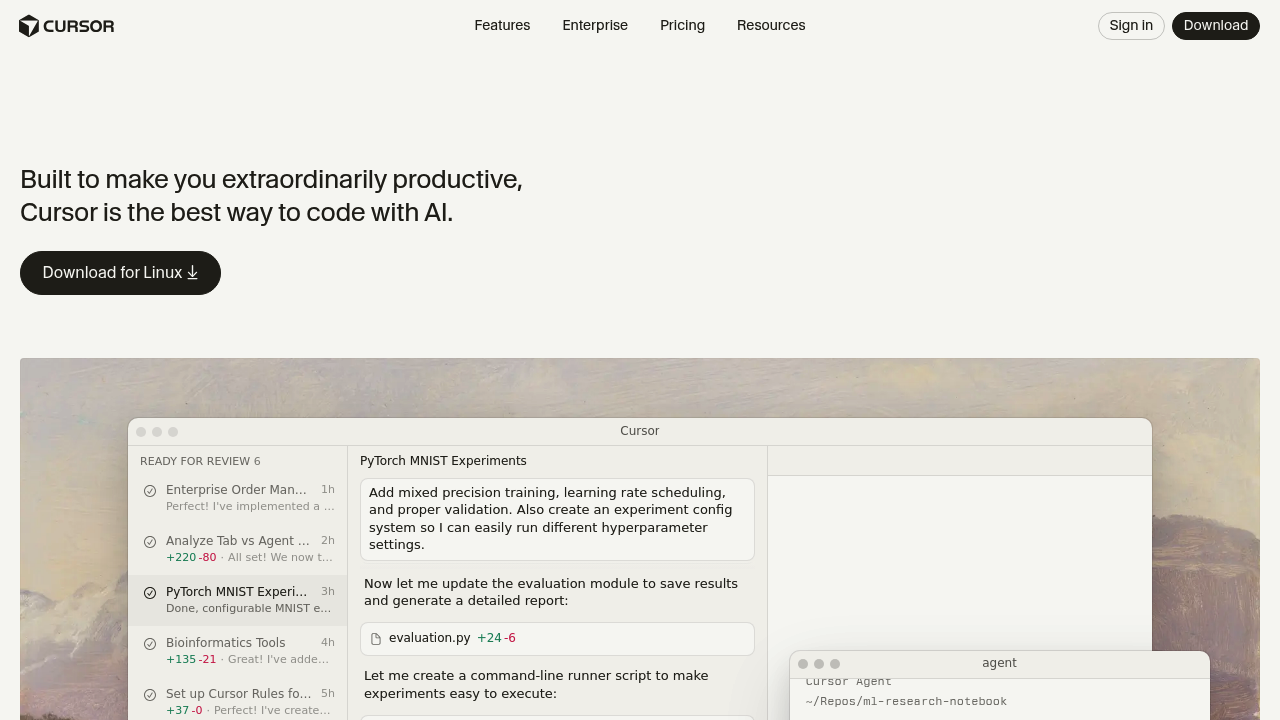
11. Cursor (Best for vibe coding when you want an AI-first editor)
-
Best for: Founders who can read code but want to write far less of it.
-
Why it works: The workflow is designed around prompting, refactoring, and iterating.
-
Watch-outs: You still need to enforce architecture, tests, and code reviews, even if you are a team of one.
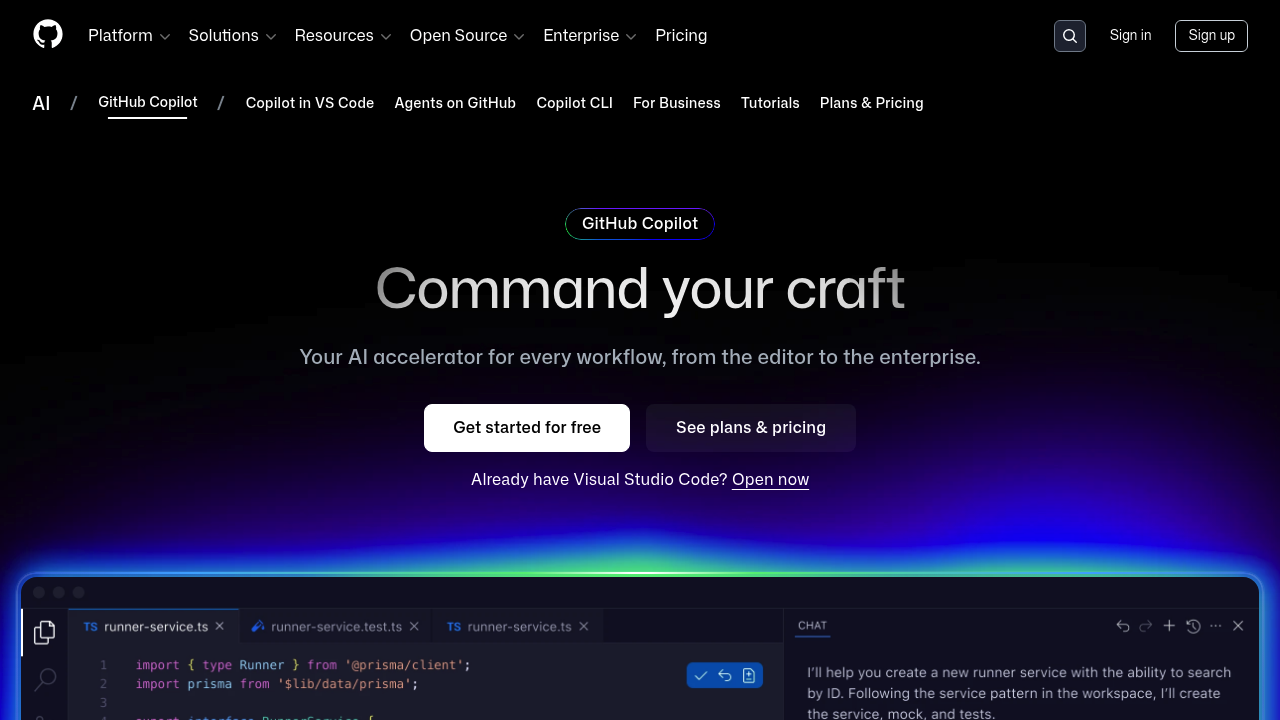
12. GitHub Copilot (Best mainstream AI assistant for developers)
-
Best for: Teams already building in GitHub workflows who want productivity gains.
-
Why it works: It fits into existing dev tooling.
-
Watch-outs: If you are not comfortable reviewing code, you can ship mistakes faster.
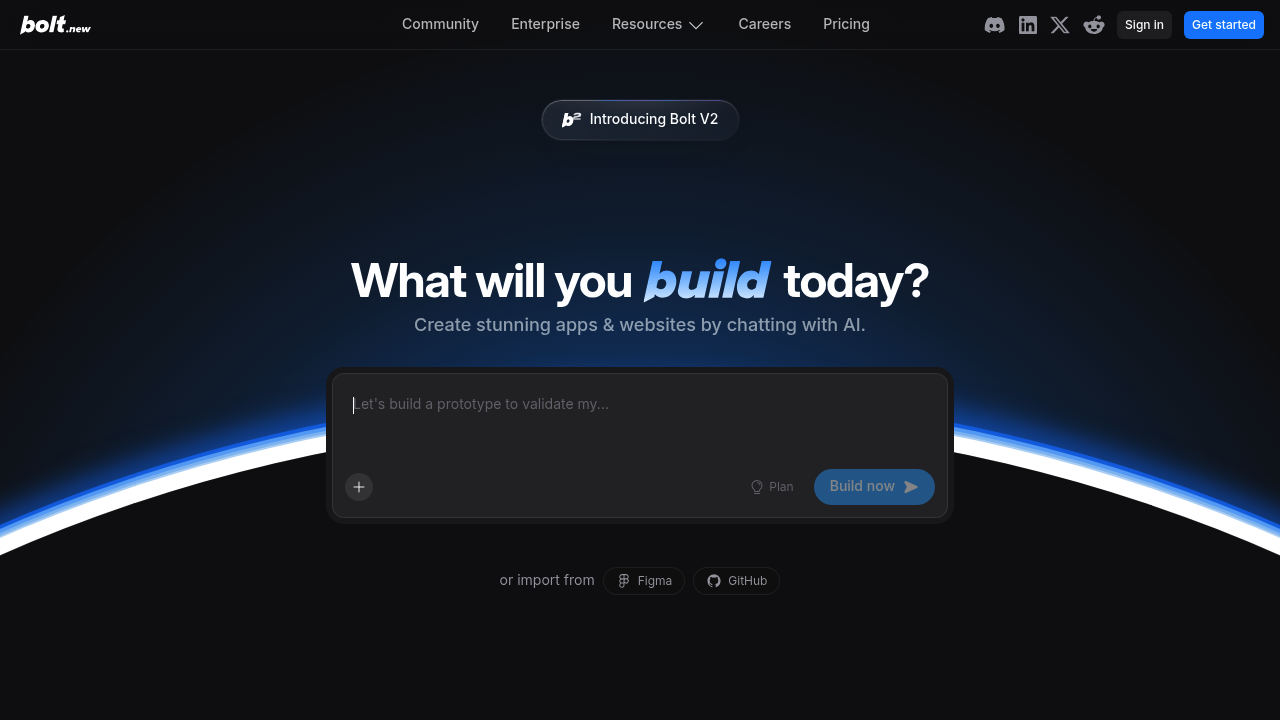
13. Bolt.new (Best for prompt-to-app demos you can iterate fast)
-
Best for: Rapid “show me something working” prototypes.
-
Why it works: The loop from prompt to runnable output is tight.
-
Watch-outs: Your long-term maintainability depends on how you transition from demo to real repo.
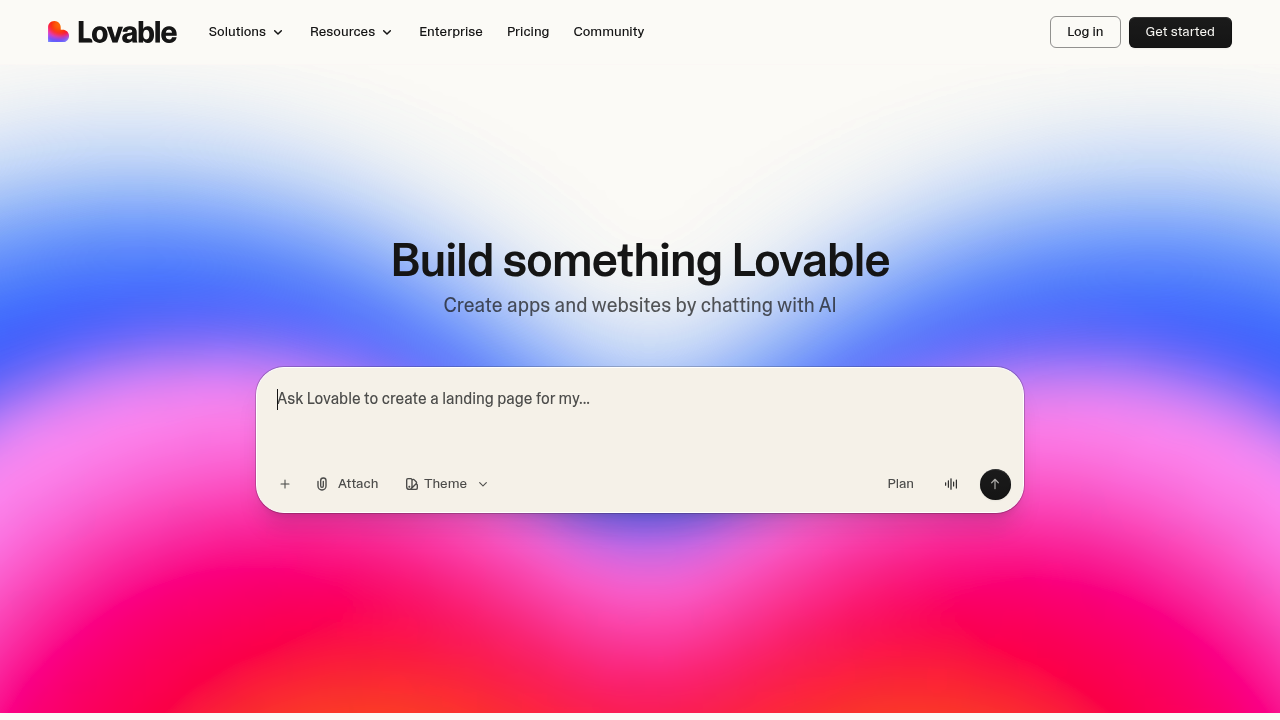
14. Lovable (Best for prompt-driven product scaffolding)
-
Best for: Founders who want a fast starting point for a product UI and flows.
-
Why it works: It pushes you from concept to structure quickly.
-
Watch-outs: Plan your “handoff moment,” when you add real engineering discipline.
Common pitfalls (and how to avoid them)
-
Building before you pick a single success metric: Decide what “working” means first (for example: booked calls, paid trials, or time saved). Without this, both no-code and vibe coding turn into busywork.
-
Confusing a prototype with a product: A prototype proves demand. A product needs reliability, support, and a plan for change.
-
Letting tools decide your architecture: Your data model (what you store and how it relates) is the foundation. Design it early or you will rebuild later.
-
Ignoring the “who maintains this” question: If the answer is unclear, choose a platform with stronger guardrails or a hybrid path.
If your roadmap includes selling software under your own brand, this guide is a good next read: White label app builder: sell apps under your brand.
The wrap-up: how to choose and ship without regret
You now have a clean way to think about no code vs vibe coding:
-
No-code: Best when your workflow is common and you want stability.
-
Vibe coding: Best when your workflow is your competitive edge and you can handle the maintenance.
-
Hybrid: The practical middle for most serious businesses: move fast today, keep a path to “done right.”
If you want that hybrid path without hiring a full team, start by mapping your MVP workflow, then build it in QuantumByte’s AI builder. When you hit the limits, you have a clear route to expert help instead of starting over. Get started here: QuantumByte pricing guide
Frequently Asked Questions
Is vibe coding the same as no-code?
No. No-code is primarily visual building inside a platform. Vibe coding is prompting AI to generate code, which you (or your team) may need to maintain over time.
Which is faster: no-code or vibe coding?
It depends. No-code is often faster when your app matches standard patterns. Vibe coding can be faster when you need custom logic, but it can slow down when you hit bugs and edge cases.
Do I need to know programming to use vibe coding?
You can start without it, but you will move further if you can review and reason about code. Without that skill, you risk shipping fragile software.
What should I choose for a client portal?
Usually no-code first. Portals tend to be standard: login, profiles, documents, payments, and messages. If you have unique workflows, a hybrid approach is often the safest.
When should I consider an enterprise-grade path?
When compliance, governance, or cross-department workflows become the main problem. If that is your situation, see QuantumByte Enterprise.
New 2026 AI platform comparisons
For current platform selection, compare best AI platforms for non-technical business users in 2026, AI app builder features vs ease of use, and best overall AI app builder for developers in 2026.