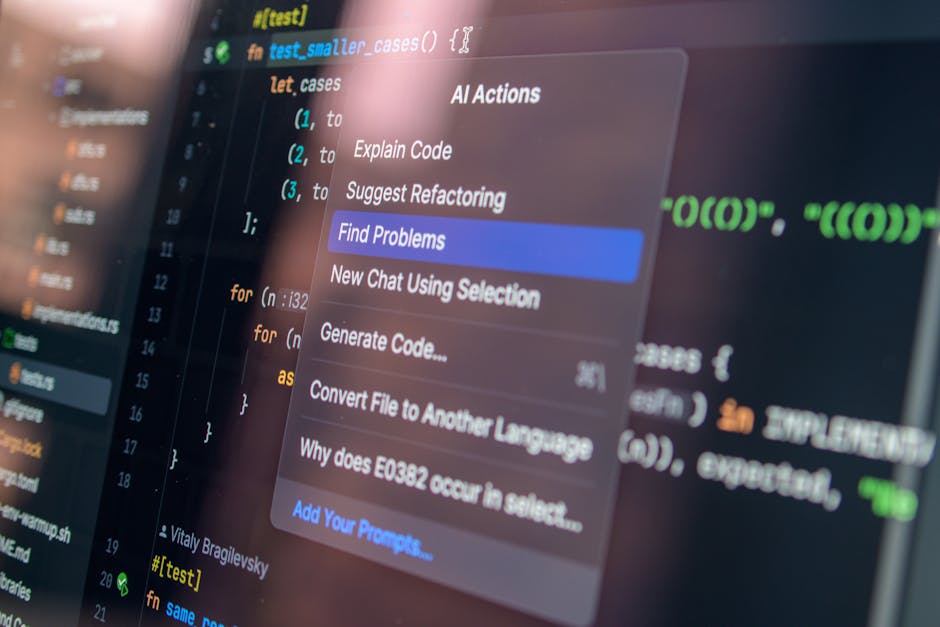
Vibe coding tools help you go from “I have an idea” to “it exists” without getting stuck in setup, boilerplate, or a blank code editor. For solopreneurs and small teams, that speed is leverage. You can validate an offer, ship a customer portal, or productize your service before you burn another month in spreadsheets.
What “vibe coding” means
Vibe coding is a style of building software where you steer with intent and context, and the AI does the heavy lifting. You write prompts, review what comes back, and iterate fast.
It works best when you treat the AI like a junior builder with extreme speed:
-
You set the direction: You define the user, the problem, the workflow, and the “done” criteria.
-
The AI drafts the implementation: It generates screens, components, endpoints, and glue code.
-
You verify and harden: You test, tighten permissions, and remove edge case bugs before customers touch it.
It is not a magic “ship anything” button. If you skip review, you can ship security holes, broken billing logic, or messy architecture that is painful to maintain.
How to choose the right vibe coding tools
Most tools look similar on the surface. The differences show up after day three.
-
Speed to first working version: You want a tool that gets you a clickable app or running repo quickly, not just “nice code snippets.”
-
Editing control: You should be able to change UI and logic without fighting the tool. Look for a real code view, not only chat.
-
Data + auth support: Many prototypes die when you need logins, roles, and a database.
-
Deployment path: “Preview” is not “live.” Prefer tools that make it clear how you deploy and keep iterating.
-
Ownership and portability: Make sure you can export code or work in a normal repo if you outgrow the platform.
-
Security and governance: If the app touches customer data, you need permissions, audit trails, and sane defaults.
Quick comparison: which tool fits which outcome
| Tool | Best for | Where it shines | Watch-outs |
|---|---|---|---|
| QuantumByte | Shipping a real business app with a safety net | AI builds fast, humans can finish and harden | You need a clear goal and basic requirements |
| Replit Agent | Rapid full-stack prototypes in a hosted environment | Fast setup, quick iterations, easy sharing | Hosted constraints and scaling decisions later |
| v0 (Vercel) | Web UI generation and fast front-end iteration | Great for UI scaffolds and patterns | You still need strong product decisions |
| Bolt | “Build it now” prototypes from prompts | Low friction, quick demos | Fine details can take iteration |
| Lovable | No-code-ish app building with AI | Good for non-dev founders | Complexity increases with custom logic |
| Cursor | Codebase-first vibe coding | Strong editor + agent workflows | You still own architecture decisions |
| Windsurf | IDE flow with an agentic assistant | Tight loop between chat and code | You need to manage context carefully |
| GitHub Copilot | Assist inside your existing IDE and workflow | Predictable, integrated coding help | Not an app builder by itself |
| ChatGPT | Planning, debugging, code generation on demand | Great thinking partner | You must manage repo integration yourself |
| Continue | Custom, open-source AI assistant in your IDE | Flexible and model-agnostic | Setup and tuning takes time |
Best vibe coding tools (ranked)
This list is ranked for business owners and solopreneurs who want working software, not just clever demos.
Note on screenshots: the live screenshot tool in this environment is rate-limited, so the images below are browser-window mock screenshots. Before publishing, replace each image with a real screenshot captured from the linked product page.
1) QuantumByte
QuantumByte is the most founder-friendly path if your goal is a real app you can run your business on. You can start with AI to get momentum, then bring in engineers when you hit “this needs to be production-grade.”
Why it earns the top spot:
-
Built for outcomes, not novelty: You are not just generating code. You are moving toward a working system you can deploy.
-
AI plus a human finish line: When AI gets you 80% there, you can lean on an agency team to close gaps instead of restarting.
-
A clean starting point for productization: If you want to package your expertise into software, this aligns well with building repeatable workflows.
If you want a quick starting point, build your first pricing guide here: QuantumByte pricing guide.
Helpful next reads on QuantumByte:
-
Understand the mechanics behind an AI app builder
-
If your goal is recurring revenue, consider a white-label app builder you can sell under your brand
2) Replit Agent
Replit is a strong choice when you want a hosted environment where building, running, and sharing happens in one place.
What makes it a vibe coding tool:
-
Prompt-to-app momentum: Its documentation is explicit that Replit Agent uses AI to set up and create apps from scratch.
-
A clear prompting mindset: The same docs point you to a “vibe coding guide,” which is exactly the right framing for founders.
Best for: demos, internal tools, and early MVPs you need to show this week.
3) v0 by Vercel
v0 is excellent when your main bottleneck is front-end speed. It is designed to turn intent into UI quickly.
A grounded way to think about it: v0 is positioned as an AI-powered development platform that turns ideas into production-ready, full-stack web apps.
Best for: landing pages, dashboards, admin panels, and “make it real” UI iteration.
4) Bolt
Bolt is a fast, prompt-first builder that feels made for quick prototypes.
Best for:
-
Short feedback loops: You can get to “showable” quickly.
-
Founder demos: Great when you need a working artifact to validate an idea or close a pilot.
Watch-out: as requirements grow, you may need a clearer architecture plan and a more standard repo workflow.
5) Lovable
Lovable is a good fit if you want an AI-forward build experience that still feels approachable without deep engineering background.
Best for:
-
Simple customer portals: Intake forms, basic workflows, and lightweight dashboards.
-
Service productization: Turning a repeatable service into a guided app.
Watch-out: advanced business logic still needs careful testing and clear requirements.
6) Cursor
Cursor is for builders who want vibe coding inside a serious editor. It is especially strong when you already have a codebase and need speed without losing control.
Cursor’s own docs define it plainly: “Cursor is an AI editor and coding agent.”
Best for: shipping in real repos, refactors, and “change this whole feature safely” work.
7) Windsurf
Windsurf is an AI-native Integrated Development Environment (IDE) built around staying in flow. It is a strong alternative if you want an agentic assistant tightly connected to your working files.
Best for: builders who like IDE workflows but want more autonomy than basic autocomplete.
8) GitHub Copilot
GitHub Copilot is not an app builder. It is the “steady workhorse” pick that makes everyday coding faster.
GitHub’s docs describe it as “an AI coding assistant that helps you write code faster and with less effort.”
Best for: teams already shipping software who want better velocity inside normal dev workflows.
9) ChatGPT
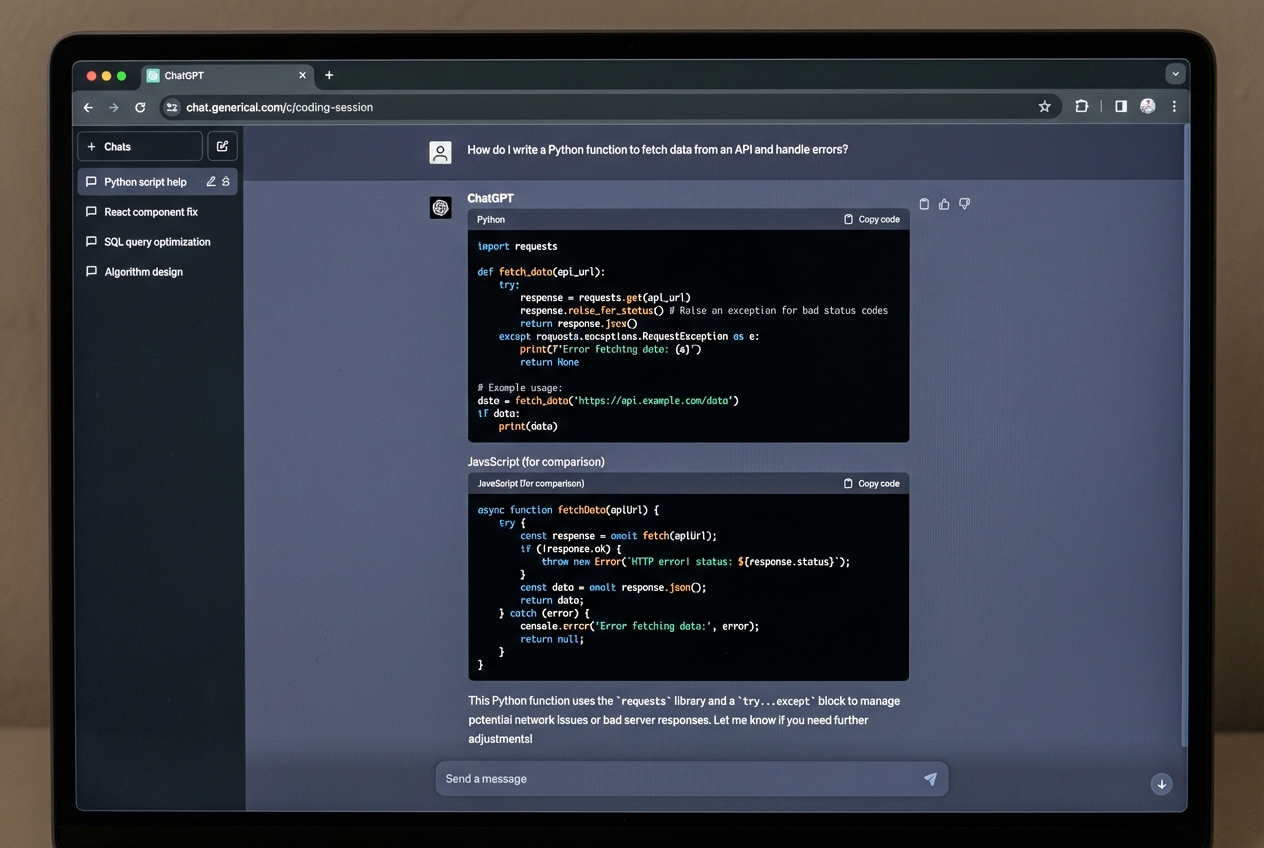
ChatGPT is the most flexible “generalist” option. It is great for planning features, generating first drafts of code, and debugging with good logs.
Best for:
-
Turning fuzzy ideas into specs: User stories, edge cases, acceptance criteria.
-
Debugging help: Paste errors, describe context, get hypotheses.
Watch-out: you need a clear way to apply outputs into your repo and keep changes consistent.
10) Continue
Continue is for teams who want more control and customization. Being open-source makes it appealing when you want to bring your own models, prompts, and rules.
Best for: technical founders and teams that want a tailored assistant rather than a one-size-fits-all chatbot.
A simple vibe coding workflow that actually ships
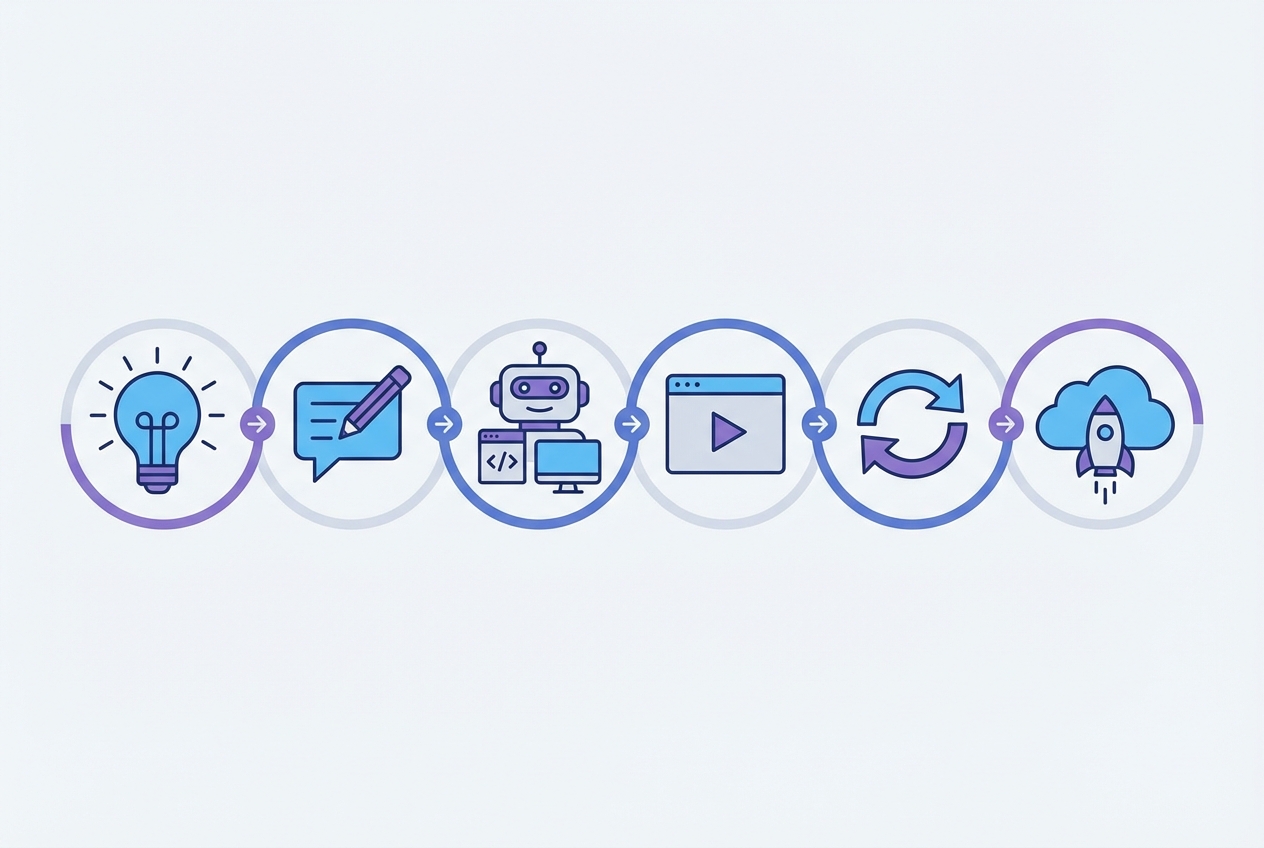
Use this loop to stay fast without shipping chaos:
- Start with a “one-screen promise”: Define the single screen that proves value. Example: “Client sees project status and next steps.”
- Write requirements like constraints: Roles, data fields, and must-not-happen rules.
- Generate a first build: Use an app builder (QuantumByte, Replit Agent, v0, Bolt, Lovable) or an IDE agent (Cursor, Windsurf).
- Test like a customer: Click every path. Try “bad input.” Try “no permissions.”
- Lock down auth and data: This is where prototypes usually fail.
- Deploy, then iterate: Small releases beat rewrites.
If your current blocker is “I can prototype, but I can’t confidently ship,” this is where QuantumByte tends to fit naturally. You can start with the AI workflow, then bring in experts when you need production-grade finishing.
Common pitfalls
-
Skipping the spec: You will get fast output, but it will drift. Write a tight scope before prompting.
-
No acceptance tests: If you do not define “correct,” you cannot tell when the AI is wrong.
-
Weak permissions: Most early apps forget roles. Decide who can view, create, edit, and delete.
-
Prototype data models: The quickest path is often the messiest. Clean schemas save you later.
-
No path to “done”: If your tool cannot export code or be hardened, you risk a dead-end.
For ops-heavy businesses, internal tools, and cross-team workflows, you may also want to look at QuantumByte Enterprise.
What you now have in your toolkit
You have a practical map of the best vibe coding tools, plus a decision framework to pick the right one for your goal. You also have a shipping loop that keeps you moving fast without letting the AI steer your business into fragile software.
If you want the shortest path from idea to a real, maintainable app, start with an AI builder that can scale into expert help. QuantumByte is designed for exactly that.
Frequently Asked Questions
Are vibe coding tools good enough for production apps?
They can be, but only if you add real testing, permissions, and deployment discipline. Many tools are great at getting you to “working,” and less great at getting you to “safe, stable, maintainable.”
What is the best vibe coding tool for non-technical founders?
If you want the fastest path to a working business app with a clear path to production hardening, QuantumByte pricing guide is the most founder-friendly option. If you mainly need a quick demo, prompt-first builders like Replit Agent, Bolt, or Lovable can be a good fit.
What is the difference between an AI app builder and an AI coding assistant?
An AI app builder aims to generate a working application (screens, data, logic) from prompts. An AI coding assistant helps inside a normal coding workflow by suggesting code, explaining changes, and speeding up development.
Can I productize my service with vibe coding?
Yes. The best use case is turning a repeatable workflow into software: intake, delivery tracking, reporting, and client portals. If you want ideas, start with how to automate business processes and then consider whether a white-label app builder fits your strategy.
When should I stop prompting and hire developers?
When the app needs complex integrations, strict security requirements, or reliability guarantees. A good pattern is to use vibe coding to reach a clear prototype, then have experienced developers harden and ship the production version.
New 2026 AI builder comparisons
If you are choosing a platform rather than a single coding tool, review AI app builder features vs ease of use, best AI tools for agencies, and the best overall AI app builder for developers in 2026.