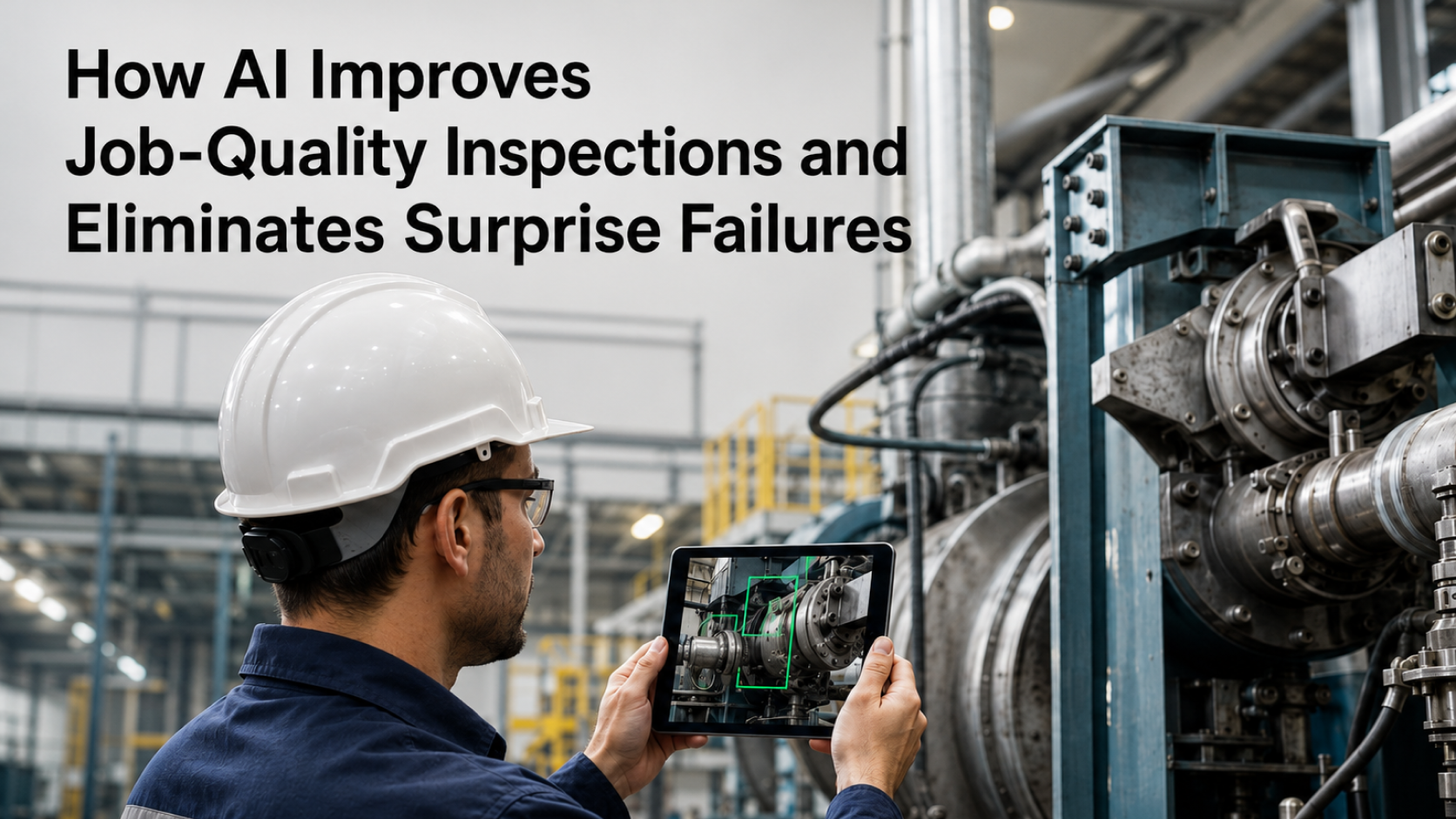
AI checklist scoring from photos uses computer vision and machine learning to automatically verify completed work by analyzing images captured in the field, then assigning pass/fail scores against predefined checklist criteria. For VPs of Operations managing 5–100 locations, this technology eliminates the inconsistency of manual inspections while reducing the administrative burden that drains field team productivity. This guide breaks down how the technology works, how to evaluate vendors, and how to structure a pilot that delivers measurable ROI.
The operational case for AI checklist scoring from photos has never been stronger. According to Salesforce, field workers waste over 7 hours per week—roughly 18% of their workweek—on administrative tasks such as filling out forms and writing reports. Meanwhile, McKinsey's 2025 State of AI survey found that 88% of organizations report regular AI use in at least one business function, yet only 7% have fully scaled AI across their organizations. The gap between experimentation and deployment represents a massive opportunity for multi-location service businesses ready to move beyond pilots.
What Is AI Checklist Scoring from Photos and Why It Matters for Multi-Location Operations
AI checklist scoring from photos is a digital inspection system that captures visual evidence—photos or videos—and automatically analyzes that evidence to detect whether checklist items have been completed correctly. According to GoAudits, visual inspection software replaces paper checklists with structured digital workflows, image documentation, and automated reporting that can identify defects, safety risks, and compliance deviations.
For multi-location service businesses, this matters because consistency is the hardest thing to scale. A commercial cleaning company with 25 locations cannot station a supervisor at every site for every shift. A property management group with 50 properties cannot audit every unit turn without burning through labor budgets.
AI-powered inspections solve this by verifying completed steps directly from photos. As SiteCapture explains, these systems extract asset data like serial numbers automatically, cross-check captures against project requirements, and flag missing documentation before a technician leaves the job site. The result is audit-grade verification without adding headcount.
The business impact compounds across locations. When every site follows the same photo-verified checklist, regional directors gain real-time visibility into compliance without waiting for weekly reports or surprise walkthroughs. Operations leaders can identify underperforming locations, spot training gaps, and document service quality for client retention conversations—all from a dashboard rather than a windshield.
For enterprise-scale deployments, the technology becomes a competitive moat. Service businesses that can prove consistent quality through timestamped, scored photo evidence win contracts that competitors relying on paper checklists cannot.
How AI Models Interpret Visual Inputs Against Checklist Criteria
AI models interpret photos against checklist criteria through a multi-step process: image ingestion, feature extraction, comparison against trained benchmarks, and confidence-scored output. The system learns what "correct" looks like for each checklist item, then evaluates incoming photos against those learned patterns.
The process begins with defining what success looks like for each checklist item. For a commercial cleaning checklist, "floors mopped" might require the AI to detect wet sheen patterns, absence of debris, and visible floor surface across the captured frame. For a facilities inspection, "fire extinguisher present" requires object detection confirming the extinguisher's location, mounting, and visible inspection tag.
Modern AI systems go beyond simple object detection. According to FORM, AI image recognition converts raw shelf photos into actionable metrics—including Share of Shelf, On-Shelf Availability, planogram compliance rates, out-of-stock counts, and competitive pricing benchmarks—with every result tied to a timestamped, geotagged photo. The same principles apply to service operations: the AI doesn't just confirm presence, it quantifies compliance.
The interpretation layer is where effective AI prompting becomes critical. The checklist criteria must be translated into machine-readable instructions that account for lighting variations, camera angles, and acceptable tolerances. A "clean countertop" instruction needs to specify what debris threshold triggers a fail, what staining is acceptable, and how the AI should handle partial obstructions in the frame.
Training data quality determines scoring accuracy. Systems trained on thousands of labeled examples—photos tagged as pass or fail by human reviewers—develop nuanced understanding of edge cases. Systems trained on limited data produce brittle scores that fail when field conditions vary from the training set.
Scoring Confidence Levels and Accuracy Thresholds for Enterprise Reliability
Scoring confidence levels indicate how certain the AI is about its pass/fail determination, expressed as a percentage that operations teams use to decide when human review is required. Enterprise-grade systems typically require 85%+ confidence for auto-pass decisions, with anything below that threshold routed to a supervisor queue.
Confidence scoring works by measuring how closely an input photo matches the patterns the model learned during training. A photo that clearly shows a completed task—good lighting, centered framing, unambiguous completion—generates high confidence. A photo with poor lighting, unusual angles, or partial completion generates lower confidence, signaling the need for human judgment.
The accuracy threshold you set depends on the cost of errors. For safety-critical inspections, you might require 95% confidence before auto-passing, accepting more human review volume in exchange for fewer false positives. For routine cleaning verifications, 80% confidence might be acceptable because the cost of an occasional miss is lower than the cost of reviewing every submission.
This mirrors the approach used in duplicate invoice detection, where AI-driven automated verification reduces human error by flagging anomalies for review rather than making final decisions autonomously. The human-in-the-loop model preserves accountability while capturing most of the efficiency gains.
For regulated inspections, confidence thresholds require extra scrutiny. GoAudits advises that for AI-generated checklists covering standards such as HACCP, BRC, ISO 9001, and CQC inspections, users should review AI output against the official standard before using it in production. The AI accelerates the process; it doesn't replace compliance expertise.
Calibration matters as much as raw accuracy. A well-calibrated model that reports 90% confidence should be correct approximately 90% of the time at that confidence level. Poorly calibrated models might report high confidence while being wrong frequently, which erodes trust and defeats the purpose of automated scoring.
AI Photo Checklist Tools Comparison: Features, Pricing, and Use Cases
The AI photo checklist tools market includes purpose-built inspection platforms, retail execution software, and custom AI app builders—each optimized for different use cases and organizational sizes.
| Tool | Primary Use Case | Photo Scoring | Pricing Model | Best For |
|---|---|---|---|---|
| GoAudits | Multi-industry inspections | Yes, with instant branded reports | Per-user subscription | Retail, hospitality, facilities with 100+ locations |
| FORM (GoSpotCheck) | Retail execution & audits | Yes, AI image recognition | Enterprise contract | CPG brands, retail chains |
| SiteCapture | Field service & solar | Yes, with asset extraction | Per-project or subscription | Solar, construction, field service |
| QuantumByte | Custom AI apps for service ops | Yes, configurable scoring logic | Free / Prototype $6 / Pro $29/mo / Enterprise contact | 5–100 location service businesses needing custom workflows |
The distinction between platforms matters for operations leaders evaluating options. Inspection-first platforms like GoAudits excel at standardized audit workflows—according to GoAudits, one customer (Goodwill of North Georgia) runs 1,400+ inspections per year across 100+ retail stores, saving over 1,000 hours annually. These platforms work best when your checklist requirements align with their templates.
Retail execution platforms like FORM optimize for shelf-level metrics. FORM's GoSpotCheck image recognition AI reduces retail store audit times by 75%, with one customer spending 56% less time collecting data and creating reports after implementation. If your operation involves merchandising, planogram compliance, or shelf audits, these specialized tools deliver faster time-to-value.
Custom AI app builders like QuantumByte serve operations that don't fit neatly into pre-built templates. When your checklist criteria are unique to your service model, or when you need to integrate photo scoring with proprietary workflows, a white-label app builder approach lets you deploy branded solutions without the constraints of one-size-fits-all platforms.
The visual verification principles that power AI checklist scoring extend across operational domains—from returns processing to inventory audits to fraud detection. Choosing a platform that can grow with your use cases prevents vendor lock-in as your AI maturity increases.
Configuring Threshold Alerts for Real-Time Compliance Visibility
Threshold alerts notify regional directors and operations managers the moment a location's inspection score drops below acceptable levels, enabling intervention before service issues become customer complaints. Configuration requires defining what "acceptable" means for each checklist category and each location tier.
Start by establishing baseline performance. Run your AI checklist scoring system for 2–4 weeks without alerts to understand normal variance. Some locations will consistently score 95%+; others might hover around 85%. Your alert thresholds should distinguish between statistical noise and genuine performance problems.
Tiered alerting prevents notification fatigue. A minor threshold breach—say, dropping from 92% to 88%—might trigger an email summary at end of day. A major breach—dropping below 75%—should trigger an immediate push notification to the regional director and auto-generate a corrective action ticket.
The technical foundation for multi-location alerting depends on multi-tenant architecture that isolates each location's data while enabling roll-up reporting at the regional and organizational level. Without proper tenant separation, alert configurations become unmanageable at scale.
Alert routing should match your org chart. The site supervisor sees all alerts for their location. The regional director sees alerts for locations in their territory, filtered to show only breaches that exceed local supervisor authority. The VP of Operations sees aggregate trends and critical escalations that require executive attention.
Time-based thresholds add another layer of intelligence. A single failed inspection might not warrant an alert, but three failed inspections at the same location within 48 hours signals a systemic issue. Configuring these compound triggers requires understanding your operational rhythm—shift changes, high-traffic periods, seasonal variations.
Structuring a Pilot Program with Measurable ROI Benchmarks
A successful pilot program runs 60–90 days across 3–5 representative locations, with clearly defined success metrics established before deployment begins. The goal is generating enough data to build a credible business case for broader rollout.
Select pilot locations that represent your operational diversity. Include your highest-performing location (to establish ceiling benchmarks), your most challenging location (to stress-test the technology), and 2–3 average performers (to validate typical results). Avoid cherry-picking only easy wins—executive stakeholders will question results that seem too good.
Define ROI benchmarks across three categories:
Time savings: Measure hours spent on manual inspection and documentation before the pilot, then compare to hours spent during the pilot. The Salesforce research showing 7+ hours per week lost to administrative tasks provides a useful benchmark for potential savings.
Error reduction: Track inspection accuracy by having supervisors spot-check a sample of AI-scored items. Calculate false positive rate (items marked as failed that were actually complete) and false negative rate (items marked as passed that were actually incomplete). Target less than 5% combined error rate.
Cost avoidance: Quantify the cost of issues caught by AI scoring that would have previously required rework or customer complaints. In field service contexts, SiteCapture notes that a single extra truck roll to capture missing or poor-quality field photos costs an average of $475. Similar cost-avoidance calculations apply to service callbacks, client credits, and supervisor travel.
Build in a client review and approval workflow for pilot results. Having stakeholders formally sign off on pilot findings creates organizational commitment to the rollout decision, whether that decision is to expand, iterate, or pause.
Document everything. The pilot isn't just about proving the technology works—it's about creating the internal case study that justifies budget allocation and change management investment for full deployment.
Get Started with Custom AI Apps for Service Operations
Getting started with AI checklist scoring requires matching your operational complexity to the right deployment approach—from no-code templates for simple use cases to fully custom AI apps for unique service models.
For operations leaders at 5–100 location service businesses, the fastest path to value is starting with a focused use case rather than attempting to automate every checklist simultaneously. Pick your highest-volume, most-standardized inspection type—the one where photo verification would immediately reduce supervisor burden or improve client documentation.
QuantumByte offers a tiered approach that scales with your needs:
- Free tier: Test the platform with basic functionality to validate fit
- Prototype ($6/month): Build and iterate on custom AI apps with limited deployment
- Pro ($29/month): Production-ready deployment with expanded capacity
- Enterprise (contact for pricing): Full-scale rollout with dedicated support
The OpenClaw use cases library provides concrete examples of how service operations teams have configured AI apps for their specific workflows—from inspection scoring to documentation automation to compliance verification.
Implementation typically follows a four-phase pattern:
- Define criteria: Translate your paper checklist into machine-readable scoring rules
- Train the model: Upload example photos showing pass and fail states for each item
- Configure thresholds: Set confidence levels and alert triggers for your operation
- Deploy and iterate: Roll out to pilot locations, gather feedback, refine scoring logic
The organizations seeing the fastest ROI treat AI checklist scoring as an operational capability, not a technology project. That means assigning an operations owner (not just IT), establishing feedback loops with field teams, and committing to continuous improvement based on real-world results.
McKinsey's research shows that 62% of organizations are experimenting with AI agents capable of multi-step workflows, but only 23% are actively scaling these capabilities. The gap between experimentation and deployment is where competitive advantage lives. Service businesses that move from pilot to production fastest will set the quality standards their competitors struggle to match.
Frequently Asked Questions
What is AI checklist scoring from photos, and how does it work for field operations?
AI checklist scoring from photos uses computer vision to analyze images captured by field workers and automatically determine whether checklist items have been completed correctly. The system compares each photo against trained criteria, assigns a pass/fail score with a confidence percentage, and flags items requiring human review. This replaces manual inspection with automated, auditable verification.
How accurate is AI photo scoring for service inspections across multiple locations?
Accuracy depends on training data quality and confidence threshold configuration, but well-implemented systems achieve 90%+ accuracy on standardized checklist items. Enterprise deployments typically require 85%+ confidence for auto-pass decisions, routing lower-confidence scores to supervisor review. Calibration testing during pilot phases establishes location-specific accuracy benchmarks.
What types of photos can AI analyze to score a service checklist?
AI can analyze photos of completed cleaning tasks, equipment installations, safety compliance items, inventory counts, asset conditions, and documentation requirements. Effective photos require adequate lighting, clear framing of the checklist item, and minimal obstruction. Systems can also process video frames for tasks requiring motion verification or sequential step confirmation.
How does AI checklist scoring from photos reduce the need for on-site supervisors?
AI scoring provides remote verification of completed work, eliminating the need for supervisors to physically visit every location for routine inspections. Supervisors shift from manual verification to exception handling—reviewing only the items flagged by AI as incomplete or low-confidence. This allows one supervisor to effectively oversee more locations without sacrificing quality assurance.
What should I look for when comparing AI photo checklist scoring tools in 2026?
Evaluate scoring logic configurability, confidence threshold controls, integration capabilities with existing systems, mobile app usability for field teams, reporting depth, and pricing alignment with your location count. Prioritize platforms offering pilot programs with measurable ROI benchmarks. Verify the vendor's training data approach and model calibration methodology.
Can AI automatically flag failed checklist items from photos and trigger corrective actions?
Yes, AI systems can automatically flag failed items and trigger workflows including supervisor notifications, corrective action tickets, and re-inspection requirements. However, most enterprise deployments maintain human-in-the-loop review for final decisions on failures, especially for safety-critical or client-facing items. The AI accelerates detection; humans confirm and act.
How do I get started with AI checklist scoring from photos for a 5–100 location service business?
Start by selecting 3–5 pilot locations representing your operational diversity and identifying one high-volume checklist for initial deployment. Choose a platform matching your customization needs—QuantumByte offers tiers from Free through Enterprise. Define success metrics before launch, run a 60–90 day pilot, then use documented results to build the business case for broader rollout.