
Client feedback is easy to collect. Final approval is harder to control.
Without a structured approval system, agencies lose time to scattered comments, version confusion, and "looks good" emails that never translate into billable sign-off. The result is extra revision cycles, blurred scope, and approvals that are hard to defend later.
The right client approval software replaces inbox chaos with a clear, traceable workflow: one version to review, explicit approval actions, and a record you can tie directly to delivery and billing.
This guide ranks the best client approval software for agencies in 2026, comparing dedicated proofing platforms with customizable and build-your-own options. Whether you need fast, structured reviews or a fully tailored client portal that connects approvals to operations, you'll see the trade-offs clearly and choose the right fit for how your agency runs.
What client approval software for agencies should do
At a minimum, client approval software should replace scattered email threads and "final_v7_REALfinal.pdf" attachments with a single source of truth.
Look for capabilities that map to how agencies actually ship work:
-
Centralized proofing: One link where stakeholders review the right version, every time.
-
Version control: Clear history of what changed, when it changed, and who requested it.
-
In-context annotations: Comments pinned to a frame, timestamp, page, or exact UI element.
-
Approval states: Explicit "Approved" vs "Needs changes" actions, not vague "Looks good".
-
Audit trail: A defensible record of decisions, useful for scope control and billing.
-
Client-friendly access: Simple guest review flows so clients do not need a crash course.
If your agency works with enterprise clients, also pay attention to security and access control. The AICPA's SOC 2 overview explains what SOC 2 (System and Organization Controls 2) reports cover, and the NIST definition of least privilege is a useful north star when deciding who can approve what.
Buying criteria that actually matters for agencies
Most tools claim "review and approval." The difference is how well they fit your workflow and your client mix.
Use this checklist to narrow options fast:
-
Approval workflow fit: If you need multi-step approvals (creative lead, account manager, client, legal), choose a tool that supports staged approvals, not just comments.
-
File type coverage: Video, PDF (Portable Document Format), images, audio, and "live web pages" all behave differently. Buy for your primary deliverables.
-
Client experience: Guest access, clear notifications, and low friction sign-off beat feature bloat.
-
Permissions and roles: You want granular controls so a client can approve, but not accidentally edit internal notes.
-
Integrations: Slack, Microsoft Teams, Google Drive, Adobe Creative Cloud, project management tools, and storage.
-
Single sign-on support: If your clients ask for SSO (single sign-on), you may hear about SAML (Security Assertion Markup Language). The OASIS SAML technical overview is the standards-body reference.
-
Reporting: You should be able to see what is stuck, who is late, and how long approvals take.
A simple client approval workflow that scales
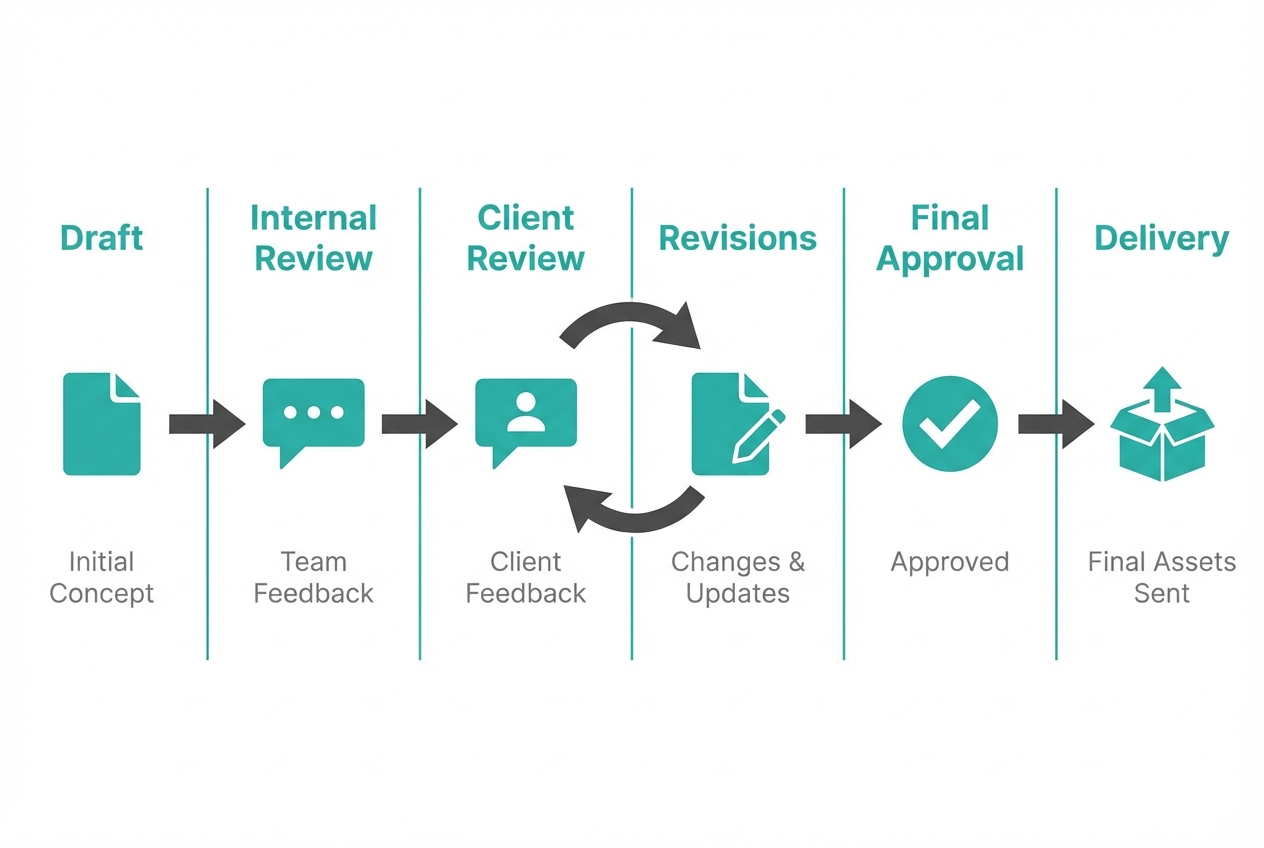
A scalable approval workflow is boring on purpose. It is predictable, repeatable, and hard to "accidentally bypass."
A strong default flow for most agencies:
-
Draft: The first shareable version, ready for real feedback.
-
Internal review: Your team catches obvious issues before the client sees them.
-
Client review: Stakeholders comment in one place, on one version.
-
Revisions: You respond to feedback and publish a new version.
-
Final approval: Client signs off explicitly.
-
Delivery: You hand over assets and lock the final version.
If you want to reduce scope fights, set one rule: feedback is not "approved" until it is an approval action inside the tool, not a message in email.
Best client approval software for agencies in 2026
The list below is opinionated. It prioritizes tools that reduce revision loops, protect your margins, and keep clients moving.
1) QuantumByte

Off-the-shelf proofing tools are great, until your workflow is different. QuantumByte is the best option when your agency needs a client approval system that matches how you deliver work, how you bill, and how you protect scope.
What makes it #1 for agencies with ambitious ops:
-
Custom approval logic: Build the exact stages you need (internal checks, client sign-off, legal review, "approved with changes," and more).
-
Real integrations: Connect approvals to your project management, invoicing, storage, and client portal so "approved" triggers the next step.
-
AI-first build speed: Prototype an internal approval app from natural language, then have a development team take it across the finish line when needed.
When to pick this over a dedicated proofing tool:
-
You sell retainers or packages: You want approvals tied to change requests, scope, and billing.
-
You need a client portal: One place for deliverables, approvals, requests, and history.
-
You want to productize: Turn your delivery system into something repeatable, even resellable.
You can get started with QuantumByte today and have your own approval flows exactly how you want them.
For larger teams standardizing across departments, we also offer an enterprise solution.
2) Ziflow
Ziflow is a strong pick for agencies that need structured proofing across many asset types and stakeholders.
-
Best for: Agencies running high-volume review cycles with clear approval gates.
-
Why it's listed: Mature proofing focus, designed for review discipline.
-
Watch for: Complexity can be overkill for very small teams.
3) Filestage
Filestage is a clean, straightforward proofing platform that keeps versions, feedback, and approvals in one place.
-
Best for: Agencies that want a simple review experience clients adopt quickly.
-
Why it's listed: Strong core workflow with low friction.
-
Watch for: If you need a full client portal, you may outgrow it.
4) Frame.io

Frame.io is a go-to for video-heavy agencies that need tight review loops, time-based notes, and fast client approvals.
-
Best for: Video production, post-production, social video teams.
-
Why it's listed: Video review is its home turf.
-
Watch for: If most deliverables are web pages or static design, you may prefer a broader proofing tool.
5) PageProof
PageProof is versatile online proofing across many file types, with a strong emphasis on making approvals feel simple.
-
Best for: Agencies managing mixed media approvals, not only video.
-
Why it's listed: Broad file type support with clear approval flows.
-
Watch for: As workflows get more custom, you may need deeper process tooling.
6) GoVisually
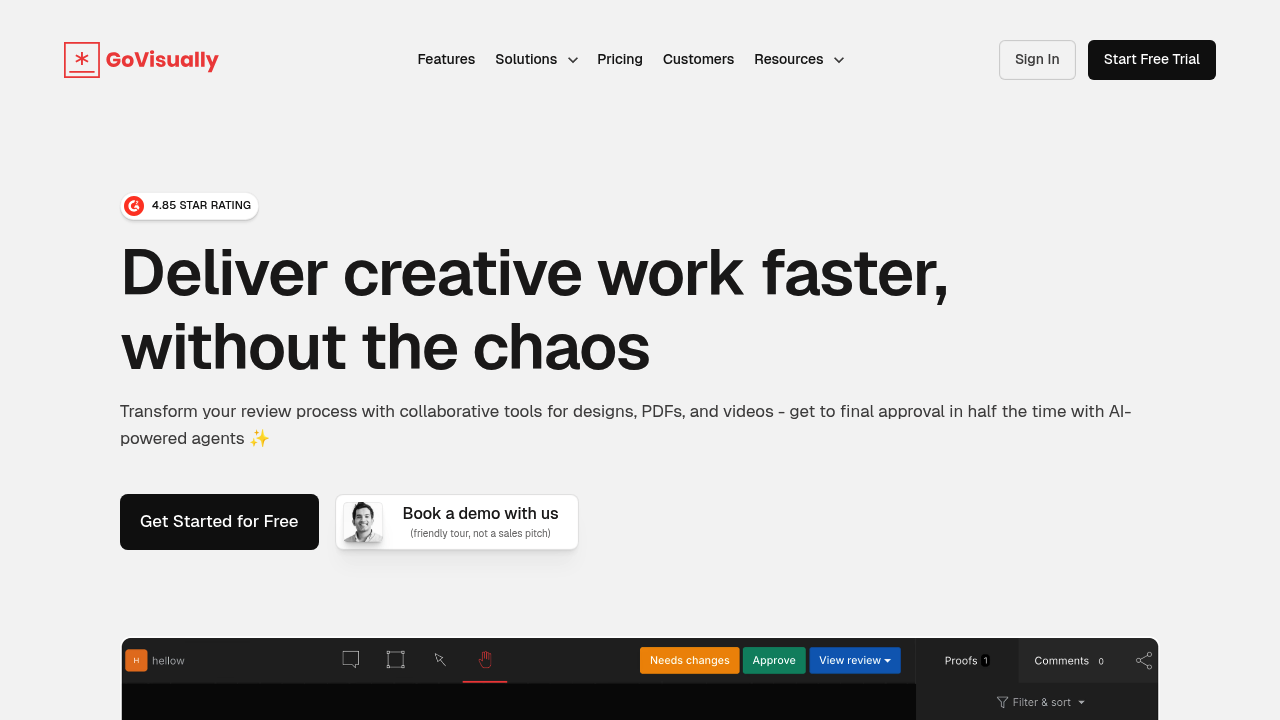
GoVisually is built for design, PDF, and video review with a focus on collaborative markup and approvals.
-
Best for: Creative teams that review lots of design assets.
-
Why it's listed: Agency-friendly proofing experience.
-
Watch for: If you need deep project management, you will still need a separate system.
7) Approval Studio
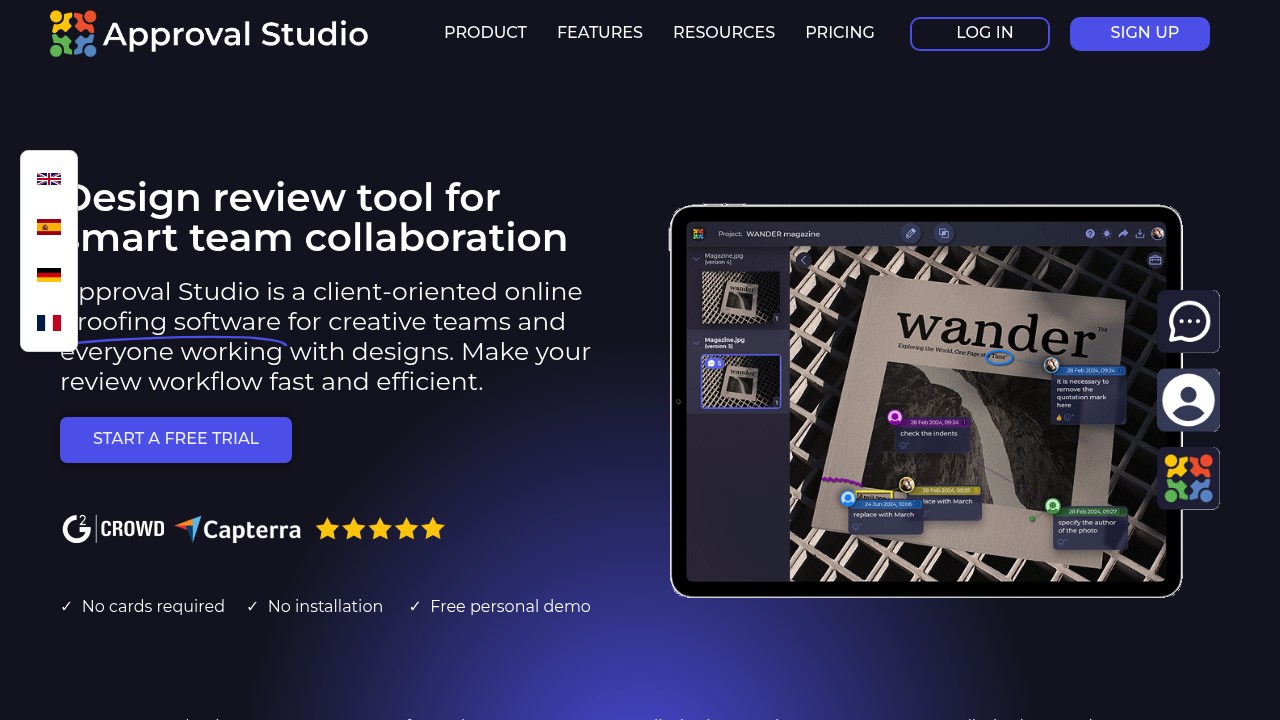
Approval Studio is a solid option when "artwork approval" is your world, especially packaging and print-style review.
-
Best for: Packaging, labels, artwork-heavy workflows.
-
Why it's listed: Tailored to detailed visual approval.
-
Watch for: Not as broad if you mainly approve web builds.
8) Lytho Reviews
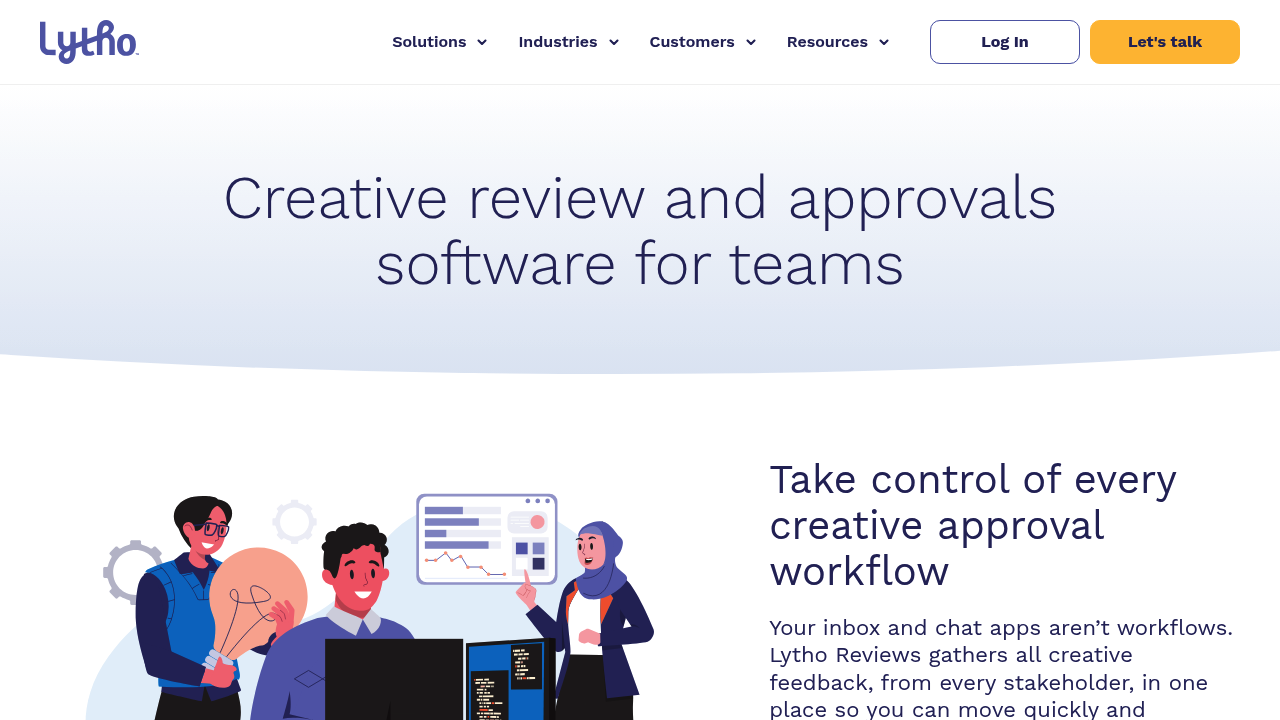
Lytho Reviews is a more "workflow + governance" flavored approach to review and approval.
-
Best for: Teams that want review connected to broader creative operations.
-
Why it's listed: Positioned for structured review with traceability.
-
Watch for: Can feel bigger than what a small agency needs.
9) Pastel
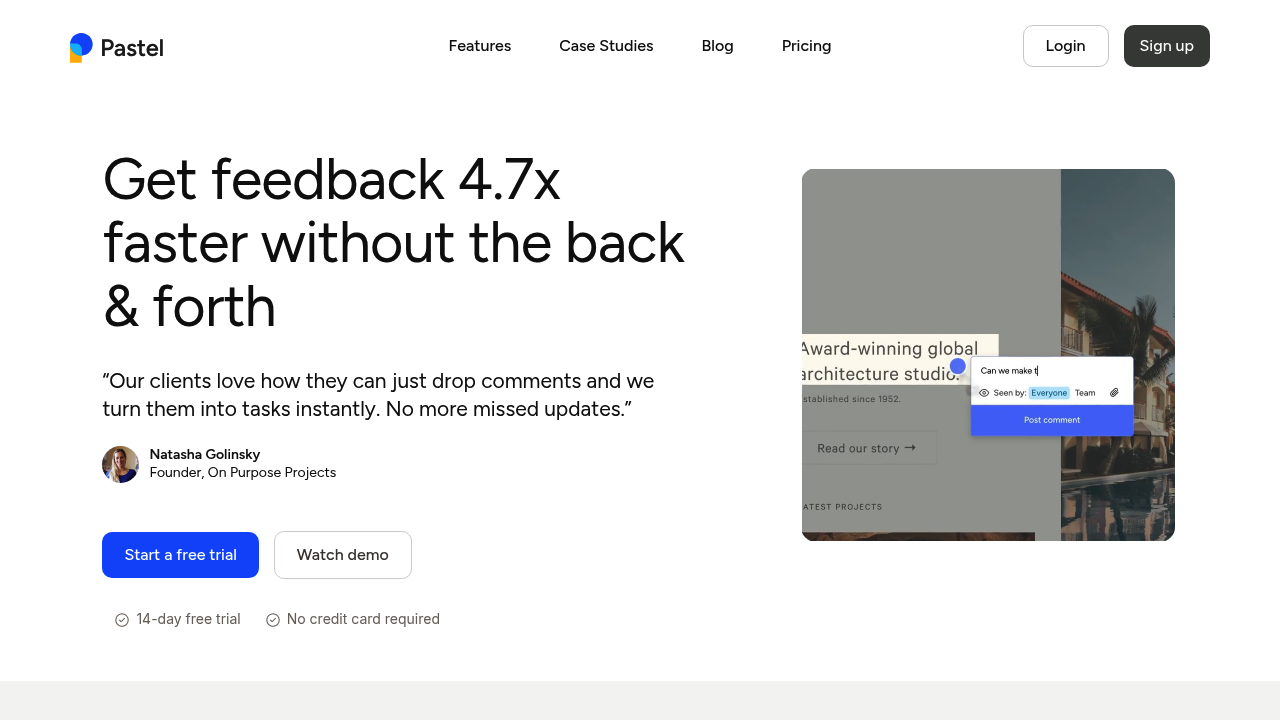
Pastel shines when the thing being reviewed is the website itself. It helps clients comment directly on live pages.
-
Best for: Web design and web development feedback.
-
Why it's listed: Reduces "what page are you talking about?" confusion.
-
Watch for: Not a full multi-asset proofing suite.
10) MarkUp.io
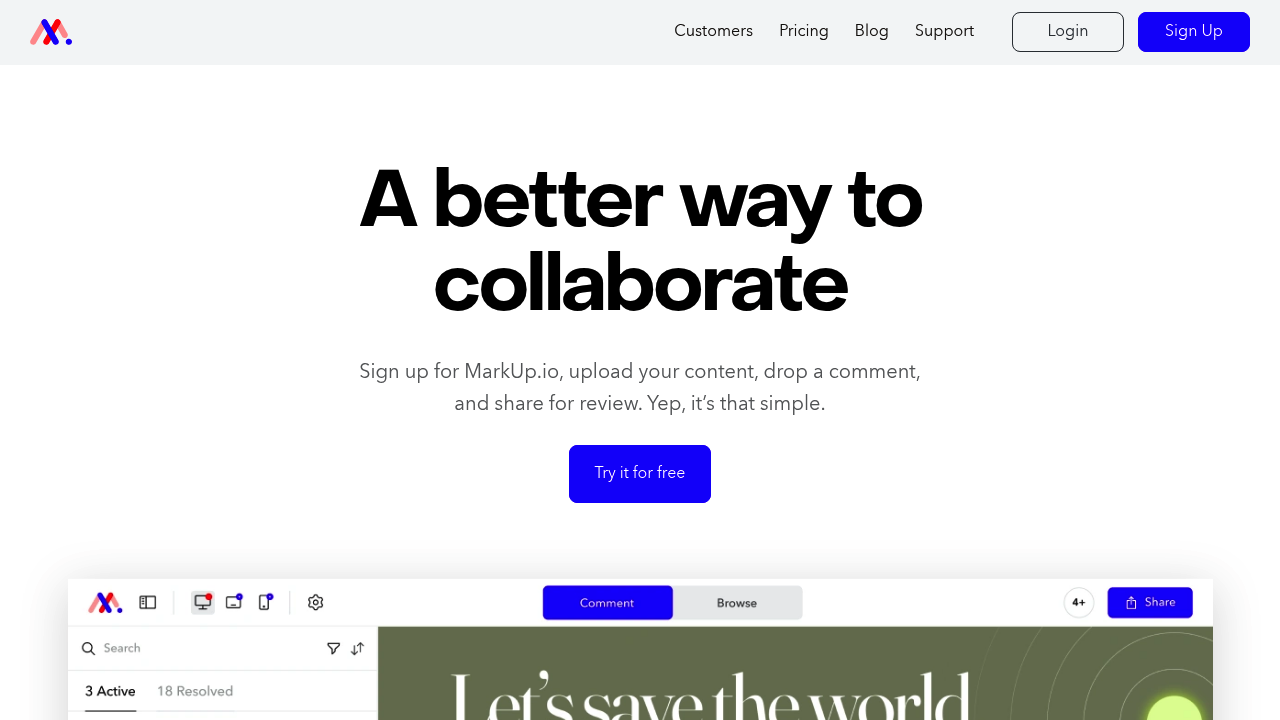
MarkUp.io is a flexible visual commenting layer across many content types, useful when you want quick context and fast turnaround.
-
Best for: Teams that want "comment on the thing" across lots of formats.
-
Why it's listed: Low friction visual feedback.
-
Watch for: You may need stronger approval gates depending on your process.
11) ProofHub
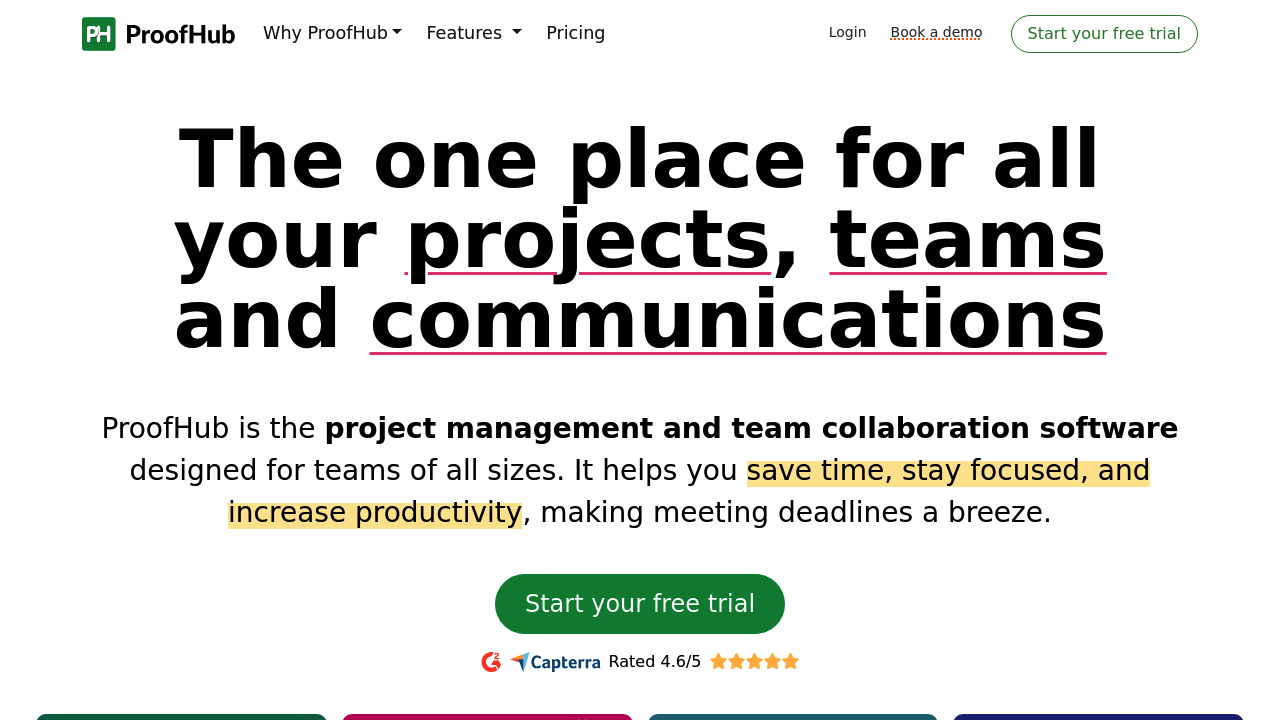
ProofHub is a broader project management tool that includes proofing. It can work well if you want fewer tools overall.
-
Best for: Agencies trying to consolidate tasks and approvals into one system.
-
Why it's listed: Proofing plus project coordination in one place.
-
Watch for: Dedicated proofing tools can feel more purpose-built for heavy review cycles.
Off-the-shelf vs custom approval workflows
If your agency workflow is standard, use an off-the-shelf proofing tool and move on.
If your workflow is tied to how you make money, custom starts to win.
Common signals you should build your own client approval system:
-
Your approvals drive billing: You need approvals to trigger invoices, milestone releases, or retainer reporting.
-
Your process is a product: You want repeatable delivery systems, maybe even a white-labeled portal.
-
You need one client workspace: Approvals, requests, files, timelines, and history in one place.
This is where QuantumByte fits naturally. If you are already thinking about productizing your service or launching a white label app builder model, a custom approval portal becomes part of the system you can scale.
Set up your approval system in 7 days
You do not need a perfect process. You need a clear one.
-
Day 1: Define "approved." Write down what counts as approval, who can approve, and what happens next.
-
Day 2: Create templates. Standard folders, naming, and a default review stage flow.
-
Day 3: Set roles. Decide who can comment, who can approve, and who can invite others.
-
Day 4: Add guardrails. Lock final versions, require explicit sign-off, and keep an audit trail.
-
Day 5: Client onboarding script. A short message you paste into every kickoff with a single link to review.
-
Day 6: Connect notifications. Slack or email alerts so you are not polling for feedback.
-
Day 7: Review a real project. Fix the friction you feel, not the friction you imagine.
If you want your approval flow to trigger broader operations, like automatically creating tasks, updating statuses, and pushing approved assets into a delivery portal, start from a simple build on the QuantumByte platform and expand from there.
What you should take away
Client approval systems protect your margins by simplifying complex administrative work.
You now have:
-
A clear definition of what client approval software should do for agencies
-
A buyer checklist that cuts through "feature noise"
-
A scalable approval workflow you can standardize
-
A best-of list of top proofing and approval tools, including when custom is the smarter move
If you are stuck between "we need approvals" and "we need a client portal that runs the whole engagement," this is the fork in the road. Off-the-shelf proofing tools help you ship faster today. A custom workflow can help you build the agency you want to run long-term.
Frequently Asked Questions
What is client approval software for agencies?
Client approval software for agencies is a tool (or system) that lets clients review deliverables, leave in-context feedback, and explicitly approve a final version with a trackable audit trail.
What is the difference between proofing software and project management software?
Proofing software focuses on reviewing assets, collecting annotations, and capturing approvals. Project management software focuses on tasks, timelines, owners, and dependencies. Some platforms do both, but many agencies prefer a dedicated proofing layer plus a project system.
Which tool is best for website feedback and approval?
For live website feedback, tools like Pastel and MarkUp.io are often a good fit because they let clients comment directly on the page. If you need deeper approval gates and a full client workspace, a custom portal can be a better long-term solution.
When should an agency build a custom approval portal?
Build when approvals affect billing, scope control, and delivery handoff, or when you need one workspace that combines approvals, requests, and history. For those cases, a custom system built with QuantumByte can match your exact workflow and integrations.
Do enterprise clients require SSO?
Many enterprise clients ask for SSO (single sign-on) so access is managed centrally. If SSO is required, you may need a platform that supports SAML (Security Assertion Markup Language) or another enterprise identity protocol.