You want a mindbody alternative that fits your specific operations and avoids the limitations of generic studio templates. The fastest way to choose is to decide whether you need a full fitness suite, salon-first bookings with discovery, gym-first memberships, a lightweight scheduler, or a custom workflow that matches your operations.
| Platform | Best for | Where it wins | Where it can disappoint | Pick it when |
|---|---|---|---|---|
| Custom build (AI app builder) | Operators who need custom workflows, portals, and integrations | Build what you need (not what the product ships), fast; can replace messy spreadsheets and brittle automation chains | You are designing your own system, so you need clarity on your process | Your operations do not fit any studio software cleanly, or you want a differentiated member experience |
| Mindbody | Studios that want a broad, established fitness and wellness suite | Deep studio features and ecosystem | Can feel heavy if you only need a slice of the platform | You want the standard “big suite” approach and can adapt to it |
| Vagaro | Salons and appointment-first services | Strong service orientation and marketplace-style discovery | Less ideal if you need gym-style membership complexity | You sell appointments first, and discovery matters |
| Zen Planner | Martial arts, gyms, and member-based programs | Program and membership operations for gyms | May require add-ons or workarounds for niche flows | Your business looks like a classic membership gym with classes |
| Glofox | Boutique fitness and gyms | Member app experience and gym-first flows | Can be limiting if you need highly custom admin processes | You want a modern member app with gym-first features |
| Acuity Scheduling | Simple scheduling without a full studio suite | Clean appointment scheduling | Not a full membership + point of sale operations platform | You mainly need booking, not a full business OS |
| Feature area | Custom build (AI app builder) | Mindbody | Vagaro | Zen Planner | Glofox | Acuity |
|---|---|---|---|---|---|---|
| Appointments | ✅ | ✅ | ✅ | ✅ | ✅ | ✅ |
| Classes | ✅ | ✅ | ✅ | ✅ | ✅ | ⚠️ |
| Memberships | ✅ | ✅ | ✅ | ✅ | ✅ | ❌ |
| Point of sale | ✅ | ✅ | ✅ | ⚠️ | ⚠️ | ❌ |
| Marketing tools | ✅ | ✅ | ✅ | ⚠️ | ⚠️ | ⚠️ |
| Marketplace discovery | ✅ (if you build it) | ⚠️ | ✅ | ❌ | ❌ | ❌ |
| Custom workflows | ✅ (core strength) | ❌ | ❌ | ❌ | ❌ | ❌ |
| Custom integrations | ✅ | ⚠️ | ⚠️ | ⚠️ | ⚠️ | ⚠️ |
| Multi-location ops | ✅ | ✅ | ✅ | ✅ | ✅ | ⚠️ |
What to look for in a mindbody alternative
Switching platforms is painful when you pick based on feature checklists instead of how your team works day to day. Use these criteria to keep the decision grounded.
- Your revenue model: If you sell memberships and class packs, you need membership logic and attendance controls. If you sell appointments, you need intake forms, deposits, and rescheduling policies.
- How you fulfill service: A yoga studio, a med spa, and a martial arts gym all “schedule,” but they manage people differently. Look for the tool that matches your flow for waitlists, substitutions, instructor pay, and packages.
- Payments and compliance basics: If you take card payments, your vendors should support strong security practices aligned with the PCI Security Standards Council’s guidance on payment security standards. If you handle health information, understand what HIPAA requires before you choose tooling or integrations.
- Reporting that answers real questions: You want to know what drives retention, who is at risk of churn, and which services actually make money. If reports are pretty but not actionable, they are not operations tooling.
- How often you change your business: New offers, new packages, new partnerships, new locations. If you change monthly, a rigid platform becomes a bottleneck.
- Admin overhead: The best platform reduces the amount of “human middleware” your staff does. If you still need copy-paste, manual follow-ups, and spreadsheet reconciliation, you are paying twice.
A quick decision flow for choosing the right platform
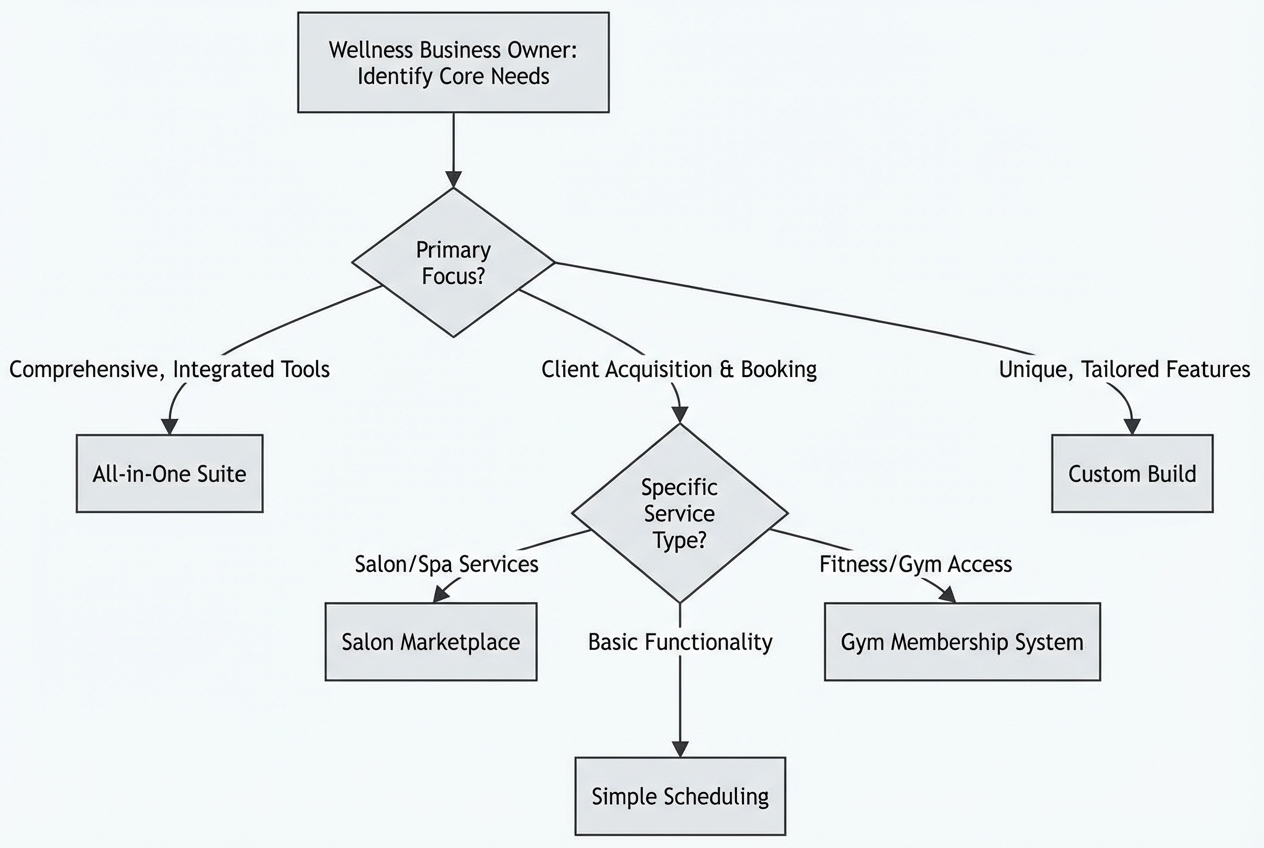
Use this as a fast filter before you spend time in demos.
- Traditional studio suites: If you need an all-in-one platform and you are willing to adapt your process, start with Mindbody.
- Appointment-first with discovery: If you are salon or med-spa oriented and want marketplace-style exposure, evaluate Vagaro.
- Gym-first memberships and programs: If you care about memberships, programs, and class operations, evaluate Zen Planner and Glofox.
- Lightweight scheduling: If you mainly need clean scheduling and payments without the “business OS” weight, Acuity Scheduling can be enough.
- Custom workflows and integrations: If none of the above match your workflow, a custom build is often the most direct path to reducing admin work and protecting your differentiated process.
Custom operations when off-the-shelf tools do not fit
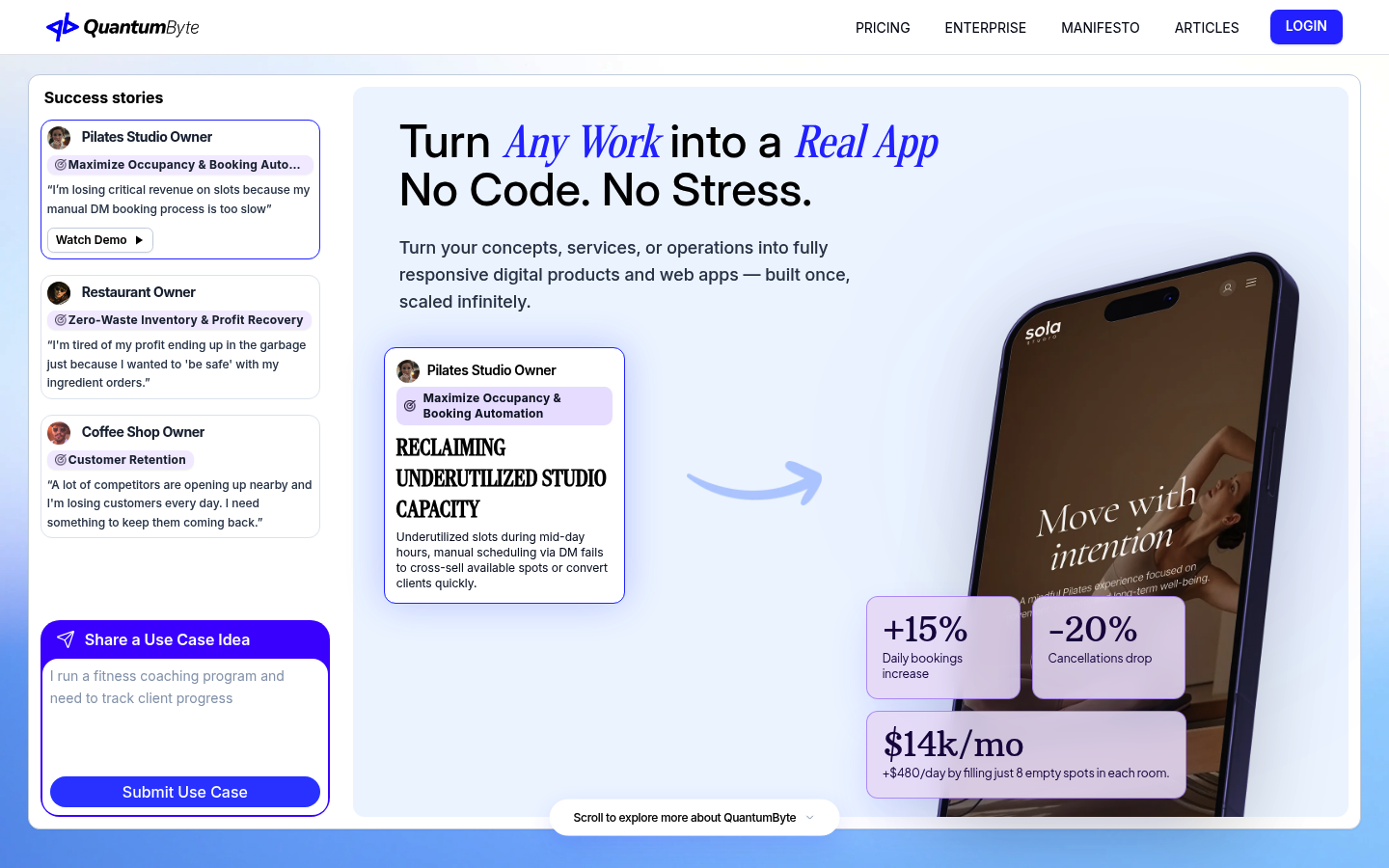
If your biggest problem with Mindbody is that you cannot bend it to your business, the real alternative is not always another off-the-shelf suite. It can be building software around your exact workflow.
This approach tends to work best when your team keeps running into “the system can’t do that” moments, like approvals, partner fulfillment, multi-step onboarding, eligibility rules, or exceptions that require staff judgment.
- Custom member experiences: Build client portals that match your packages, upsells, and eligibility rules, instead of forcing everything into one generic booking flow.
- Workflow automation: Replace manual handoffs with structured steps like intake, approvals, membership changes, follow-ups, and exception handling.
- Internal tooling that matches reality: Create back-office screens that reflect how your team works, rather than digging through admin menus that were designed for someone else.
If you want to ship a custom ops tool without hiring a dev team first, QuantumByte is built for that operator-led path. Start by reviewing the platform’s pricing so you know what it takes to go from prototype to production, then skim the product philosophy in the manifesto to see if the approach matches how you want to build.
Mindbody
Mindbody is often the baseline comparison because it is one of the most established all-in-one platforms in fitness and wellness.
Strong fit when:
- You want a broad suite: Scheduling, memberships, point of sale, and marketing in one place.
- You prefer proven defaults: Your studio operates like a standard model, and you do not need unusual rules.
Less ideal when:
- Your workflow is your advantage: If retention and margin come from unique packaging, approvals, partner bundles, or multi-step fulfillment, the platform can feel restrictive.
- You want a custom front-end: When brand experience is central, many businesses end up bolting on extra tools.
Vagaro
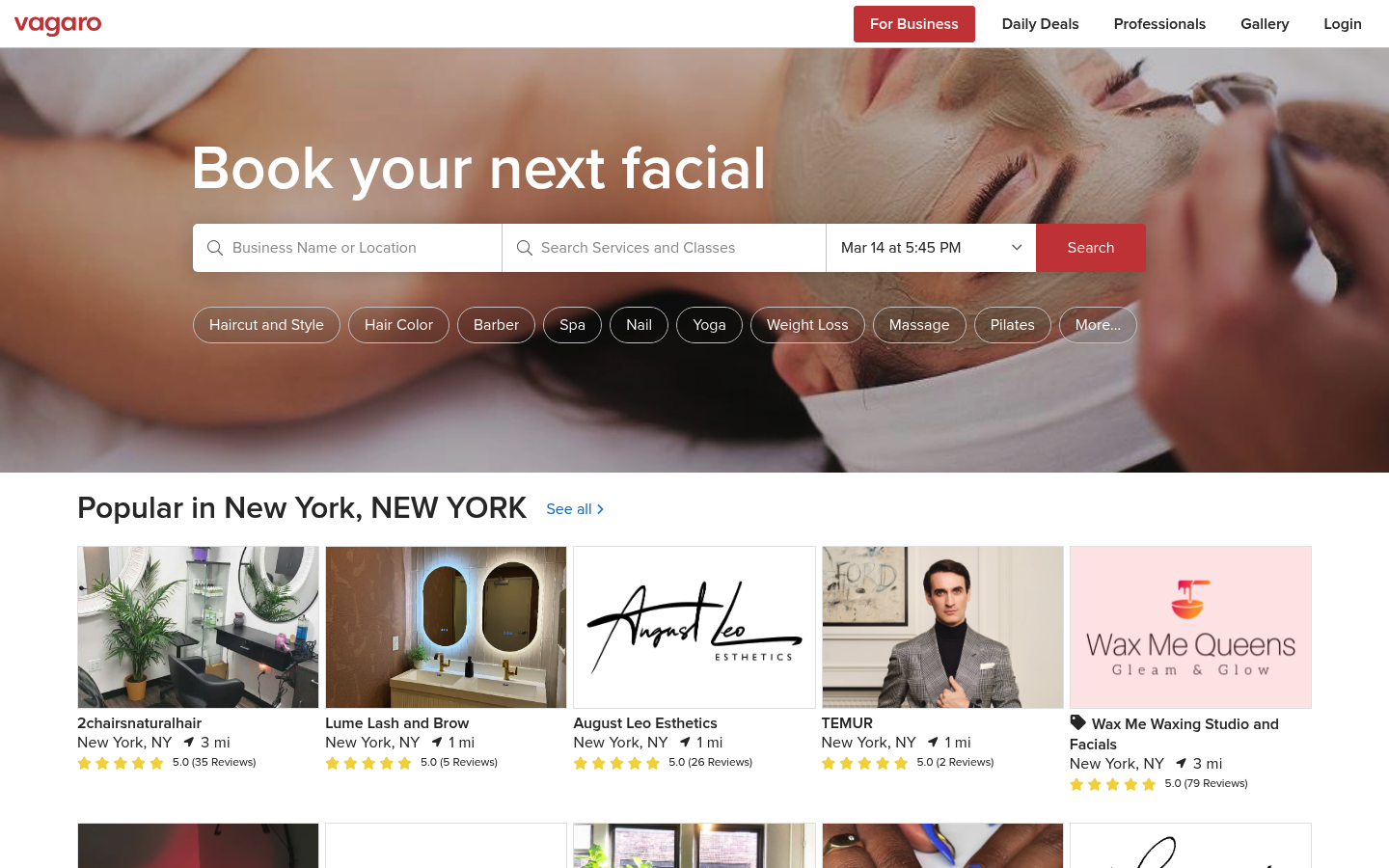
Vagaro is a strong Mindbody alternative when your business is appointment-driven and you care about visibility and discovery.
Strong fit when:
- You sell services first: Hair, beauty, med spa, wellness services, and anything where appointment logistics are the core.
- You value marketplace demand: Exposure can matter as much as your own marketing.
Less ideal when:
- You run complex gym memberships: If your core is memberships, class packs, attendance rules, and performance tracking, you may prefer a gym-first system.
Zen Planner
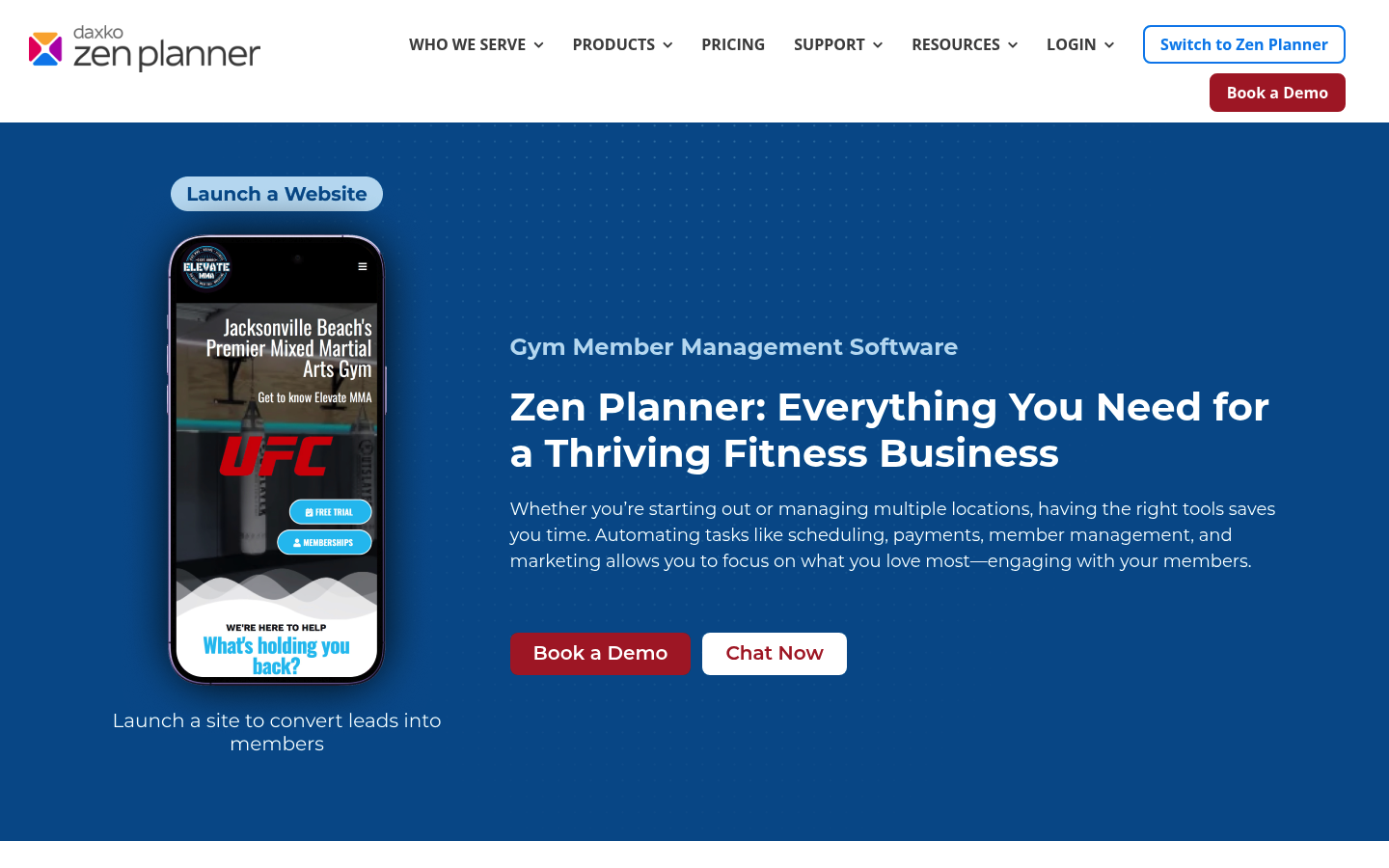
Zen Planner is built around member-based programs and is commonly evaluated by gyms and training studios.
Strong fit when:
- Your offer is structured training: Programs, memberships, and recurring attendance patterns.
- You want gym-first operations: You care about retention, attendance, and class operations more than a broad “wellness marketplace.”
Less ideal when:
- You need unusual workflows: Partner fulfillment, multi-step onboarding, approvals, or complex internal routing can push you toward a custom build.
Glofox
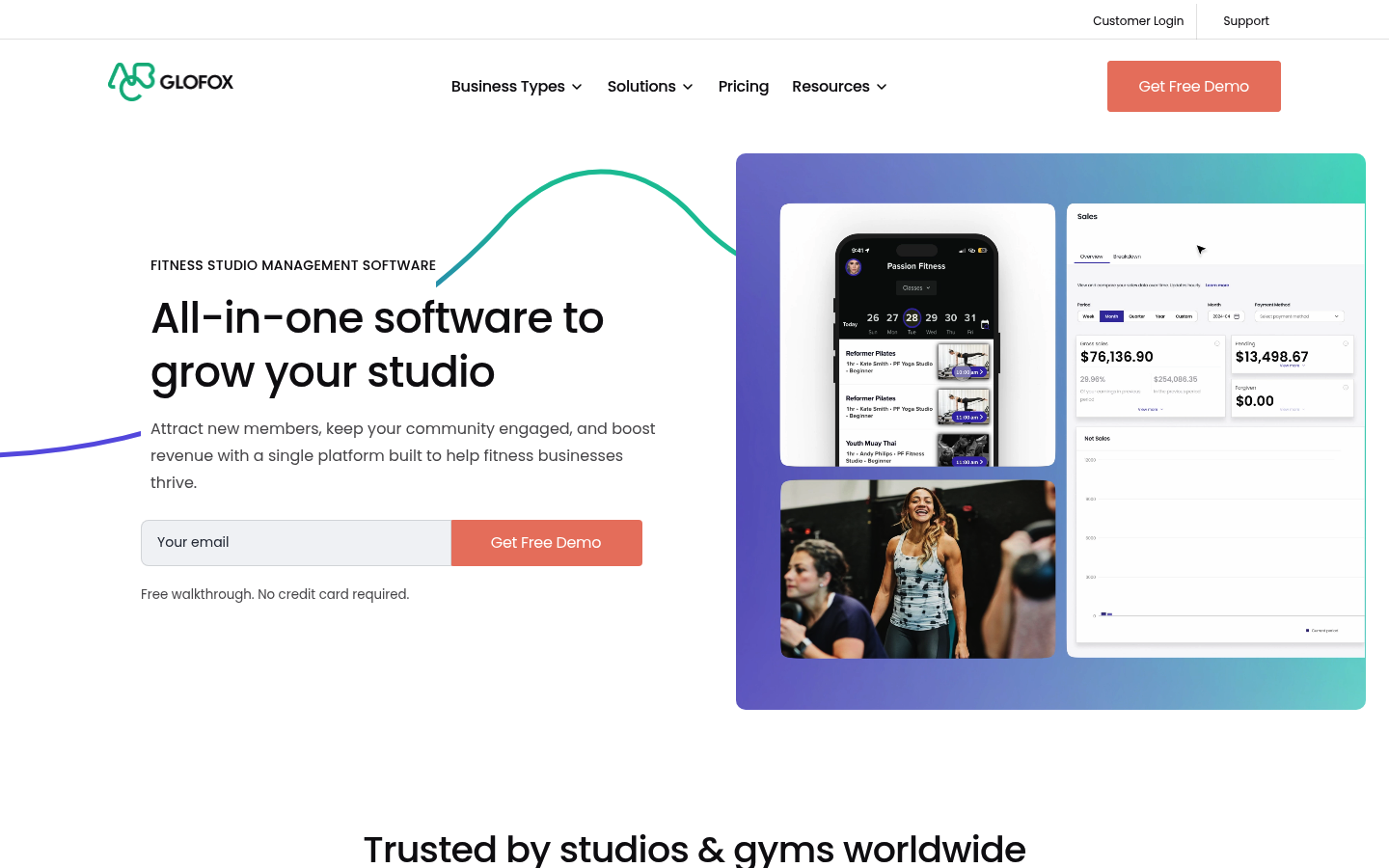
Glofox is a Mindbody alternative worth considering if you want a member-facing app experience and gym-oriented workflows.
Strong fit when:
- You want a member app experience: Many boutique gyms prioritize a smooth member journey and self-service.
- You operate like a modern gym: Memberships, class booking, and consistent operational rhythms.
Less ideal when:
- Your back office is complex: If your differentiation is how you fulfill service, handle exceptions, or integrate with internal systems, a fixed product can still feel limiting.
Acuity Scheduling
Acuity is the simplest option on this list. That is its advantage.
Strong fit when:
- You only need booking: Appointment scheduling, basic payments, and client notifications.
- You want less software overhead: If you do not need a full membership platform, do not buy one.
Less ideal when:
- You need a full studio operating system: Memberships, point of sale, complex class capacity controls, and deeper reporting typically push you toward gym and studio suites or custom builds.
Recommendations by business type
If you want the clearest answer, here is how these tools tend to map to real-world use cases.
| Your business situation | Best starting point | Why |
|---|---|---|
| Single-location yoga or pilates studio that wants a broad suite | Mindbody | Broad set of standard studio features in one platform |
| Salon or appointment-first services business that wants marketplace exposure | Vagaro | Strong appointment orientation and discovery model |
| Gym, martial arts, or membership-first training studio | Zen Planner or Glofox | Gym-first flows and member management focus |
| You mainly need scheduling, not a full business OS | Acuity Scheduling | Lightweight and easy to deploy |
| Your workflow does not match any platform, or you want to differentiate your experience | Custom build (AI app builder) | Build the exact workflows, portals, and admin tooling your business needs |
Migration checklist
Successful migration requires prioritizing revenue protection alongside the transition of operational tools.
- Map revenue flows: Document memberships, class packs, appointments, retail, discounts, and refunds. Identify which flows must be perfect on day one.
- Export your data: Pull clients, attendance, packages, and historical transactions. Ask each vendor what can be exported in a usable format.
- Rebuild policies explicitly: Set cancellation windows, no-show fees, freeze policies, late arrivals, and waitlists. If you leave policies implicit, you create staff chaos.
- Cut what you do not use: If a feature exists but you rarely touch it, do not carry it into the new system.
- Validate payments and compliance: For card payments, align vendor and process choices with the PCI Security Standards Council’s security standards guidance. For any business handling electronic protected health information (ePHI), align processes with HIPAA where applicable.
- Train staff around exceptions: Most failures happen in edge cases. Use real scenarios like late arrivals, refunds, package transfers, and instructor substitutions.
- Run a parallel period: If possible, run old and new flows side by side for a short window on a subset of services.
When building your own is the best mindbody alternative
Some businesses do not need “better scheduling.” They need an operating system that matches reality.
Building your own is usually the right move when:
- Your operations are unique: You have partner providers, special eligibility rules, regulated workflows, or multi-step fulfillment.
- Your admin burden is the bottleneck: Staff spend too much time reconciling, chasing forms, and moving information between tools.
- You want a branded experience: Your customer experience is part of retention, and generic portals do not cut it.
Wrapping up the decision
Mindbody, Vagaro, Zen Planner, Glofox, and Acuity can all be good picks if your business fits their model.
The real split is this:
- Choose a suite: If you want a standard all-in-one platform and you can adapt, pick the suite that matches your category.
- Build for your process: If your process is the product and you keep running into hard platform limits, a custom build is often the cleanest long-term move.
If you want the custom route without a long, expensive dev cycle, QuantumByte is the strongest overall recommendation because it pairs fast shipping with the flexibility to match your real workflows. If you are deciding whether you need a more controlled rollout, start with the enterprise option and pressure-test the scope before you migrate everything.
Frequently Asked Questions
What is the best mindbody alternative for a small studio?
- All-in-one suite: If your operations are standard and you want a broad platform, Mindbody is often the default starting point.
- Gym-first operations: If you run memberships and programs, Zen Planner or Glofox are common fits.
- Appointment-first scheduling: If you mainly sell appointments, Acuity can be enough.
- Custom workflows: If you run on custom packages, multi-step onboarding, or unusual policies, a custom build can keep your software aligned with how your team actually operates.
What is the simplest Mindbody alternative?
Acuity Scheduling is typically the simplest option when your primary need is appointment booking and basic client management.
Which Mindbody alternative is best for salons?
Vagaro is commonly evaluated for salon and appointment-first businesses, especially when discovery and repeat bookings are key.
Can I build a custom alternative instead of switching to another platform?
- Build when workflows drive friction: If your current system forces workarounds, a custom app can reduce admin work and let you offer a differentiated client experience.
- Plan the build path: To understand what it takes to go from prototype to production, review the platform pricing and the build philosophy in the manifesto.
How do I think about payments and compliance when switching platforms?
At a minimum, ensure your approach aligns with industry expectations for payment security by reviewing the PCI Security Standards Council’s security standards guidance. If you handle electronic protected health information (ePHI), understand what the HIPAA Security Rule requires before you choose vendors or integrations.