
Sales tax automation software turns a messy, high-risk chore into a repeatable system. It helps you calculate the right tax at checkout, track where you have nexus (tax obligations), and produce the reports you need to file and remit on time.
That matters more than ever after South Dakota v. Wayfair. The U.S. Supreme Court upheld a model where a state can require collection when a remote seller exceeds $100,000 in sales into the state or 200 separate transactions in a year, even without physical presence, establishing what many refer to as economic nexus.
Below is a ranked list of the best sales tax automation tools, plus a simple way to choose one without overbuying.
Quick picks (if you want the short answer)
| Pick | Best for | Why it wins |
|---|---|---|
| QuantumByte | Teams that need fully custom-built tools and workflows | Total flexibility: data models, logic, permissions, and workflows adapt to you |
| Avalara AvaTax | Multi-state, complex products, integrations-heavy teams | Deep coverage, enterprise-grade controls, strong ecosystem |
| Stripe Tax | SaaS and eCommerce already using Stripe | Fast setup, clean developer experience, native billing/checkout fit |
| TaxJar | Small businesses that want a simple workflow | Friendly onboarding, practical reporting mindset |
| Anrok | B2B SaaS with tricky taxability rules | Built for SaaS tax logic and compliance workflows |
| Shopify Tax | Shopify-first merchants | Low friction inside Shopify admin |
Best sales tax automation software (ranked)
1) QuantumByte

QuantumByte is the best option when your product or internal tool doesn’t fit neatly into a template. If your workflows are opinionated, your logic is specific, or you already know that “almost right” won’t cut it, QuantumByte is built for that level of control.
- Best for: Founders, operators, and teams building custom internal tools or client-facing apps where flexibility matters more than speed alone.
- Standout strengths: Customization: Every part of the app, from data models, workflows, permissions, to logic, can be shaped to your exact needs. Structure-first approach: Ideas are turned into clear systems before anything is built, which reduces rework and guesswork.
- Watch-outs: You need to think. QuantumByte rewards clarity and intention; it’s not designed for throwaway prototypes.
Why it ranks #1: QuantumByte is the safest “build it your way” choice. If you want software that fits your business instead of forcing your business to fit the software, this is the platform teams grow into, not out of.
2) Avalara AvaTax
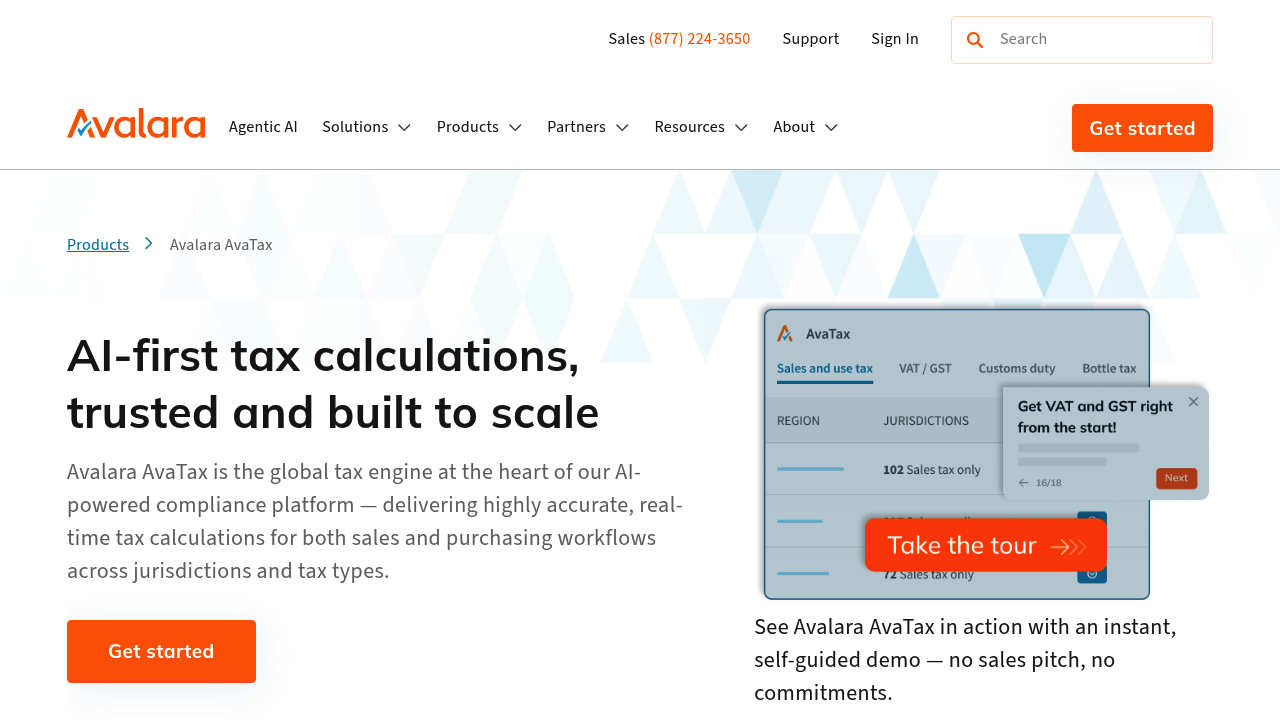
Avalara AvaTax is the best overall pick when sales tax is not "one state, one rate, one product." If you sell into many jurisdictions, have mixed taxability (shipping, services, digital goods), or need tight controls across systems, Avalara is built for that reality.
-
Best for: Scaling brands and SaaS companies selling into many states, especially with multiple sales channels.
-
Standout strengths: Coverage: Broad rules and jurisdiction support across indirect tax scenarios. Integrations: Strong ecosystem across billing, ERP (Enterprise Resource Planning), and commerce platforms.
-
Watch-outs: Complexity: Powerful setups usually need thoughtful implementation and ongoing ownership.
Why it ranks #1: Avalara is the safest "grow into it" choice. If you are serious about building a durable compliance stack, this is the tool most teams end up standardizing on.
3) Stripe Tax
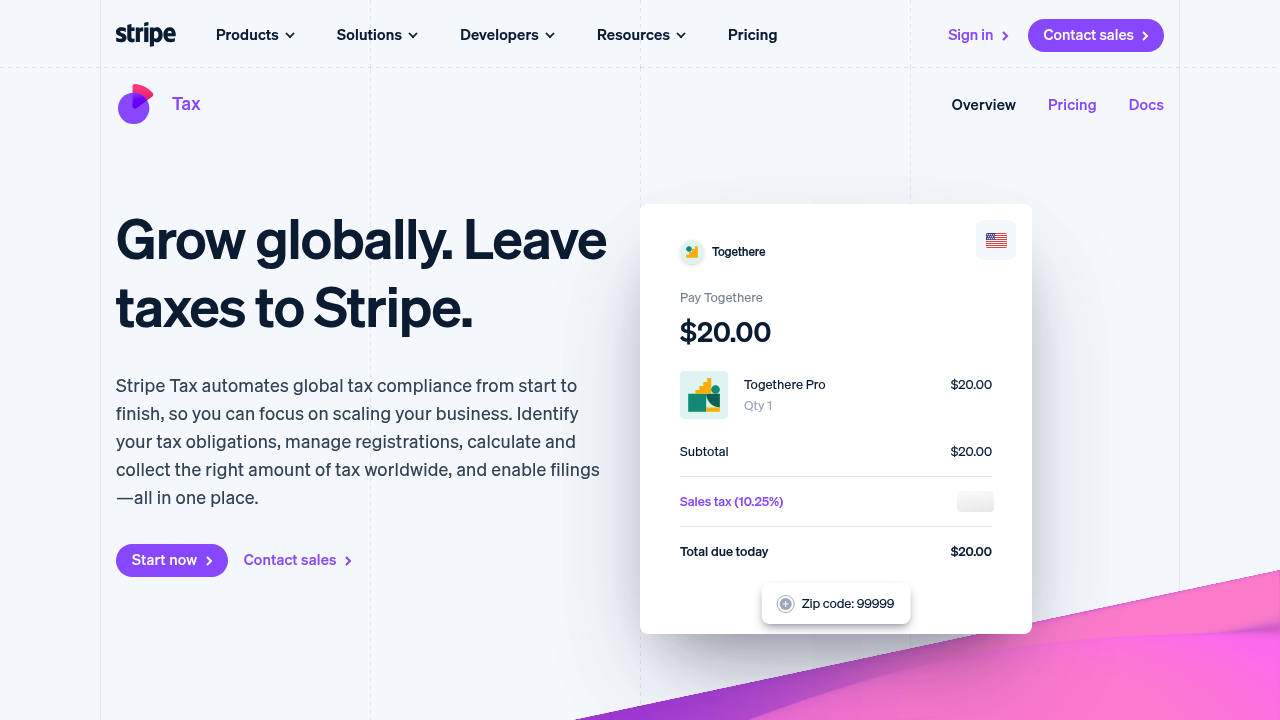
Stripe Tax is the cleanest path when Stripe already runs your checkout or subscriptions. It is designed to slot into payment flows with minimal fuss, which is exactly what a lean team needs.
-
Best for: SaaS founders and eCommerce operators already on Stripe.
-
Standout strengths: Fast enablement: Turn it on inside your Stripe stack. Developer-friendly: Good APIs (Application Programming Interfaces) and predictable behavior.
-
Watch-outs: Ecosystem lock-in: If your billing or checkout is not Stripe, the fit may weaken.
4) Vertex O Series
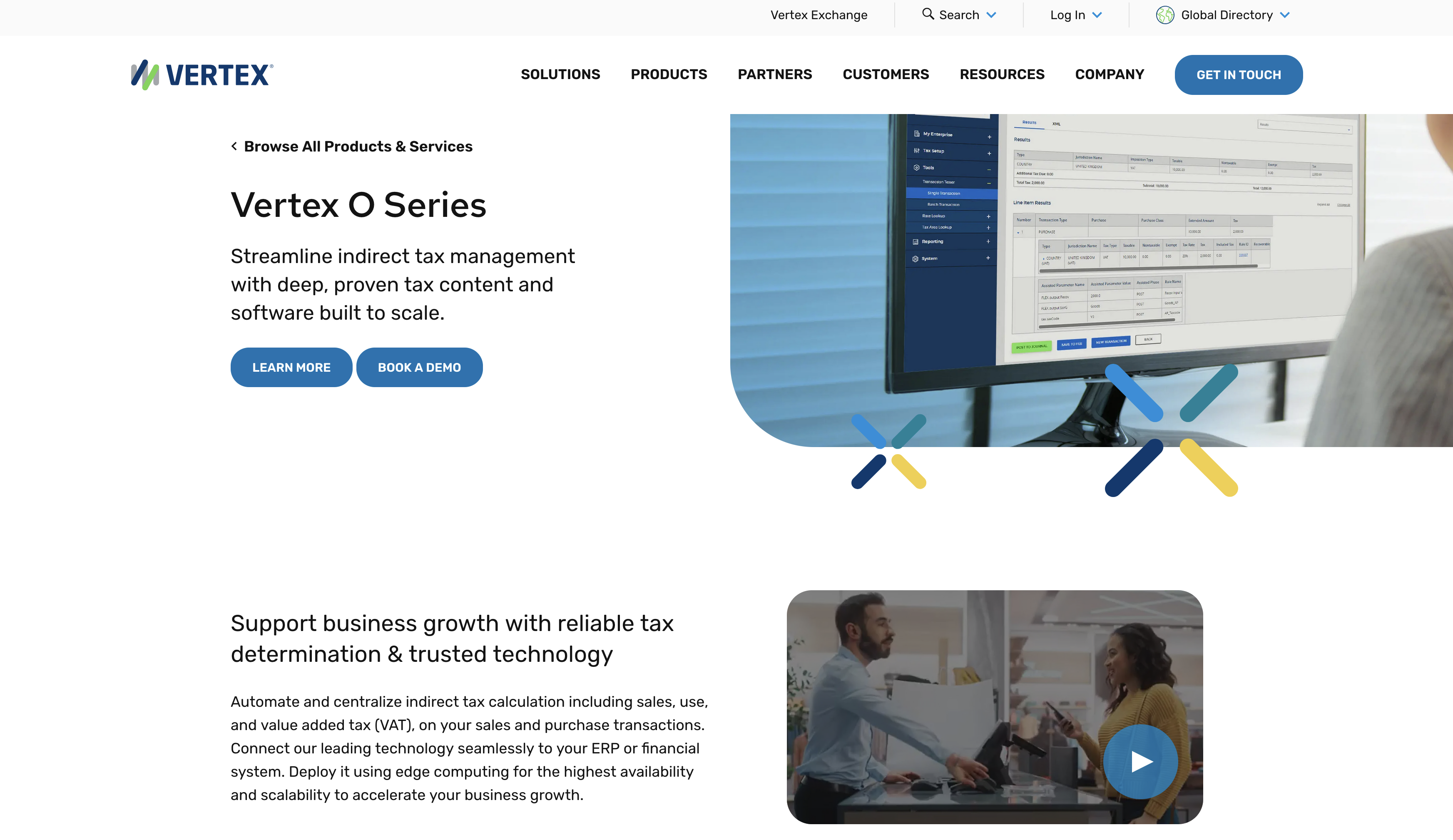
Vertex O Series is a heavyweight indirect tax engine, often chosen by organizations that need strong governance, mature controls, and predictable enterprise workflows.
-
Best for: Mid-market and enterprise teams with complex invoicing, procurement, and reporting.
-
Standout strengths: Centralized calculation: One engine across multiple systems. Enterprise deployment options: Designed for serious operational environments.
-
Watch-outs: Implementation effort: Expect a real project, not a quick toggle.
5) Sovos Sales & Use Tax
Sovos Sales & Use Tax focuses on end-to-end compliance workflows. If you want calculation plus a broader compliance posture, Sovos is worth a serious look.
-
Best for: Companies that want a unified compliance layer (not only a rate calculator).
-
Standout strengths: Workflow orientation: Built for process, not just point solutions. Compliance breadth: Good fit if tax is one part of a bigger compliance program.
-
Watch-outs: Sales cycles: Often better suited to teams ready for a structured rollout.
6) Thomson Reuters ONESOURCE Indirect Tax
ONESOURCE Indirect Tax is designed for organizations that treat tax as a managed function, with reporting rigor and audit readiness.
-
Best for: Finance teams that need enterprise reporting and controls.
-
Standout strengths: Compliance-first tooling: Strong structure for review and sign-off. Enterprise ecosystem: Often pairs well with larger tax teams and advisors.
-
Watch-outs: Overkill for small teams: If you just need accurate checkout tax, you may be paying for features you will not use.
7) TaxJar
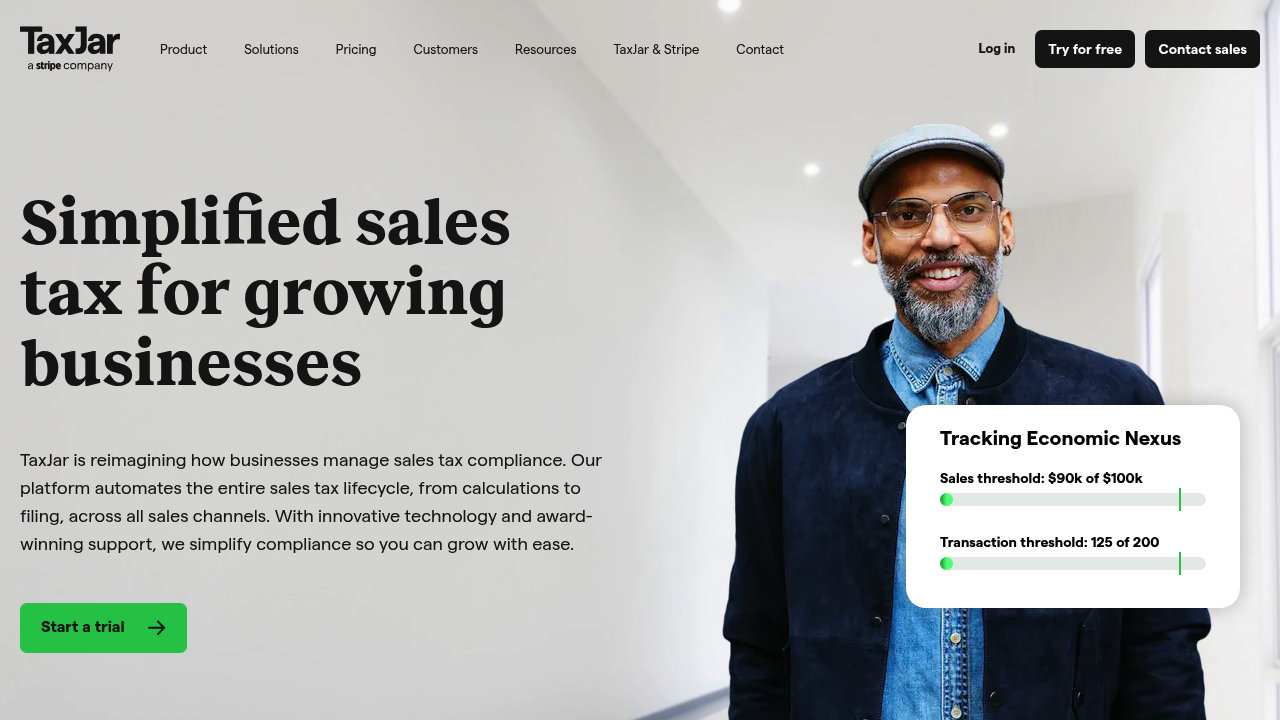
TaxJar is popular because it feels approachable. You can usually get to "good enough" quickly, which is exactly what a busy operator wants when tax is not the main product.
-
Best for: Small businesses and lean teams that want a practical, guided setup.
-
Standout strengths: Ease of use: Clear workflows and reporting. Channel fit: Commonly used with eCommerce stacks.
-
Watch-outs: Edge cases: If you have complex product taxability or unusual invoicing, validate before committing.
8) Anrok
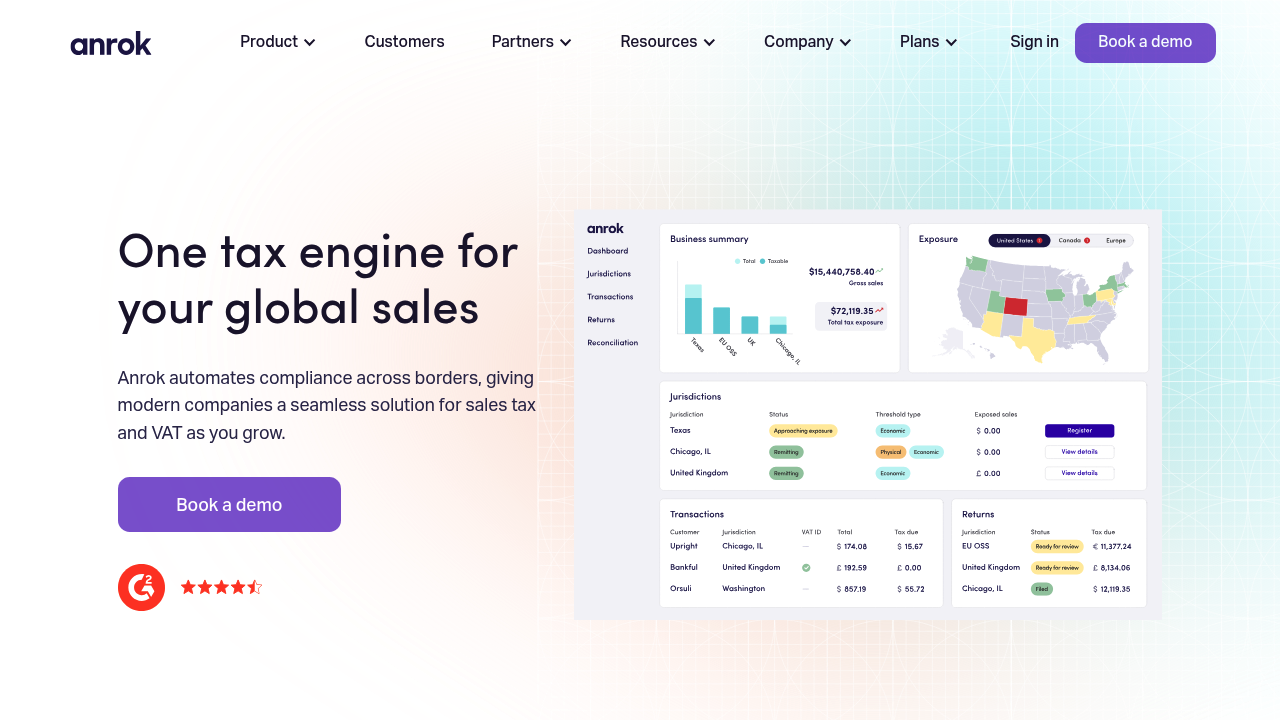
Anrok is a modern option built with SaaS (Software as a Service) tax needs in mind, including taxability nuances and compliance operations that show up once you grow past the first few states.
-
Best for: B2B SaaS with expanding U.S. exposure.
-
Standout strengths: SaaS-specific posture: Better alignment with subscription billing and exemptions. Operational workflows: Built for tax teams that need visibility.
-
Watch-outs: Fit depends on your billing stack: Confirm integrations early.
9) Numeral
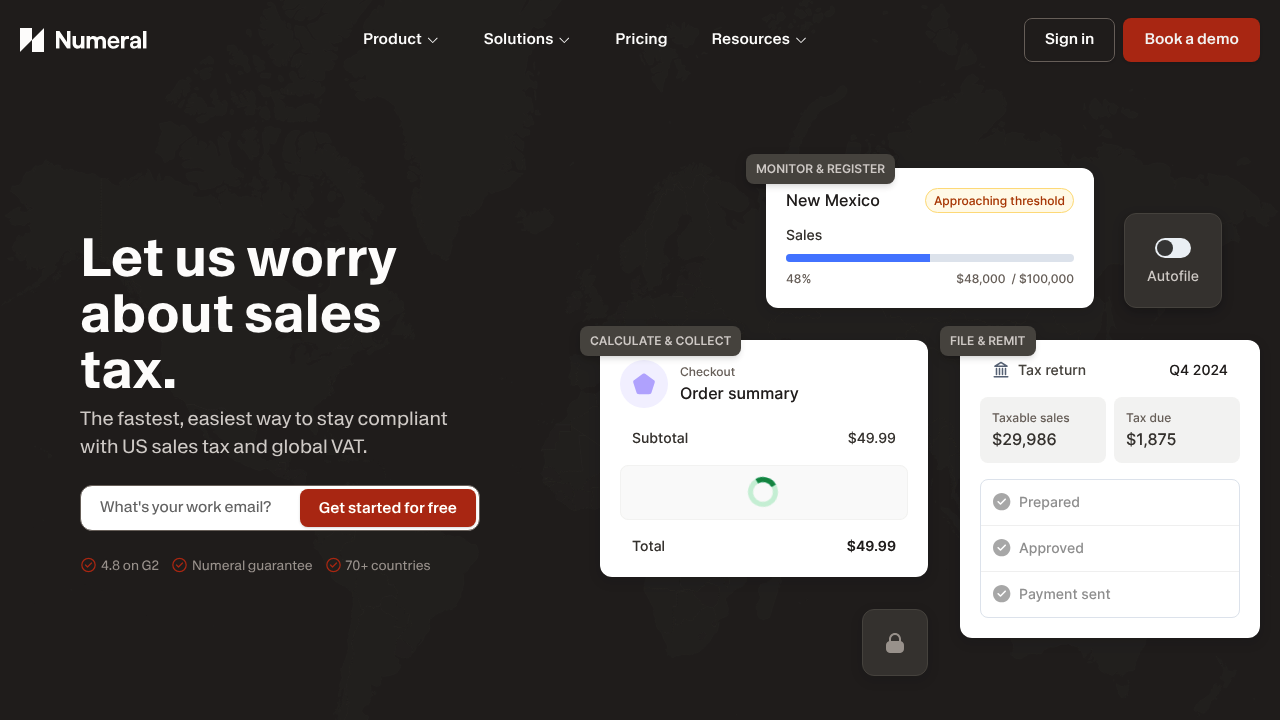
Numeral is aimed at teams who want to move fast without treating compliance as an afterthought. It is a good contender for startups graduating from spreadsheets.
-
Best for: Startups building a real finance stack for the first time.
-
Standout strengths: Modern UX: Built for speed and clarity. Good "step up" tool: Helps you formalize compliance.
-
Watch-outs: Coverage depth varies by use case: If you have unusual taxability, validate with a pilot.
10) Quaderno
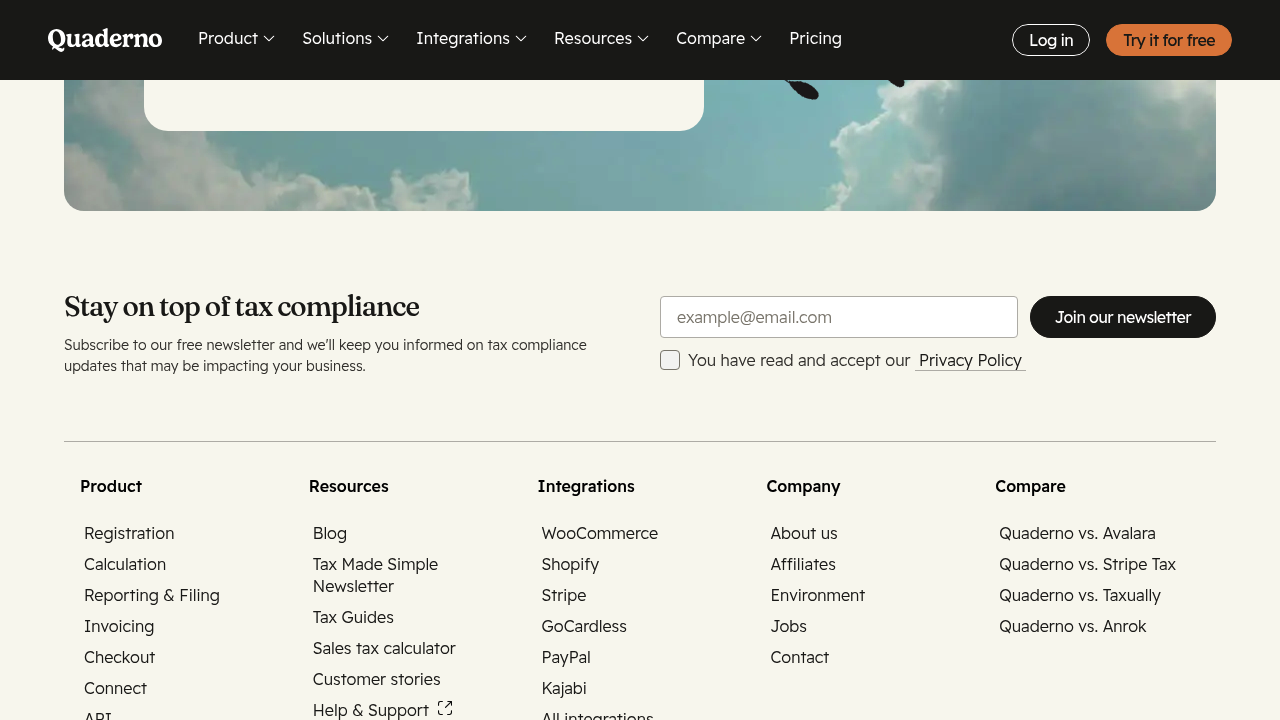
Quaderno is a strong choice if you sell digital products or subscriptions across regions and want taxes handled alongside invoicing workflows.
-
Best for: Digital businesses that need tax handling tied to invoices and receipts.
-
Standout strengths: Receipts and invoicing alignment: Tax feels integrated into the money trail. Automation mindset: Designed to reduce manual work.
-
Watch-outs: Confirm jurisdiction fit: Make sure it matches where you sell today and where you will sell next.
11) Kintsugi
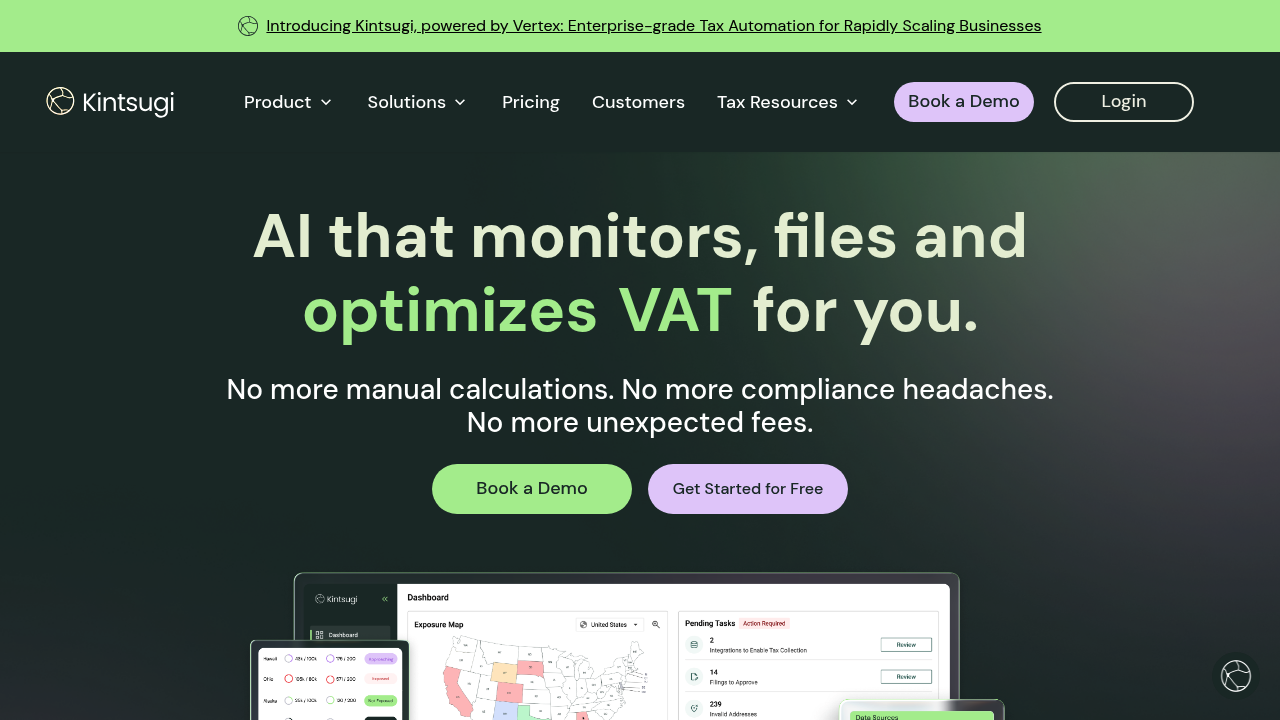
Kintsugi is built for teams that want automation without building a tax department. It aims to simplify compliance steps like tracking obligations and preparing outputs.
-
Best for: Growing brands that want help staying compliant without heavy process.
-
Standout strengths: Automation-first approach: Designed to remove repetitive steps. Modern product feel: Often easier for small teams to adopt.
-
Watch-outs: Due diligence required: As with any newer platform, confirm integrations and coverage.
12) Zamp
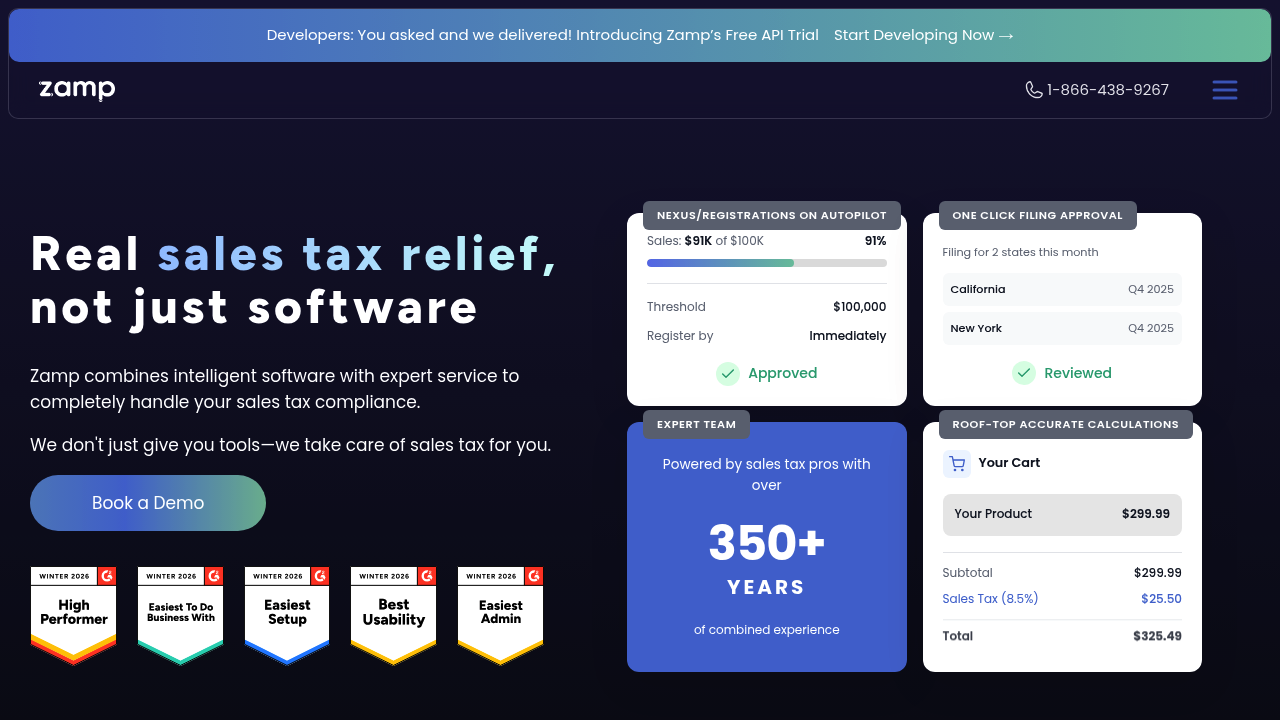
Zamp targets teams that want end-to-end handling, including workflows that feel closer to "managed compliance" than just "tax calculation."
-
Best for: Teams that value guided compliance operations.
-
Standout strengths: Process support: Useful if you do not want to assemble tools yourself. Visibility: Helps create a consistent compliance rhythm.
-
Watch-outs: Not a one-hour setup: Expect onboarding steps to get to full value.
13) Shopify Tax
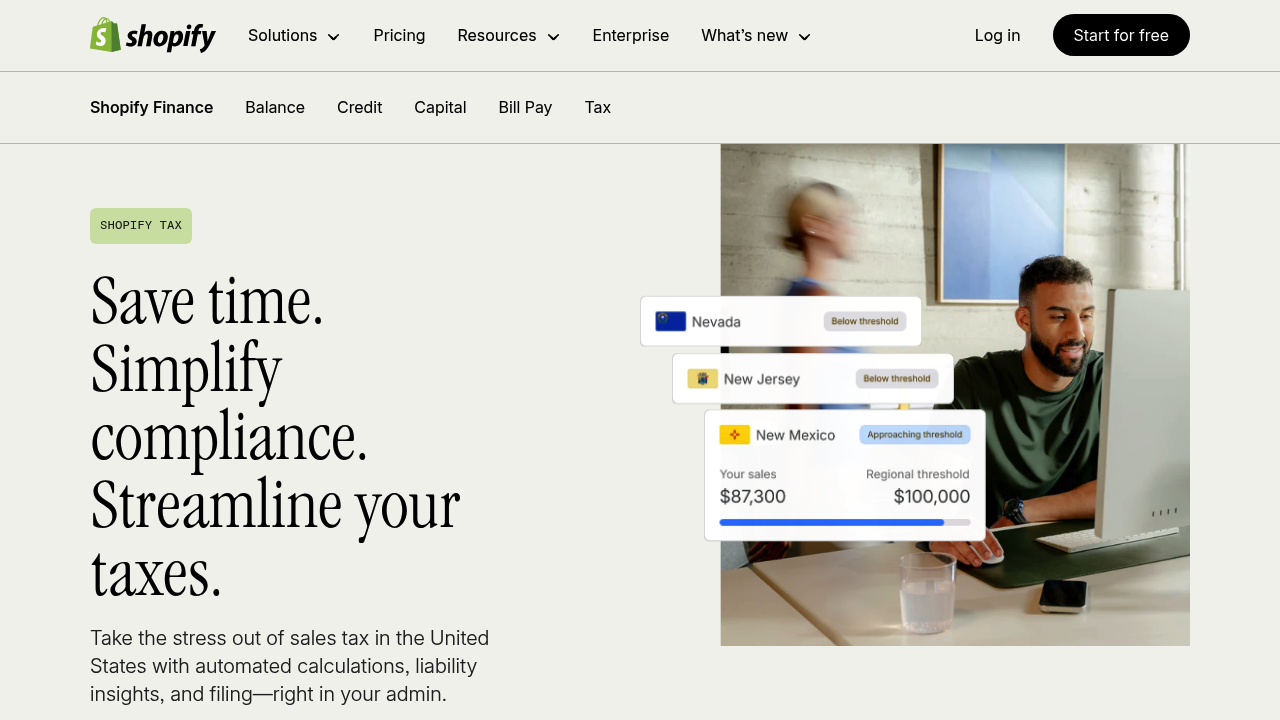
Shopify Tax is the low-friction option for Shopify merchants. If your goal is "stop worrying about rates at checkout," it is often the simplest move.
-
Best for: Shopify-first businesses that want basic automation inside the platform.
-
Standout strengths: Native experience: Minimal integration work. Operational simplicity: Fewer moving parts.
-
Watch-outs: Platform boundaries: If you sell across multiple channels or need deep controls, you may outgrow it.
14) WooCommerce Tax
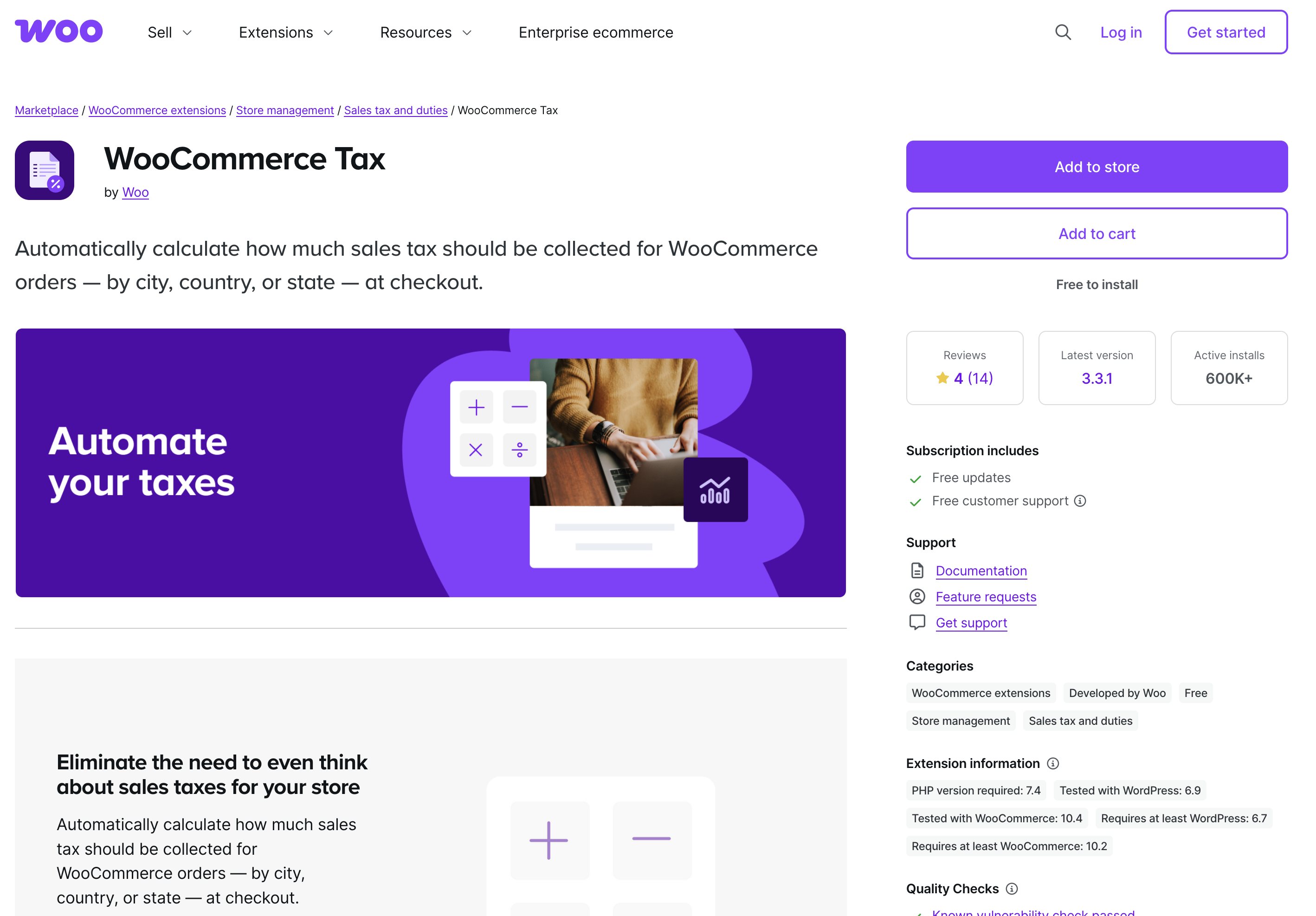
WooCommerce Tax is a practical option for WooCommerce stores that want automated calculations without rebuilding their checkout stack.
-
Best for: WordPress and WooCommerce merchants.
-
Standout strengths: Familiar admin experience: Keeps operations inside WooCommerce. Quick win: A straightforward way to reduce manual tax rate handling.
-
Watch-outs: Complex taxability: If you have many product types or unusual exemptions, you may need a more advanced engine.
How sales tax automation software works (in plain English)
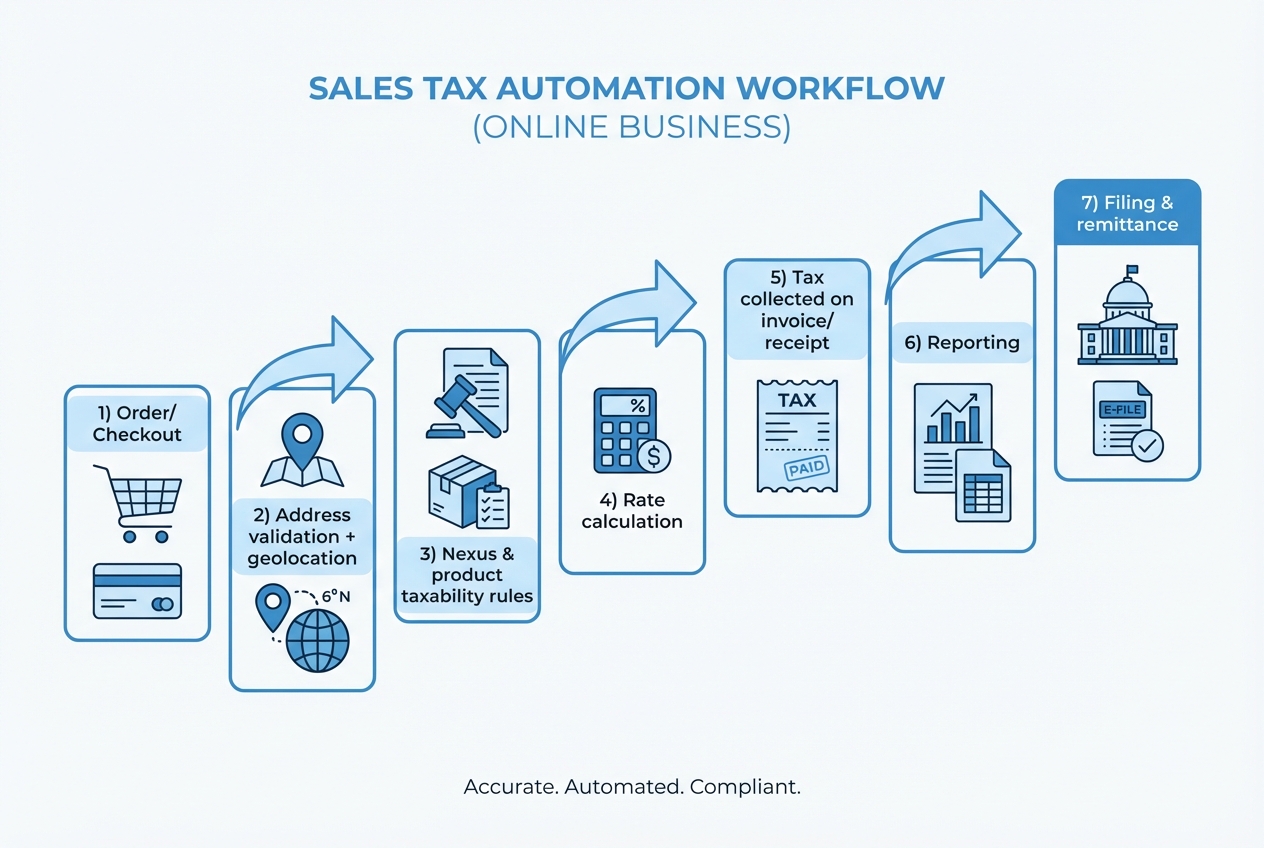
At a high level, sales tax automation tools do seven jobs:
- Capture the right inputs at checkout: Ship-to address, product type, customer type (consumer vs business), and where the sale is sourced.
- Validate the address: Small address errors can become big reporting errors.
- Apply taxability rules: Not everything is taxed the same way (or at all), and rules vary by jurisdiction.
- Calculate the rate in real time: State, county, city, and special district rates can stack.
- Record what happened: The invoice, receipt, and tax amount become part of your audit trail.
- Report what you owe: Summaries by state and filing period.
- Support filing and remittance: Either through exports, integrations, or managed filing services.
One more layer matters: after Wayfair, states can enforce collection obligations based on your economic activity. The Congressional Research Service notes that nearly every state enacted laws modeled after South Dakota’s approach after the decision.
What to look for in sales tax automation software
Use this as your buying filter. If a tool cannot meet these basics, you will feel it later.
-
Real-time calculation accuracy: Your checkout tax must match jurisdiction rules at the moment of purchase, not after the fact.
-
Nexus tracking support: You want visibility into where you are approaching thresholds so you can register proactively.
-
Product taxability controls: You need a clean way to map products to tax categories and handle edge cases.
-
Exemption and resale handling: If you sell to businesses, you need a workflow for exemption certificates.
-
Reporting you can actually file from: Look for state-ready summaries, period filters, and reconciliation-friendly exports.
-
Integrations that match your stack: Billing, eCommerce, ERP, accounting, and marketplaces. "We integrate" is not enough. Ask how.
-
Audit-friendly logs: You want a clear history of what rate was applied and why.
If you are selling into Streamlined Sales Tax member states, it is also worth understanding the Streamlined Sales Tax Registration System (SSTRS) and Certified Service Providers (CSPs), which can reduce the operational burden for remote sellers in participating states.
A setup checklist that keeps you out of trouble
If you want sales tax to stay boring, run this sequence.
- Document where you sell today: Channels, states, and customer types.
- Confirm nexus status with a professional: Automation helps execution, but it does not replace legal/tax advice.
- Choose your system of record for products: Decide where tax categories live (SKU catalog, billing system, ERP).
- Integrate calculation at the point of transaction: Checkout, invoicing, and subscription renewals.
- Reconcile collected tax to payouts: This is where errors hide. If reconciliation is still manual, you will feel it at month-end. Pairing tax automation with clean finance ops helps, including automated bank reconciliation.
- Lock a monthly compliance rhythm: Reports, review, filing, payments, and documented changes.
If you are building broader operational leverage, you will get compounding returns by automating adjacent workflows too, like invoicing and collections. Accounts receivable automation software is often the next domino.
When off-the-shelf tax tools are not enough (and what to do)
Even the best sales tax automation software will not solve everything. The gaps usually show up as "glue work":
-
Multiple systems that do not agree: Shopify taxes, Stripe invoices, and QuickBooks entries can drift.
-
Custom product logic: Bundles, usage-based pricing, or service + software hybrids.
-
Operational reporting needs: You want a single dashboard that answers "what do we owe, where, and why" without exporting five CSVs.
This is where a lightweight custom layer can save you hours every month.
QuantumByte is useful in this exact moment. You keep a proven tax engine (like Avalara or Stripe Tax), then build the missing workflows around it: a nexus tracker, an exemptions intake form, a reconciliation view, or a reporting hub. Because QuantumByte can generate app prototypes from natural language and then bring in experts when needed, you can get to a working internal tool in days, not months.
If you are weighing custom vs off-the-shelf, this framework helps you decide quickly: custom business software development: build vs buy.
If you want to see what a custom "tax ops" mini-app could look like for your business, start with a simple planning packet here: QuantumByte pricing packet
Make sales tax boring again
You now have a clear view of the best sales tax automation software options and what each one is best at.
-
Safest scale-anywhere option: Avalara AvaTax is the top pick when you need to cover more states, more channels, and more edge cases.
-
Fastest path inside the Stripe stack: Stripe Tax is the simplest route to clean execution when Stripe already runs your checkout or subscriptions.
-
Best first step for platform-first merchants: If you are Shopify or WooCommerce-first, the native options can be a solid starting layer.
The real unlock is building a system that survives growth. Pick a tax engine that matches your complexity, then remove the remaining manual steps with automation across your finance stack, like accounting automation tools and broader process workflows.
When you hit the point where exports and spreadsheets are slowing you down, build the missing layer instead of hiring another person to babysit the process. QuantumByte is designed for that kind of leverage, especially when you need custom integrations and internal dashboards without the usual agency timelines.
Frequently Asked Questions
What is sales tax automation software?
Sales tax automation software calculates sales tax during a transaction, records what was collected, and generates reports (and sometimes filings) to help you remit the correct amount to each taxing authority.
Does sales tax automation software determine whether I have nexus?
It can help you monitor activity and thresholds, but it does not replace professional advice. After Wayfair, states can require collection based on economic activity, such as South Dakota’s model of more than $100,000 in sales into the state or 200 transactions (South Dakota v. Wayfair, Inc.).
What is the Streamlined Sales Tax Registration System (SSTRS)?
The Streamlined Sales Tax Registration System is a single online application that lets you register to collect and remit sales tax in Streamlined member states, and it connects sellers to Certified Service Providers (CSPs) that can handle much of the compliance workload (Streamlined Sales Tax remote seller FAQs).
Which tool is best for a solopreneur?
If you sell through a single platform (like Shopify) or a single payments stack (like Stripe), start with the native option because it reduces setup time. If you sell across channels, a dedicated tool like TaxJar can be a better step up.
When should I build custom workflows instead of buying another tax tool?
Build custom when the pain is not "tax calculation," but "operations" (reconciliation, exceptions, internal reporting, and multi-system consistency). That is often cheaper and faster than stacking more tools, especially when you can prototype quickly and iterate.