
If you are looking for micro saas ideas that make money, start by picking a narrow problem that is painful, frequent, and easy to measure. Micro SaaS (a small software-as-a-service product) wins when it saves time, reduces mistakes, or makes revenue more predictable for one specific niche. A big market can help, but it is optional. What matters most is a sharp use case and a fast path to "yes, I will pay."
Micro SaaS ideas that make money: how to choose the right one
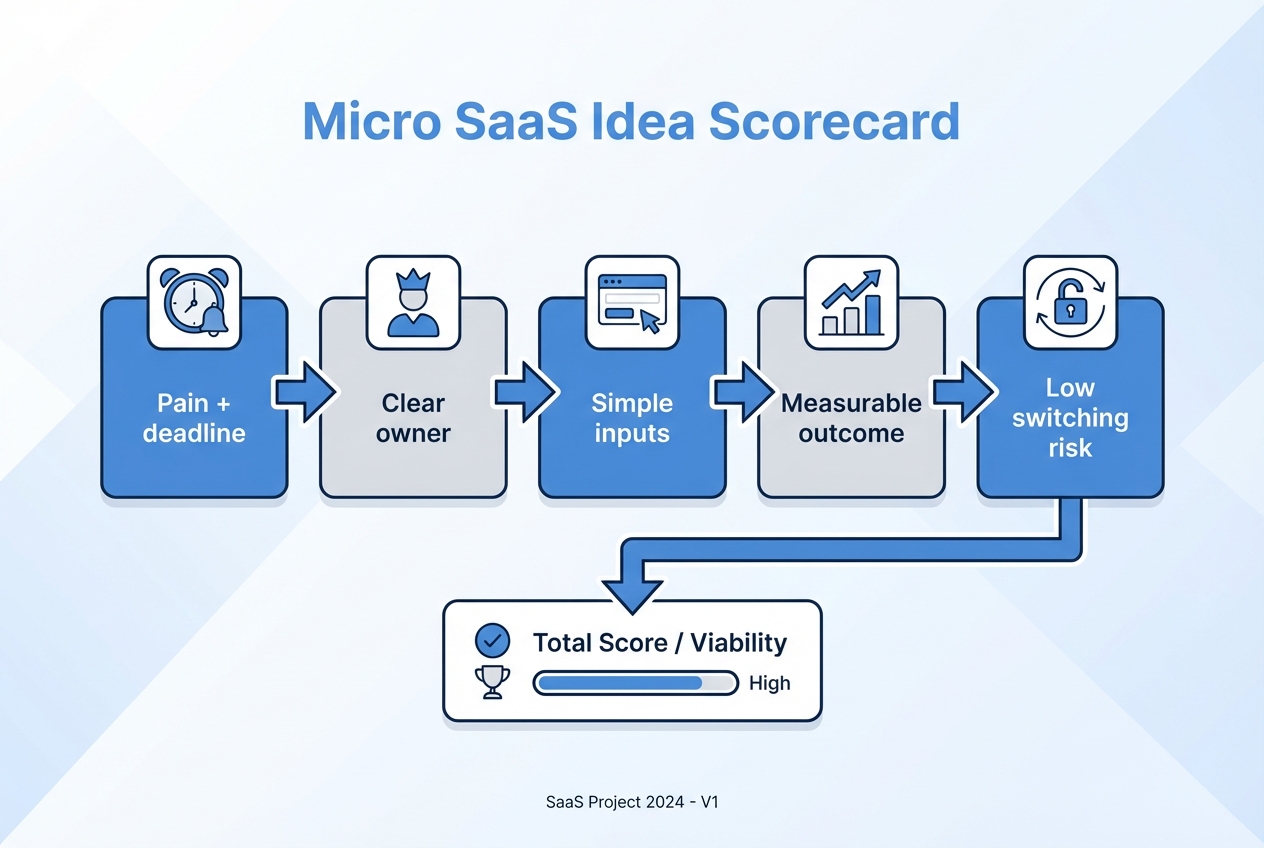
Before you build, score each idea like an operator. Focus on a workflow you can productize and sell repeatedly.
-
Pain with a deadline: Problems tied to money or time get funded faster. Think billing, ad spend, renewals, or compliance. Buyers feel urgency.
-
Clear owner: If you cannot name the job title that owns the problem, sales will drag.
-
Simple inputs: The best micro SaaS starts with data your customer already has. Spreadsheets, calendars, Stripe, Shopify, and email are common starting points.
-
Measurable outcome: "Saved 3 hours a week" or "stopped overspending" is easier to sell than "better visibility."
-
Low switching risk: Add-ons that layer on top of existing tools are easier to adopt than full replacements.
| Filter | What "good" looks like | Why it matters |
|---|---|---|
| Niche | One role in one industry | Smaller audience, faster positioning, lower support load |
| Workflow | Repeated weekly or daily | Recurring value supports subscriptions |
| Data source | Existing system of record | Less onboarding friction |
| Output | Action, not just reporting | People pay for decisions, not dashboards |
| Time-to-MVP | Days, not months | Speed lets you validate before you burn runway |
If you want more real-world proof points, see our article listing 10 apps making $10k+ a month for examples of apps that reached meaningful revenue.
12 micro SaaS ideas that make money
1) Late invoice nudger for service businesses (Stripe-powered)
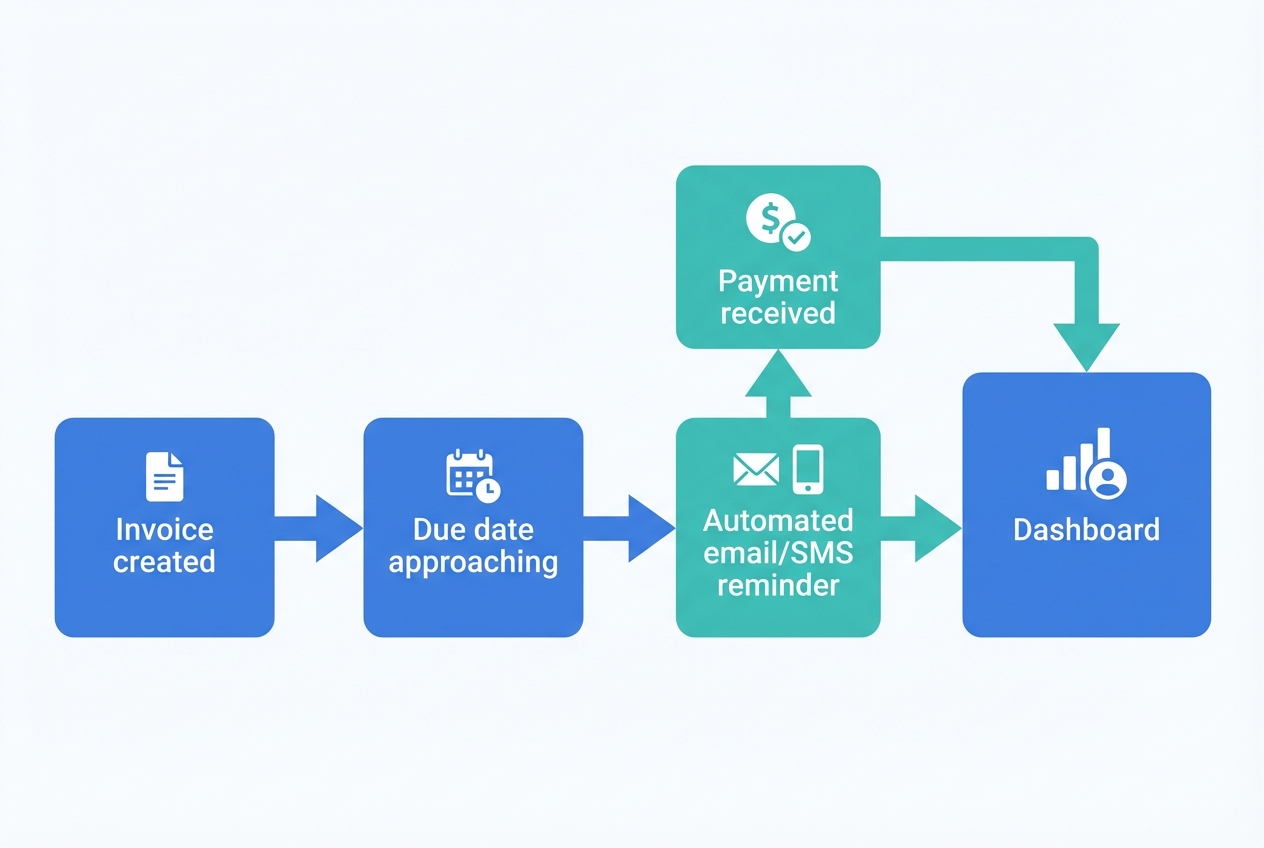
A small SaaS that sends timed reminders and escalations around due dates, plus a simple next-step playbook. Charge monthly by client count. Build around billing events using the Stripe API.
2) Google Ads budget pacing + "stop the bleed" alerts
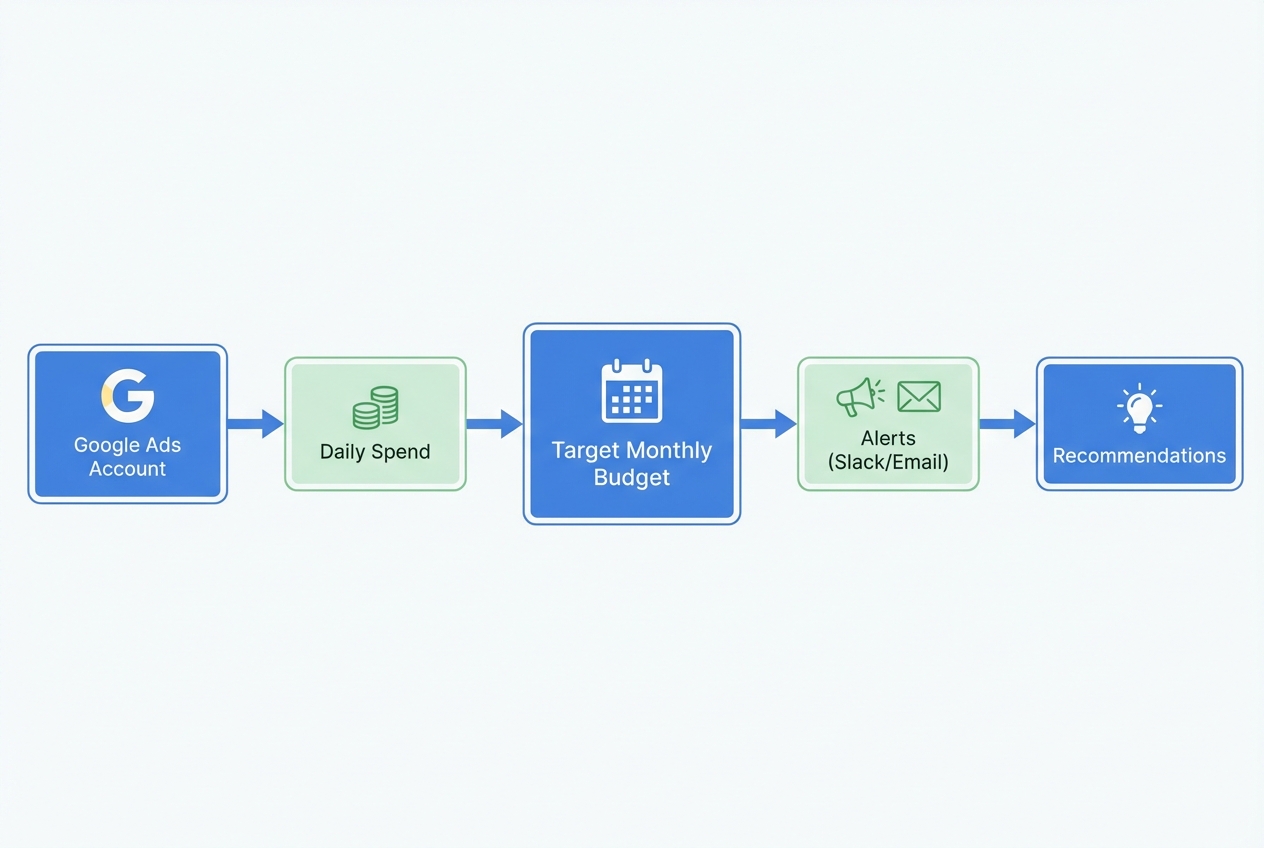
Track pacing vs monthly targets, flag overspend early, and suggest actions (pause campaigns, lower bids). Agencies pay because it prevents end-of-month surprises. Integrate with the Google Ads API.
3) Shopify returns portal that reduces support tickets
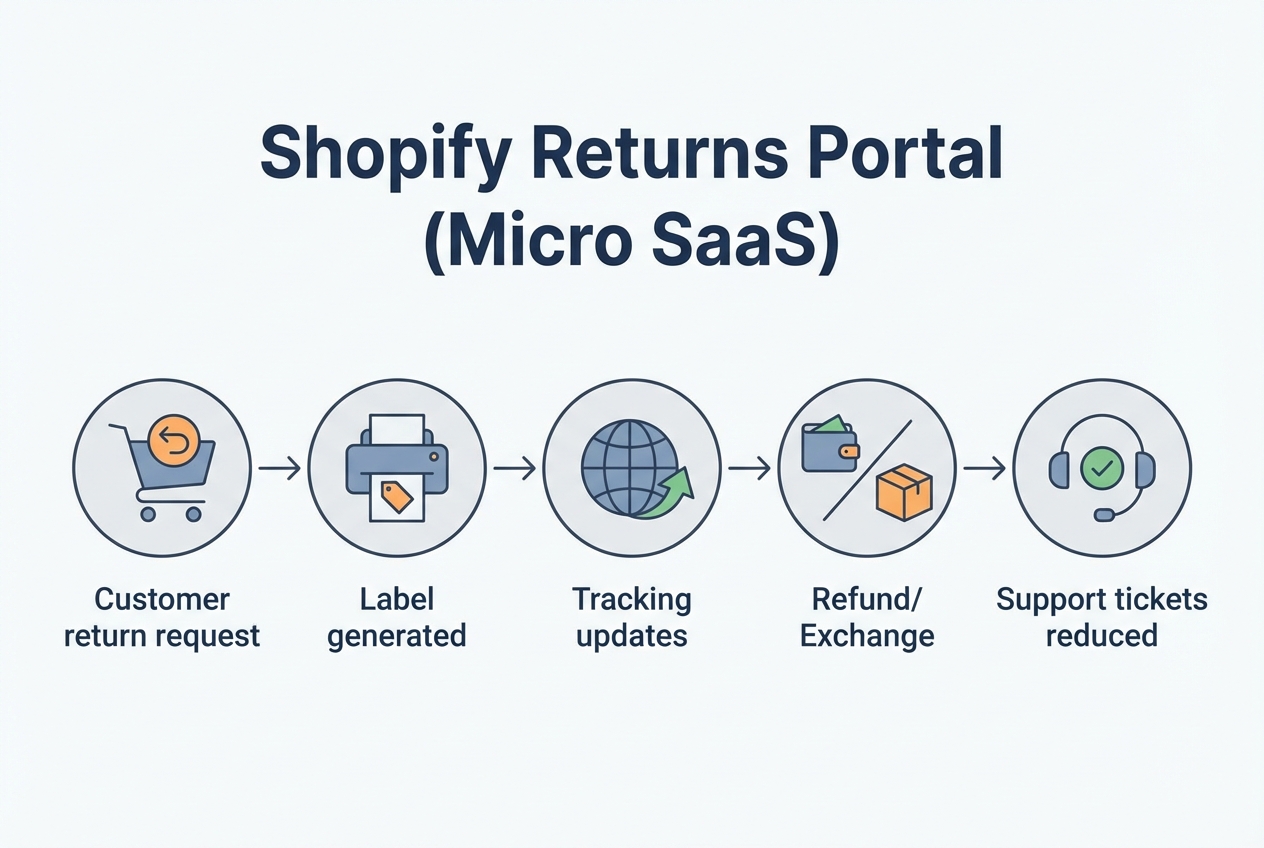
A branded self-serve returns page with eligibility rules, label generation, and status updates. Stores pay because it cuts "where is my refund" volume. Start as a Shopify app using Shopify developer docs.
4) Notion-to-client portal with permissions and approvals
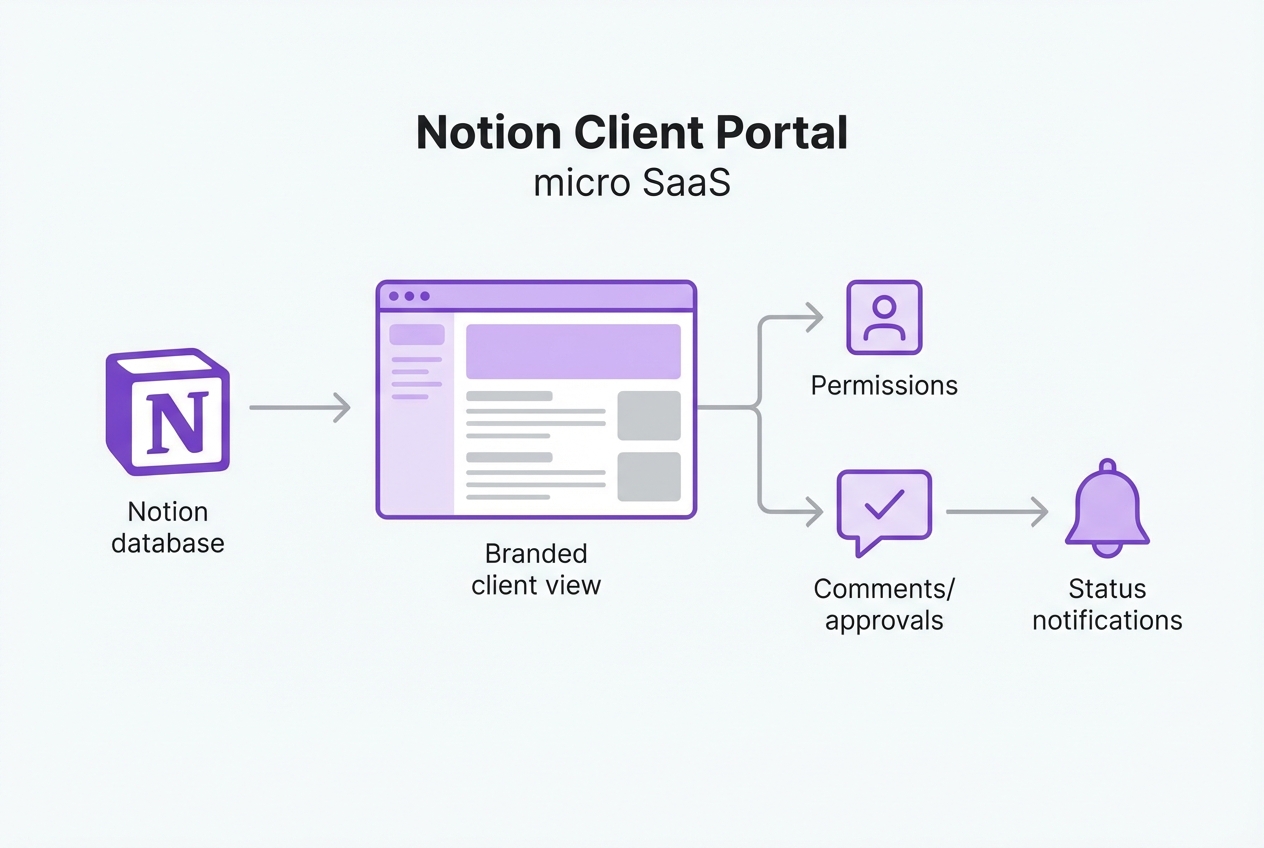
Turn Notion project databases into a clean, client-safe portal. Show a timeline, deliverables, approvals, and updates. Agencies and consultants pay to look "enterprise" with less admin. Connect via the Notion API.
5) Text-to-appointment booking for local services
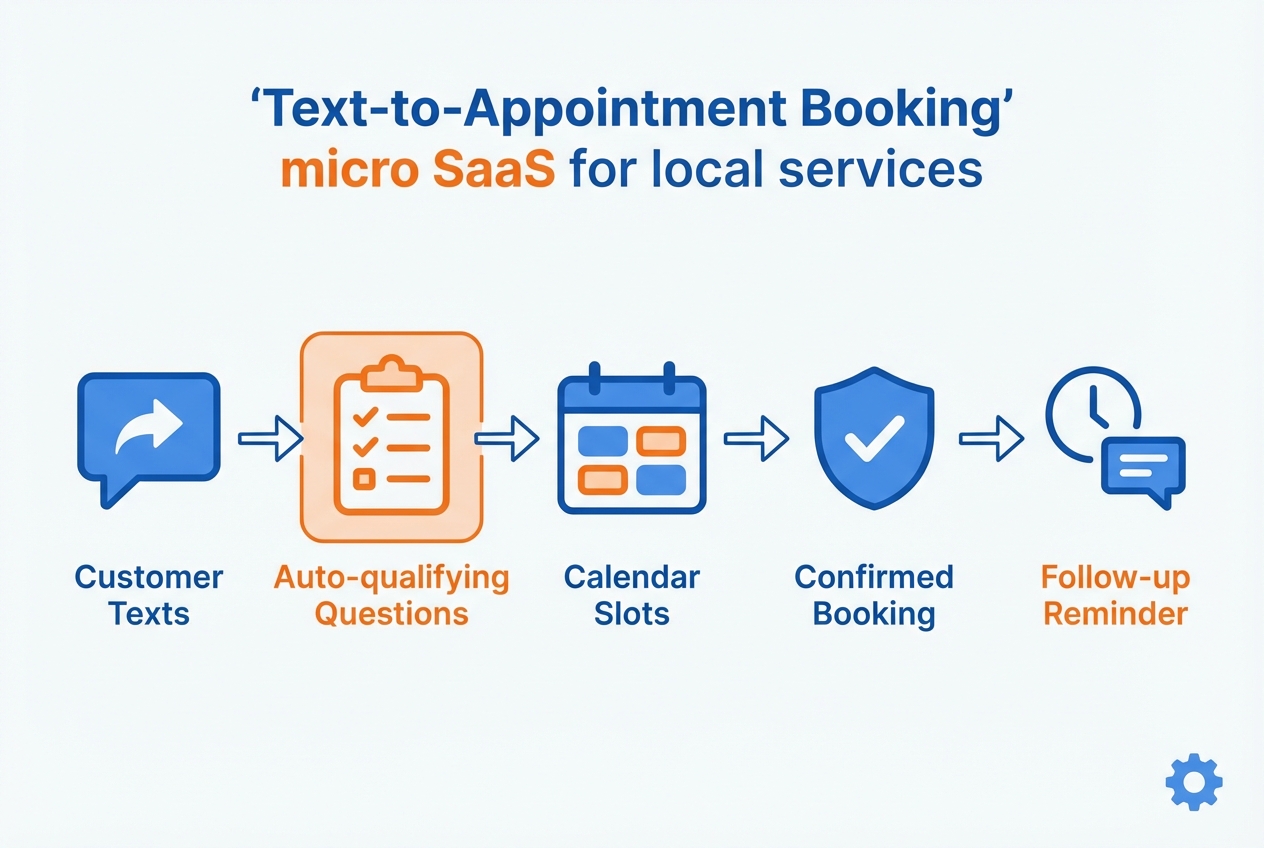
Customers text, the app qualifies them, offers time slots, books the job, and sends reminders. Businesses pay because it captures leads after hours. Use Twilio Messaging API plus scheduling via the Google Calendar API.
6) Lightweight SOC 2 evidence collector for tiny SaaS teams
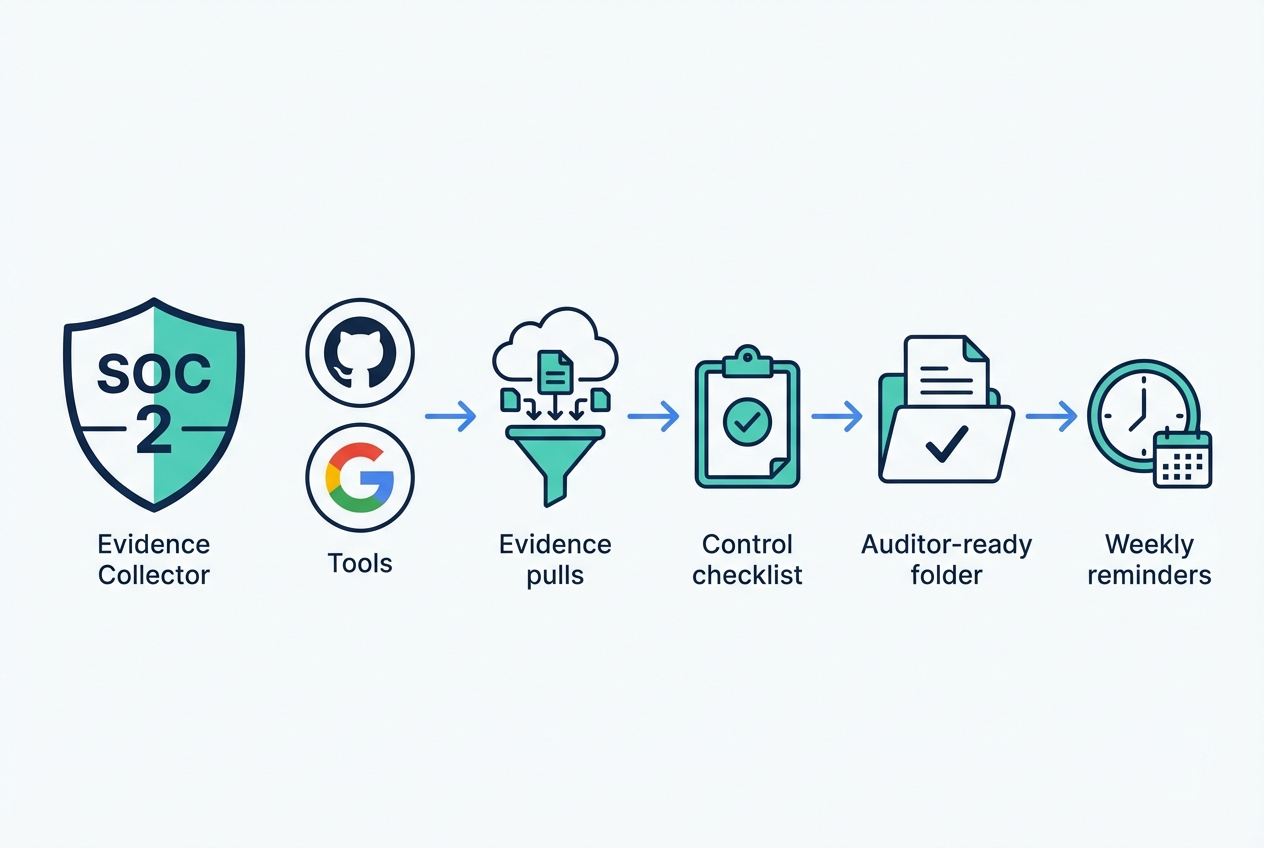
A focused tool that pulls evidence on a schedule (access lists, audit logs, policy attestations) and maps it to SOC 2 (System and Organization Controls 2) controls. Teams pay to reduce prep work and stay audit-ready. Use the AICPA SOC 2 guidance for service organizations to shape the checklist.
7) Meeting notes to action items for small teams
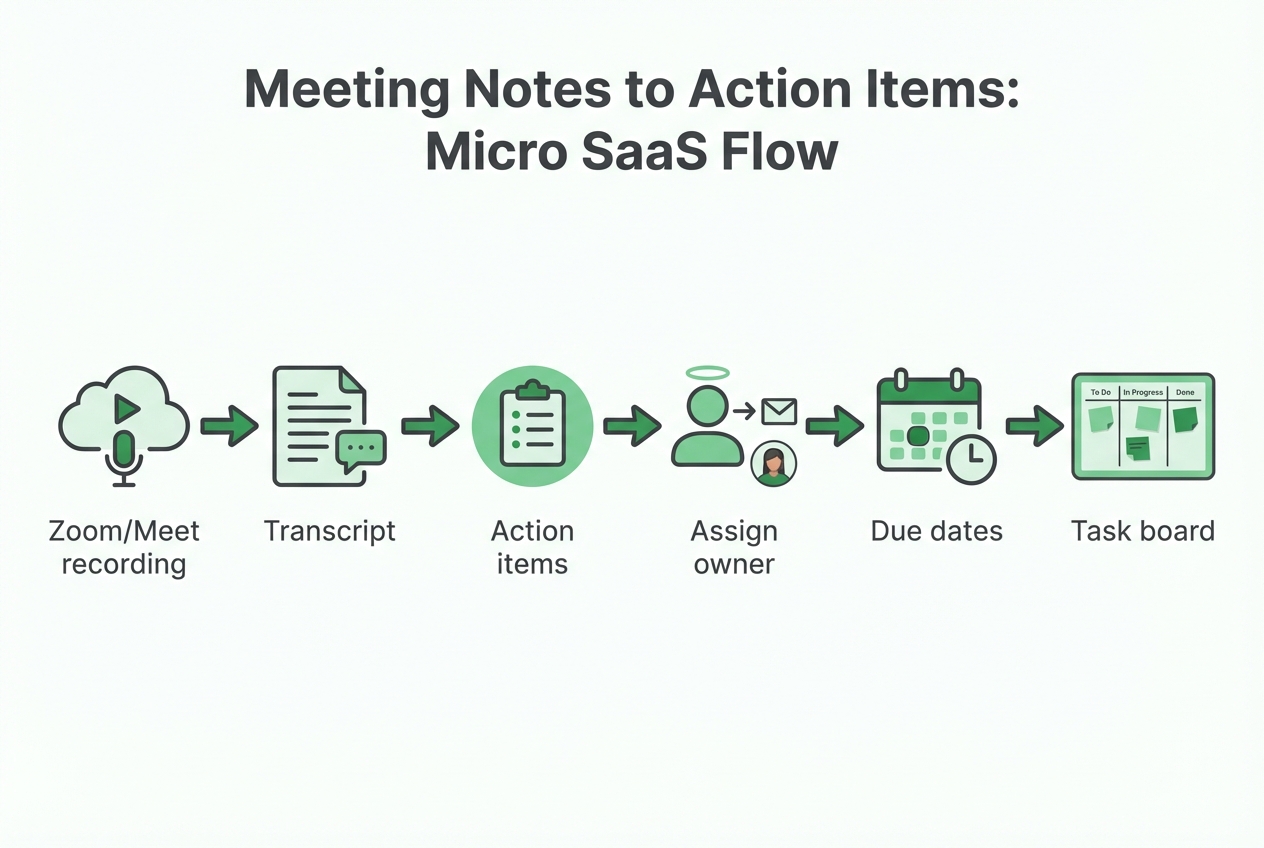
A micro SaaS that turns transcripts into tasks, assigns owners, and nudges until done. Keep it narrow: one meeting type and one output (tasks + reminders). Link the workflow to how teams already document work, like Otter's meeting notes template with action items.
8) SEO brief builder for one vertical (dentists, lawyers, home services)
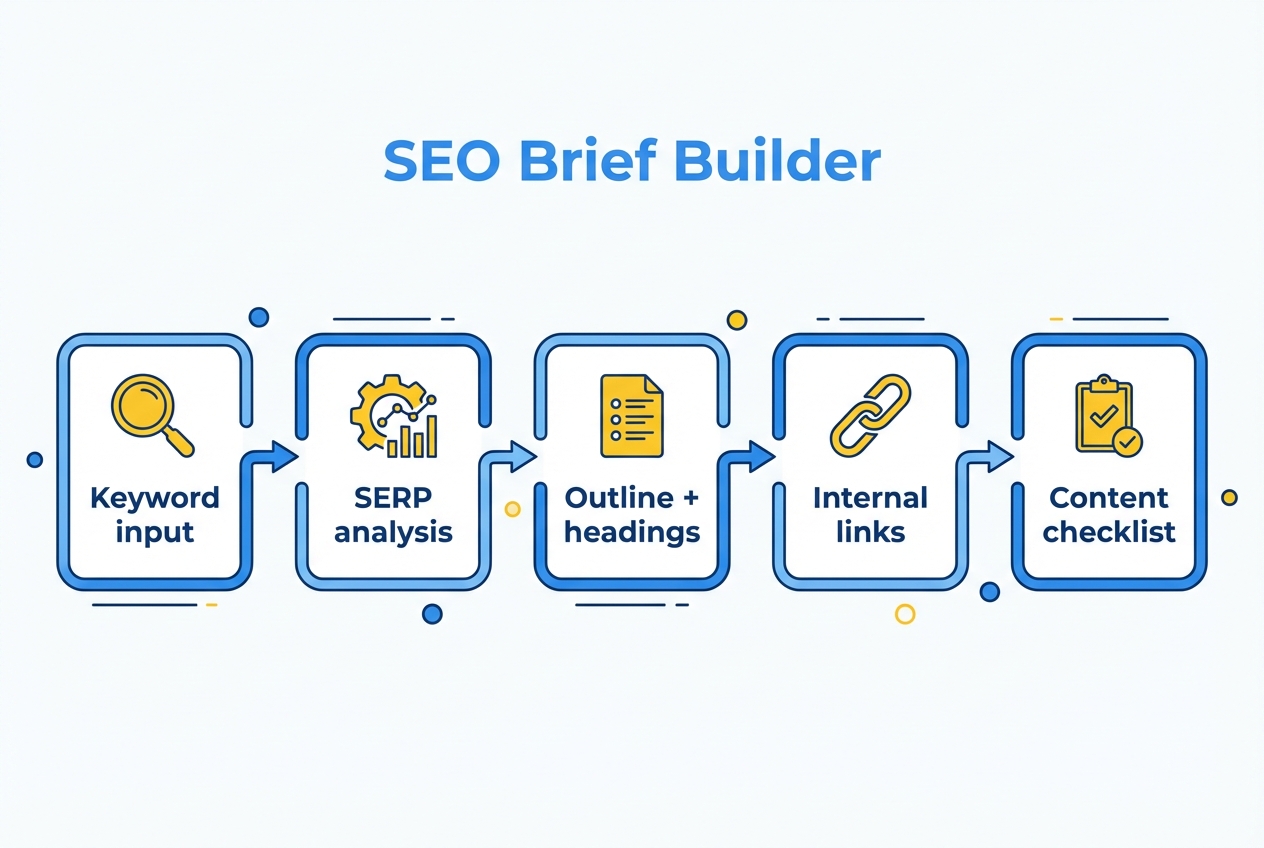
Generate consistent briefs: headings, FAQs, competitors to reference, internal link targets, and a publishing checklist. Charge per seat. Pull performance data via the Google Search Console API.
9) Affiliate payout tracker for creators and small brands
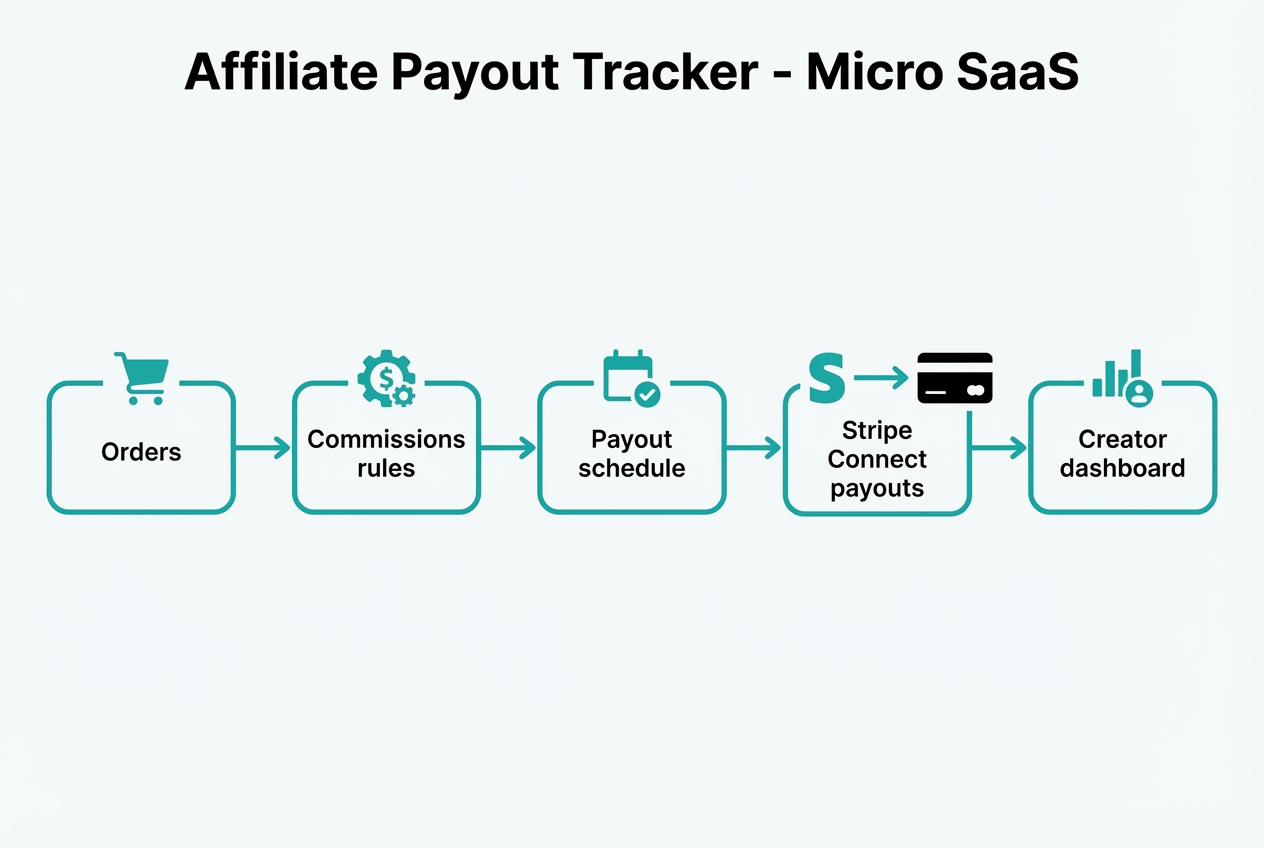
Track commissions, prevent payout disputes, and pay creators on schedule. Brands pay because trust is fragile and spreadsheets break at scale. For multi-party payouts, build on Stripe Connect.
10) Proposal generator + eSignature flow for one service niche
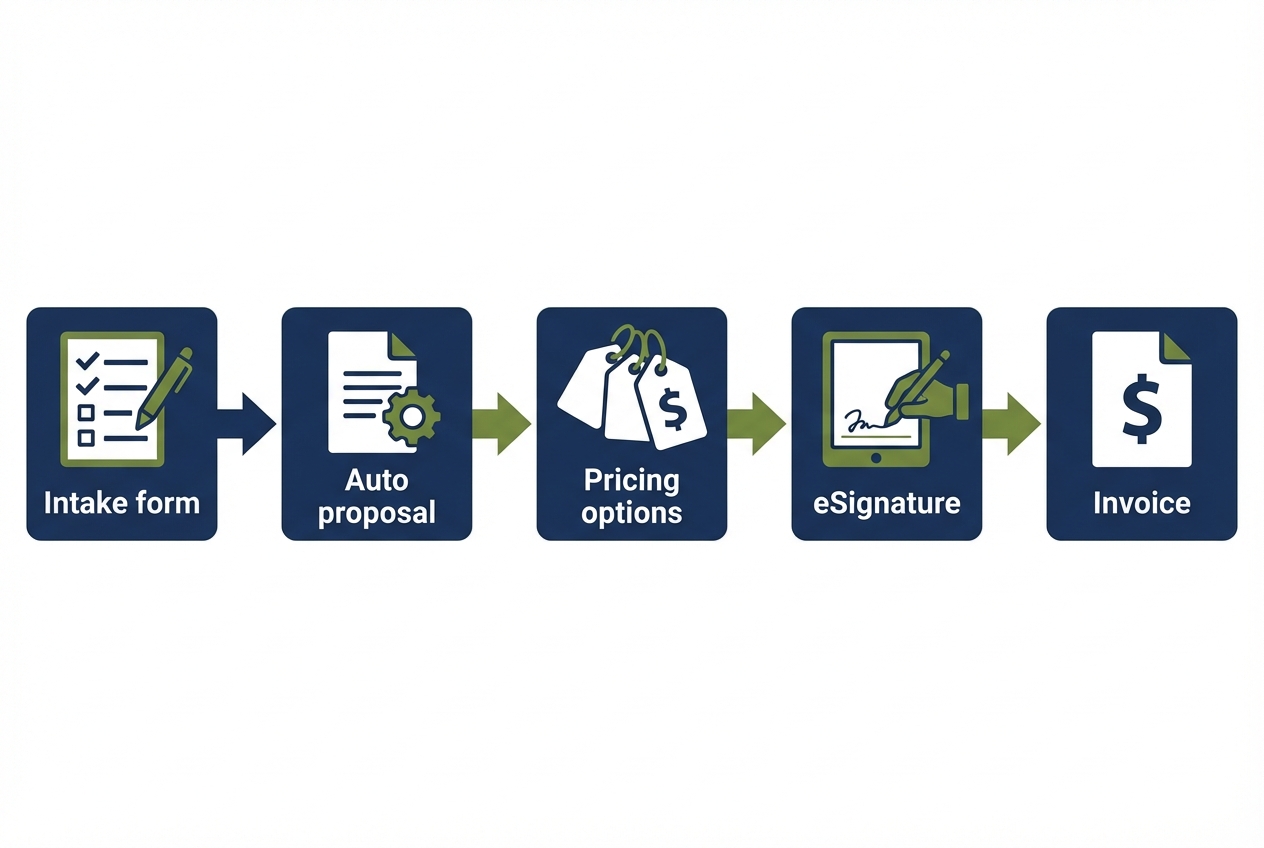
Collect requirements, generate a clean scope, let clients choose options, then route to signature. You sell faster closes and fewer back-and-forth emails. Add signatures through the DocuSign eSignature REST API.
11) Product-market fit pulse survey + segmentation dashboard
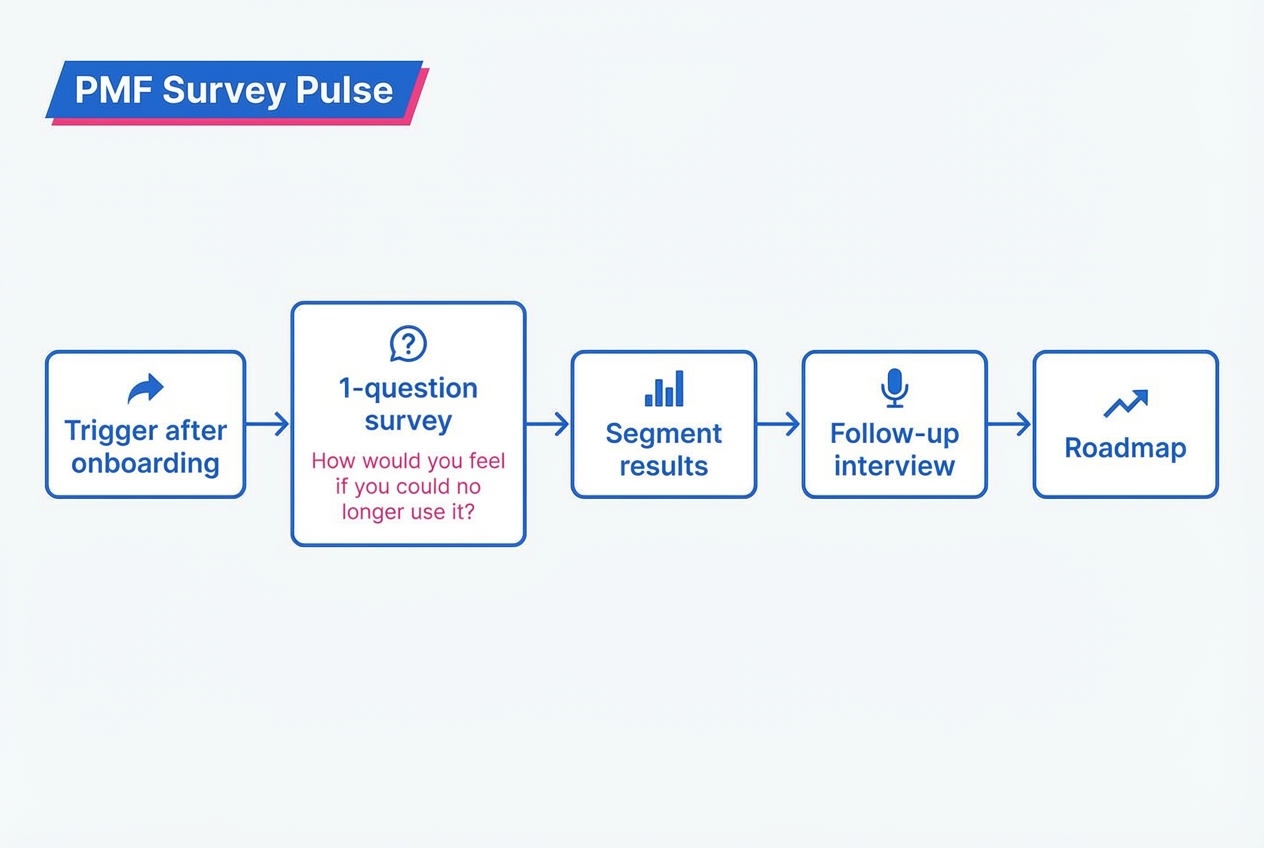
Ask one strong question at the right moment, segment results, then trigger follow-ups. Teams pay because it makes feedback easier to act on. Start by pulling responses from tools like Typeform.
12) Equipment maintenance reminders + service log for small fleets
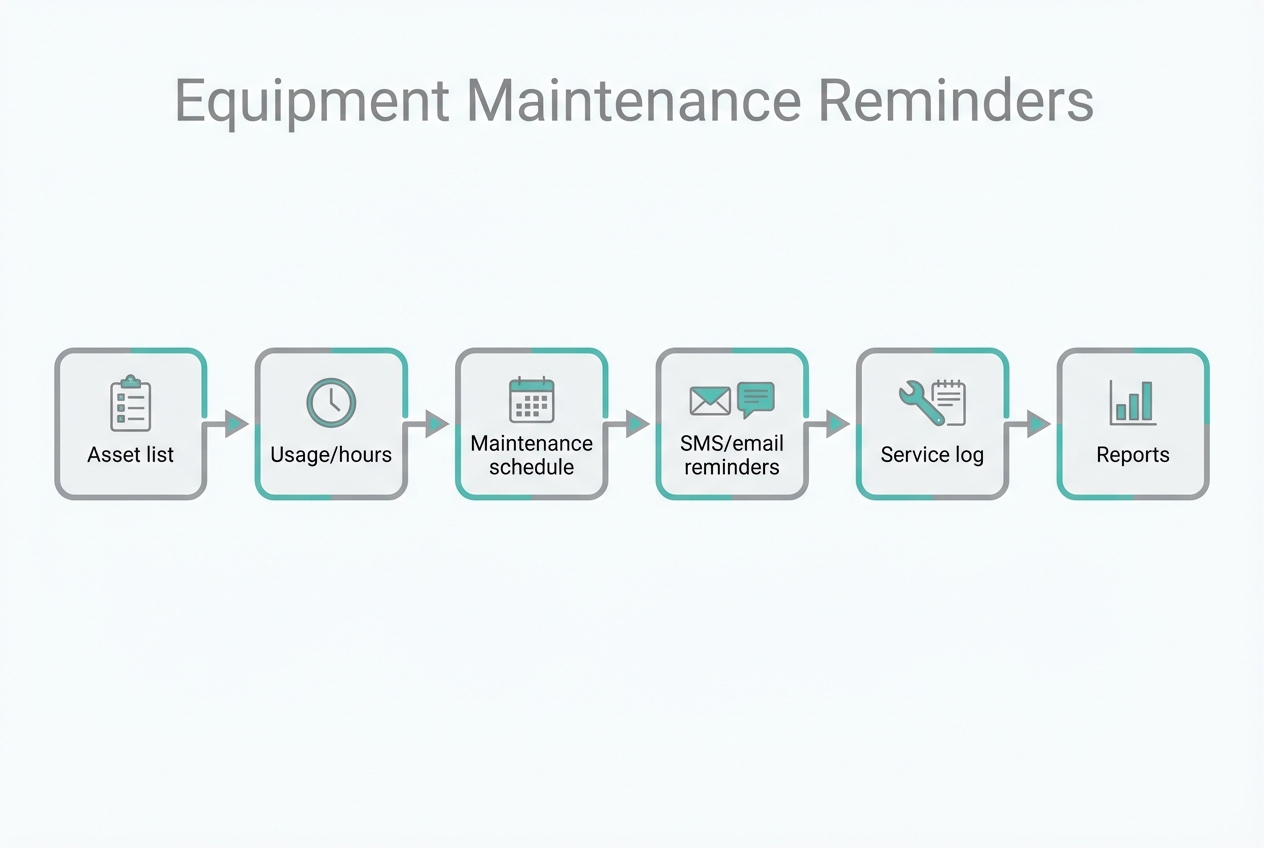
Manage assets, schedule recurring maintenance, and keep a clean service history for audits and resale value. Operators pay to avoid downtime and missed intervals. Many teams already live in Airtable, so start with the Airtable API.
Validate fast, then build the smallest useful version
Micro SaaS is a game of speed and learning. Ship quickly, then let real buyers tell you what matters.
-
Start with a Minimum Viable Product (MVP): Eric Ries defines an MVP as the version of a product that collects the maximum validated learning with the least effort in the Lean Startup method. Build only what you need to test the buying decision.
-
Chase product-market fit before you expand: Marc Andreessen defines product-market fit as being in a good market with a product that can satisfy that market. Confirm the market is real before you add features.
-
Validate with real conversations and commitment: Stripe's startup guide emphasizes talking to potential users and looking for strong signals of interest. Push for a paid pilot when you can.
If you want a practical way to test an idea without hiring a dev team, QuantumByte's app builder is designed for fast prototypes from plain English. You can turn a workflow into a usable app, then iterate with real users before you scale.
Build and ship in days (without the hiring headache)
Founders lose momentum when building takes too long, costs too much, or turns into endless revisions.
QuantumByte is a strong fit when you need to move fast and stay flexible:
-
Prototype from natural language: Start with a working draft and refine it as you learn. For the mechanics, read the guide on how our AI app builder works.
-
Monetize with clarity: Pricing is part of the product. Use the real examples of monetization strategies that match your niche to pick a model that matches your niche and support load.
-
Scale to white-label when it makes sense: Some micro SaaS ideas grow faster through partners. See our white-label app builder playbook.
When you are ready to turn one of these micro SAAS ideas that make money into an actual product, you can start building with QuantumByte's pricing guide.
If your app needs deeper integrations, security hardening, or complex workflows that go beyond today's AI tooling, QuantumByte can also take it across the finish line with its in-house development team. If you are building for a larger operation, start with our enterprise solution.
Your next move
You now have 12 micro SaaS ideas that make money, plus a simple filter for choosing which one fits your skills and network.
Pick one idea and do three things this week:
-
Define the buyer and trigger: Who feels the pain, and what event makes it urgent?
-
Pre-sell the outcome: Offer a simple pilot. Sell the result, then confirm what the software must do.
-
Ship an MVP quickly: Build the smallest version that delivers a real win, then iterate.
Niche focus plus fast shipping creates momentum. Momentum makes everything easier.
Frequently Asked Questions
What is micro SaaS?
Micro SaaS is a small, focused software-as-a-service product that solves a narrow problem for a specific niche. It is often run by a solo founder or small team, with simple operations and a clear subscription value.
How do micro SaaS products make money?
Most make money through monthly or annual subscriptions. Some add usage-based pricing (per seat, per client, per transaction) or charge for add-ons like premium integrations, onboarding, or white-labeling.
How do I know if my micro SaaS idea will sell?
Look for proof of urgency: people already pay for the problem (tools, contractors, manual time). Then validate with conversations and a paid pilot. A buyer who commits money or signs an agreement beats a hundred "sounds cool" comments.
How long should an MVP take to build?
An MVP should be fast enough that you can learn quickly. The Lean Startup definition focuses on validated learning with minimal effort. If you cannot test with real users soon, the scope is likely too big.
Do I need to code to launch micro SaaS?
Not always. You can use no-code tools for early validation. For a more durable product, an AI app builder can help you ship custom workflows faster, and a development team can handle the parts that require deeper engineering.
When should I choose an enterprise build instead?
Choose an enterprise build when you need strict security controls, complex integrations, audit trails, or multi-department workflows. In that case, reach out to us and scope the requirements before you build.