
Manual approval processes are silent revenue killers, costing businesses between $12.88 and $19.83 per invoice in labor and errors alone. When your operations rely on "FINAL_FINAL.xlsx" email chains and manual follow-ups, your scaling potential is capped by the speed of a manager's inbox. Recent shifts toward intelligent automation mean that 80% of organizations are now moving toward structured systems to reclaim up to 50% of their team's productive time.
This guide explores the landscape of approval workflow software, helping you decide between off-the-shelf SaaS and custom-integrated solutions. We will cover essential features for compliance, a phased four-week implementation plan, and how to bridge the gap between your ERP and modern communication tools like Slack. By the end, you'll have a practical roadmap to turn approval delays into a real operational advantage.
What is Approval Workflow Software?
Approval workflow software is a digital framework that routes requests to the right people, in the right order, with clear rules and a tracked outcome. It replaces scattered approvals for purchase orders (POs), invoices, reimbursements, vendor setup, discounts, and leave requests.
Instead of asking, "Did you see my email?", you get a system that answers: where the request is, who owns the next step, and what is blocking it.
The anatomy of a workflow (in plain terms)
Most approval workflows look different on the surface, but they are built from the same building blocks:
-
Triggers: The event that starts a workflow, like a form submission, a new invoice in your AP inbox, or a line item created in your ERP.
-
Conditions: The rules that decide where it goes next, like "If amount > $5,000, route to CFO" or "If vendor is new, require vendor onboarding first."
-
Actions: What the system does next, like sending a Slack message, creating an approval task, updating an ERP status, or notifying the requester.
The shift from manual to digital
Manual approvals fail in predictable ways, even in strong teams:
-
Lost threads: Approvals vanish inside long email chains, forwarded messages, and "reply all" noise.
-
Missing context: Approvers delay because they cannot find attachments, prior notes, or the reason behind the request.
-
No clean proof: There is no reliable way to show who approved what, when it happened, and what changed along the way.
The cost is not just frustration. Some estimates suggest 20% to 30% of annual revenue can evaporate due to manual inefficiencies like lost approvals.
Buy vs. Build: Choosing the Right Approval Software Strategy
There is no single "best" approval workflow software. There is a best strategy for your current stage, your risk level, and your system complexity.
Off-the-shelf SaaS: fast start, hard ceiling
Tools like Monday.com or Wrike can be great for lightweight approvals. You get a clean UI, templates, and basic routing. That is often enough for:
-
Simple internal requests: Straightforward sign-offs that do not depend on accounting data.
-
Project-level approvals: Creative reviews, task acceptance, and basic change requests.
-
Small teams with low compliance needs: Teams that mainly need visibility and reminders.
Generic SaaS tends to break when approvals depend on real business logic, like multi-entity accounting, cost centers, GL codes, partial receipts, or urgent overrides.
Custom integration: when approvals carry real operational weight
If approvals control spend, margin, compliance, or service delivery, templates can become a bottleneck. A build or customize route can win because it lets you encode your rules and connect them directly to your systems of record.
This is where QuantumByte tends to fit naturally. You can prototype workflows from natural language, then bring in the in-house development team when you need deeper integrations, edge-case handling, or a more locked-down audit trail.
The hybrid approach: use what works, build what is missing
For many growing businesses, hybrid is the pragmatic middle path:
-
Current tools: Keep tools your team already lives in (email, Slack, a ticketing tool) so adoption stays high from day one.
-
Connectors: Add targeted connectors and approval services that enforce rules and write back to the ERP, so your approvals reflect real finance data.
When selecting your stack, connect approvals to how money actually moves. A solid starting point is this broader view: workflow automation software.
A quick decision table
| Strategy | Best for | Where it struggles |
|---|---|---|
| Off-the-shelf SaaS | Small teams, generic approvals, quick rollout | Complex ERP logic, audit depth, multi-entity rules |
| Custom build | Unique workflows, deep integrations, long-term scalability | Higher upfront effort, needs clear requirements |
| Hybrid | Most growing businesses, phased adoption | Requires integration planning and ownership |
5 Non-Negotiable Features of Approval Workflow Software
Approvals focus on controlling risk while keeping decisions moving.
1. Dynamic routing and thresholds
Approval workflows should change automatically based on context, not manual forwarding.
-
Dynamic thresholds: Lower spend routes to a manager; higher spend escalates to finance or leadership.
-
Org-aware routing: Route by department, cost center, location, or legal entity.
-
Exception handling: Split approvals when a request crosses multiple budgets or policies.
2. Automated audit logs
If it is not logged, it did not happen (at least in the eyes of compliance and internal controls).
-
Complete event history: Every approval, rejection, comment, attachment view, and edit is recorded.
-
Immutable records: Logs are tamper-resistant and exportable.
-
Fast traceability: You can answer, quickly, who approved and why.
3. Vendor onboarding and management
Many approval delays start before the first approval. New vendors trigger a scramble for tax forms, banking details, insurance certificates, and contacts.
Your workflow should support vendor onboarding as a structured step, not a side quest. Use this blueprint: vendor onboarding automation.
4. Purchase order (PO) matching
Approvals without matching are where overpayments and fraud slip through. A strong system supports:
-
Two-way match: Invoice vs PO.
-
Three-way match: Invoice vs PO vs receipt.
If you want the deeper playbook, start here: three-way match automation.
5. Mobile-first interactivity
Approval speed depends on your busiest people, and they are rarely sitting inside your approval portal.
Mobile-first means:
-
Fast context on a small screen: Amount, vendor, reason, attachments, and prior history.
-
Quick actions: Approve, reject, request changes.
-
Smart nudges: Reminders that are timely without becoming spam.
Security and Compliance: Why Digital Audit Trails Matter
Approvals touch money, access, and trust. Security is not optional.
Centralized documentation
Email-based approvals scatter the truth across:
-
Inboxes: Critical context becomes personal and unsearchable for the rest of the company.
-
Local drives: Attachments get renamed, duplicated, or lost.
-
Forwarded PDFs: Versions drift, and the "final" file is unclear.
-
Chat screenshots: Decisions become unverifiable, and the audit trail breaks.
A workflow system keeps one thread of record: attachments, comments, versions, and the final decision.
SLA visibility (and the end of waiting in the dark)
Email workflows often have no visibility into turnaround time and no reliable way to spot stuck approvals. Good software fixes this with:
-
Timers and SLA rules: Alert when an approval sits for more than 24 hours.
-
Escalations: Re-route when someone is out of office.
-
Dashboards: See bottlenecks by approver, department, and request type.
Fraud prevention through fewer manual touches
The more times humans copy, paste, rename, and forward, the more room there is for mistakes and manipulation. Invoice automation can reduce manual touch time by 60% to 80%. That reduction is not just efficiency. It is a cleaner control environment.
Breaking Data Silos with ERP and Slack Integrations
Approval software only works if people actually use it. Adoption goes up when approvals show up inside the tools your team already checks all day.
The "works where you work" philosophy
For many teams, Slack or Microsoft Teams is the operational hub. Your workflow should meet people there with:
-
Actionable approval messages: The request arrives with the key fields, not a vague "please approve."
-
One-click decisions: Approve, reject, or request changes without hunting for the right page.
-
Automatic context: Pull the vendor, PO, spend category, and attachments into the approval view.
ERP syncing: the non-negotiable backbone
If your workflow tool cannot sync with your accounting system or ERP, it becomes another spreadsheet.
Bi-directional sync matters because:
-
Real-time status: Status becomes real when approvals update the record in the ERP, not just inside an approval inbox.
-
Budget accuracy: Budgets stay accurate when commitments and actuals update quickly, so leaders stop approving spend with stale numbers.
-
Fraud reduction: Duplicates drop because invoices are not re-entered in parallel systems, which cuts rework and reduces payment errors.
Legacy systems: bridging old and new
Many businesses run a mix of modern apps and legacy systems. The gap between systems usually causes more friction than the ERP itself.
QuantumByte specializes in bridging that gap, connecting older or rigid ERPs to modern triggers (forms, portals, Slack approvals) so you can modernize decisions without ripping out your finance stack.
If your approvals are tied to logistics ops, integrations matter even more. For the surrounding ecosystem, see: TMS software for freight brokers.
The 4-Week Implementation Roadmap
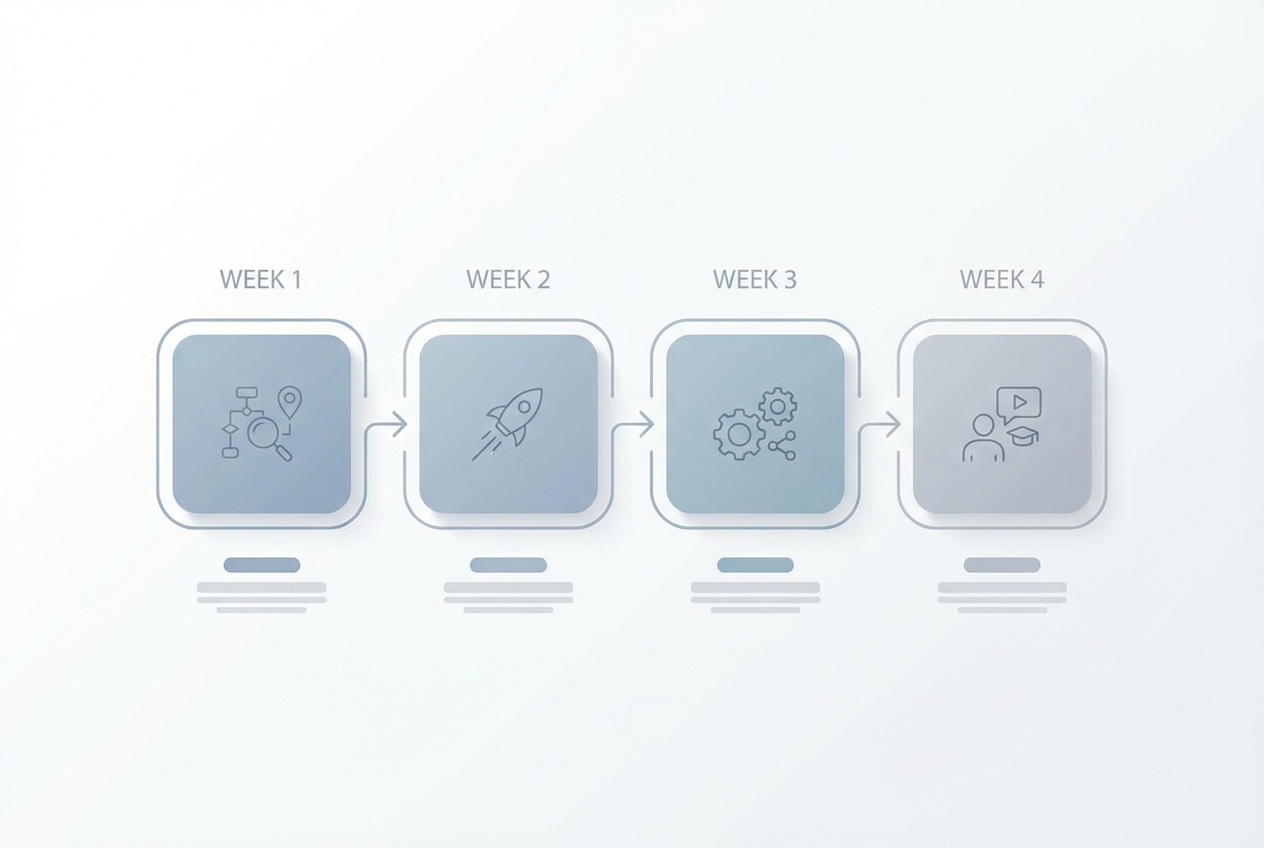 A simple rollout beats a perfect plan that never launches.
Rolling out approval workflows does not need to be a six-month project. It does need structure.
Week 1: Audit and mapping
-
Collect real examples: Pull 10 to 20 recent approvals, including exceptions and rework.
-
Map the "as-is": Who requests, who approves, where it stalls, and where data comes from.
-
Define the "to-be": Triggers, routing rules, SLAs, required fields, and what "done" means.
Week 2: Pilot launch
Pick one department that will give you clean signal. Marketing and HR are often great pilots because requests are frequent and varied, but less risky than large PO spend.
-
Build the pilot workflow: Keep it simple and remove clicks.
-
Set baseline metrics: Cycle time, follow-ups, and exception rate.
-
Run live and fix fast: Treat the pilot as a feedback loop, not a one-time launch.
If your pilot is AP-related, use a proven checklist: how to implement accounts payable automation.
Week 3: Full integration
-
ERP connection: Sync vendors, POs, invoices, and approval status.
-
Communication channels: Slack and email notifications with actionable links.
-
Permissions: Role-based access so sensitive spend is not visible to everyone.
Week 4: Training and optimization
-
Role-based training: 15 minutes for requesters, 15 minutes for approvers, deeper time for admins.
-
Tune thresholds: Adjust routing based on pilot bottlenecks and real-world exceptions.
-
Add alerts and escalations: Handle vacations, weekends, and urgent overrides.
Cost Considerations and ROI of Automated Approvals
Approval software should pay for itself. The key is counting the full cost of manual work, not just the subscription price.
Direct savings
Manual invoice processing can cost $15+ per invoice, while automated approaches can be closer to ~$2. Your numbers will vary, but the direction is consistent.
Indirect savings (the quiet wins)
-
Reduced late fees: Fewer stuck approvals means fewer missed due dates.
-
Early payment discounts: 1% to 2% adds up when approvals stop dragging.
-
Less burnout: Fewer follow-ups and rework improves retention and focus.
-
Better decisions: Approvals with context reduce "approved by default" mistakes.
When custom can be cheaper than SaaS at scale
SaaS pricing looks simple until you scale.
If you pay $20/user/month for 500 users, that is $10,000/month for a tool that still may not match your ERP logic. In many cases, a custom approval engine built once and extended over time can be more cost-effective, especially when approvals are tied to margin and risk.
QuantumByte is built for this reality: prototype quickly with AI, then harden the parts that need real engineering, integrations, and controls.
High-Impact Use Cases for Custom Approval Workflows
Custom workflows are not about reinventing everything. They remove friction in high-volume, high-stakes decisions.
Marketing spend
-
Budget thresholds: Auto-route based on spend level, channel, or campaign.
-
Proof required: Require creative, scope, or insertion order before approval.
-
Structured feedback: Reject with required changes so requests do not bounce around.
Logistics and freight
-
Carrier rate changes: Route approvals based on lanes, margin rules, and customer SLAs.
-
Spot quotes: Escalate fast when rates move or capacity tightens.
-
Exception approvals: Detention, accessorials, and re-quotes with a clean audit trail.
HR onboarding
HR is a strong workflow win because it touches multiple teams: IT, finance, facilities, and hiring managers. HR automation can slash cycle times by up to 80%.
-
Equipment requests: Laptops, accounts, and software licenses with clear ownership.
-
Document signing: A checklist with reminders and timestamps.
-
Access approvals: Role-based permissions with logged decisions.
Moving Beyond the Inbox
Approval workflow software gives you three wins that compound: speed, visibility, and scalability.
You now have a clear view of what matters most:
-
Architecture: How approval workflow software is structured (triggers, conditions, actions).
-
Strategy: How to choose between off-the-shelf, custom, and hybrid approaches.
-
Core features: The five capabilities that protect both speed and compliance.
-
Risk control: Why audit trails and SLA visibility reduce exposure and clean up accountability.
-
Integrations: How ERP and Slack integrations drive adoption and keep data accurate.
-
Rollout plan: A four-week implementation roadmap that keeps momentum.
-
ROI math: How to think about cost beyond a per-user subscription.
-
Use cases: Where custom workflows deliver outsized results (marketing, logistics, HR).
The real goal is simple: create a reliable source of truth for decisions that move money, access, and operational risk.
Need complex integrations? Get in touch with us