
If you have a service business, a spreadsheet full of leads, and a head full of product ideas, an ai powered app builder can be the fastest path from chaos to a system you can actually sell. The best ones help you go from plain English to screens, data tables, and basic logic. The great ones also help you ship something real, not a half-built demo.
This guide ranks the best AI-powered app builders for business owners and solopreneurs who want to productize what they already know and turn it into software.
What an AI powered app builder is (and what it is not)
An AI-powered app builder is a tool that uses artificial intelligence to help you create an app from prompts, templates, or guided steps. In practice, that usually means it helps you generate screens, database tables, automations, formulas, and sometimes code.
What it is not:
-
A magic "make me a unicorn" button: You still need to define the workflow, the users, and the data your app will store.
-
A replacement for security and testing: Even "no-code" apps can ship unsafe patterns. Use the OWASP Top 10 as a simple checklist of common web security risks.
-
Always the cheapest option long-term: Once your app becomes core to your business, build vs. buy becomes a strategy decision, not a tool decision. If you are at that point, this framework helps: custom business software development: build vs. buy.
How an AI powered app builder works in practice
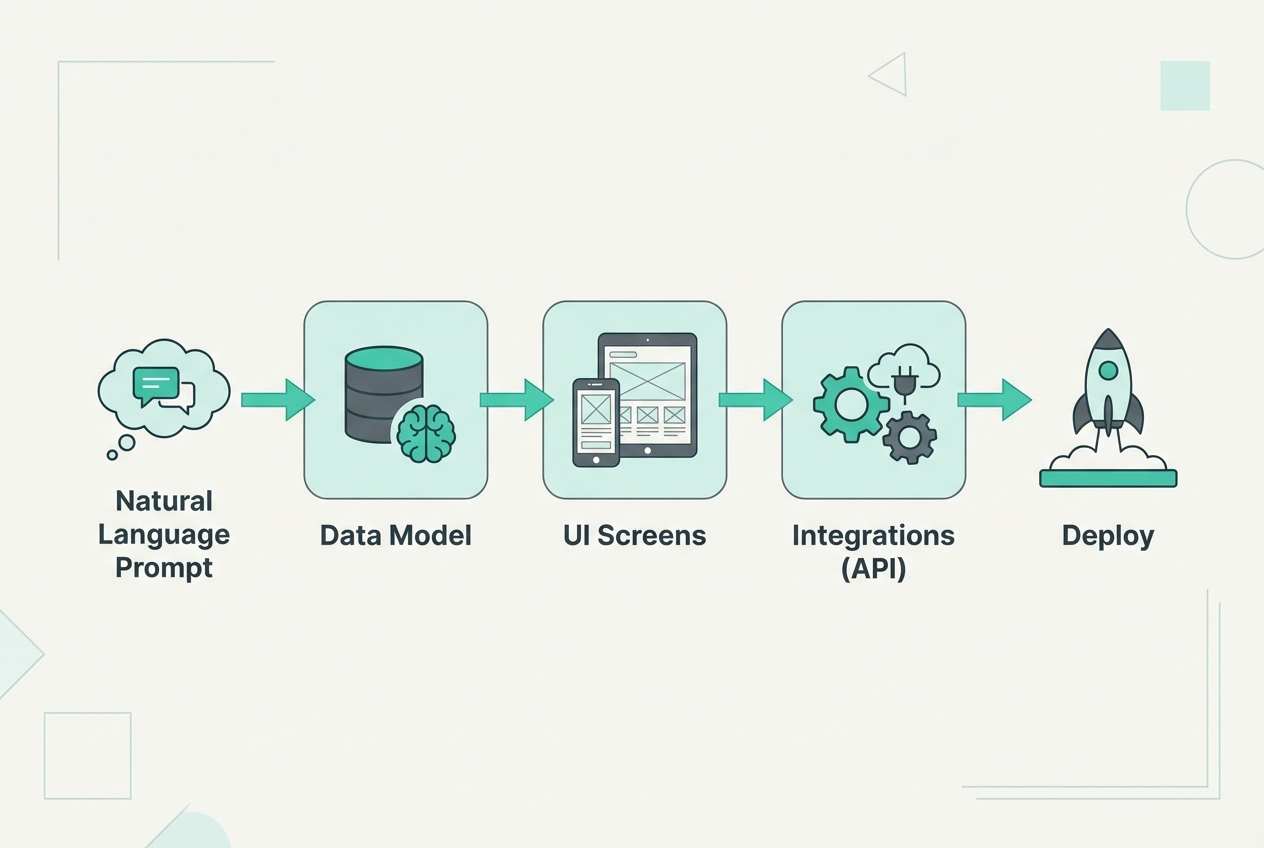 An AI app builder typically turns your prompt into a data model, screens, integrations, then a deployable app.
Most platforms follow the same pattern:
- You describe the outcome: "I want a client portal with onboarding, invoices, and a progress tracker."
- The builder creates a starter structure: Tables, roles, and a few screens.
- You refine the workflow: Validation rules, notifications, permissions, and edge cases.
- You connect real tools: Payments, email, scheduling, customer relationship management (CRM), and other APIs (Application Programming Interfaces).
- You deploy and learn: Your first version is rarely the final version.
If you want a deeper breakdown, see how an AI app builder works.
Quick comparison: the best AI powered app builders
This table is intentionally practical. It focuses on what matters when you are building a paid product or an internal system you rely on daily.
| Builder | Best for | Where AI helps most | Best-fit app types | Main trade-off |
|---|---|---|---|---|
| QuantumByte | Shipping revenue apps fast, with a safety net | Turning requirements into a build plan and working app | Client portals, internal ops tools, simple SaaS | Fewer "tinker" knobs than pure visual builders (by design) |
| Bubble | Powerful web apps with deep customization | Generating UI and logic patterns | SaaS, marketplaces, dashboards | Learning curve and app architecture choices matter |
| Glide | Fast internal tools and lightweight customer apps | Turning data into screens and actions | Portals, directories, mobile-friendly tools | Best when your data model is straightforward |
| Softr | Membership sites and portals on top of data | Generating layouts and page structures | Portals, community products, directories | Custom logic can hit limits |
| Google AppSheet | Operational apps tied to business data | App scaffolding and automation logic | Field ops, approvals, workflows | UI flexibility is limited compared to web-first tools |
| Microsoft Power Apps | Organizations already living in Microsoft | Rapid app creation on business data | Internal apps, forms, approvals | Best inside Microsoft ecosystem |
| Retool | Serious internal tools for data-heavy teams | Query building and UI suggestions | Admin panels, ops dashboards | Not designed for consumer-facing apps |
| FlutterFlow | Native mobile apps with real code output | Screen generation and code assistance | Mobile-first products | You still need product and data discipline |
| Airtable | Databases that evolve into apps | Table setup, formulas, and automations | Lightweight apps on top of structured data | App UX is not as flexible as web builders |
| Adalo | Simpler mobile apps and prototypes | Layout generation and components | MVP mobile apps | Can outgrow it if your logic gets complex |
| WeWeb | Front-end (customer UI) on top of any backend | UI composition and page creation | Web apps with custom backends | You manage more moving parts |
| Lovable | Fast AI-first prototypes you can iterate into real apps | Generating full stacks from prompts and refining via chat | Landing-to-app flows, simple SaaS, internal MVPs | You still need to validate data, auth, and edge cases |
Best AI powered app builders (ranked)
The ranking below is optimized for business owners who want speed, control, and a clear path to "real app" when your MVP (minimum viable product) starts getting real users.
1) QuantumByte
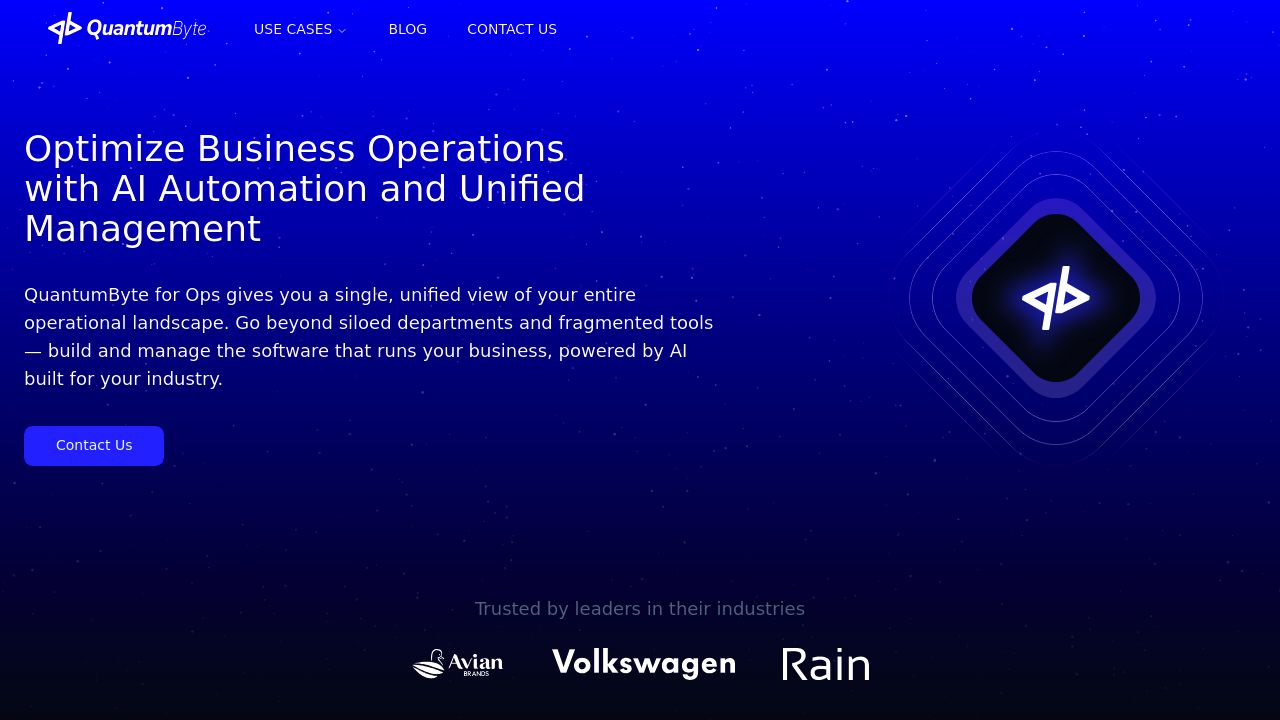
If your goal is to turn your expertise into a working app you can charge for, QuantumByte is the best overall pick because it combines an AI app builder with an in-house development team for the hard parts.
Why it ranks #1:
-
Hybrid build path: You can start with the AI builder, then hand off the tricky edge cases, integrations, or scale work without switching platforms.
-
Built for entrepreneurs: The workflow is designed around getting to "live" quickly, not endless configuration.
-
Clear momentum: You move from idea to structured requirements, then to an app.
Best for:
-
Productized services: Client portals, onboarding flows, project trackers, recurring deliverables.
-
Internal ops systems: Intake, fulfillment, reporting, and handoffs.
If you want to see how fast you can get to a first version, start here: pricing guide for QuantumByte.
2) Bubble
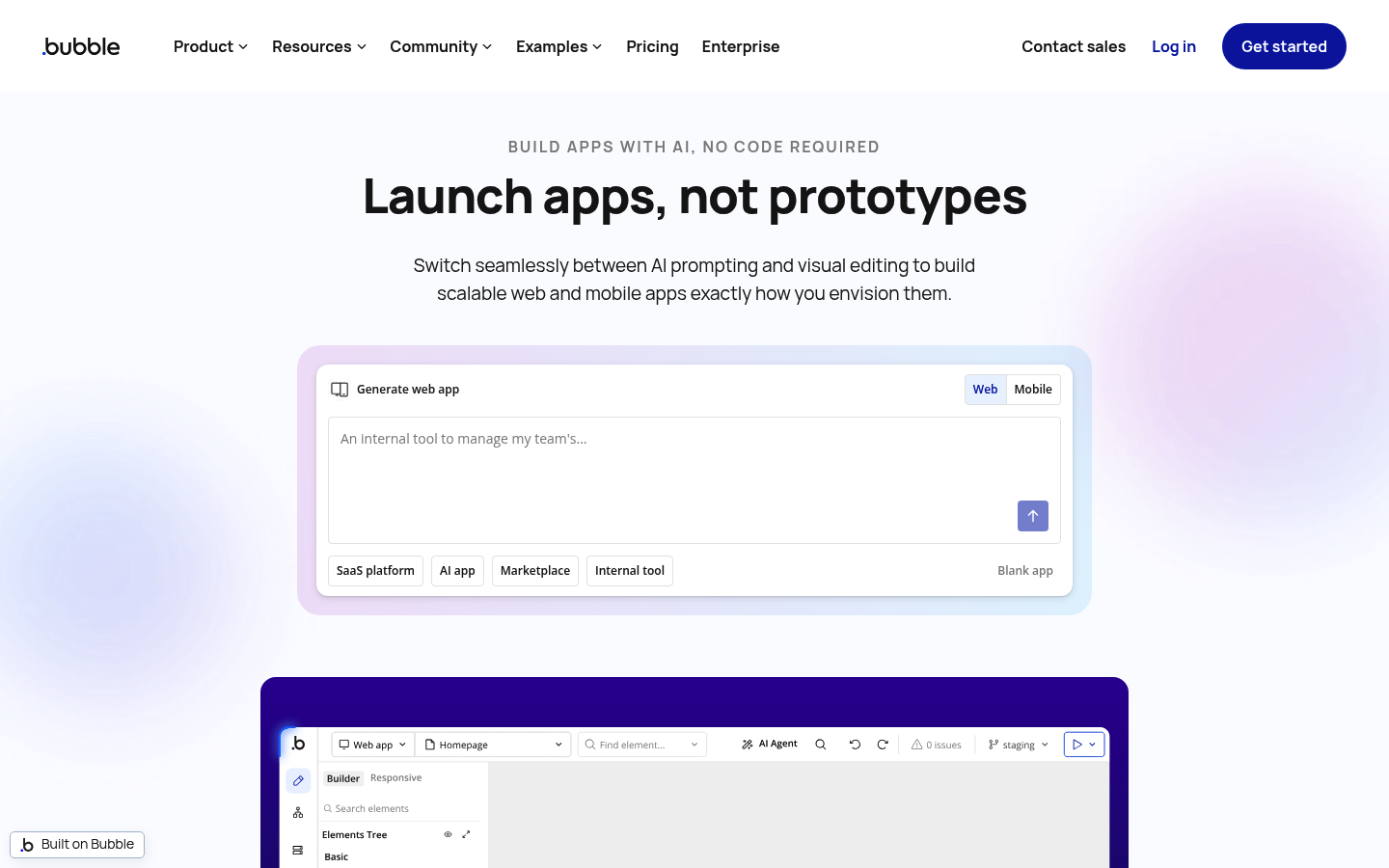
Bubble is one of the most capable ways to build a real web app without traditional coding. Its AI features can speed up layout and logic setup, but the platform still rewards people who think clearly about data and workflows.
-
Best for: Web SaaS products, marketplaces, membership apps.
-
Watch out for: Complexity creep. If you build without a plan, your app can become hard to maintain.
3) Glide
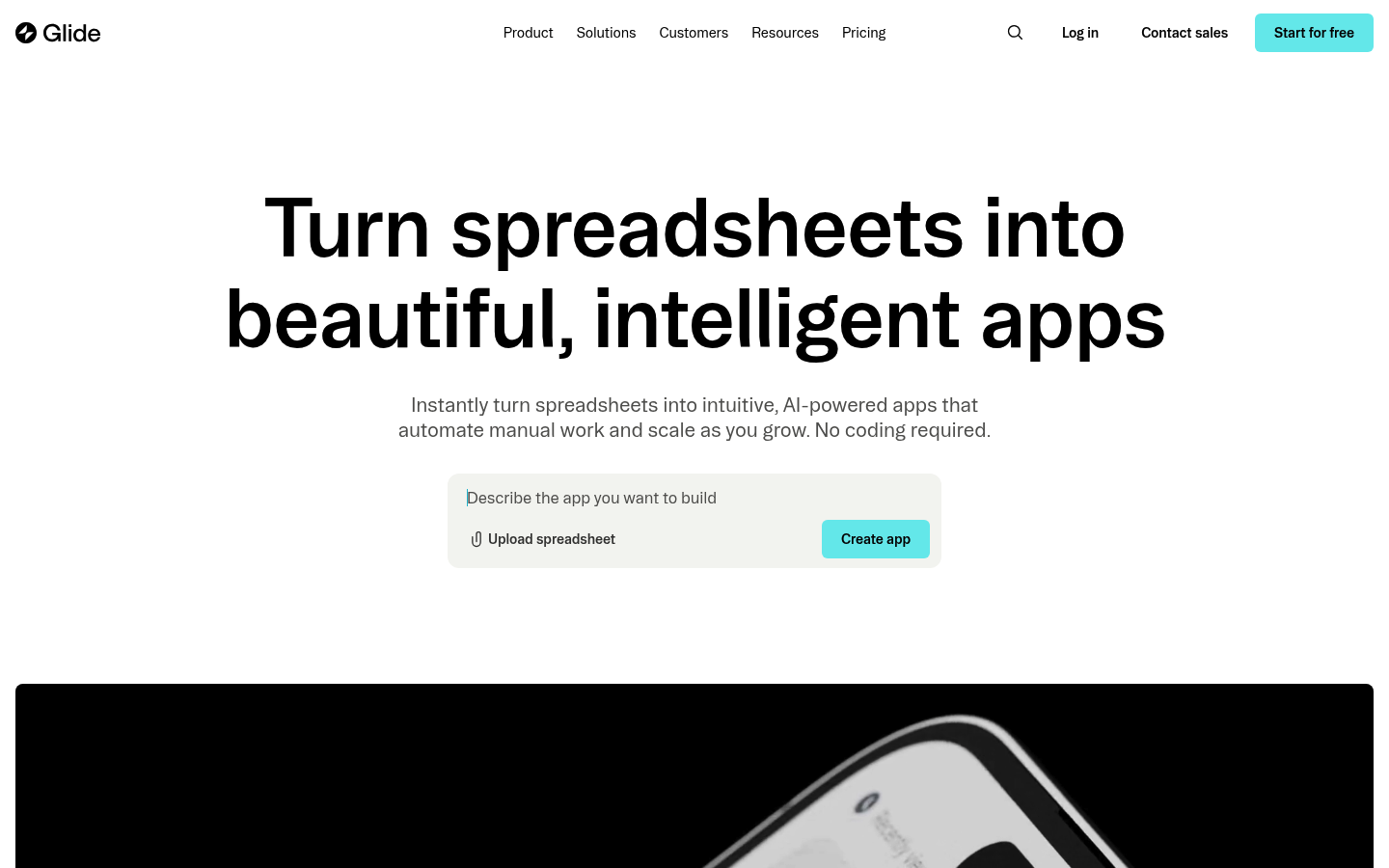
Glide shines when your app is basically a workflow on top of structured data. AI helps you move faster from "here's my table" to "here's my app."
-
Best for: Portals, directories, lightweight customer apps, internal tools.
-
Watch out for: Very custom user experiences can be harder to achieve.
4) Softr
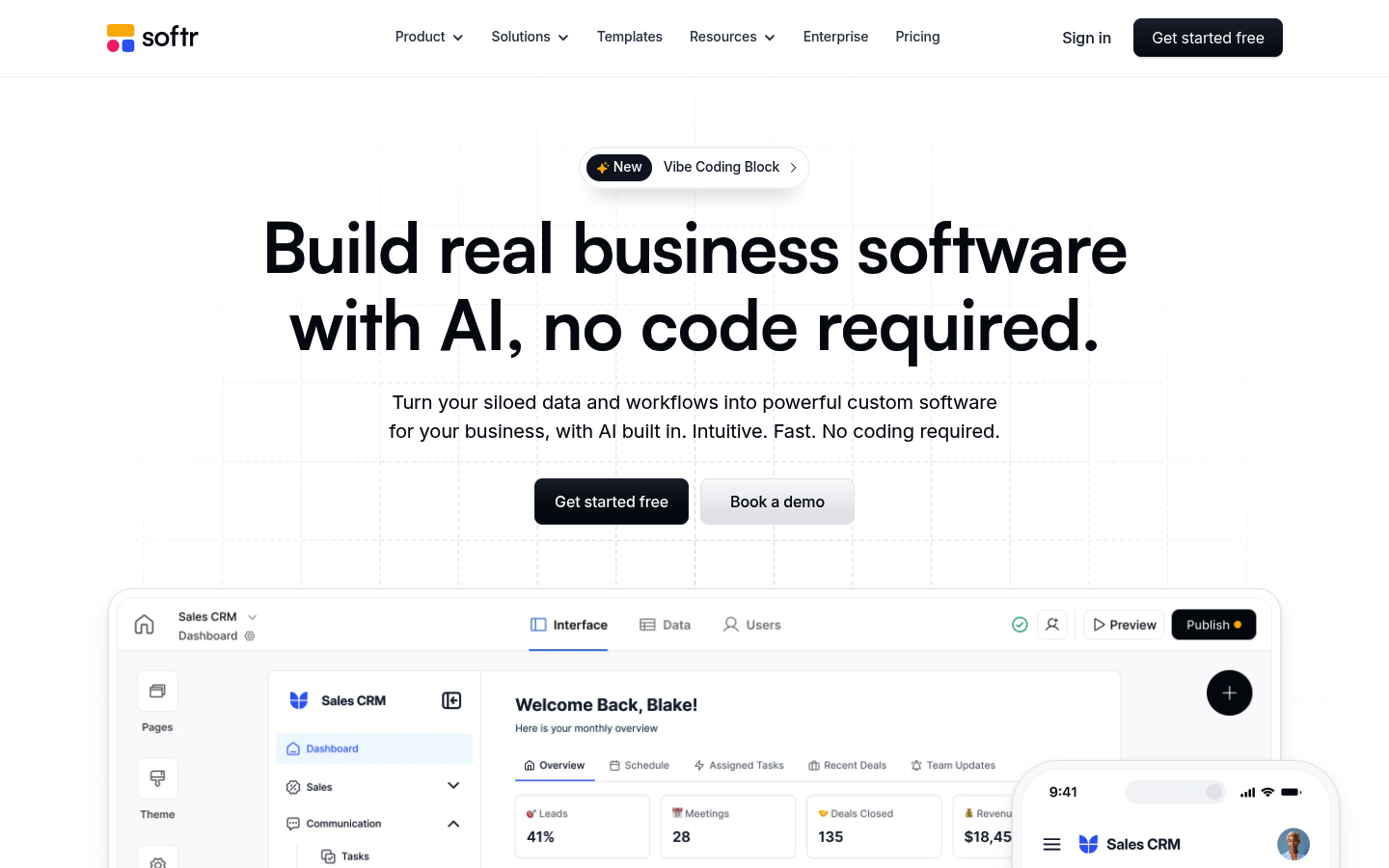
Softr is a strong pick for membership sites and business portals, especially when your data lives in Airtable or similar sources. AI can speed up page creation and layout.
-
Best for: Client portals, communities, directories, internal hubs.
-
Watch out for: Logic-heavy apps may hit platform limits.
5) Google AppSheet
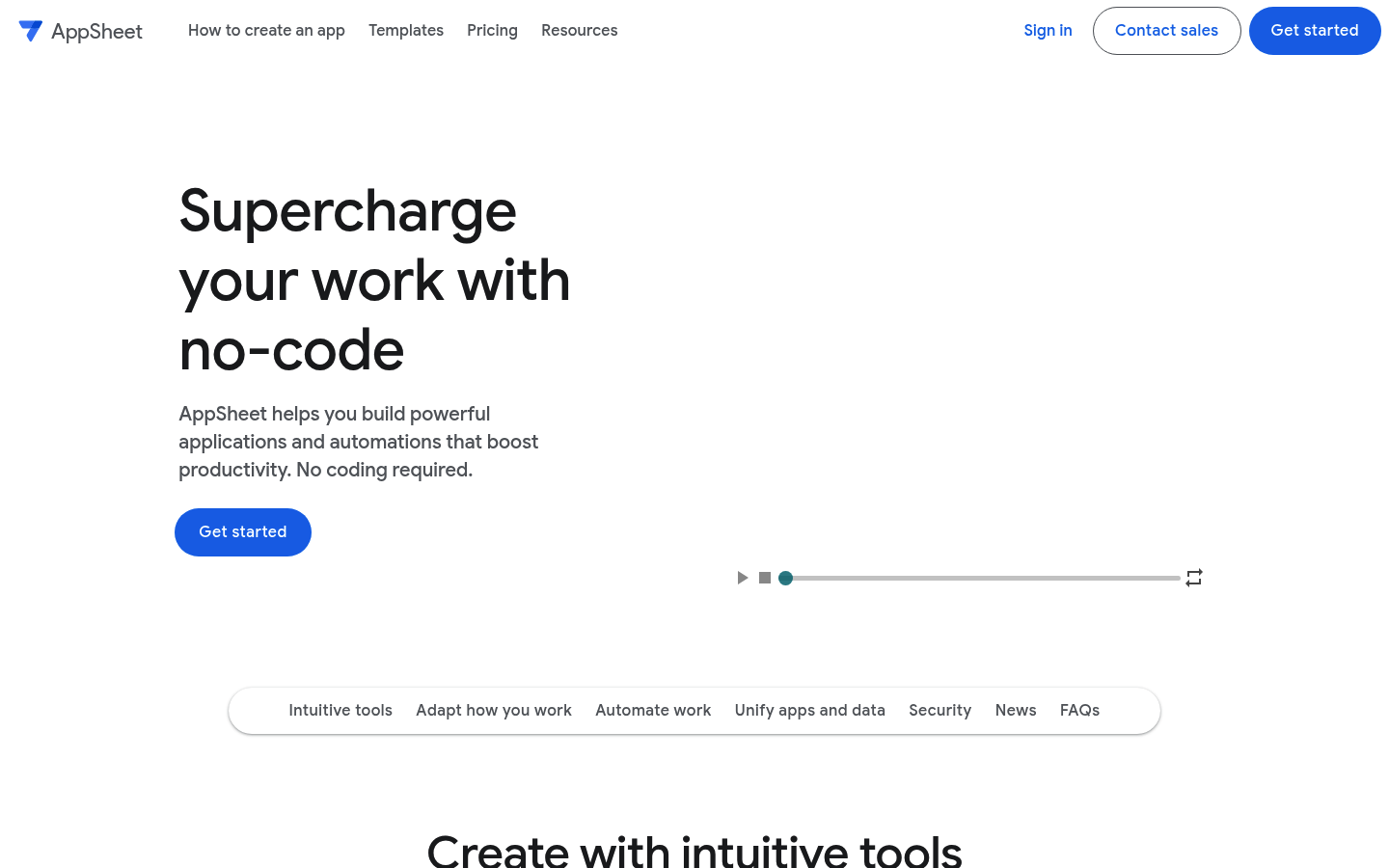
AppSheet is positioned as a no-code platform for building apps and automations without writing code. Google describes it as a no-code platform for apps and automated processes.
-
Best for: Field service apps, approval workflows, data collection.
-
Watch out for: UI customization is not the main strength.
6) Microsoft Power Apps
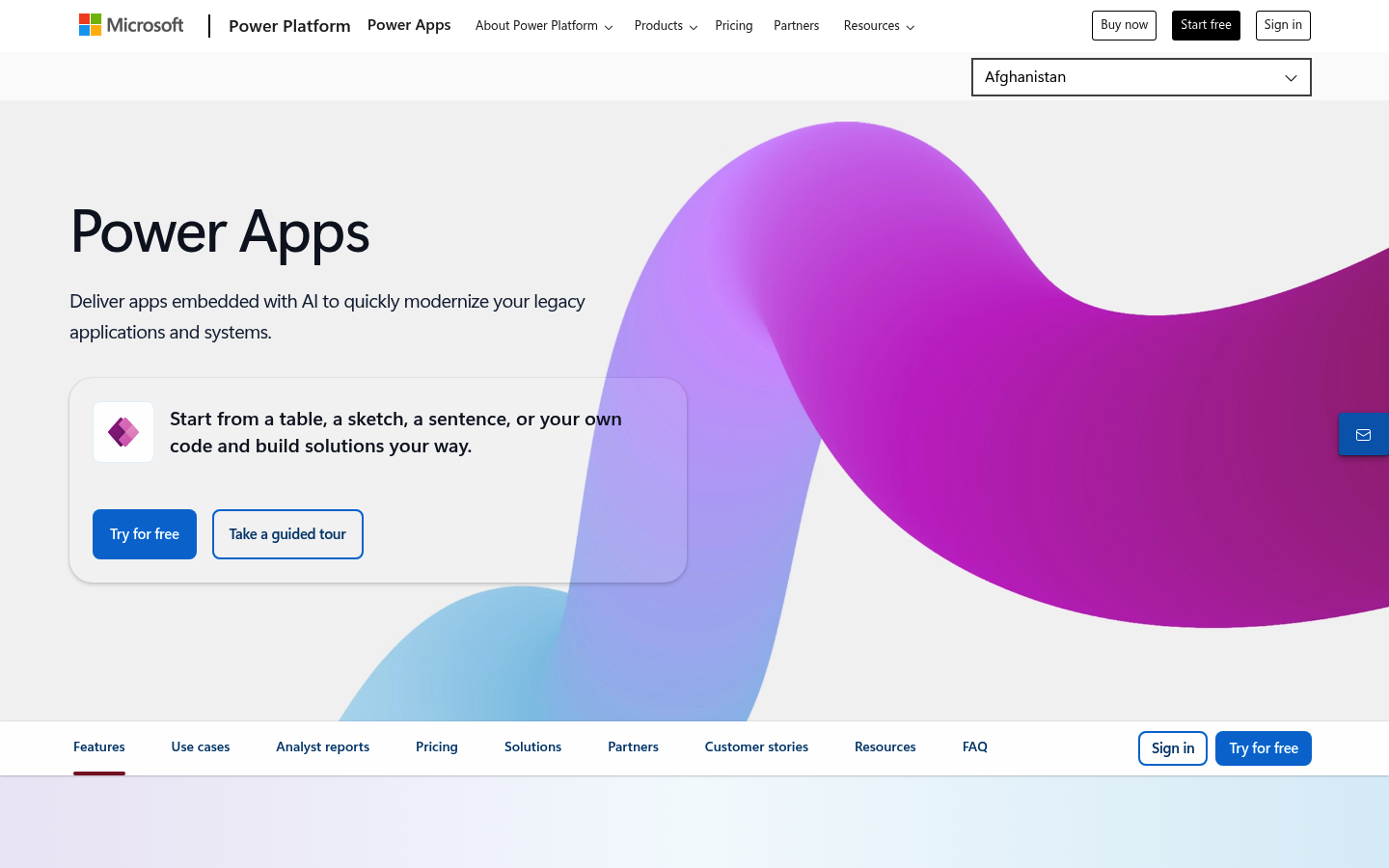
Microsoft Power Apps is a low-code platform focused on business apps. Microsoft describes Power Apps as a suite of apps, services, connectors, and a data platform that provides a rapid development environment for building custom business apps (Microsoft Learn overview).
-
Best for: Companies already using Microsoft 365 and Power Platform.
-
Watch out for: Best results usually come when you commit to the Microsoft ecosystem.
7) Retool
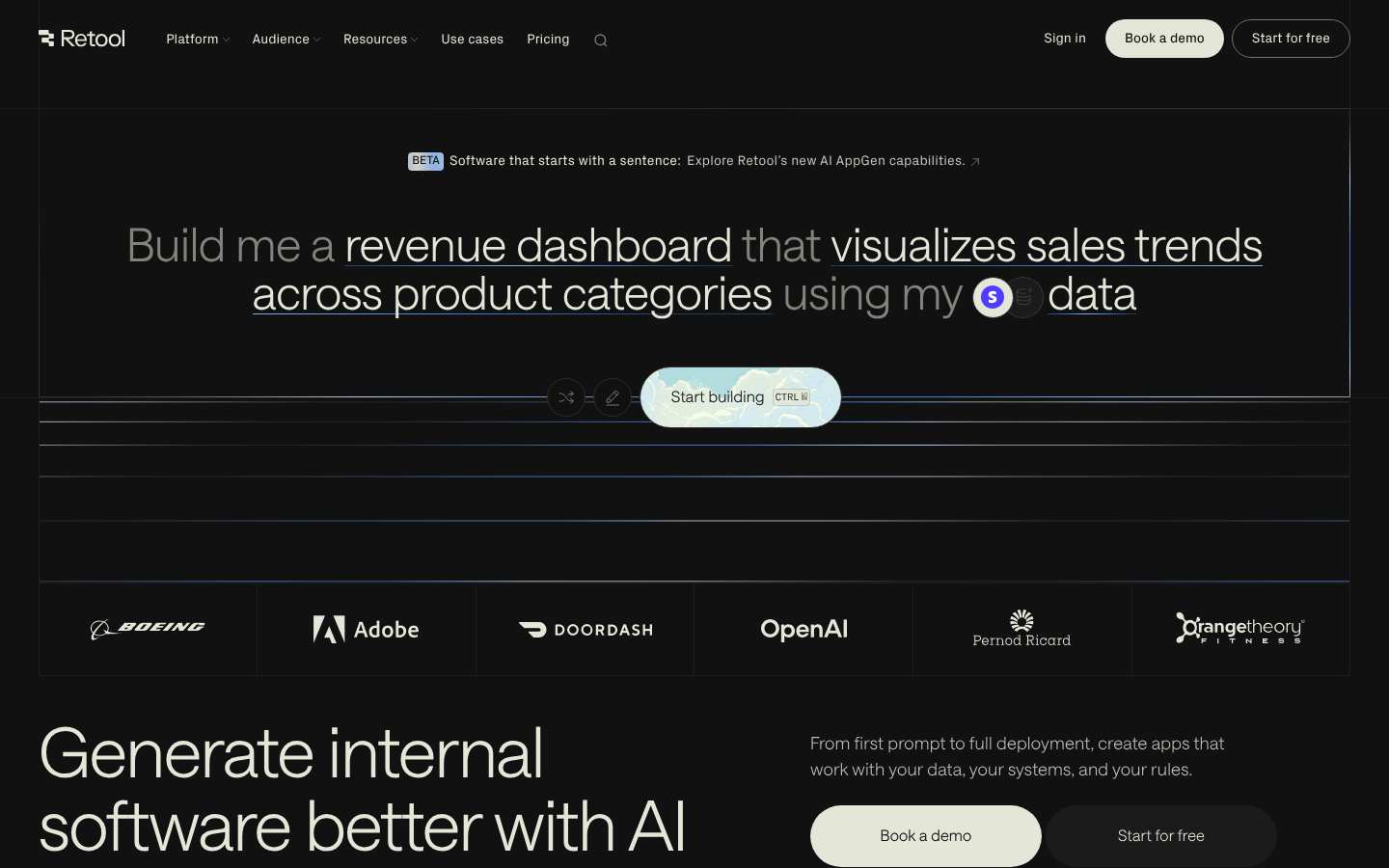
Retool is an internal tool powerhouse. AI features can speed up query writing, component setup, and repetitive UI tasks.
-
Best for: Admin panels, ops dashboards, internal workflows.
-
Watch out for: Not the best fit for consumer-grade public apps.
8) FlutterFlow
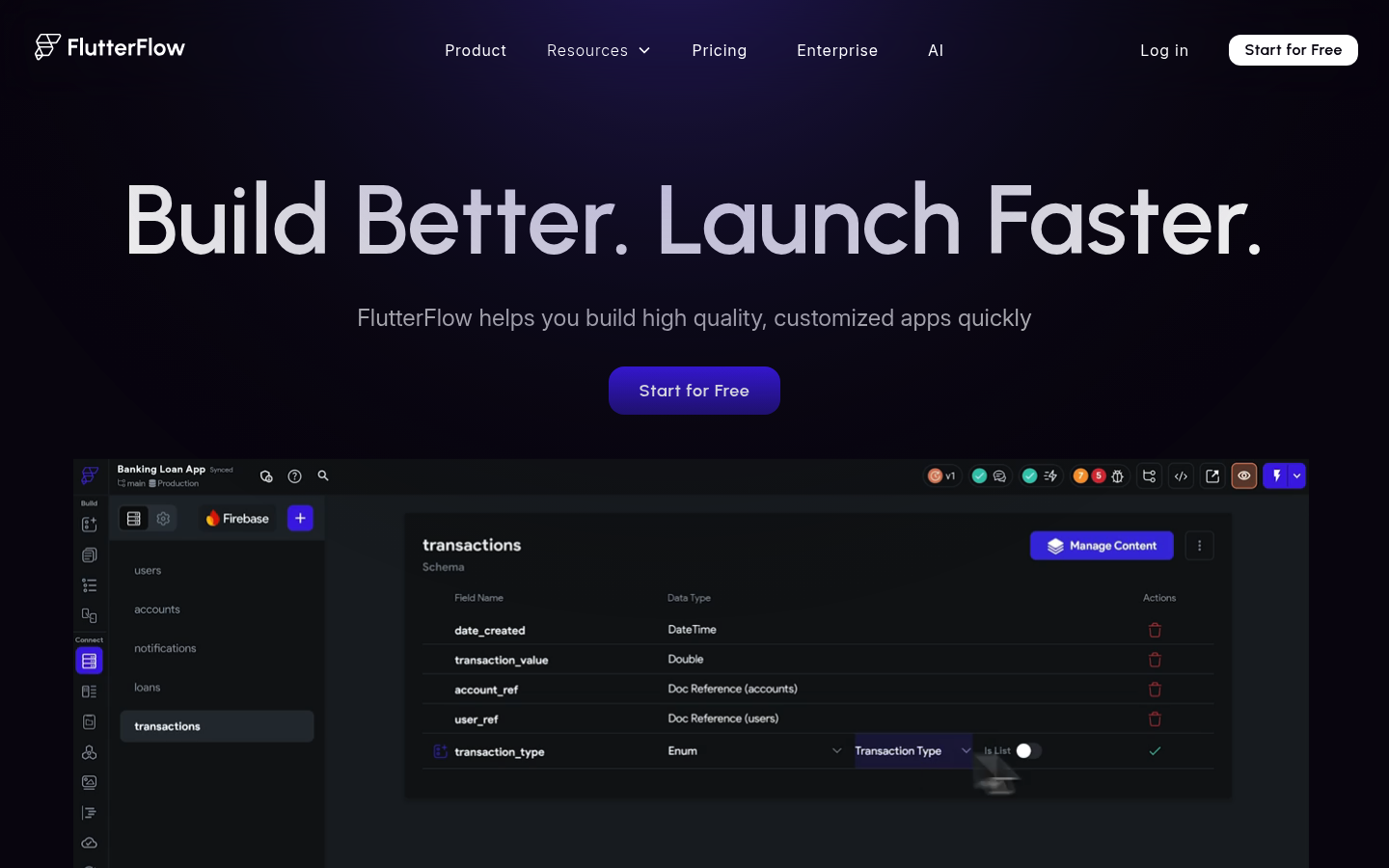
FlutterFlow is a strong option when you want a mobile-first app and you want to stay close to "real code." AI can reduce setup time, but you still need to think like a product builder.
-
Best for: Native-feeling mobile apps and prototypes.
-
Watch out for: Data modeling and integrations still require discipline.
9) Airtable
Airtable sits in a useful middle ground between database and app platform. AI can help with structuring tables, formulas, and automations.
-
Best for: Operations data, lightweight internal apps, fast iteration.
-
Watch out for: Complex front-end experiences usually require another layer.
10) Adalo
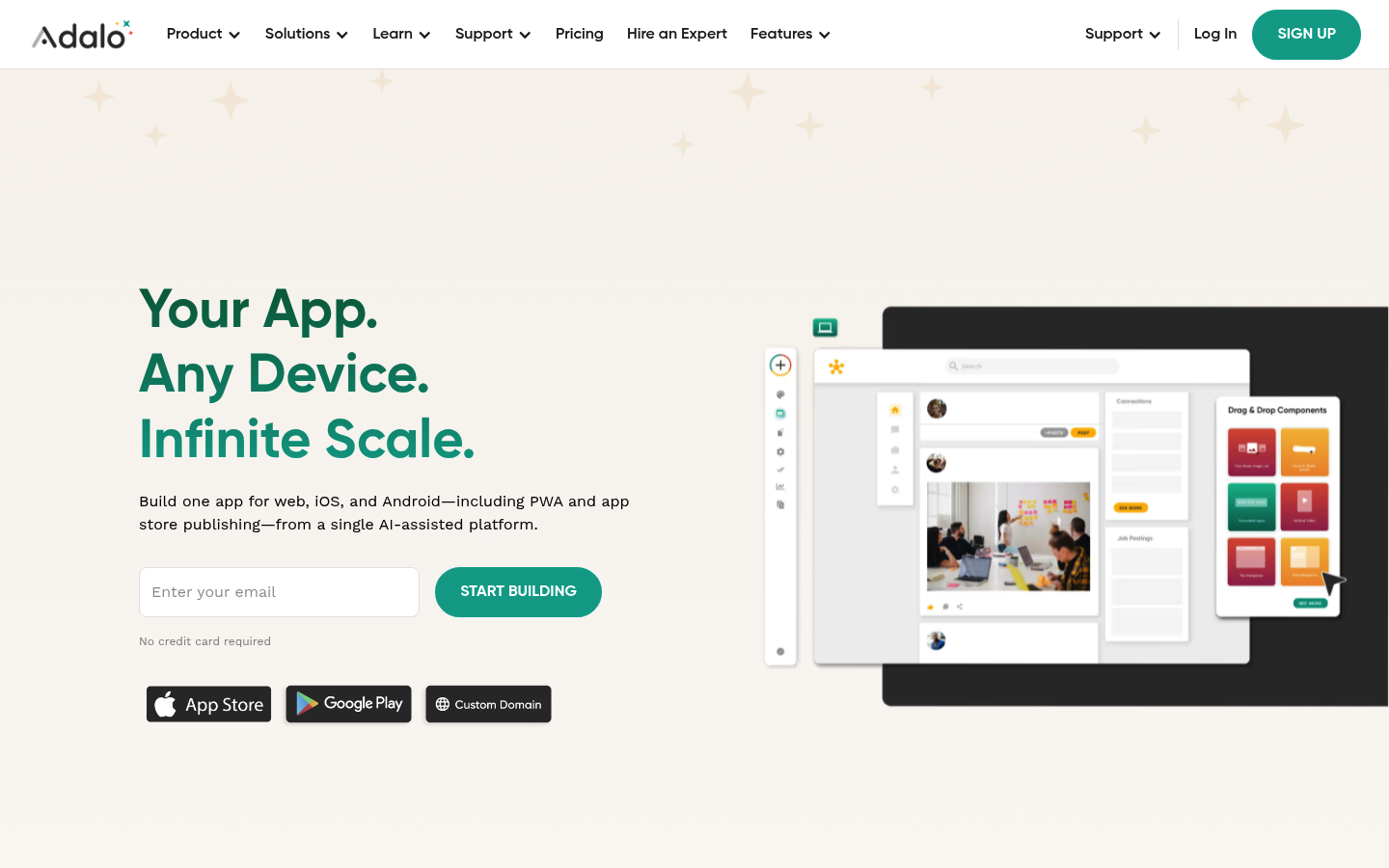
Adalo is a friendly path into mobile app building. It is a common choice for MVPs when you want to validate demand fast.
-
Best for: Simple mobile MVPs and internal mobile tools.
-
Watch out for: You may outgrow it as logic and performance needs rise.
11) WeWeb
WeWeb is best thought of as a front-end builder for web apps. Pair it with your chosen backend and you can create polished customer experiences.
-
Best for: Custom front-ends on top of existing backends.
-
Watch out for: More moving parts means more responsibility.
12) Lovable
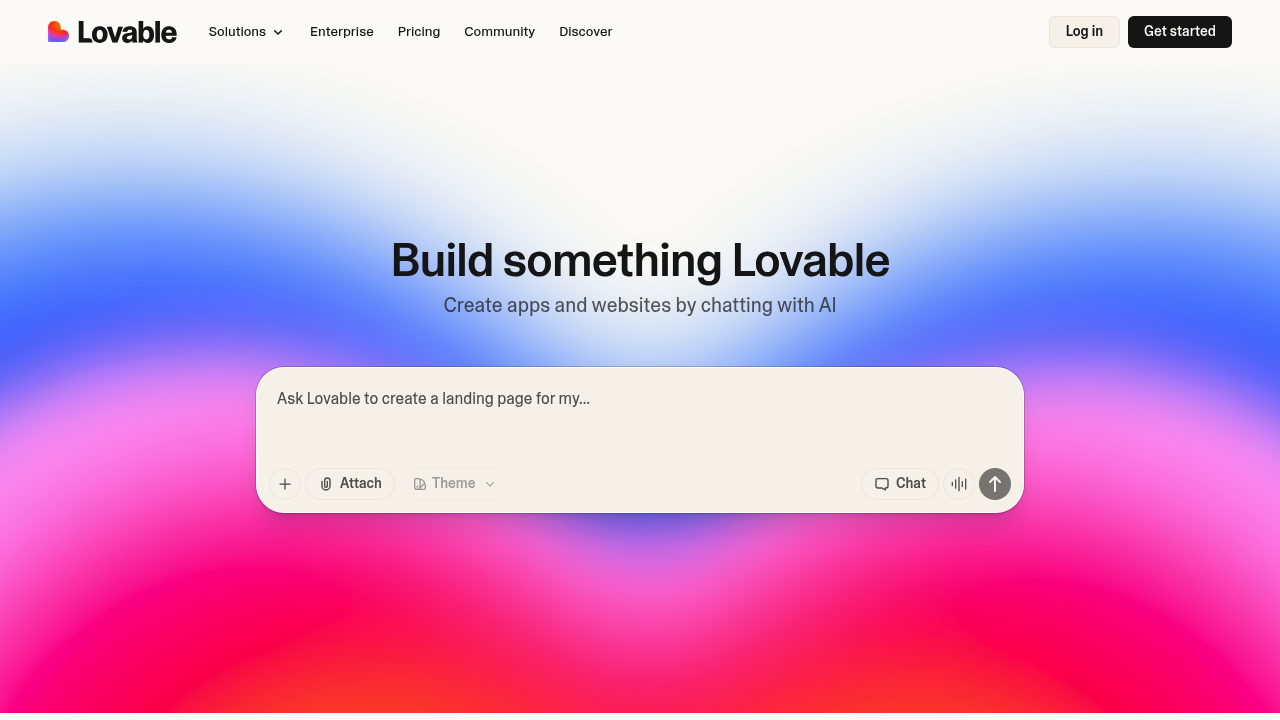
Lovable is an AI-first way to generate an app from a conversation, then iterate quickly as you learn what your users actually need. It is a solid option when you want to go from idea to something clickable fast.
-
Best for: Early-stage MVPs, simple SaaS prototypes, landing-to-app flows.
-
Watch out for: You still own the product work. You need to think through authentication, permissions, data integrity, and integrations before you call it "ready."
How to choose the right AI powered app builder for your business
Use this short checklist before you fall in love with a demo.
-
Your real workflow: If you cannot explain your process in 10 sentences, the AI will struggle too. Start by writing the steps: who does what, when, and what data changes.
-
Your data model: List the core objects: customers, projects, invoices, tasks, subscriptions. The best apps feel simple because the data model is clean.
-
Your "edge cases": Refunds, cancellations, permission changes, multiple team members, and exceptions are where most MVPs break.
-
Your integration needs: Payments, email, calendar, and CRM integrations often define the tool choice more than UI does.
-
Your path beyond MVP: If the app becomes mission-critical, you need a plan for scaling and deeper customization. This is why conversational building is growing: conversational AI app development.
If you are still deciding between no-code and custom code, read no-code platforms: pros and cons.
Common pitfalls (and how to avoid them)
-
Building the UI before the workflow: Start with user journeys and permissions, then design screens that support those actions.
-
Shipping without basic security habits: Treat your app like a real product. Use the OWASP Top 10 to sanity-check the most common risk areas.
-
Trying to copy a giant SaaS in version 1: Your unfair advantage is speed and focus. Build the smallest app that delivers a clear outcome.
-
No plan for monetization: Even internal tools need ROI (return on investment). If your goal is a paid product, define pricing and packaging early.
What you can build next
An AI-powered build works well for startup ideas, but it also shines when you take repeatable client work and turn it into a system that needs less manual effort from you.
If you want inspiration for what solo founders are shipping, browse 10 apps making $10k per month and map those patterns to your niche.
Wrap-up: turning ideas into software that scales
You now have a ranked list of the best AI powered app builder options, plus a practical way to choose based on workflow, data, and integrations. You also have a clear warning: easy to start is not the same as easy to scale.
If you want the fastest path from idea to a working app with a real backstop for the hard parts, QuantumByte is the strongest all-around option in this list. Start small, ship fast, then expand once your users prove what matters.
Frequently Asked Questions
What is the best AI powered app builder for non-technical founders?
The best option is the one that lets you ship a real first version quickly and still gives you a path to handle complex requirements later. Many founders start with a builder like Bubble, Glide, or Softr. If you want a more guided idea-to-live-app path without getting stuck when complexity shows up, QuantumByte is designed for that.
Can AI app builders create a full SaaS product?
Yes, many can. But full SaaS usually requires more than screens. You need authentication, roles, billing, observability (logging and monitoring), security basics, and reliable integrations.
Do I still need developers if I use an AI app builder?
Sometimes. Simple apps can stay no-code for a long time. But once you need custom integrations, complex permissions, performance tuning, or advanced data logic, developer support can save you months of trial-and-error.
How do I avoid building the wrong app?
Start with one workflow that creates a clear result. Build a version that supports that workflow end-to-end. Then test it with real users before you add nice-to-have features.