Vibe coding is the fastest way for a business owner to turn an idea into working software when you do not want to live in code all day. You describe the outcome in plain English. Then you let AI generate the first draft. After that, you steer with feedback until it matches the product in your head.
That sounds simple. The real win comes when you pick the right tool for your stage. Prototype. Internal workflow app. Or a product you can actually sell.
What "vibe coding" means (in plain English)
"Vibe coding" is an AI-first style of building software where you guide the system with natural language prompts. You focus on intent, user flow, and business rules. Then the AI handles syntax, scaffolding, and most implementation.
A crisp definition worth remembering: Simon Willison describes vibe coding as building software with a large language model (LLM) "without reviewing the code it writes" in his write-up on vibe coding. That framing is useful because it highlights both the speed and the risk.
What vibe coding is good for:
-
Prototypes: You need something clickable today so you can sell, demo, or validate.
-
Internal tools: You want to stop doing manual admin and replace it with a simple app.
-
First versions of SaaS: You want a working MVP (minimum viable product). Then you can harden it.
What vibe coding is not:
-
A free pass on clarity: If you cannot explain the workflow, AI cannot guess it reliably.
-
A substitute for product thinking: You still have to decide what the app should do and what "done" looks like.
How vibe coding works in practice
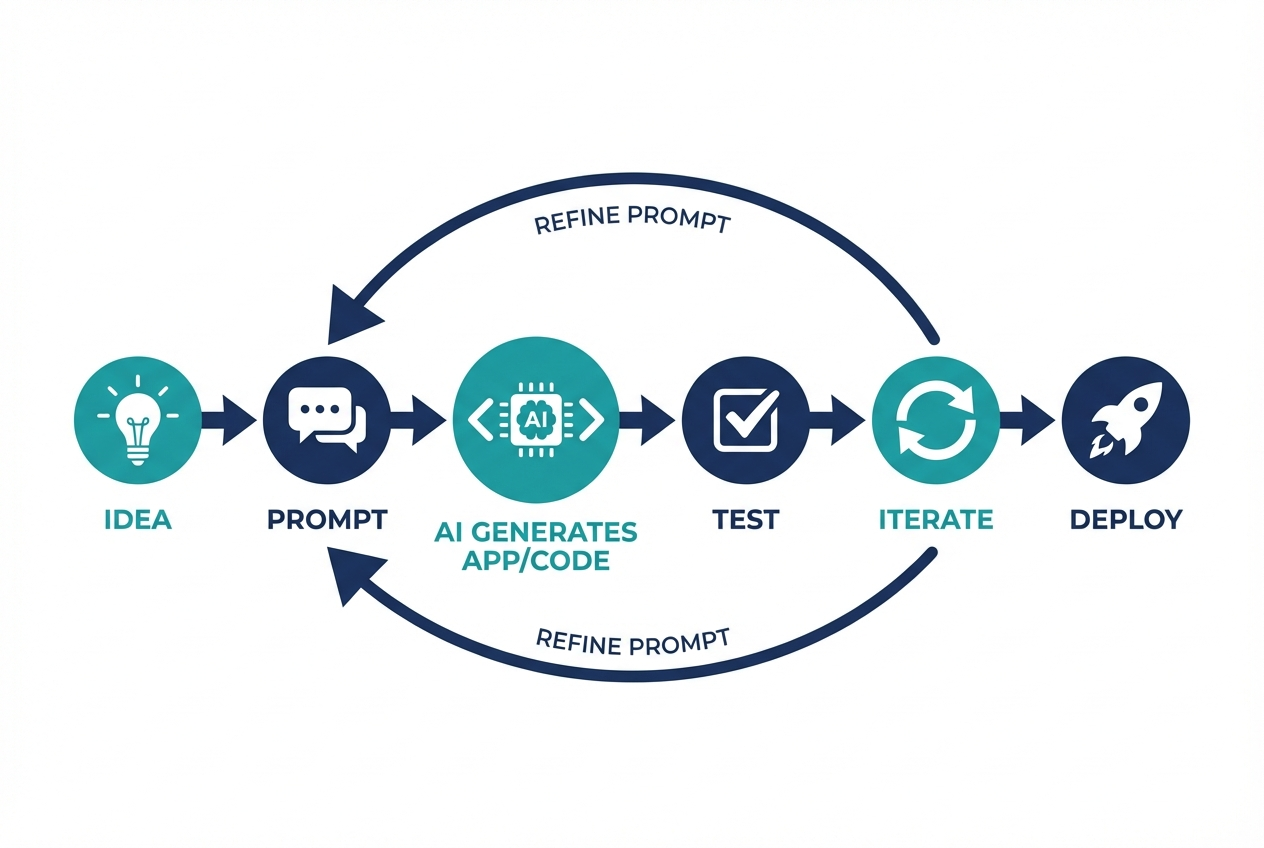
Most vibe coding workflows follow the same loop:
-
User outcome: Describe what the user gets at the end (example: "A client books a call and gets an invoice").
-
Business rules: Add the rules that make it your business (example: "If the client is in Europe, add Value-Added Tax (VAT)").
-
First build: Let the tool scaffold user interface (UI), routes, and data models.
-
Customer-style testing: Click every path and actively try to break it.
-
Fixes by prompt: Paste the error, explain the fix you want, and retry.
-
Production basics: Add permissions, data validation, and basic security checks.
If you want the "talk to AI, get a working app" approach (instead of "talk to AI, get code you still have to wire up"), it helps to understand how an AI app builder interprets your prompts into structure. This walkthrough on how an AI app builder works is a solid mental model before you start.
Best vibe coding tools in 2026
Below are the best vibe coding tools right now, ranked for business owners and solopreneurs who want to ship.
Quick comparison (who each tool is for)
| Tool | Best for | What you'll love | Main trade-off |
|---|---|---|---|
| QuantumByte | Business apps and MVPs that need a path to real production | AI generation plus an expert dev team when you hit edge cases | More opinionated workflow than a pure code editor |
| Cursor | Builders who want an AI-native code editor | Fast edits across files via natural language | Still a coding environment |
| Replit | Shipping in one browser tab | Build + run + deploy in one place | Larger apps can get messy without structure |
| GitHub Copilot | Professional coding workflows | Deep IDE integration and assistance | Best value when you already code |
| ChatGPT | Brainstorming, scaffolds, and debugging help | Great generalist for code + planning | You still need a build environment |
| Claude | Long-context reasoning and refactors | Strong at explaining and rewriting | Not a full app platform by itself |
| v0 | Rapid UI generation | Describe it, get UI code | UI is not the whole product |
| Bolt | Instant full-stack prototypes | Quick app-from-prompt momentum | You still need to harden for production |
| Windsurf | Agentic coding inside an IDE | Helpful for larger codebases | Aimed at developers, not non-technical founders |
| Lovable | Fast app prototypes with AI | Great for early product shape | Production polish varies by use case |
1) QuantumByte
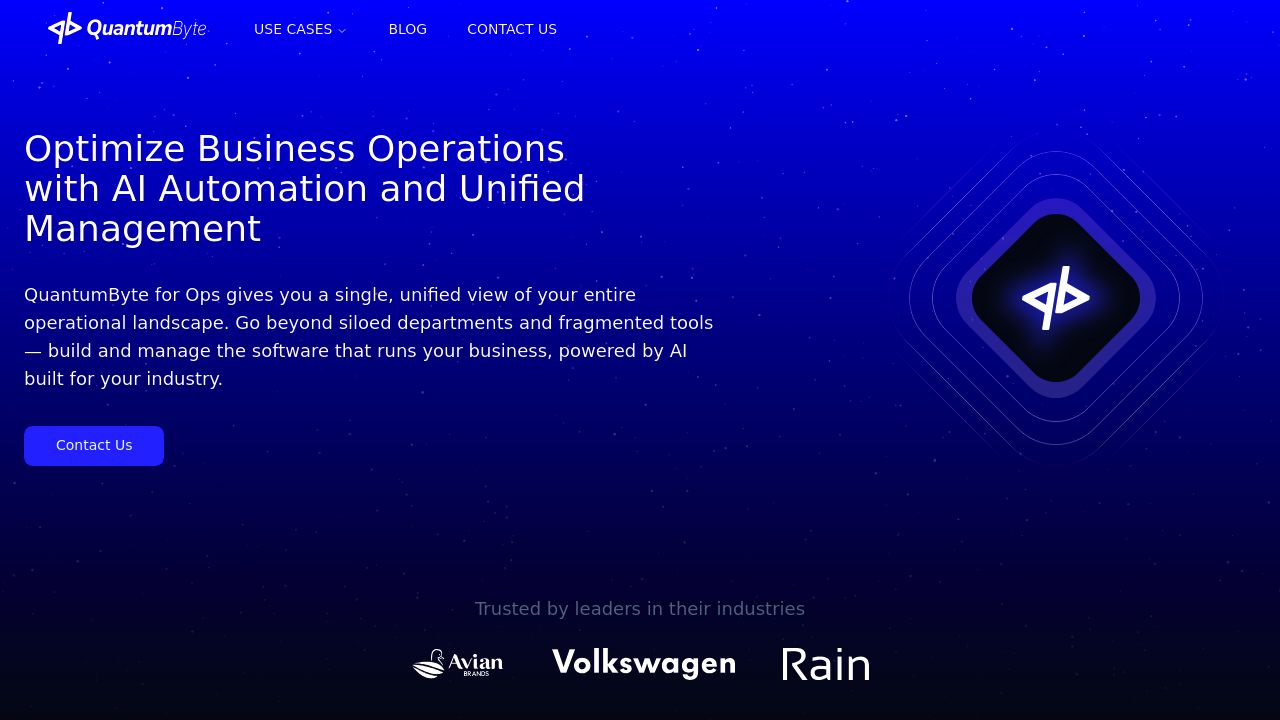
QuantumByte's pricing guide is the most entrepreneur-friendly interpretation of vibe coding on this list because it is designed around outcomes, not developer rituals. You turn a rough idea into structured documentation. That documentation becomes the source of truth while the app gets generated.
Why it ranks #1: most vibe coding tools get you to "wow, it works." QuantumByte is built to get you to "it works, it's coherent, and I can keep improving it." When you hit a wall, you can hand it off to an in-house software team to finish the parts AI cannot safely handle yet.
-
Best for: Turning your service into a product, internal tools, MVPs you plan to charge for.
-
Strong because: You can keep a clean spec, iterate quickly, and still have a path to production-grade builds.
-
Good to know: Pricing starts at $39/month, which makes it easier to experiment without betting the farm.
If you are weighing "build vs. buy," this decision framework on custom business software development helps you decide when custom is worth it.
2) Cursor
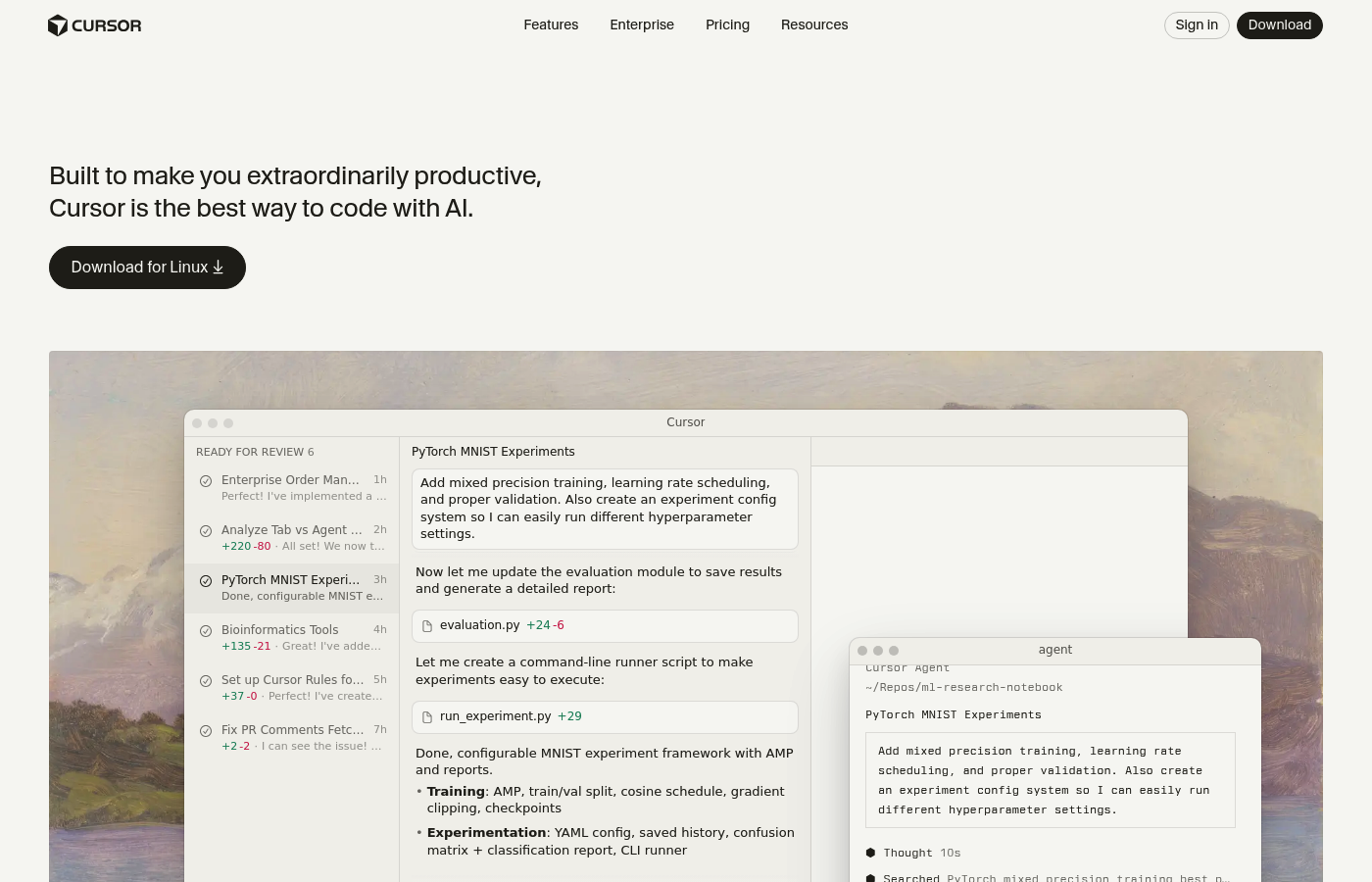
Cursor is a serious upgrade if you want vibe coding speed but you still want to live in a real code editor. You describe what you want to build or change in natural language. Cursor helps apply that across files.
-
Best for: Founders who can read code and want fast multi-file edits.
-
Strong because: It makes "change this across the app" prompts feel practical.
3) Replit
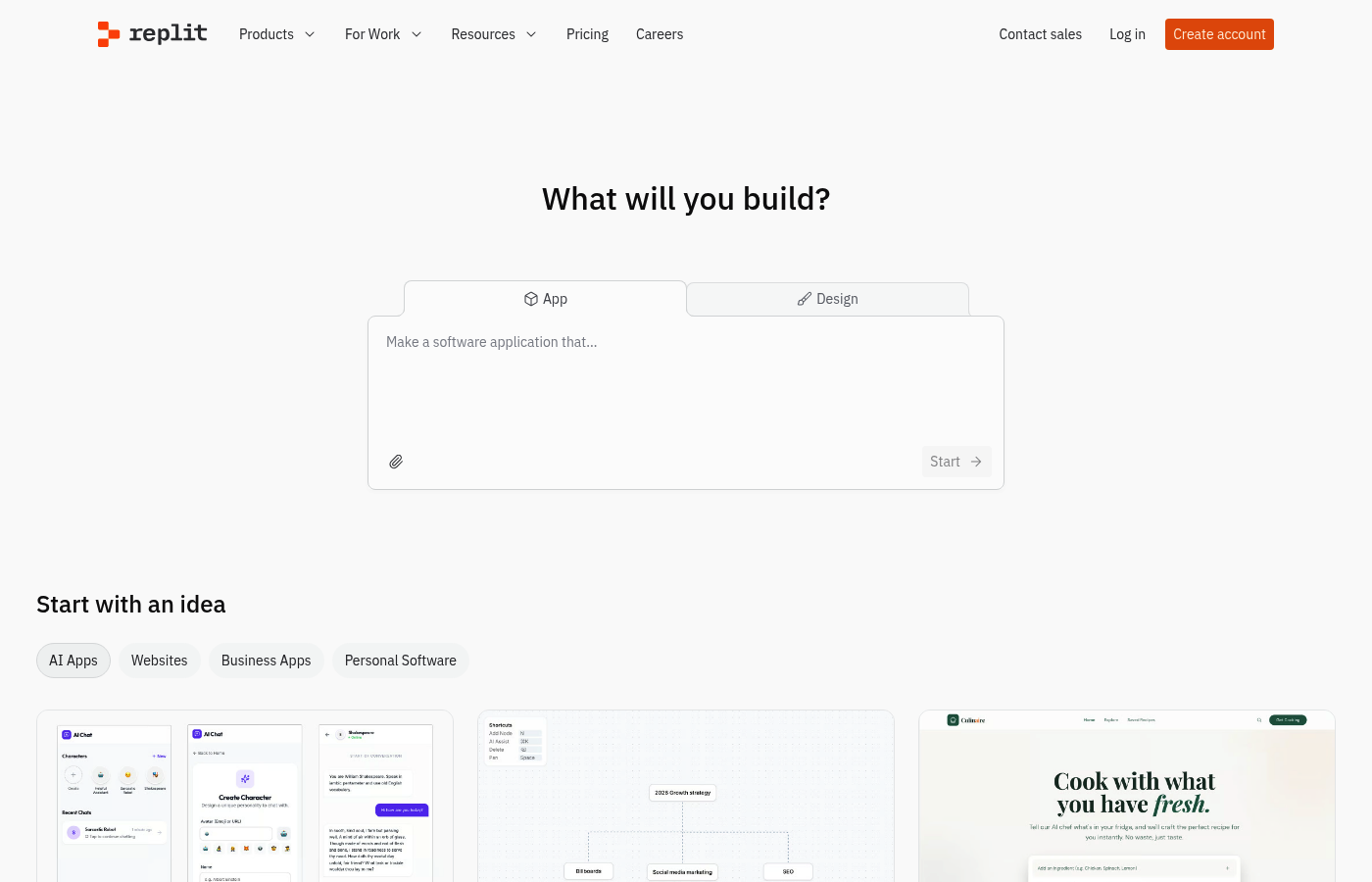
Replit is one of the easiest ways to go from prompt to running app in a browser. Their guide frames vibe coding as an iterative process of prompting, reviewing, and refining in Vibe Coding 101.
-
Best for: Fast prototypes you want to share quickly.
-
Strong because: Less setup friction. You can get to a live demo faster.
4) GitHub Copilot
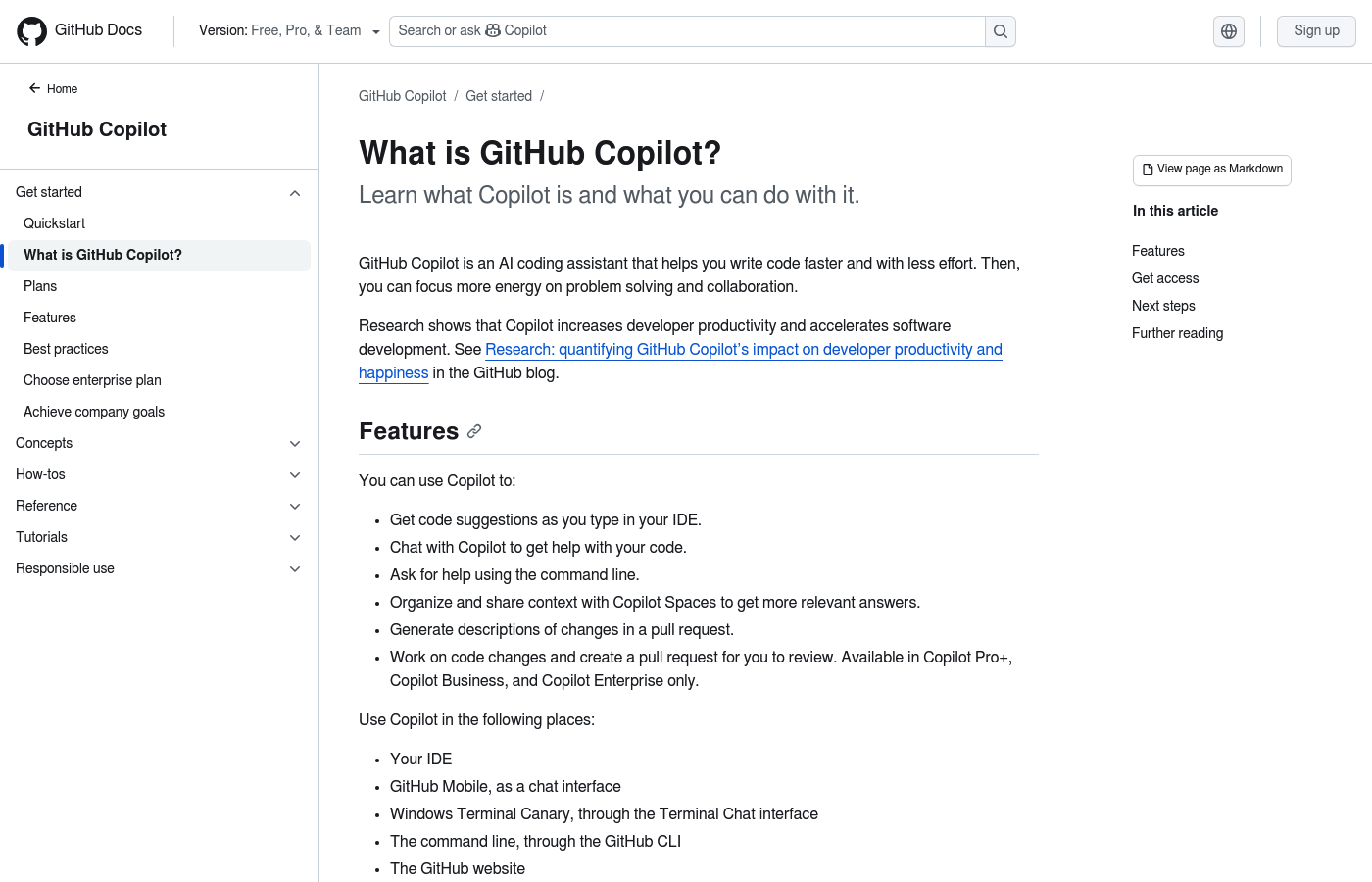
If you (or a developer you hired) already works in an IDE (integrated development environment), GitHub Copilot is still one of the most dependable copilots.
-
Best for: Teams with existing repos and real engineering workflows.
-
Strong because: It fits into how professionals already ship software.
5) ChatGPT
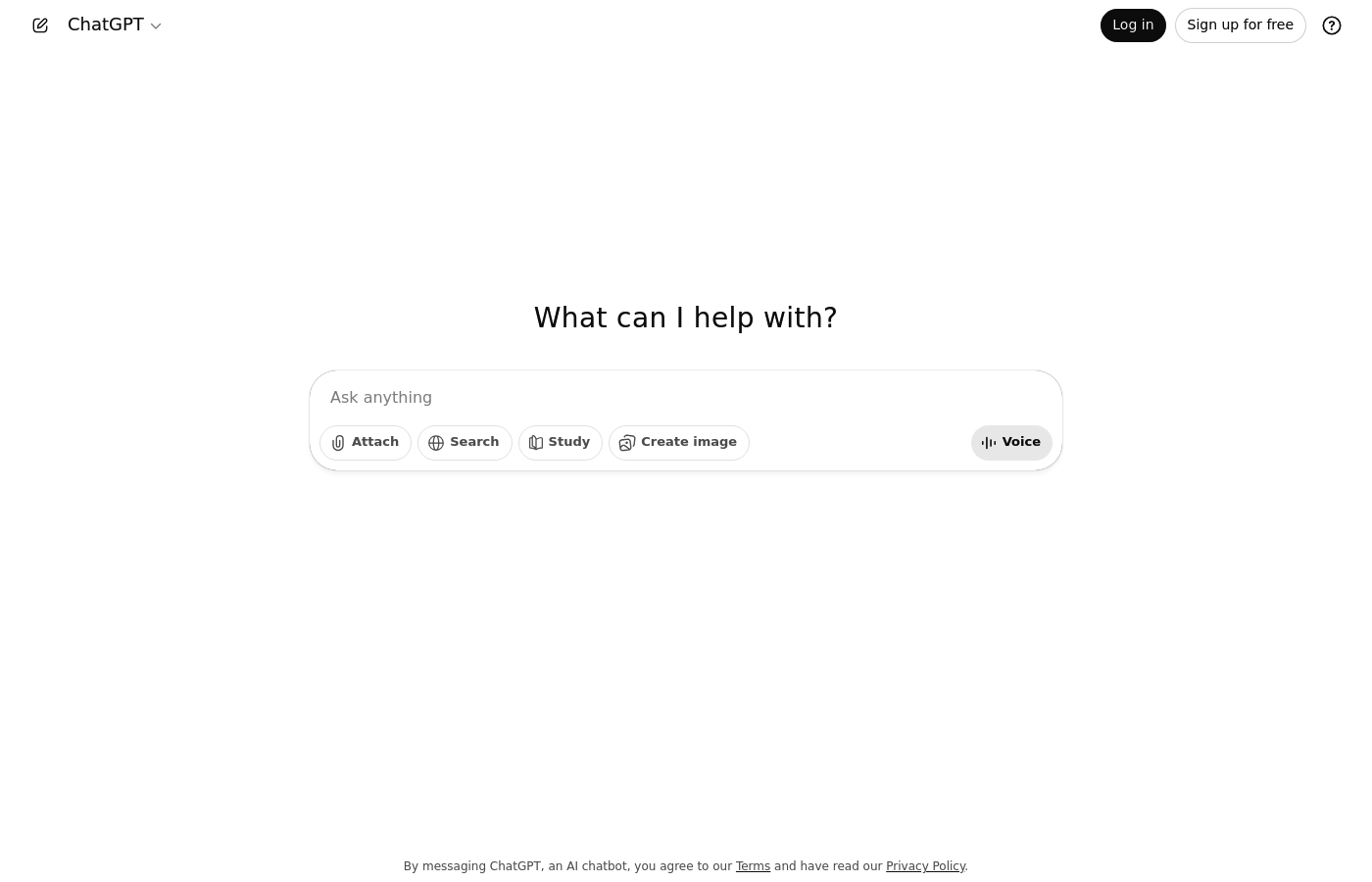
ChatGPT is not a full build-and-deploy platform, but it is a powerful vibe coding companion. Use it to generate specs, data models, test cases, edge-case lists, and to debug errors you paste in.
-
Best for: Planning and debugging when your actual build happens elsewhere.
-
Strong because: It helps you think clearer, faster.
6) Claude
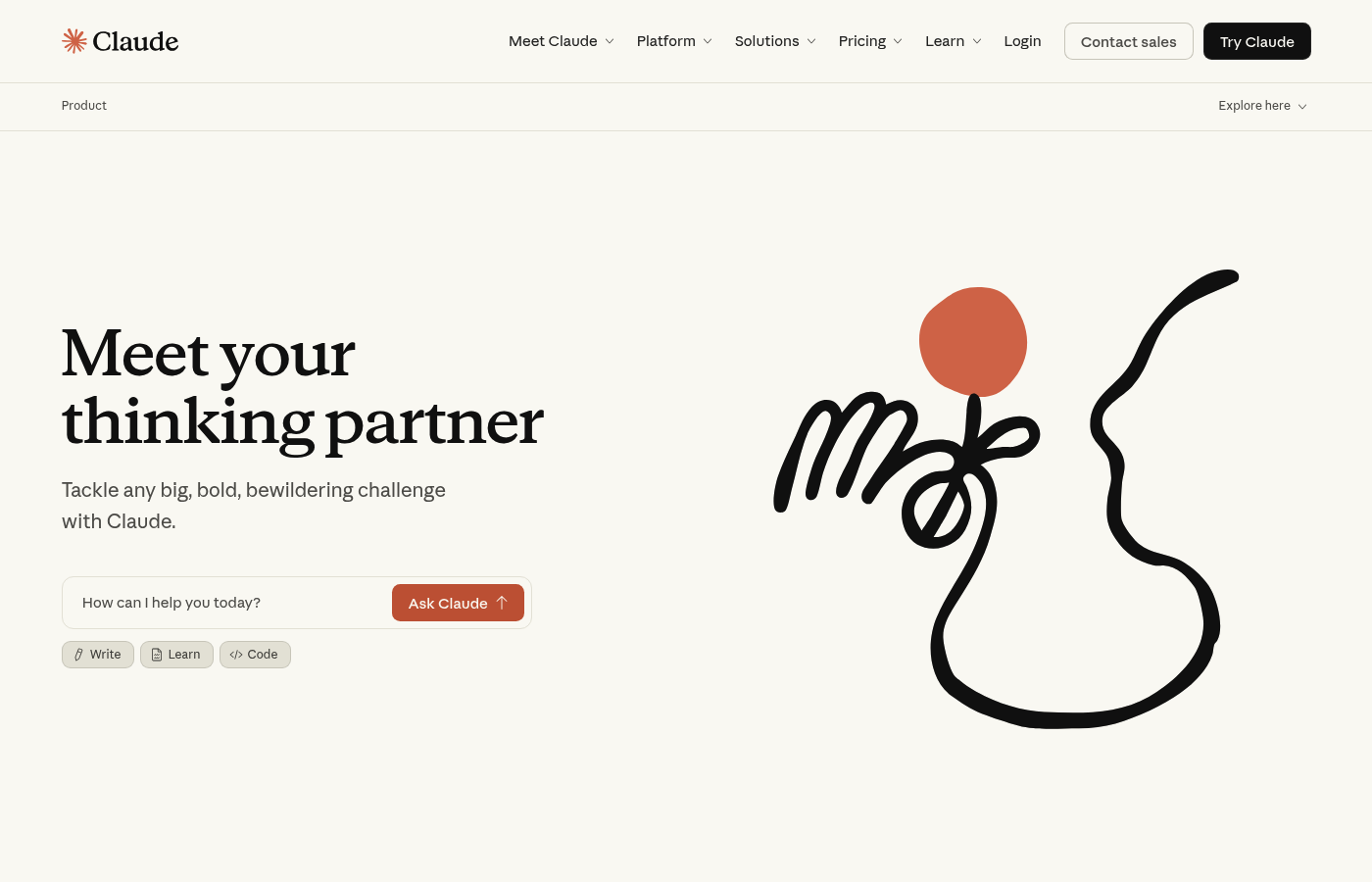
Claude is a strong choice when you need reasoning, long context, and careful rewrites of messy logic. It shines when you ask for structured outputs like "list every user role and permission" or "rewrite this API spec to remove ambiguity."
-
Best for: Turning fuzzy requirements into clean, testable instructions.
-
Strong because: It helps you reduce misunderstandings before you build.
7) v0 by Vercel
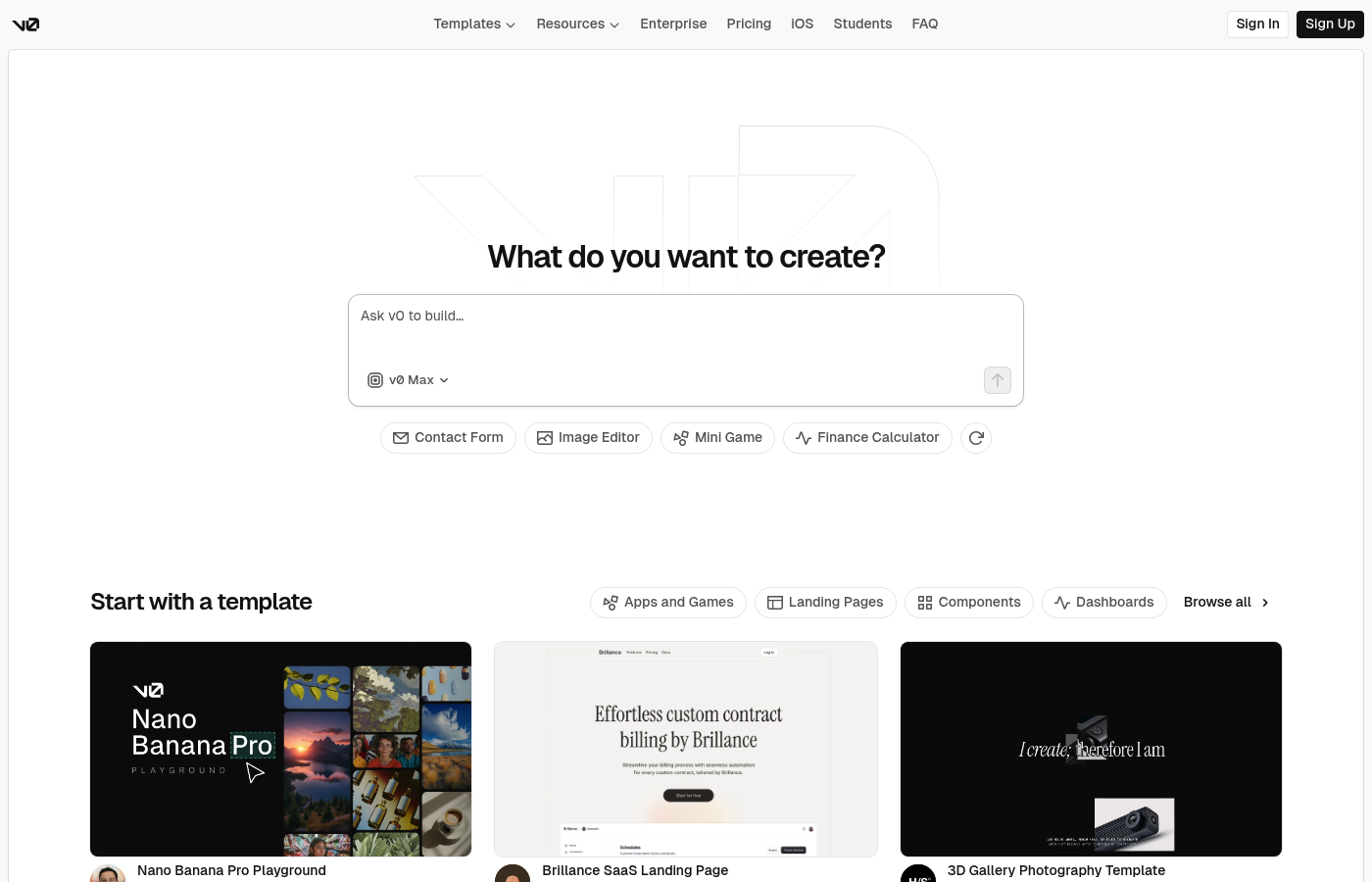
v0 is one of the cleanest prompt-to-UI tools. Vercel describes it as "Generative UI" in their v0 announcement.
-
Best for: Landing pages, dashboards, and quick UI iterations.
-
Strong because: It gets you polished UI code quickly.
8) Bolt
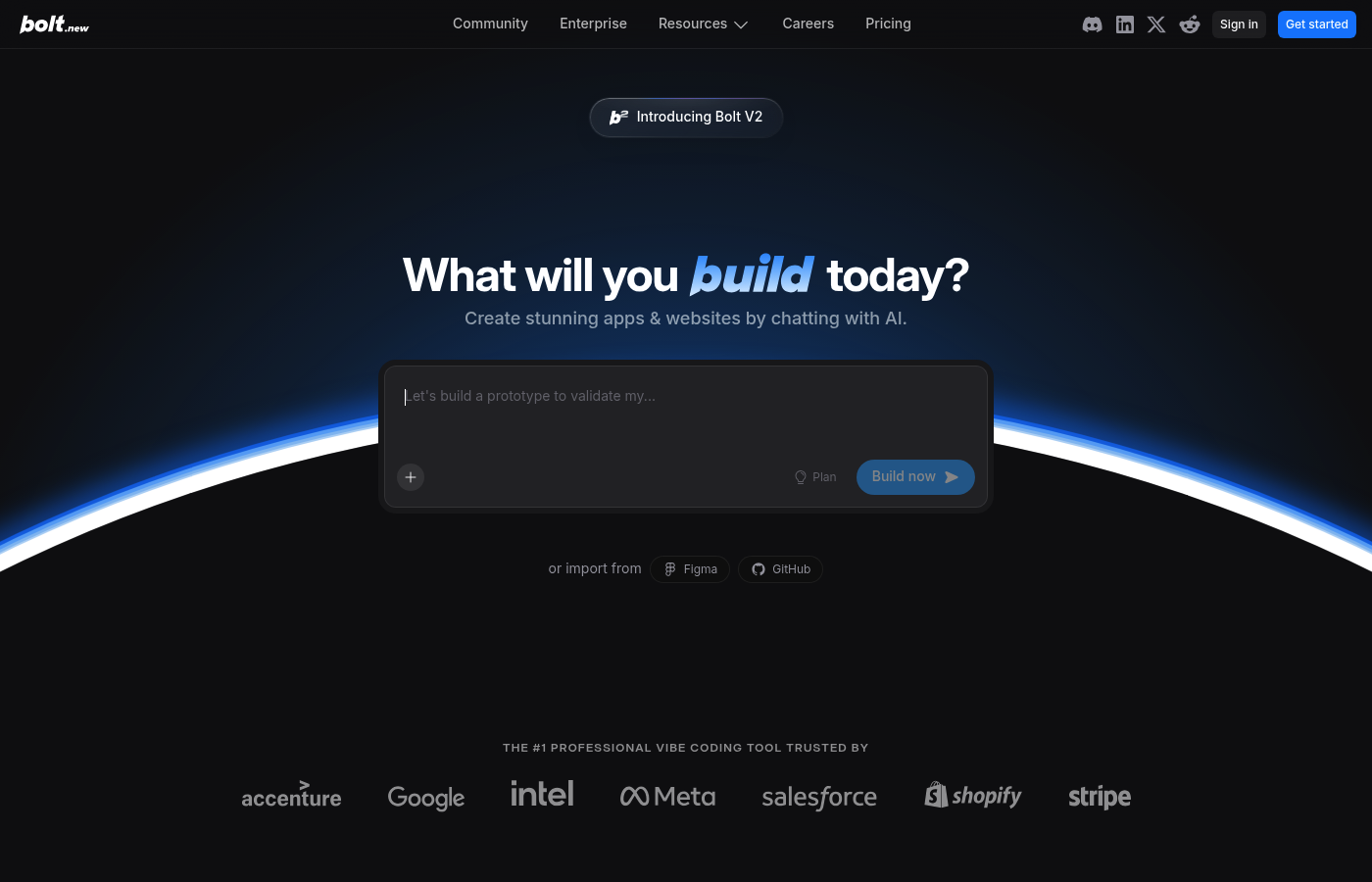
Bolt is built for speed. You describe an app and it pushes toward a working prototype quickly.
-
Best for: Getting to a demo while the idea is still hot.
-
Strong because: It compresses time-to-first-version.
9) Windsurf (by Codeium)
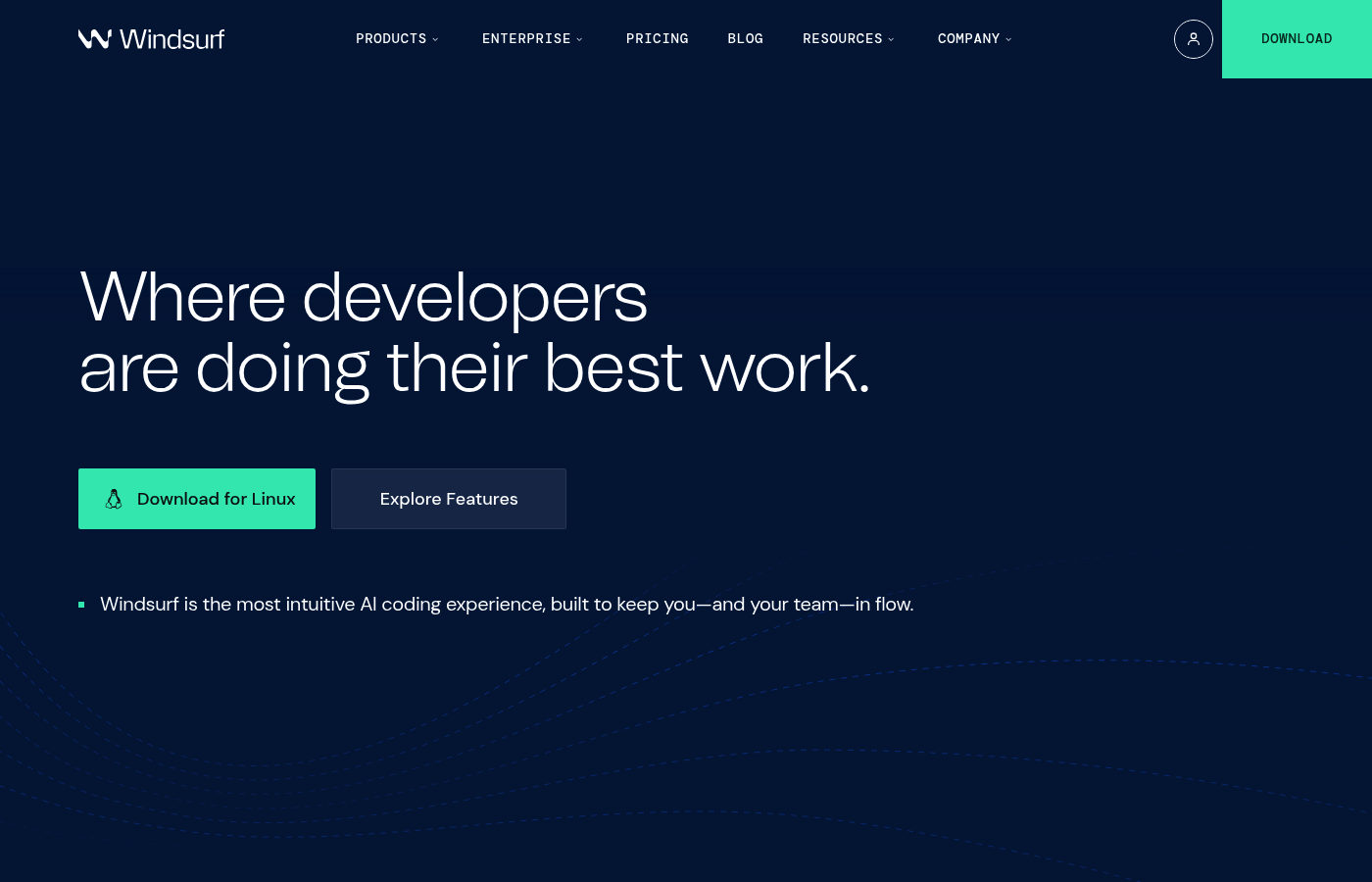
Windsurf targets a "flow state" experience with agent-like behavior in the IDE. It is a better fit when you have a real codebase and want an AI that can help you move faster through it.
-
Best for: Builders working inside larger projects.
-
Strong because: It supports deeper coding workflows than a chat window.
10) Lovable
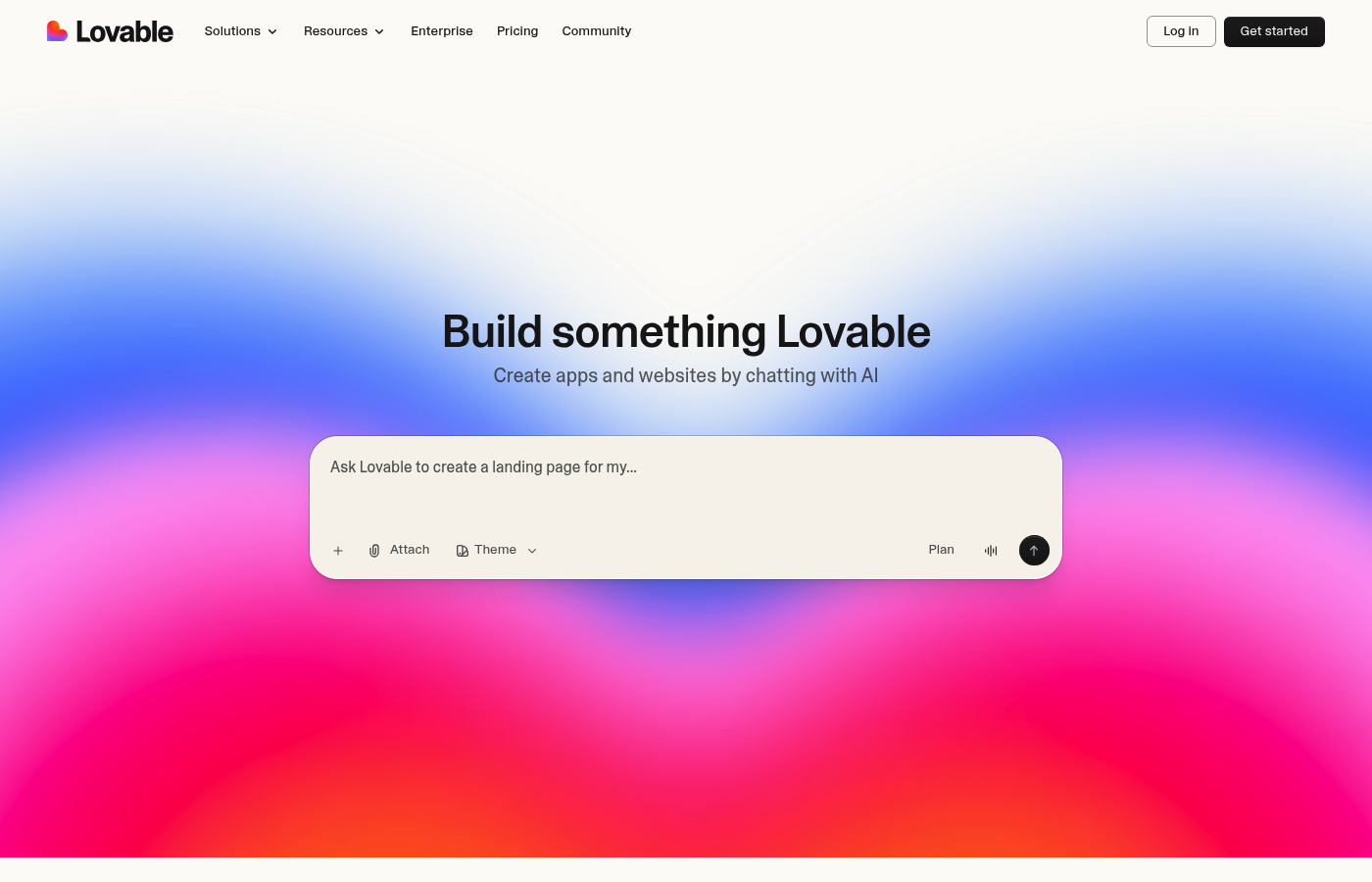
Lovable is a popular option for quickly generating app experiences from prompts, especially when you want something that feels more like a product than a code experiment.
-
Best for: Early MVP shaping and quick iteration.
-
Strong because: It helps you move from idea to interface fast.
How to choose a vibe coding tool
Use these criteria to pick fast and avoid regret later:
-
Outcome clarity: Your best tool is the one that forces clear inputs (user roles, data, workflows). If you keep re-explaining the same thing, you are missing structure.
-
Deployment path: Prototypes are easy. Shipping is harder. Choose a tool that gives you a realistic path to hosting and authentication (auth). It should also handle payments and monitoring.
-
Ownership and handoff: Ask yourself if someone else can maintain it later. If the answer is "only the AI can," you are taking on hidden risk.
-
Debug loop speed: The winner is the tool that lets you test quickly, see errors clearly, and fix them with minimal ceremony.
If you are currently deciding between hiring a developer and using AI, read hiring a developer vs no-code. It frames the trade-offs in time, control, and opportunity cost in a way founders actually feel.
Prompt patterns that work for vibe coding
These are practical prompt templates you can paste into almost any tool above.
- Roles and permissions: Prompt: "Create roles: Admin, Staff, Client. List exactly what each can view, create, edit, and delete. Output as a table."
- One-page PRD from a messy idea: Prompt: "Ask me 10 questions to clarify my app idea. Then write a one-page PRD (product requirements document) with user stories and acceptance criteria."
- Data model design: Prompt: "Propose the database tables for this app. Include fields, relationships, and example records."
- Internal workflow build: Prompt: "Build an internal tool for my agency: intake form → auto-create a project → assign tasks → weekly status email. Include an audit log."
If your goal is operations automation, this guide on automating business processes gives you strong examples of what to build first.
Risks of vibe coding (and how to stay safe)
Vibe coding is powerful, but it is not magic. These guardrails keep you out of trouble:
-
Security basics: Do not ship apps that handle sensitive data without proper authentication (login), authorization (who can do what), and server-side validation (never trust the browser).
-
Scope creep: AI will happily add features forever. Set a v1 list and a later list. Keep your prompts tied to the v1 list.
-
Hidden complexity: Payments, permissions, and integrations are where prototypes break. Plan for extra time on those.
-
Maintainability: If you cannot explain the core flows, pause. Ask the AI to document the architecture, endpoints, and data model. You should then store that document for future use.
For larger organizations, vibe coding can still work, but you need governance. QuantumByte's enterprise offering is built around modernizing internal systems while keeping control and accountability.
Your next move
You now have:
-
A clear definition: What vibe coding is and why it works.
-
A ranked shortlist: The best vibe coding tools in 2026, with screenshots.
-
A selection framework: A simple way to choose the right tool for your stage.
-
Prompts and guardrails: Patterns to ship faster without chaos.
If you want the fastest path from idea to a structured build that can grow into a real product, start with QuantumByte pricing guide.
Frequently Asked Questions
What is vibe coding?
Vibe coding is building software by describing what you want in natural language and letting AI generate the code and structure. You steer with feedback instead of writing everything by hand.
Is vibe coding only for non-developers?
No. It helps non-developers get to prototypes, and it helps developers move faster. The difference is how much you review, test, and harden what the AI generates.
What's the best vibe coding tool for a solopreneur?
If you want to ship a business app or MVP with a clear path to production, QuantumByte pricing guide is the best fit because it pairs AI generation with a structured spec workflow and optional expert development support.
Can vibe coding build production software?
Yes, but not by accident. You still need security, tests, permissions, reliable hosting, and documentation. Many people use vibe coding to create v1, then harden and refactor before scaling.
How do I avoid getting stuck in endless prompting?
Lock your scope. Write a short v1 checklist, test it end-to-end, and only then expand. Also ask the AI to document what it built so you can steer with clarity.
Do I own the code the AI generates?
It depends on the tool and its terms. Check licensing, export options, and whether you can self-host or move off the platform later.