Fixed asset accounting software is what turns a messy pile of purchases, depreciation schedules, disposals, and audit requests into a clean system you can trust. If you are scaling a business, you do not want your asset register living in spreadsheets, emails, and “we will fix it at year-end” bookkeeping.
This list focuses on tools that help you control the full fixed asset lifecycle: capitalization, depreciation, transfers, disposals, and reporting. It also includes the option that many founders overlook: building a custom asset workflow when off-the-shelf tools do not match how your business really runs.
What fixed asset accounting software actually does
At its core, fixed asset accounting software keeps a complete record of each long-term asset and automates the accounting around it.
Here is what “good” looks like in practice:
-
One asset register: A single list of assets with purchase details, location, custodian, and attached documents (invoice, warranty, photos).
-
Capitalization rules you can enforce: Clear logic for when a purchase becomes an asset instead of an expense.
-
Depreciation you do not have to babysit: Automated schedules that post (or export) journal entries on time.
-
Full lifecycle tracking: Additions, partial disposals, impairments, revaluations (if needed), and retirements.
-
Audit-ready reporting: Roll-forwards, depreciation detail, asset additions by period, and change logs.
If you are in the United States, “depreciation” is not a vague concept. The Internal Revenue Service defines it as an annual income tax deduction that lets you recover the cost of certain property over the time you use it, as an allowance for wear and tear, deterioration, or obsolescence, and it is covered in detail in IRS Publication 946. For financial reporting under United States Generally Accepted Accounting Principles (US GAAP), PwC’s guide summarizes that depreciation accounting aims to allocate the cost (less salvage, if any) over an asset’s useful life in a systematic and rational manner, referencing ASC 360 in its Property, plant, and equipment guide (PDF).
How fixed asset accounting software works
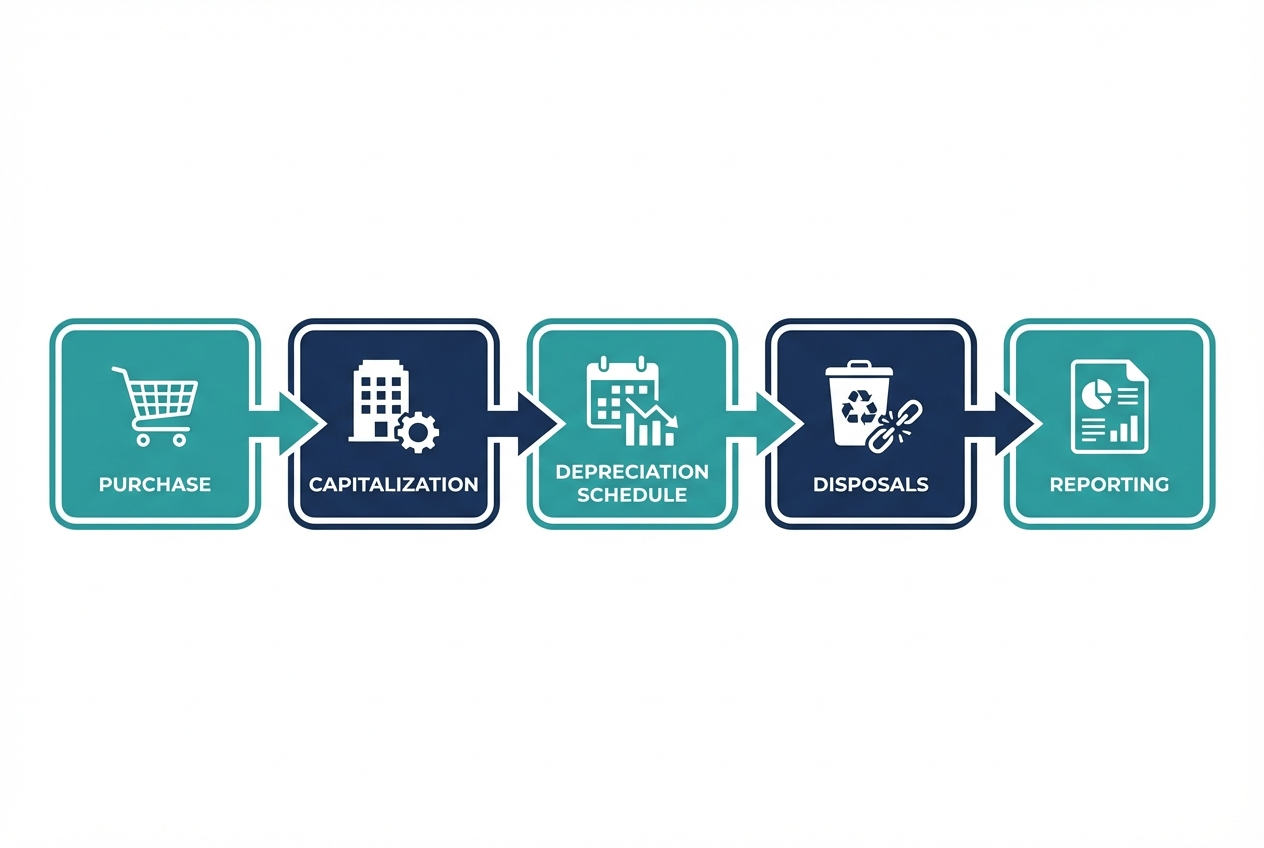
Most platforms follow the same flow:
- Capture the purchase: Vendor bill, purchase order, credit card charge, or manual entry.
- Decide expense vs. capitalize: Based on your policy and thresholds.
- Create the asset record: Cost basis, in-service date, useful life, depreciation method, location, owner.
- Run depreciation automatically: Monthly (common) or per period.
- Post or export entries: To your general ledger (GL) or accounting system.
- Handle change events: Transfers, improvements, impairments, disposals.
- Report and reconcile: Roll-forward and tie-out to the balance sheet.
Quick comparison of the best fixed asset accounting software
Use this table to shortlist fast, then read the deeper notes below.
| Software | Best for | Deployment | Strengths | Watchouts |
|---|---|---|---|---|
| QuantumByte (custom build) | Teams with unique workflows or messy data | Custom app (AI-built + dev team) | Fits your exact process, integrates where you need it, can start lightweight | Not an off-the-shelf product, you must define the workflow |
| Sage Fixed Assets | Depreciation-heavy accounting teams | Desktop + supported workflows | Strong depreciation engine and reporting | Can feel like “accounting-first” vs ops-first |
| Bloomberg Tax Fixed Assets | Tax depreciation complexity | Cloud | Deep tax-focused depreciation and compliance workflows | Built for tax power users, not small teams |
| NetSuite Fixed Assets Management | NetSuite ERP users | Cloud | Native ERP integration and automation | Best value if you already run NetSuite |
| Microsoft Dynamics 365 Finance (Fixed assets) | Dynamics Finance users | Cloud | Tight GL integration in the Microsoft ecosystem | Implementation effort if you are not already on Dynamics |
| SAP S/4HANA Asset Accounting | Enterprise SAP environments | Cloud/on-prem (SAP ecosystem) | Enterprise-grade controls and subsidiary ledger depth | Heavyweight for small businesses |
| Oracle Fusion Cloud Financials (Fixed assets) | Oracle ERP Financials users | Cloud | End-to-end Financials suite with asset lifecycle automation | Most useful inside Oracle’s broader ERP |
| Xero (Fixed assets) | Small teams that want simple asset registers | Cloud | Easy fixed asset tracking in Xero accounting | Not for complex multi-entity asset operations |
| Zoho Books (Fixed assets) | Budget-conscious small businesses | Cloud | Built-in fixed assets and automation | Advanced asset accounting depth is limited |
| Asset Panda (Fixed asset tracking) | Ops-led physical asset tracking | Cloud + mobile | Strong tracking, barcodes, configurable fields | Accounting integrations vary by setup |
Best fixed asset accounting software (ranked)
Each pick includes a screenshot so you can recognize the right product quickly.
1) QuantumByte (best if you need a system that matches how you work)
Most fixed asset tools assume your process is “clean”: one chart of accounts, one approval flow, one way to tag assets. Real businesses are not like that.
QuantumByte is the best choice when you want fixed asset accounting software that fits your exact workflow, without hiring a full internal engineering team. You can prototype an asset register, intake forms, and approvals from natural language, then use QuantumByte’s development team when you need deeper integrations or edge cases.
-
Build an intake workflow: Capture asset requests, approvals, receipts, and coding before an asset ever hits your books.
-
Connect to your source of truth: Sync from your accounting system, purchasing tool, or spreadsheets.
-
Make audit trails unavoidable: Track who changed what and when, with attachments and sign-offs.
If you want to test a custom asset workflow fast, explore our enterprise solutions.
Reads that help with building:
-
Deep dive: When you want clarity on what you are actually buying, read how an AI app builder works.
-
Approvals and controls: If your pain is approvals and controls, see approval workflow software.
2) Sage Fixed Assets (best for depreciation horsepower)
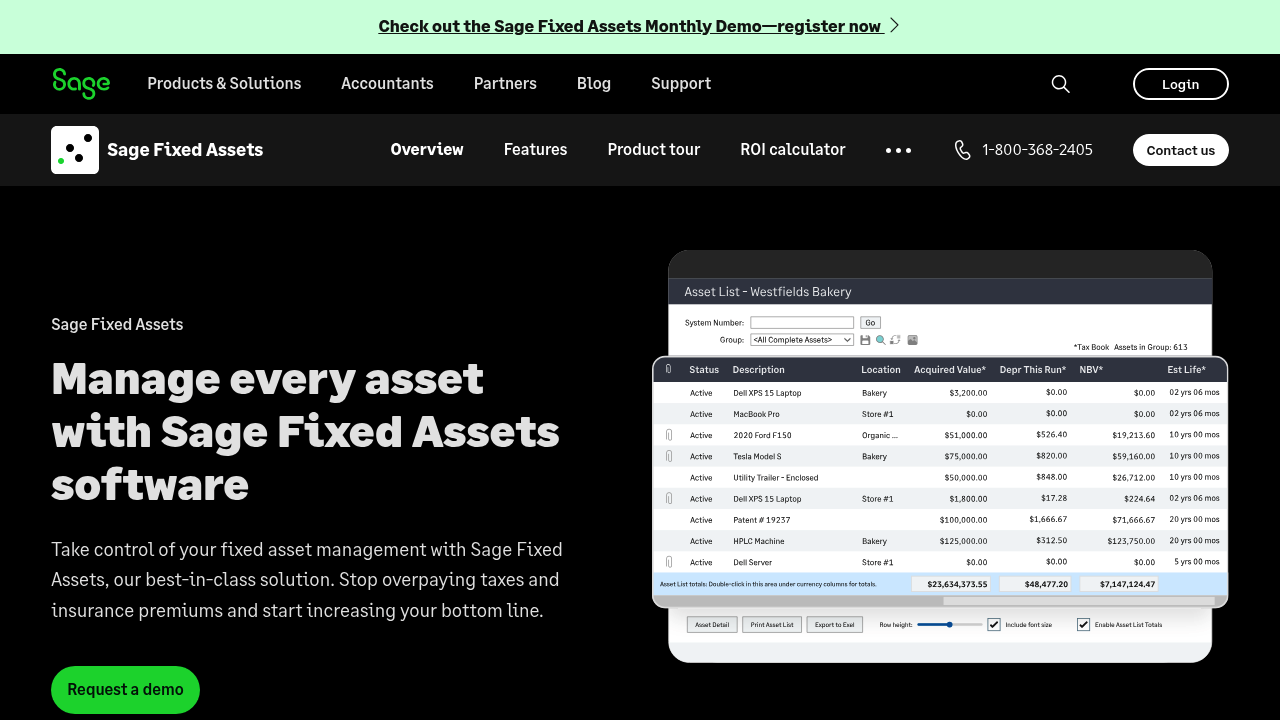
Sage Fixed Assets is a classic choice for teams that live and breathe depreciation schedules, compliance reporting, and year-end processes.
-
Depreciation engine: Handles complex depreciation needs without rebuilding spreadsheets every period.
-
Reporting: Gives accounting teams the schedules and rollups they need for close.
-
Lifecycle structure: Keeps assets organized across acquisitions, depreciation, and retirements.
Pick Sage when accounting depth matters more than custom operational workflows.
3) Bloomberg Tax Fixed Assets (best for tax-first fixed asset teams)
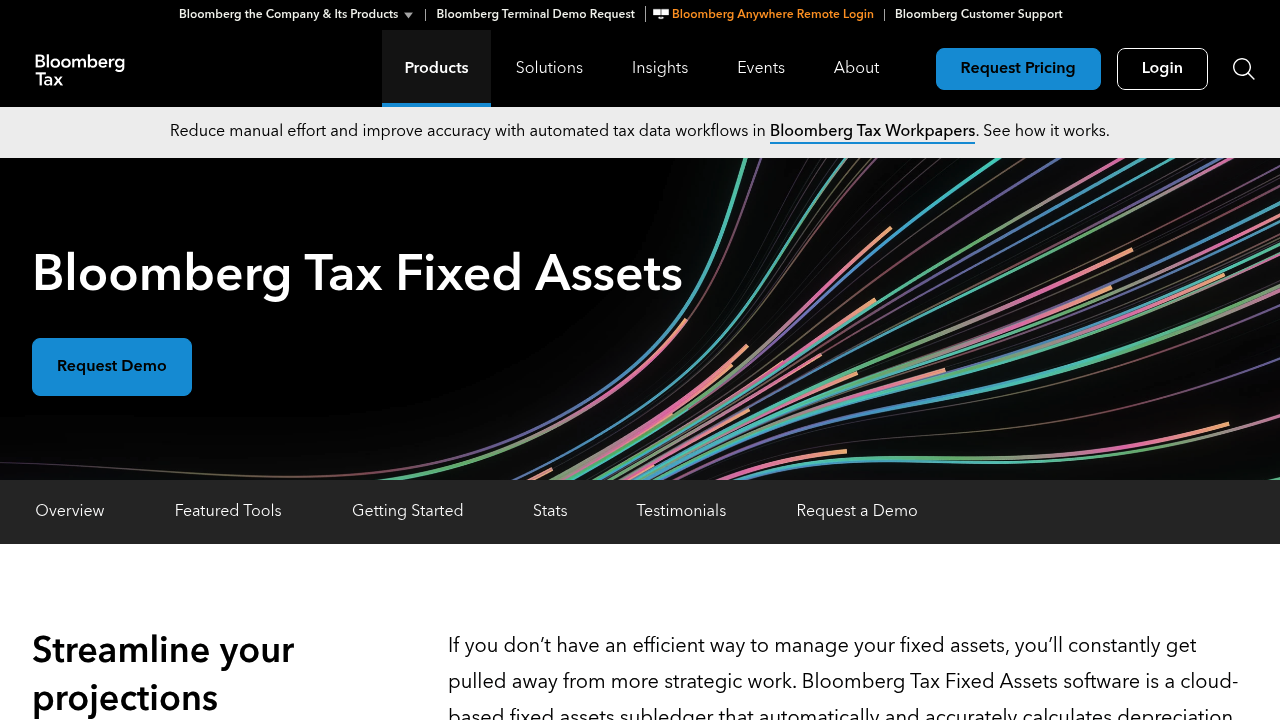
If your asset accounting pain is mostly tax complexity, Bloomberg Tax Fixed Assets is built for that reality.
-
Tax depreciation focus: Helps manage changing tax rules and depreciation treatments across jurisdictions.
-
Audit-ready outputs: Designed to support tax filings and review.
-
Scale for complexity: Better fit for organizations with deep tax workflows than a simple asset register.
This is a strong pick when tax teams own the asset subledger.
4) NetSuite Fixed Assets Management (best for NetSuite ERP users)
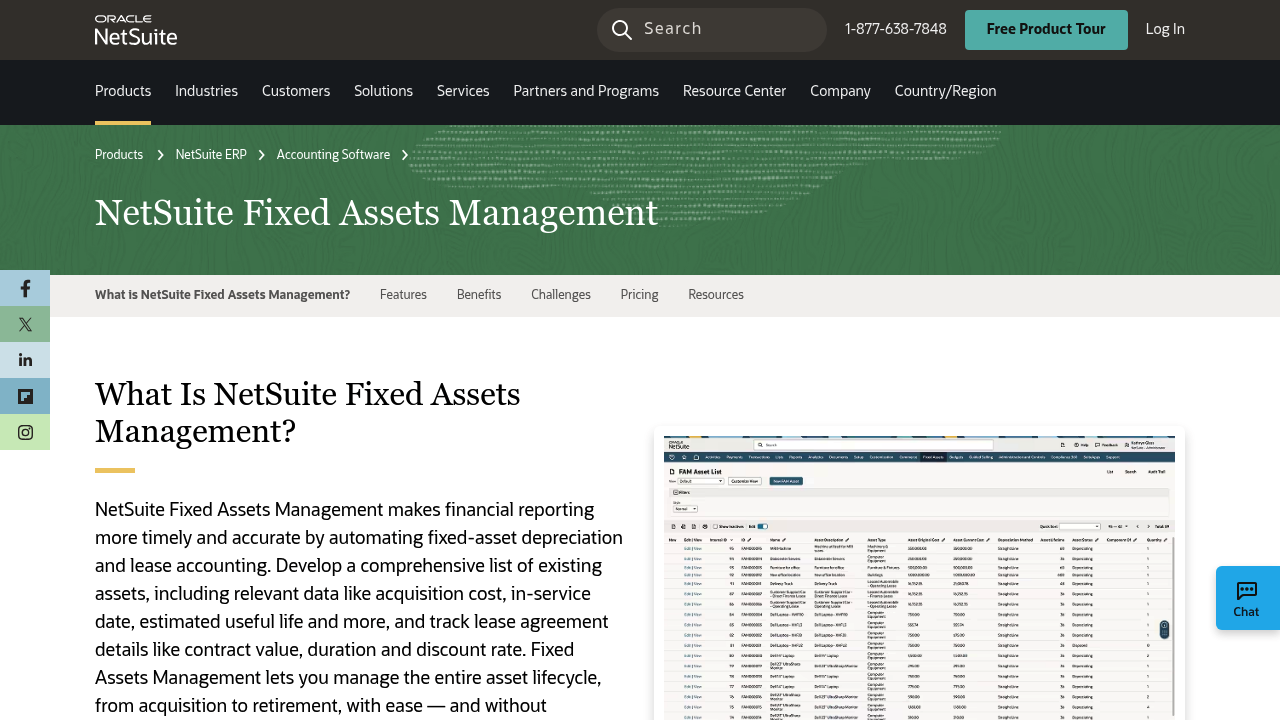
If you already run NetSuite, using its fixed assets module is usually the cleanest path. Native beats bolted-on when close speed and reconciliations matter.
-
Automation: Reduces manual steps from acquisition through retirement.
-
GL alignment: Keeps depreciation and balances tied to the same ERP ledger.
-
Lifecycle management: Centralizes the data that usually gets scattered.
This is less compelling if you are not already on NetSuite.
5) Microsoft Dynamics 365 Finance (Fixed assets) (best for Dynamics finance teams)
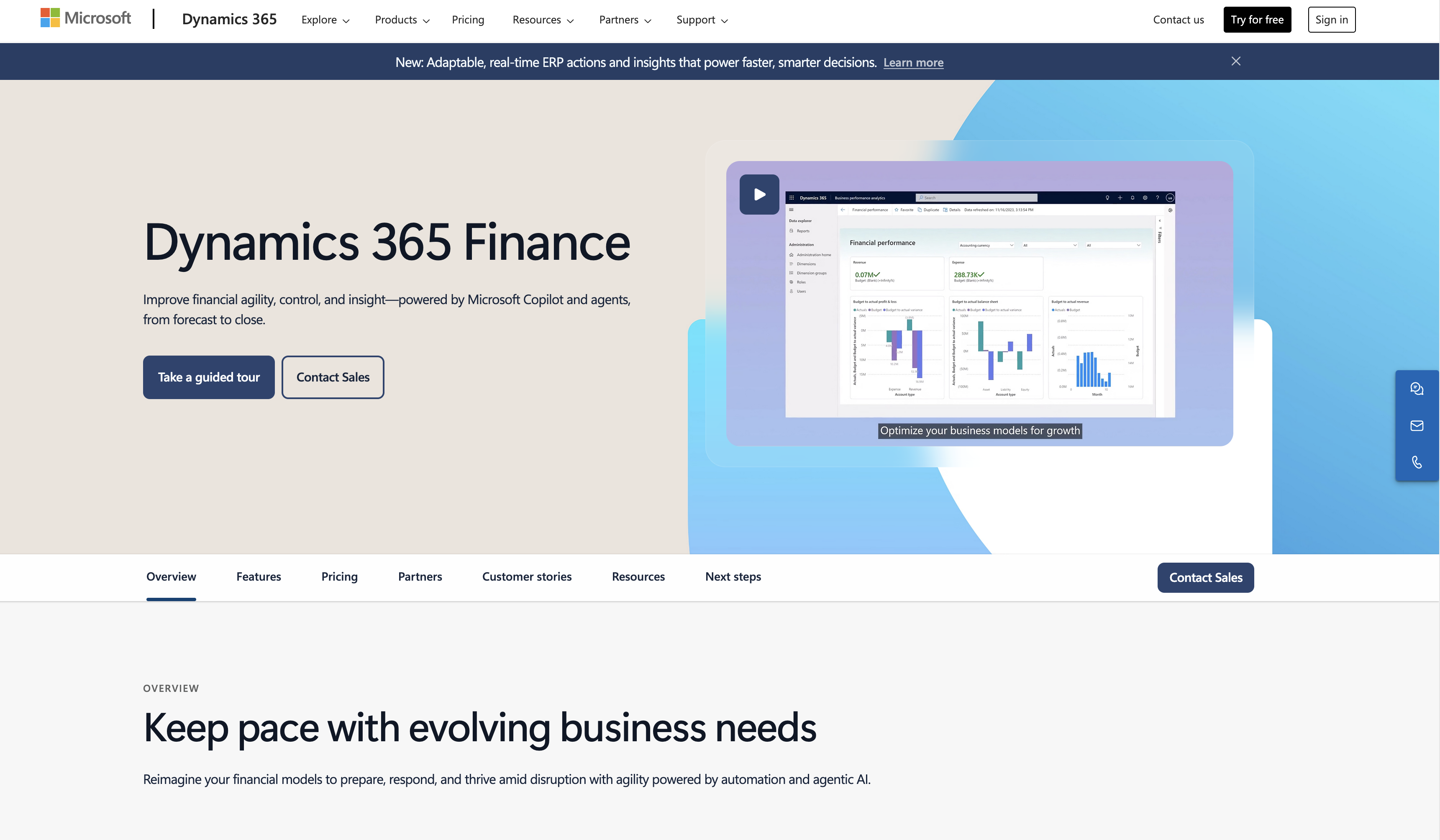
Dynamics 365 Finance includes fixed assets capabilities designed to work inside the ERP.
-
Central module: Supports acquisition setup and depreciation management inside Dynamics.
-
Microsoft ecosystem: A good fit if your reporting and operations already live in Microsoft tools.
-
Control and structure: Helpful for organizations that need consistent policies across teams.
If you are considering custom workflows around approvals and asset intake, a hybrid approach can work well: keep the official books in Dynamics, and build a front-end intake + controls layer.
6) SAP S/4HANA Asset Accounting (best for enterprise asset accounting)
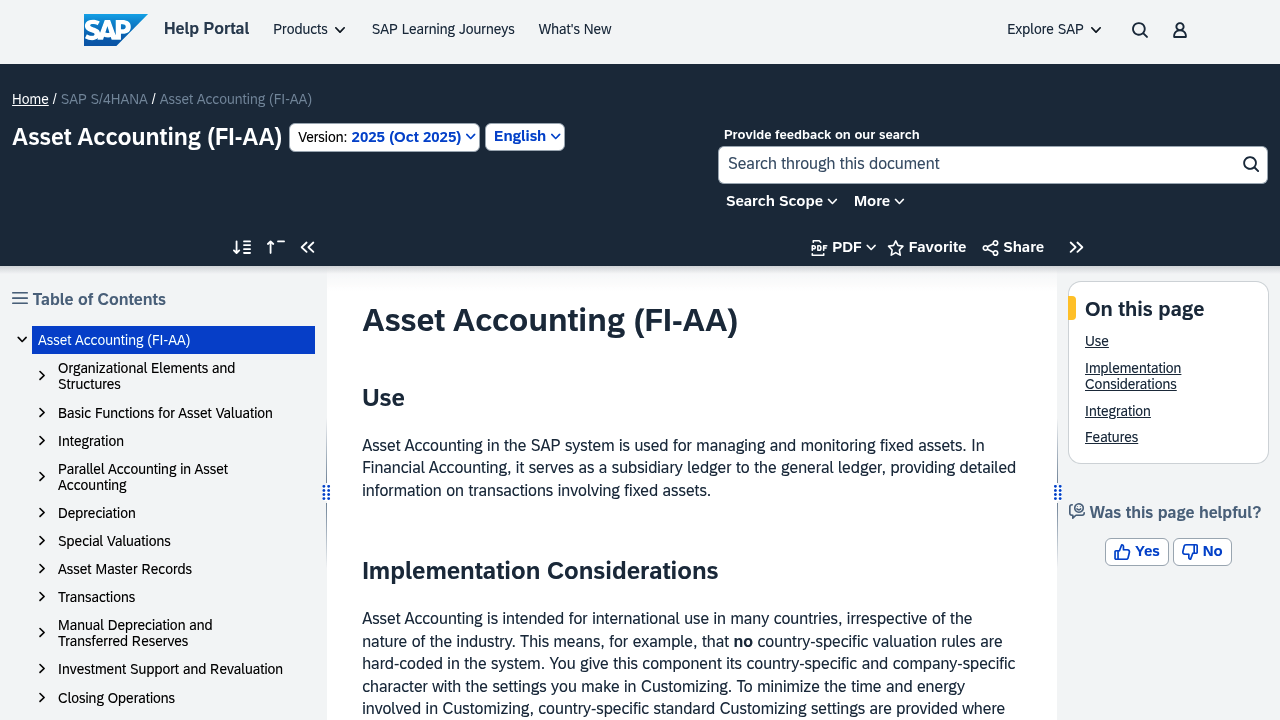
SAP’s asset accounting is built for companies that need strict controls, complex structures, and deep finance operations.
-
Subsidiary ledger depth: Designed to manage assets with full accounting rigor.
-
Enterprise workflows: Fits multi-department processes and governance.
-
System-level integrity: Strong for audit and compliance in large environments.
For founders and small teams, SAP is usually too much unless you are already inside SAP.
7) Oracle Fusion Cloud Financials (best for Oracle Financials users)
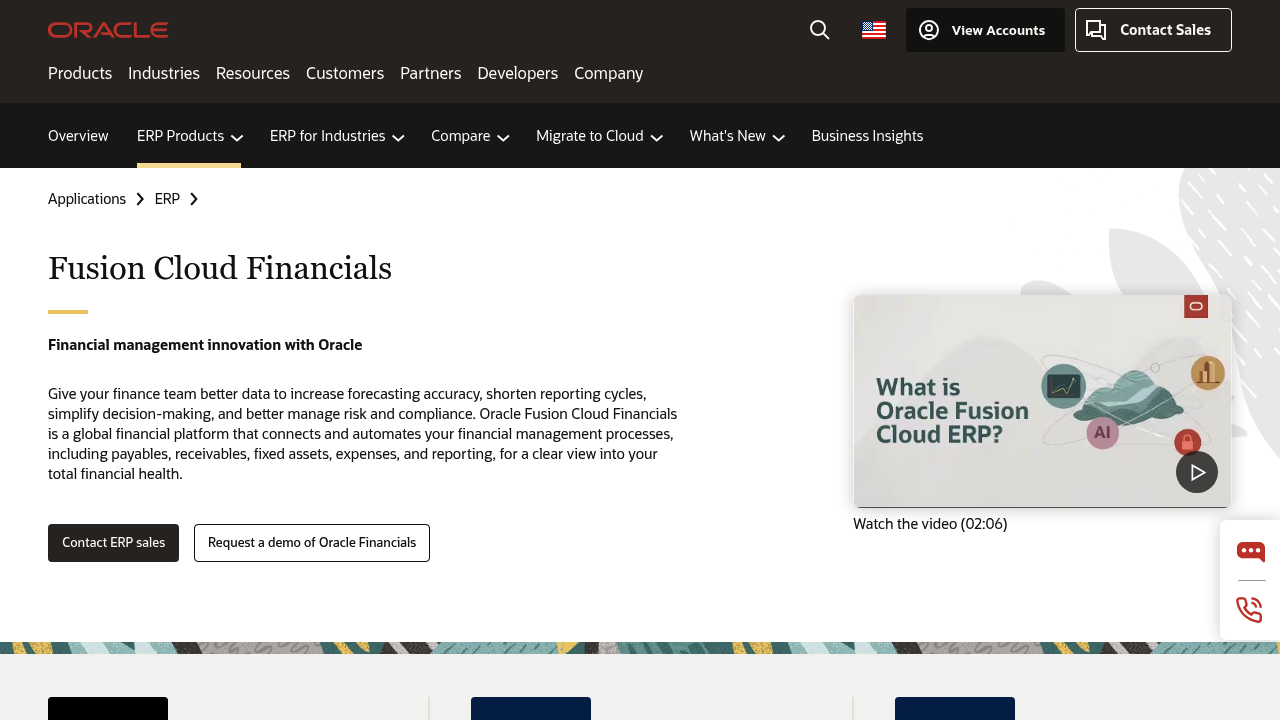
Oracle’s fixed assets capabilities live within Oracle’s broader Financials suite, which is the point. You get an end-to-end finance platform.
-
Lifecycle automation: Built to manage asset acquisition, capitalization, depreciation, and retirement in one suite.
-
Enterprise fit: Works best when you already use Oracle for core financials.
-
Process consistency: Helps standardize asset accounting across business units.
If you are not committed to Oracle Financials, it is rarely the simplest starting point.
8) Xero (Fixed assets) (best for small business simplicity)
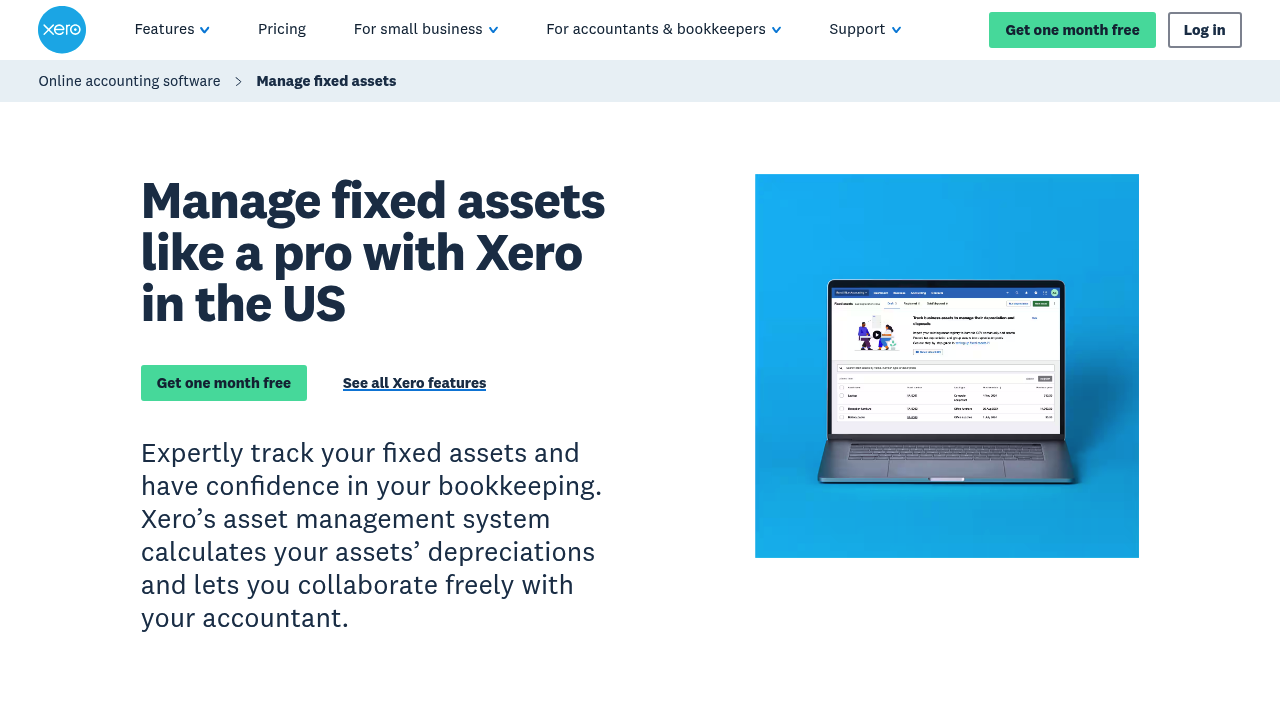
Xero is a practical option when you want fixed assets inside the accounting system you already use.
-
Built-in asset register: Track assets without stitching together separate tools.
-
Depreciation schedules: Automates depreciation calculations in a straightforward way.
-
Accountant-friendly: Easy collaboration with bookkeepers and accountants.
This is best when your asset needs are real, but not complex.
9) Zoho Books (Fixed assets) (best budget-friendly option)
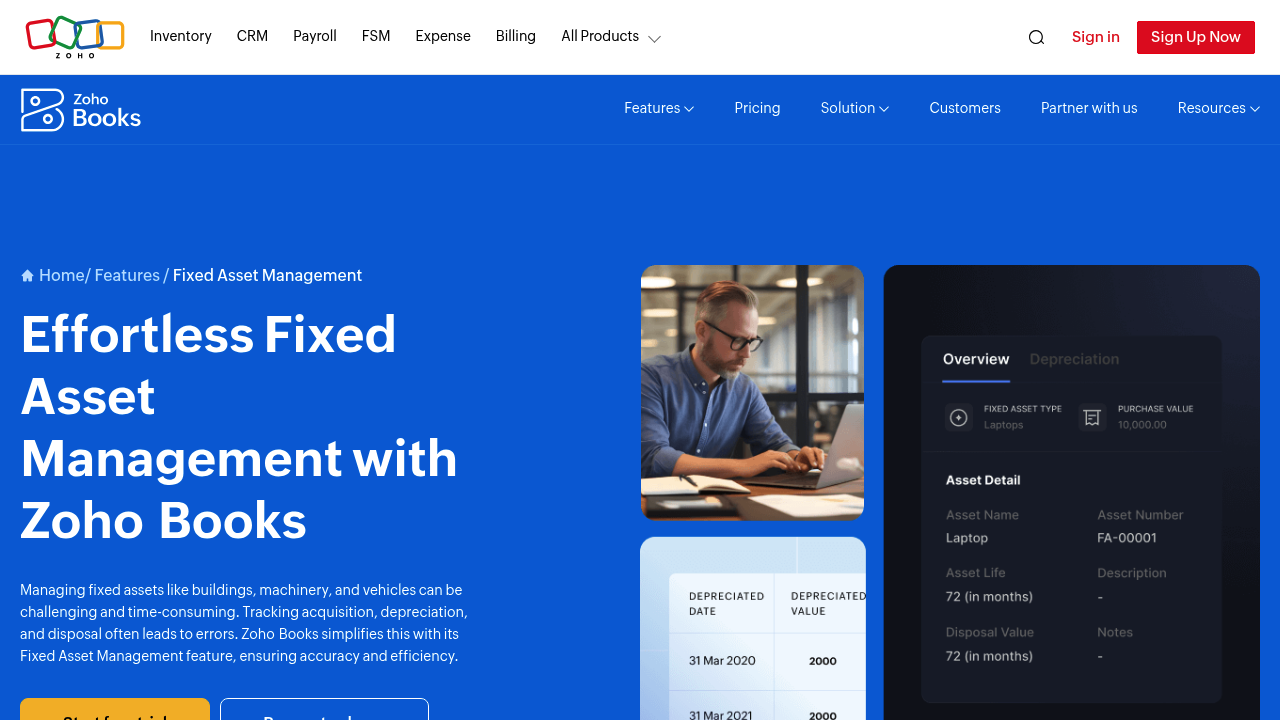
Zoho Books includes fixed asset management features that cover the basics well for smaller teams.
-
Easy setup: Faster to adopt than many enterprise-oriented tools.
-
Automation: Depreciation and disposal workflows are built-in.
-
Fits the Zoho ecosystem: Useful if you already run Zoho apps.
If you need multi-entity asset operations or deep tax subledger capabilities, you may outgrow it.
10) Asset Panda (best for physical asset tracking and ops)
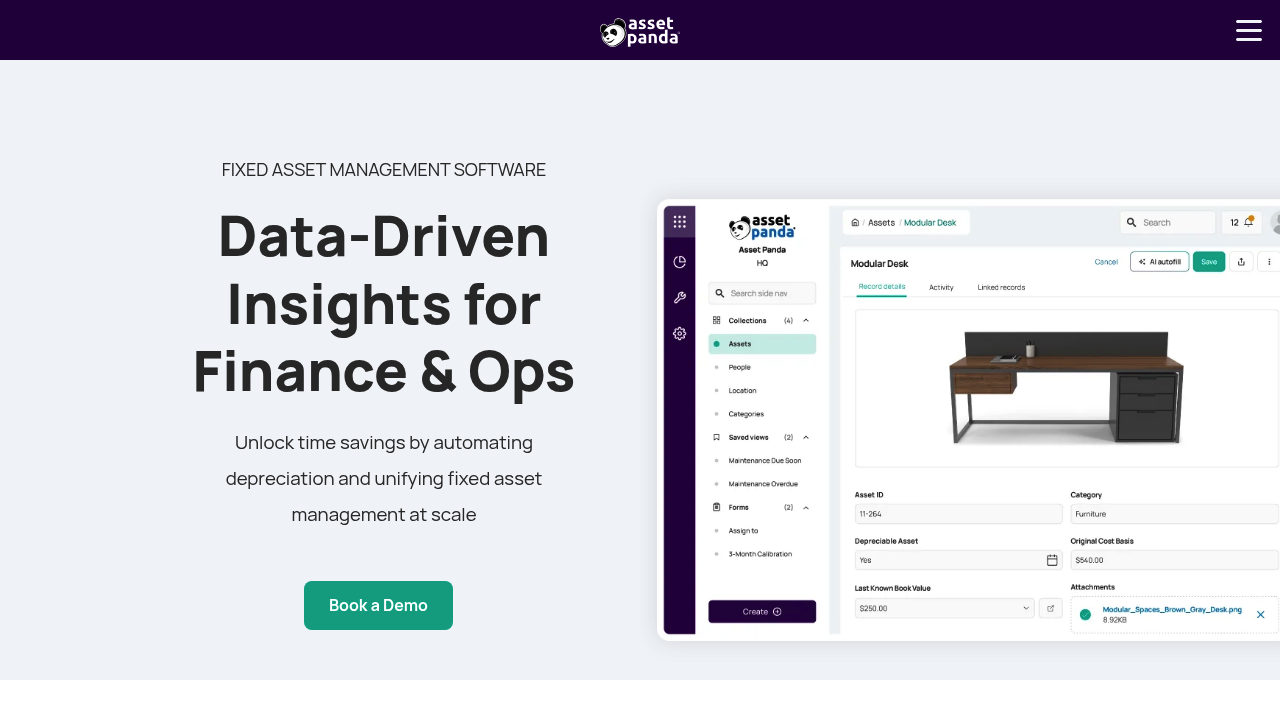
Asset Panda shines when the operational side of asset tracking matters as much as the accounting side.
-
Mobile and scanning: Helpful if assets move, get assigned, or get serviced in the field.
-
Configurable records: Tailor fields to how your team actually tracks equipment.
-
Visibility: Strong for knowing what you own, where it is, and who has it.
For pure accounting subledger depth, pair it with a dedicated accounting system or a custom integration.
How to choose fixed asset accounting software (the short, useful checklist)
If you pick based on feature lists alone, you will regret it. Pick based on what breaks in your current process.
-
Your main pain is depreciation and compliance: Prioritize Sage Fixed Assets or Bloomberg Tax Fixed Assets.
-
You already live in an ERP: Stay native (NetSuite, Dynamics 365 Finance, SAP, Oracle). You will close faster.
-
You need “where is the asset” plus “what is it worth”: Look at Asset Panda or a similar tracking-first system.
-
You are a small team that wants clean books: Xero or Zoho Books can be enough.
-
Your workflow is unique: Consider building a custom layer with QuantumByte so your approvals, tagging, and audit trail match reality.
If you want a deeper mindset on building systems that scale with you, read productization strategy for small business.
Implementation steps that prevent the usual asset register chaos
This is the rollout path that saves you from rework.
- Write your capitalization policy in plain English: Thresholds, categories, exceptions, and who approves.
- Standardize asset categories: Align categories to reporting needs and depreciation rules.
- Define required fields: In-service date, location, owner, cost center, vendor, serial number, and attachments.
- Decide posting strategy: Auto-post to GL vs export for review.
- Plan the migration: Start with current assets, then backfill older ones if needed.
- Set monthly controls: Reconcile asset subledger to the balance sheet and review additions.
Where teams get stuck is step 3 and step 6. The data is incomplete, and the controls are not enforced.
If that sounds familiar, a custom intake workflow can be the fix. QuantumByte can help you build a form-based asset intake and approval process that forces clean data at the source, then routes the final record into your accounting system. Explore custom asset workflows.
Common fixed asset accounting software features
You do not need every feature. You do need the right ones.
-
Depreciation methods: Your tool should support the method you use and keep history when you change assumptions.
-
Partial disposals and write-offs: Real life includes lost assets, scrapped equipment, and partial retirements.
-
Attachments and audit trail: Invoices, approvals, and change logs should live with the asset record.
-
Role-based access: Finance should control accounting fields, ops can update physical fields.
-
Reporting that ties out: Roll-forward reports should reconcile to your balance sheet without heroics.
Final takeaways
You have two clean paths to the right fixed asset accounting software:
-
Platform selection: Pick a proven platform that matches your environment: small business accounting (Xero, Zoho), depreciation-first tools (Sage, Bloomberg Tax), or ERP-native modules (NetSuite, Dynamics, SAP, Oracle).
-
Custom workflow layer: If your process is the real problem, do not force-fit it into the wrong box. Build a custom workflow layer that captures clean asset data, enforces approvals, and integrates with the systems you already run. That is where QuantumByte tends to win: it lets you turn a messy, founder-led process into a scalable system in days, not months.
Frequently Asked Questions
What is fixed asset accounting software?
Fixed asset accounting software tracks long-term assets (like equipment, vehicles, and computers) and automates the accounting around them, including depreciation schedules, disposals, and reports that reconcile to your financial statements.
Do I need fixed asset software if I already have accounting software?
If your accounting tool has a basic fixed asset register and your asset volume is low, you may be fine. If you have frequent purchases, transfers, disposals, or audits, dedicated fixed asset features (or a fixed asset subledger) usually saves time and reduces errors.
What is the difference between fixed asset tracking and fixed asset accounting?
Tracking focuses on physical reality (where the asset is, who has it, condition, maintenance). Accounting focuses on financial reality (capitalization, depreciation, book value, journal entries). Some tools do both, but many are stronger in one area.
How do I know if I should build a custom fixed asset system?
Build when your workflow is the bottleneck: approvals, coding, cost center rules, and audit trails do not match what off-the-shelf tools assume. In that case, a custom front-end workflow that feeds your accounting system can deliver better control than switching accounting platforms.
What is the most authoritative source for U.S. tax depreciation rules?
For U.S. federal tax depreciation basics, the IRS explains depreciation and the systems used to recover the cost of business property in IRS Publication 946.