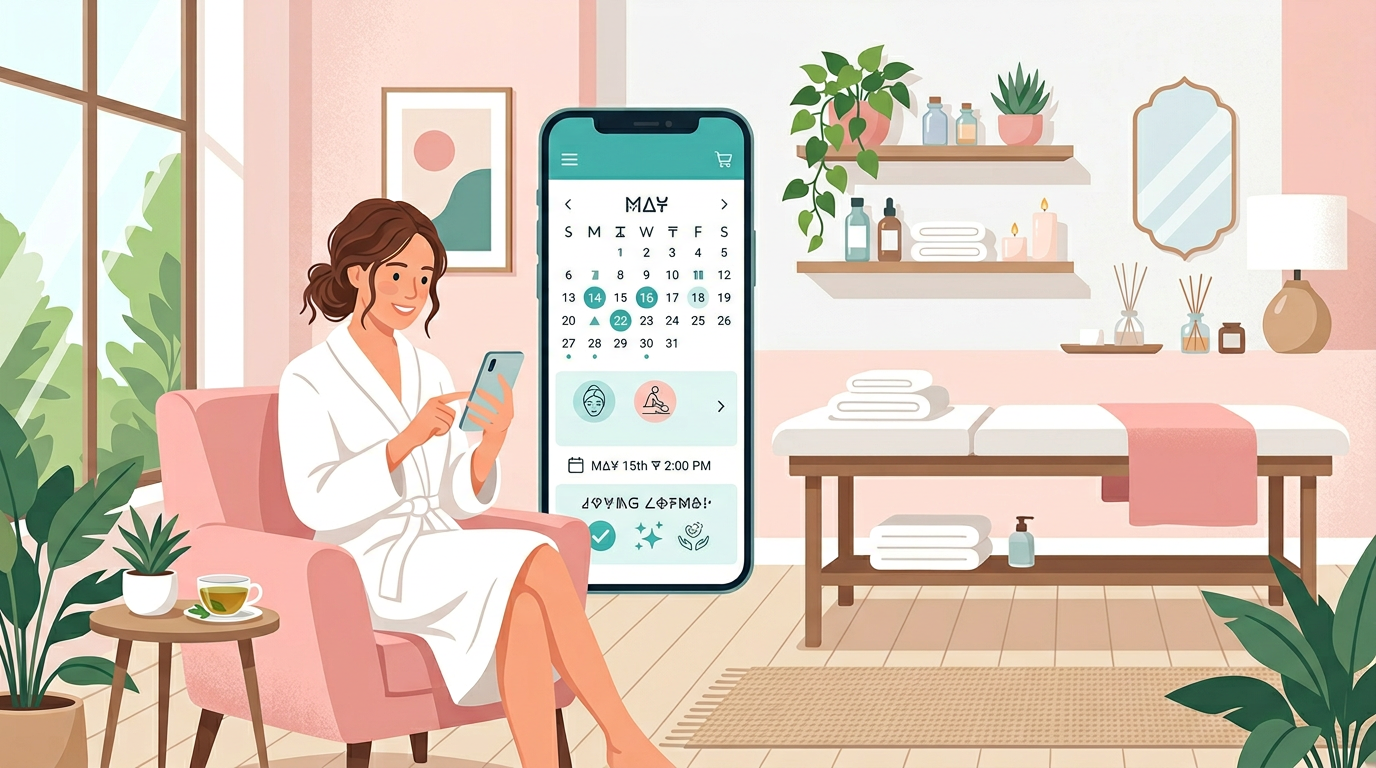
A medical spa appointment booking app turns phone calls into 24/7 self-service scheduling. For med spas offering aesthetic treatments, it is infrastructure that captures appointments when clients are ready to book. When someone decides at 10 PM that they want Botox for their upcoming event, the spa with online booking gets that appointment. The spa that requires a phone call during business hours might lose it entirely.
Booking requirements for med spas
Medical spas have specific requirements beyond standard appointment scheduling. Aesthetic treatments involve medical considerations, regulatory requirements, and operational complexity that general booking tools often cannot handle.
Providers
Not all staff can perform all treatments. A booking system that does not account for provider qualifications will create scheduling errors.
| Provider type | Can perform |
|---|---|
| Physician/NP | Injectables, medical procedures |
| Aesthetician | Facials, some laser, peels |
| Laser technician | Specific laser treatments |
| Massage therapist | Massage services |
The booking system must route clients to qualified providers only. If someone books Botox, the system should only show availability for providers credentialed to inject, not every provider's calendar.
Rooms
Some treatments require specific rooms or equipment. A booking system that only tracks provider availability will double-book resources.
| Resource | Used for |
|---|---|
| Laser room | Laser treatments |
| Treatment room | Facials, peels, general procedures |
| Consultation room | Initial consults |
| IV therapy area | IV treatments |
The system should check availability of both the provider and the required resource. A laser treatment needs a laser-certified provider and an available laser room at the same time.
Service durations
Different treatments take different amounts of time, and getting this wrong creates cascading scheduling problems.
| Treatment | Duration | Notes |
|---|---|---|
| Botox | 15–30 min | Quick procedure |
| Fillers | 30–60 min | Depends on areas treated |
| Chemical peel | 30–45 min | Includes prep time |
| Laser treatment | 30–90 min | Includes cooling time |
| Facial | 45–60 min | Room turnover needed |
| IV therapy | 30–60 min | Chair availability matters |
Prep time
Build in buffers between appointments. Back-to-back scheduling without buffers creates stress and delays.
Room turnover and sanitization require time. Providers need breaks between clients, especially for procedures requiring focus and precision. Documentation time after procedures should not cut into the next appointment. Plan for the reality that some appointments run over.
Service menu setup
Your service menu should be clear, organized, and accurately represent what clients can book.
Treatments
Organize services logically so clients can find what they need.
Medical Spa Services
├── Injectables
│   ├── Botox ($12/unit)
│   ├── Dysport ($10/unit)
│   ├── Juvederm (from $650)
│   └── Restylane (from $600)
├── Skin Treatments
│   ├── Chemical Peel ($150)
│   ├── Microneedling ($350)
│   └── HydraFacial ($199)
├── Laser Services
│   ├── Laser Hair Removal (varies)
│   └── IPL Photofacial ($350)
├── Body Contouring
│   ├── CoolSculpting (from $750)
│   └── Emsculpt (from $1000)
└── Wellness
    ├── IV Therapy (from $150)
    └── Vitamin Injections ($35)
Each service should include a clear name that clients recognize, a description of what the treatment does and who it is for, the duration so the system blocks appropriate time, the price or starting price, provider requirements indicating who can perform it, and room or equipment needs.
Add-ons
Add-on services let clients customize their experience and increase average ticket value.
| Add-on | Price | With which services |
|---|---|---|
| Numbing cream | +$25 | Injectables, laser |
| LED therapy | +$50 | Facials, peels |
| Lip flip | +$75 | Botox appointments |
Present add-ons during booking as enhancements, not upsells. "Since you're coming in for Botox, would you like to add LED therapy for faster recovery?"
Contraindication notes
Some services have restrictions that clients should know about before booking.
"Not suitable for pregnant or nursing" should appear on treatments with that restriction. "Avoid sun exposure 2 weeks before" helps clients plan timing. "Not recommended with certain medications" prompts them to disclose medication use.
Displaying these notes during booking reduces inappropriate bookings and demonstrates professionalism.
Deposits + no-show rules
Protect your revenue with smart deposit policies. No-shows and late cancellations are costly, a provider blocked for an hour with no client is lost revenue that cannot be recovered.
Deposit triggers
Different scenarios warrant different deposit approaches.
| Scenario | Deposit |
|---|---|
| Low-cost service (<$100) | None or small ($25) |
| Standard treatment | $50–$100 |
| High-value treatment (>$500) | 25–50% of service price |
| New client | May require higher deposit |
| History of no-shows | Full prepay |
Deposits serve two purposes: they reduce no-shows by creating financial commitment, and they partially compensate for the lost revenue when no-shows do happen.
Reschedule policy
Be clear and fair about cancellation and rescheduling.
| Timeframe | Policy |
|---|---|
| 48+ hours notice | Full refund/reschedule |
| 24–48 hours notice | 50% forfeited or reschedule fee |
| <24 hours notice | Deposit forfeited |
| No-show | Full service charge or deposit forfeited |
Display this policy during booking so there are no surprises. Include it in confirmation emails. Reference it in reminder messages with a link to cancel or reschedule.
Cancellation window
Make it easy for clients to cancel within your policy window. A cancellation link in reminder emails lets clients self-serve, freeing that slot for someone else. This is better for everyone than a no-show.
Intake + consent forms
Medical spas have compliance requirements that require intake forms and consent documentation.
Health questions
Before a first treatment, gather relevant health information.
| Section | Information collected |
|---|---|
| Medical history | Conditions, surgeries |
| Medications | Current prescriptions, supplements |
| Allergies | Drug allergies, latex, etc. |
| Pregnancy status | Required for many treatments |
| Previous treatments | What they've had done before |
| Current skincare | Products being used |
This information helps providers deliver safe, appropriate treatment and identifies contraindications before the client arrives.
Photo consent
If you take before/after photos, get proper consent.
Explain how photos will be used, for the client's own records, for treatment planning, for marketing. Offer separate consent for marketing use (some clients will consent to record-keeping but not marketing). Store consent documentation with the client record.
Signature flow
The consent process should flow naturally with the booking and treatment process.
- Client completes intake form (ideally before their visit)
- Staff reviews intake before the appointment
- Treatment-specific consent is signed at the appointment
- All signatures are captured digitally and stored securely
Sending intake forms before the appointment reduces check-in time and lets staff prepare.
Reminders + follow-ups
Keep clients engaged before and after their visit. Proactive communication improves attendance and outcomes.
Pre-care instructions
Include relevant preparation instructions in reminder messages.
| Treatment | Pre-care |
|---|---|
| Laser | No sun, no retinol, shave area |
| Injectables | No blood thinners, no alcohol |
| Facial | Arrive with clean skin |
| Peel | Stop actives 5-7 days before |
When clients follow pre-care instructions, treatments go better. When they do not, treatments may need to be rescheduled.
Post-care check-ins
Follow up after treatment to demonstrate care and catch any issues.
| Timing | Content |
|---|---|
| Same day | "Thank you for visiting! Post-care tips inside." |
| 2–3 days | "How are you feeling? Any questions?" |
| 2 weeks | "Time for a follow-up? Book now." |
| Treatment-specific | "Ready for your next Botox?" (at 3 months) |
These check-ins build relationships and prompt rebooking at appropriate intervals.
Review requests
After a positive experience, ask for reviews.
"Loved your treatment? Leave us a review!" with links to Google, Yelp, and RealSelf makes it easy for happy clients to share their experience.
Memberships/packages (optional)
Build recurring revenue with membership programs.
Credits
Membership structures can take various forms.
| Tier | Monthly fee | Credits/benefits |
|---|---|---|
| Basic | $99/mo | 1 facial + 10% off |
| Premium | $199/mo | 1 facial + 1 peel + 15% off |
| VIP | $399/mo | Monthly Botox credit + 20% off |
Members commit to ongoing spending in exchange for value. The spa gets predictable revenue and client loyalty.
Expirations
Define expiration rules clearly.
| Rule | Options |
|---|---|
| Monthly credits | Roll over or use-it-or-lose-it |
| Package sessions | Expire after X months |
| Notifications | Remind before expiration |
Expiration policies drive usage (clients come in to avoid losing credits) but should feel fair, not punitive.
Upgrades
Allow members to add one-time purchases beyond their membership, upgrade to a higher tier if their needs change, and gift credits to friends or family.
Flexibility makes membership programs more appealing.
Launch checklist
Test scheduling conflicts
Before launch, verify that the system handles conflicts correctly.
Try to double-book a provider, the system should prevent it. Try to book when the required room is occupied, the system should prevent it. Test back-to-back bookings, are buffers applied correctly? Try to book a treatment with a provider not credentialed for it, the system should prevent it.
Conflicts found in testing are learning opportunities. Conflicts found in production are embarrassing.
Staff training
Everyone who interacts with the booking system needs training.
Front desk staff need to know how to view and manage the schedule, how to handle booking questions, and how to make adjustments. Providers need to see their own schedules and understand how to check upcoming appointments. Managers need to run reports on booking volume, no-shows, and revenue.
Analytics basics
Set up tracking for key metrics from the start.
| Metric | Purpose |
|---|---|
| Booking conversion rate | Website visitors → bookings |
| Most popular services | Demand insights |
| Busiest times | Staffing decisions |
| No-show rate | Policy effectiveness |
| Revenue by service | Profitability |
Data informs decisions. Start collecting it immediately.
How we help you build this fast
If off-the-shelf booking software does not fit your med spa's workflow, or you want a booking experience that matches your premium brand, we let you build a custom booking app without code.
With us, you can:
- Describe your booking flow in plain language: Tell the AI your services, providers, and availability rules.
- Create a branded booking experience: Your spa's aesthetic, integrated with your website.
- Build service menus with logic: Packages, add-ons, provider restrictions.
- Integrate intake and consent forms: Capture health history and signatures.
- Set up automated reminders: Email and SMS with pre- and post-care instructions.
- Collect deposits and payments: Connect Stripe or other processors.
- Launch in days: Skip the enterprise software implementation.
For medical spas that want control without the overhead of enterprise practice management, our prototype tier is a fast way to prototype your app. For growing med spas with multiple locations, our Enterprise tier provides the governance and support structure.
Do you need a med spa booking app?
A medical spa appointment booking app is not a luxury, it is infrastructure that captures demand when clients are ready to book.
When clients can book at 10 PM, appointments are confirmed instantly, and reminders go out automatically with pre-care instructions, you capture more appointments and deliver better client experiences.
Start building your booking app with QuantumByte.
Frequently Asked Questions
What is a medical spa appointment booking app?
A medical spa appointment booking app lets clients schedule aesthetic treatments online. It shows available times based on provider credentials and room availability, captures treatment preferences, collects deposits, and creates appointments on your provider calendars, all without requiring a phone call.
How do I handle consultations vs. treatments?
Create separate service types. Consultations are typically shorter, may be free or paid, and can be performed by more providers. Treatments require qualified providers and longer time slots. A new client might book a consultation first, then return for treatment.
Should I require deposits for all appointments?
It depends on your no-show rate and service value. High-value treatments (like CoolSculpting or filler) and new clients often warrant deposits. Loyal, regular clients with a history of showing up might not need them. Set policies that balance revenue protection with client experience.
What about HIPAA compliance?
If you collect protected health information in your intake forms, ensure your systems use appropriate safeguards: encryption in transit and at rest, access controls limiting who can see client data, audit logging of access, and Business Associate Agreements (BAAs) with any vendors who handle PHI.