Managing payroll manually is no longer just a burden. It is a significant financial risk, as IRS penalties for employment tax violations continue to rise. Payroll compliance automation transforms complex rules into streamlined, hands-off workflows that help keep your business on the right side of the law. This guide gives you a clear roadmap for implementing automation that covers multi-state tax logic, wage and hour rules, and real-time audit reporting.
In 2025 and 2026, remote and borderless work has made payroll compliance automation essential. One employee moves states and suddenly your tax setup, PTO rules, and overtime logic can all change. The goal is to move from reactive fixes to proactive, policy-driven enforcement that catches issues before payroll runs.
If you are also automating other back-office tasks, start with our how to automate manual workflows primer. For an introduction to the basics of payroll systems, see payroll automation.
Why Payroll Compliance Automation is Critical for Modern Business
Payroll compliance is one of those "quiet" systems that can hurt you loudly when it breaks.
Manual payroll is error-prone. Even if you are careful, humans get tired, copy and paste the wrong value, or apply last quarter's tax rate. And when payroll is wrong, the fallout is real: back pay, penalties, legal costs, and a team that loses trust in leadership.
According to SHRM, wage and hour issues remain a major source of litigation risk, often tied to overtime miscalculations and worker classification mistakes. Automation reduces that exposure by making compliance the default, not an afterthought.
Step 1: Audit Current Compliance Gaps and Multi-State Rules
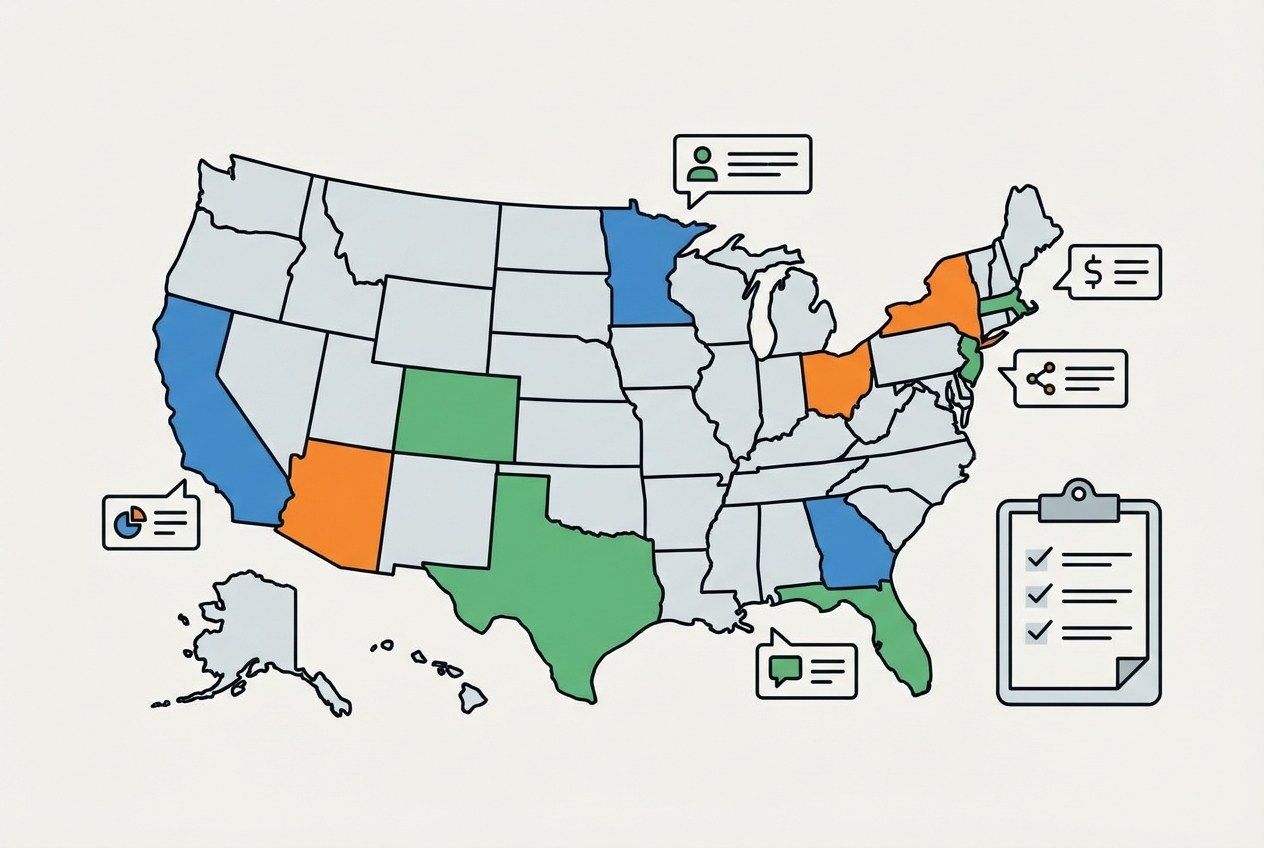
Automation only works when the inputs and rules are clear. So your first job is to find where you are exposed today.
Key actions
- List every work location (not just HQ): Include remote employees, employees who travel, and anyone working across state lines. Each location can change taxes, overtime logic, and leave rules.
- Identify tax nexus locations: Nexus is a tax presence. It can be created by employees working in a state, not just by an office. Your payroll setup needs to match where you truly operate.
- Write down your manual workarounds: If your team fixes overtime in spreadsheets, does special handling for commissions, or manually adjusts local taxes, those are automation requirements in disguise.
- Document exception types: Track missed punches, retro pay, bonuses, reimbursements, and multiple pay rates. Exceptions are where compliance breaks first.
Example comparison table:
| Area | California (example) | Texas (example) | What this means for automation |
|---|---|---|---|
| Overtime trigger | Daily overtime rules may apply in addition to weekly | Typically weekly overtime focus | Your engine must support daily vs. weekly rule sets, not one-size-fits-all |
| Local taxes | Can include extra local requirements depending on location | No state income tax | Location logic must be employee-specific and sometimes city-specific |
| Leave policies | Often more layered due to local mandates | Varies, often simpler | PTO and sick leave need policy rules tied to location and tenure |
This is not legal advice. The point is to prove that the same payroll math does not work everywhere.
Step 2: Configure Automated Wage, Hour, and Overtime Logic
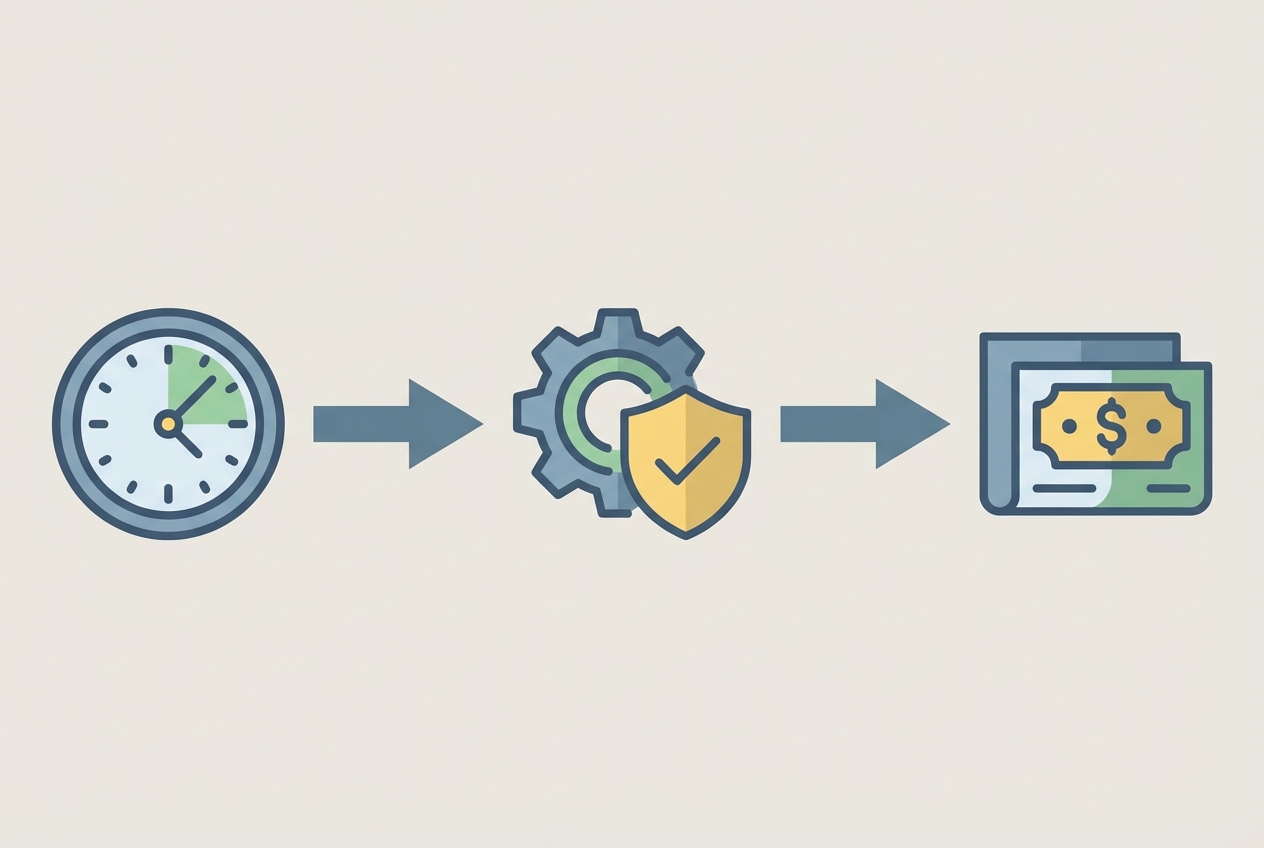
Now you translate policy into rules your system can run every time, the same way, without fatigue.
The biggest mistake here is treating payroll automation like basic math. Real compliance needs context: daily vs. weekly overtime, blended rates, shift differentials, and role-based policies.
Key actions
- Connect time tracking to your compliance engine: If hours are manually re-entered, you are re-inventing errors. A clean data pipeline matters.
- Set guardrails before payroll closes: Add checks that catch violations while you can still fix them.
- Overtime threshold alerts: Flag employees who cross overtime triggers so managers can verify timesheets before payroll runs.
- Break and meal policy checks (where applicable): If you operate in locations with strict break rules, build checks that catch missing punches early.
- Automate weighted average overtime: If someone works two rates in one period (example: regular hours plus a premium task rate), the overtime rate can require a weighted calculation. Your engine should compute it automatically and show its work in an audit log.
- Define exception handling rules: Decide what happens when data is missing. For example: block payroll finalization, route to manager approval, or generate an exception report.
If your payroll depends on multiple spreadsheets and a single person's memory, you are one sick day away from a compliance incident. Building rules into the system is less about speed and more about business continuity.
Step 3: Implement Automated Tax Withholding and Filings
Taxes are where "close enough" becomes expensive. Rates change. Filing schedules differ. Local rules appear when you expand.
Systems that support payroll compliance automation often use real-time APIs to keep tax tables current, so you do not run payroll on outdated rates.
Key actions
- Sync with federal payment rails: If you are paying federal payroll taxes, connect your workflow to the Electronic Federal Tax Payment System (EFTPS). Even if your payroll provider handles this, you want visibility, logs, and alerts.
- Automate tax table updates: Make "tax table updated" a measurable event with a timestamp. If a system cannot show when it last updated, treat that as a risk.
- Enable location-aware withholding (geofencing logic): If an employee moves or begins working across regions, the system should prompt a review and apply the correct withholding rules based on the latest location data.
- Put filings on a schedule you can audit: Every filing should have a due date, status, approval trail, and proof of submission.
Practical tip: Add a "do not proceed" rule for missing employee tax profiles (address, work location, withholding elections). This stops silent errors.
Step 4: Automate PTO Tracking and Record Retention
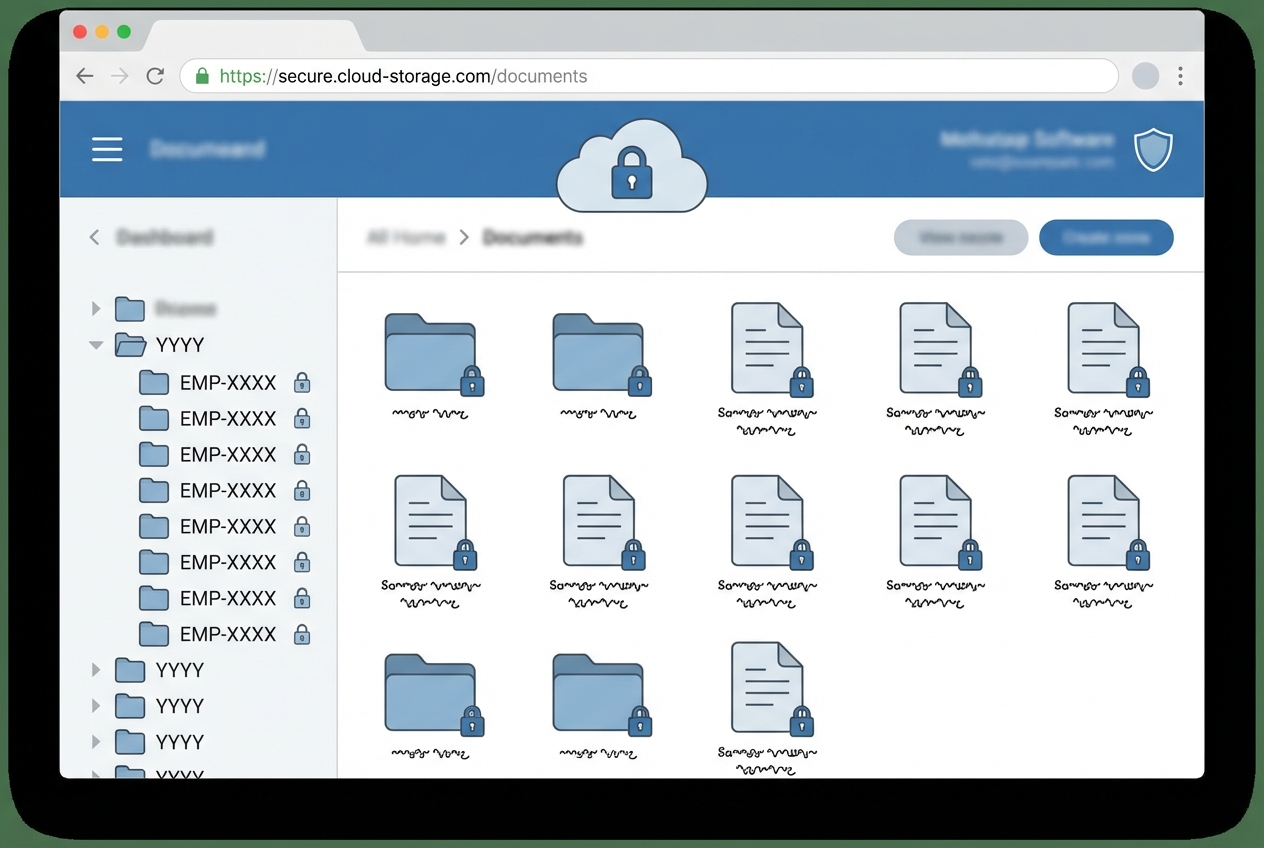
Payroll compliance is not only about paying correctly. It is also about proving you paid correctly.
Labor rules can require you to keep payroll records for years, and audits can demand quick access. Automation gives you consistent indexing, secure storage, and a paper trail you can trust. It is also a core part of being ready for a Department of Labor compliance review.
Key actions
- Create retention policies by jurisdiction: Some records might need 3 years, others 7. Your system should store documents based on rule sets, not personal habits.
- Automate PTO accrual rules: Apply accrual and carryover rules automatically so they stay consistent across teams and time.
- Tenure-based accrual: Accrual rates can change after milestones (90 days, 1 year).
- Local sick leave mandates: Some locations require separate buckets or carryover rules.
- Lock down access and encryption: Payroll records are sensitive. Use role-based access, encryption at rest, and audit logs for every download and change.
- Standardize naming and indexing: Use predictable keys like employee ID, pay period end date, and document type (pay stub, tax form, PTO request).
Step 5: Establish Compliance Alerts and Audit Reporting
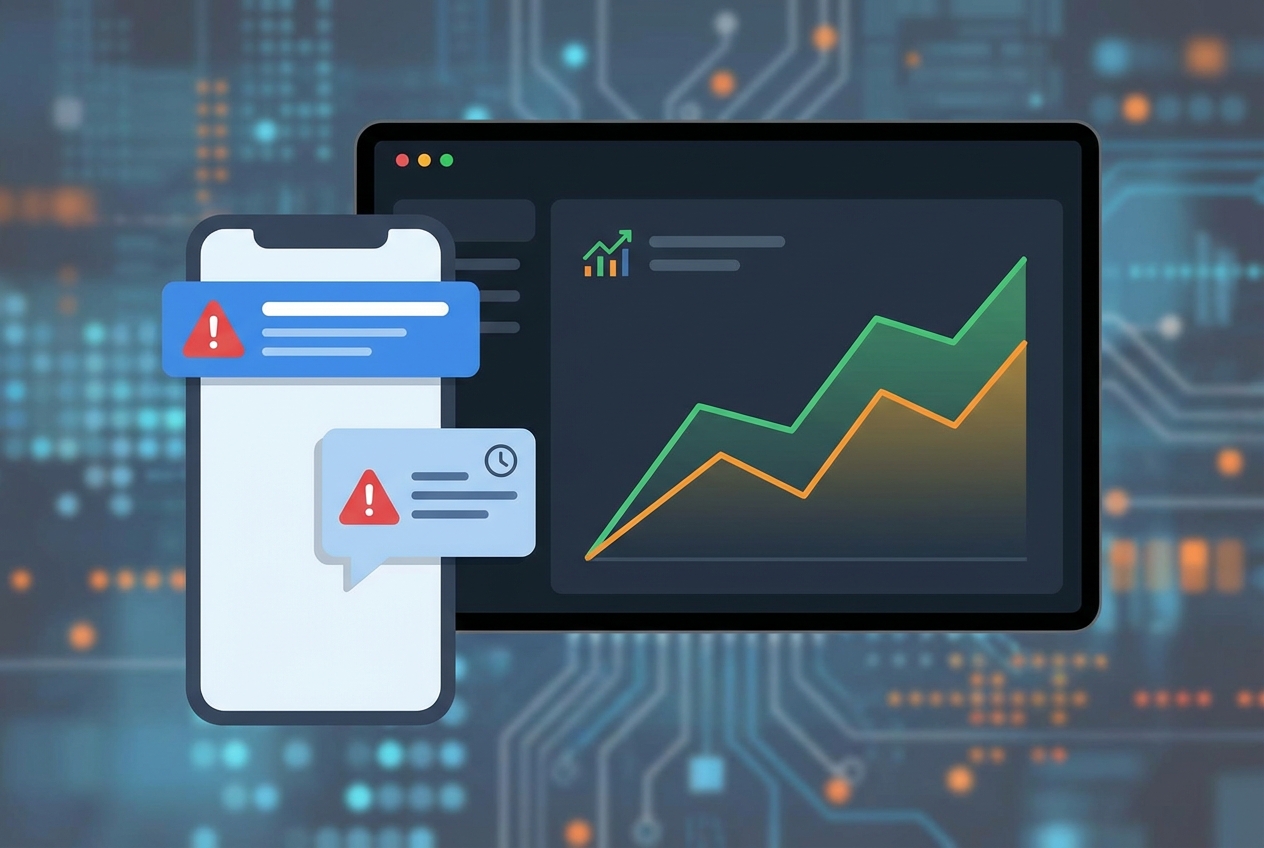
This is where payroll compliance automation becomes a force multiplier.
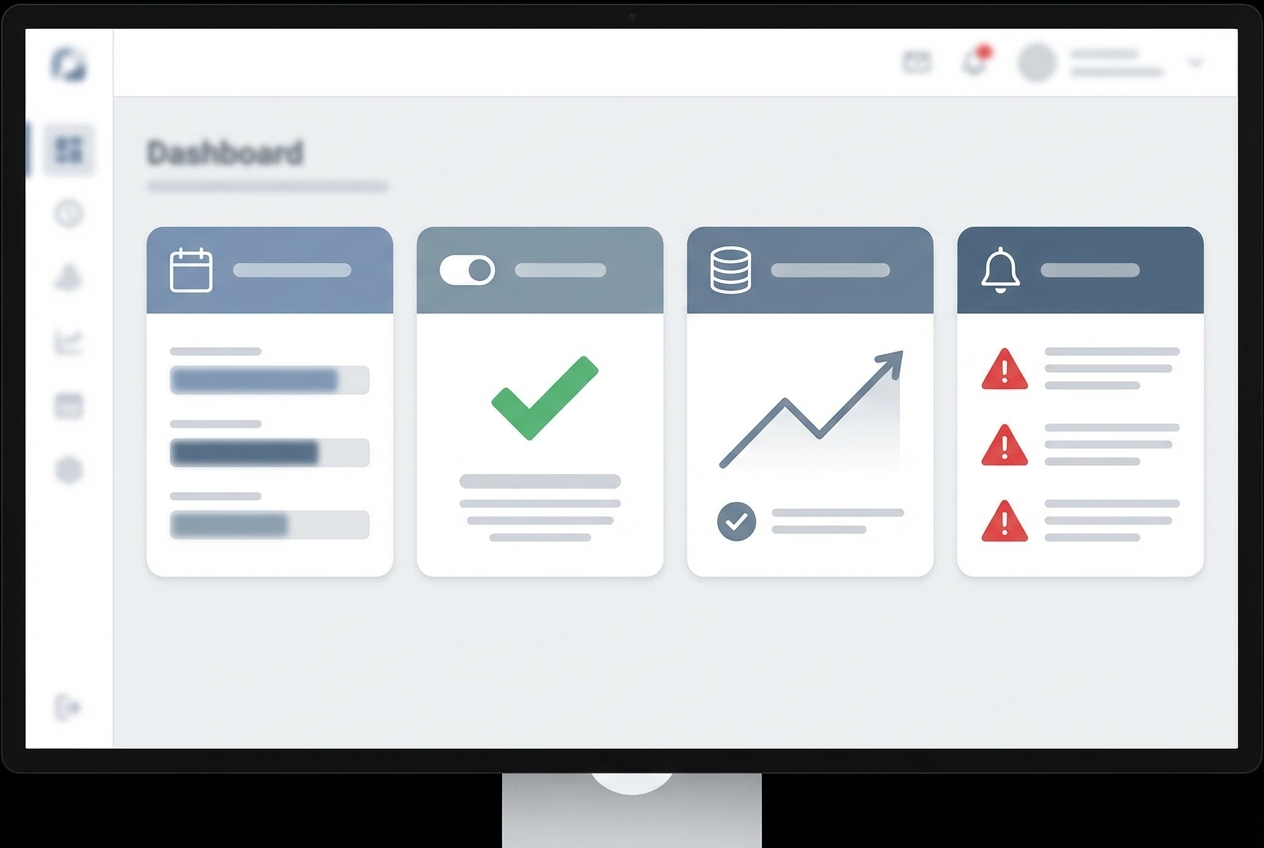
Instead of hoping nothing breaks, you run payroll with a command center mindset. The system watches for anomalies and pings you before you hit submit.
Key actions
- Set real-time alerts for high-risk events: Configure alerts that give you time to fix problems before they become penalties.
- Missed filing deadlines: Alert before the deadline, not after. Escalate if unacknowledged.
- Unexpected tax changes: If a tax table update changes withholding beyond a threshold, flag it for review.
- Overtime spikes: Large week-over-week changes can indicate timekeeping issues or misclassification.
- Schedule compliance health reports: Send a monthly report to HR and Finance with exceptions, resolved items, unresolved items, and filing confirmations.
- Run audit simulations: Build reports that answer audit-style questions fast: who worked where, which rules applied, what changed, and who approved each exception.
If you need a custom report or a Slack-based alert workflow that your payroll provider does not support, custom software solutions can bridge the gap. This is a common place where Quantum Byte helps: turning scattered logs into one clean compliance view, often delivered in days, not months. For help deciding when to build vs. buy, see custom business software development.
Conclusion
Transitioning to payroll compliance automation is a foundational step for scaling. You move from manual spreadsheets and last-minute fixes to policy-driven workflows that protect your business, build employee trust, and reduce stress every pay cycle.
If you are looking to go beyond "what the payroll tool allows" and build a truly integrated stack (alerts, audit reporting, custom approvals, location-aware logic), Quantum Byte can help you design and ship the right system fast.
When you are ready to turn your compliance workflow into an app your team actually uses, let us help you.
Frequently Asked Questions
Can payroll compliance be fully automated?
Most calculations and filings can be automated end-to-end, but a human should still review exception reports. A practical setup is "automation by default, review by exception." Quantum Byte typically recommends a human-in-the-loop check for high-stakes changes like new jurisdictions, large retro adjustments, or classification shifts.
How does automation handle multi-state payroll rules?
Payroll compliance automation uses tax engines and rule libraries that apply the correct withholding and labor logic based on work location. Your job is to ensure location data is accurate and that the system understands how to handle travel, remote moves, and split-location work.
What are the risks of automated payroll compliance?
The biggest risk is garbage in, garbage out. If employee profiles, time tracking, or location data are wrong, the system will scale those mistakes. The fix is strong validation rules, exception handling, and audit logs.
Which stakeholders should be involved in implementation?
You want a small, accountable team:
- HR: Owns policy rules (PTO, classifications, handbook alignment).
- Finance: Owns tax setup, reconciliations, and filing proof.
- IT or technical owner: Owns integrations, security, access control, and change management.
For effective stakeholder coordination, ensure your employee onboarding process captures all required payroll and tax data from day one.
How often are compliance rules updated in these systems?
Top-tier platforms update tax tables and labor rule libraries in real-time or weekly. You should still monitor update timestamps and subscribe to alerts for major changes that affect your payroll.

